




Twenty-two color cartridge families, 578 listings, one architecture: every OKI color machine on this page runs four toner cartridges over four separate image drums. This page reads our shelf family by family, decodes the panel messages in OKI’s own documented words — including the acknowledgement procedure OKI prints for its non-genuine-consumable warning — and states the limit of our shelf just as plainly: we sell the toner for these machines, and we do not sell their color drums.
OKI no longer sells printers in the Americas. Its own press release of September 1, 2020 announced that OKI Data Americas would stop distributing printer hardware in North, Central and South America effective March 31, 2021, while consumables, parts and warranty service continue. So nobody reading this page is choosing a new OKI; everybody reading it is feeding one they already own. That shapes what an honest page owes you: exact cartridge numbers for machines that may be fifteen years old, the manufacturer’s messages explained without embroidery, and no suggestion that a part we do not stock is a click away.
Start with what our own catalog says, because it sets the ceiling for every claim below. We read all 926 Okidata listings in our store. The word “chip” appears in 282 of them, and every single appearance is the same sentence in a list of new parts — “…all new parts including OPC drums, wiper blades, a smart chip and other internal parts…” The word “firmware” appears in zero of them. No listing claims a newly fitted chip, none offers a chip-transfer procedure, none discusses an update. So this page makes no chip claim for any family: not that a cartridge carries the newest chip, not that it will be recognized, not that an update is safe or dangerous. Where a family section’s header reports the parts-list sentence, that sentence is all there is.
OKI’s own position, where its manuals state one, is not gentle, and this page does not soften it. OKI’s manual text for these machines warns that the machine “has been designed to operate only with genuine original toner cartridges. Any other toner cartridge may not operate at all, even if it is described as ‘compatible’”, and that “Use of non-genuine products may invalidate your warranty” (wording captured from reproductions of OKI’s B411 and C531/MC363 manuals; see the disclosure). What OKI documents alongside that warning is a working system of messages and one recorded acknowledgement — decoded below in its own words, exactly as printed, with nothing added and nothing taken away.
And the drum limit, once more, because it decides real purchases: the four image drums in these machines are separate OKI parts with their own messages and their own end-of-life stop, and our store stocks none of them in color. Every drum unit in our Okidata catalog belongs to a monochrome family. Sections below sell toner; when a machine’s complaint is a drum complaint, the honest answer is an OKI parts channel, and this page says so wherever it applies.
A monochrome OKI runs one toner over one drum. A color OKI multiplies the arrangement by four: a black, cyan, magenta and yellow toner cartridge, each riding over its own image drum. OKI’s error lists treat the drums as first-class parts with their own message families — drum not installed (codes 340–343 and 694–697), drum life warnings (350–353 and 560–567), and a non-recommended-drum range (684–707) that mirrors the non-recommended-toner range decoded below. When a color machine names a slot in a drum message, it is reporting on a part that is not the toner.
Drum life ends in a stop, and OKI prints the sentence itself: codes 680–683 display “Printing has stopped because the image drum indicated on the screen reached its lifetime. Replace with a new image drum to print.” The road there is gentler than the destination. At the earlier life stages (350–353, 560–563) the machine lets you continue briefly by opening and closing the cover or the output tray; at 564–567 pressing OK or ONLINE lets you “exceed the life” temporarily. An OKI manual in this platform family puts a drum’s estimated replacement cycle at roughly 30,000 pages of A4 simplex printing — and warns that the figure halves when most jobs are single pages — so a drum stop is a foreseeable event with a long runway, not an ambush. It is also, on our shelf, an event we cannot supply the part for: there is no color drum card anywhere on this page because there is no color drum in our store.
One interaction between the two part families is worth knowing before it confuses you at the panel. OKI’s manual notes that fitting a new image drum while keeping the existing toner cartridges leaves the toner-remaining display incorrect — the gauge you trusted starts misreporting, through no fault of the cartridges. Judge toner by pages printed after a drum change, not by the gauge, until fresh cartridges reset the accounting. The reverse discipline applies when you read this page’s family sections: toner yields, toner prices, toner messages. Drums enter only as architecture and as the limit stated above.
Two of the twenty-two color families in our catalog have no section below: the CX2032 MFP colors and the C8600/C8800 colors have no purchasable listing left, and a section without anything to sell would be decoration. They are named, with their status, at the end of Group C. Every yield on this page is our store’s Page Yield field — no OKI-published yield was captured for any color family — and two sections print no yield at all, each for a stated reason. The chip column reports the audit honestly: the strongest wording anywhere in these listings is one sentence in a parts list.
| Family (OKI numbers) | Printer models | Page yield | What our product pages say about chips |
|---|---|---|---|
| 46490601, 46490602, 46490603, 46490604 | C532dn · MC573 range | Store yield field: black 7,000 · colors 6,000 pages | no chip wording anywhere |
| 46508701, 46508702, 46508703, 46508704 | C322DN · C332DN · MC363DN | Store yield field: black 3,500 · colors 3,000 pages | no chip wording anywhere |
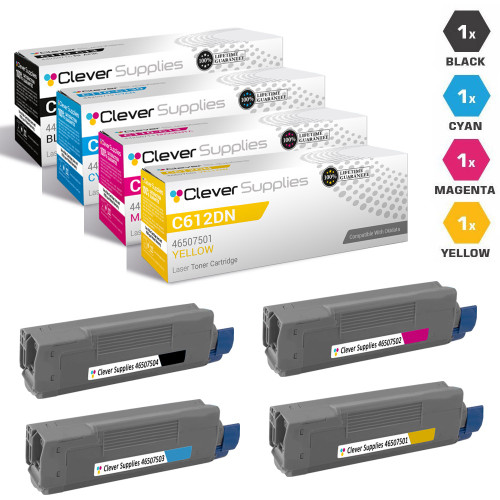
| 46507501, 46507502, 46507503, 46507504 | C612dn · C612n | Store yield field: black 8,000 · colors 6,000 pages | the parts-list sentence only, on every listing |
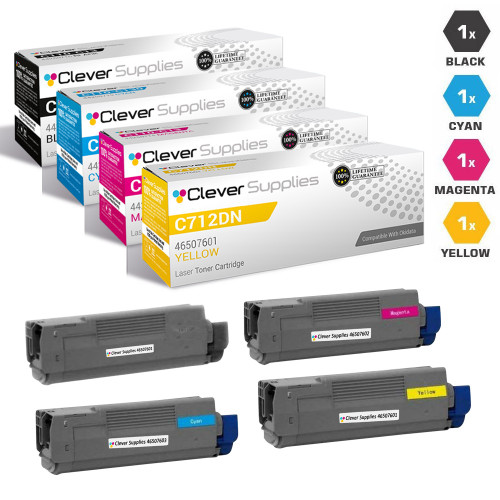
| 46507601, 46507602, 46507603, 46507604 | C712dn | Store yield field: black 11,000 · colors 11,500 pages | the parts-list sentence only, on every listing |
| 44469701, 44469702, 44469703, 44469801 | C310–C530 range · MC351–MC562 · MC890 · MC950 | Store yield field: black 3,500 · colors 3,000 pages | no chip wording anywhere |
| 44469719, 44469720, 44469721, 44469802 | C530 · C531 · MC561 · MC562 · MC890 · MC950 | Store yield field: 5,000 pages each | the parts-list sentence only, on 12 of 17 listings |
| 43324401, 43324402, 43324403, 43324404 | C5500–C5800 range | Store yield field: 5,000 pages each | the parts-list sentence only, on 12 of 55 listings |
| 43865717, 43865718, 43865719, 43865720 | C5850 · C6150 range · MC560 range | Store yield field: black 8,000 · colors 6,000 pages | the parts-list sentence only, on 12 of 41 listings |
| 44318601, 44318602, 44318603, 44318604 | C711 range · MC851 range | Store yield field: black 11,000 · colors 11,500 pages | the parts-list sentence only, on 12 of 42 listings |
| 44135301, 44135302, 44135303, 44135304 | C610 range | Store yield field: black 8,000 · colors 6,000 pages | no chip wording anywhere |
| 44315301, 44315302, 44315303, 44315304 | C610 range, Type C15 number line | Store yield field: black 8,000 · colors 6,000 pages | the parts-list sentence only, on 12 of 27 listings |
| 44844509, 44844510, 44844511, 44844512 | C831 range · MC837 · MC873 range | Store yield field: 10,000 pages each | the parts-list sentence only, on 12 of 43 listings |
| 44059109, 44059110, 44059111, 44059112 | C810 range · C830 range | Store yield field: 8,000 pages each | the parts-list sentence only, on 12 of 36 listings |
| 44059213, 44059214, 44059215, 44059216 | MC860 range | Store yield field: black 9,500 · colors 10,000 pages | the parts-list sentence only, on 12 of 33 listings |
| 42918901, 42918902, 42918903, 42918904 | C9600 range · C9650N · C9800 range | Store yield field: 15,000 pages each | the parts-list sentence only, on 12 of 41 listings |
| 42918981, 42918982, 42918983, 42918984 | C9650 range | Not printed — our own listings contradict each other; see the section | the parts-list sentence only, on 10 of 17 listings |
| 43866101, 43866102, 43866103, 43866104 | C710 range | Store yield field: black 11,000 · colors 11,500 pages | the parts-list sentence only, on 12 of 27 listings |
| 42127401, 42127402, 42127403 | C5100–C5400 ranges — colors only, no black exists | Store yield field: 5,000 pages each (cyan, magenta, yellow) | the parts-list sentence only, on 5 of 8 listings |
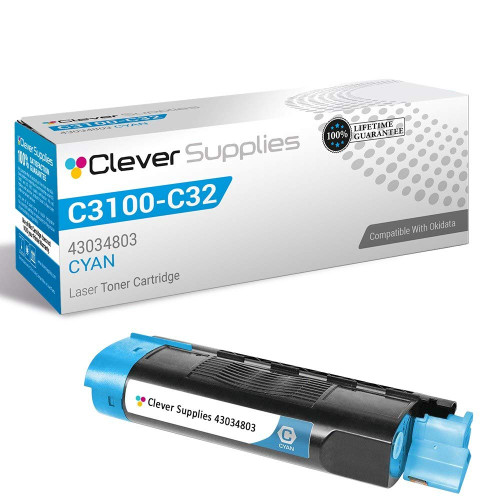
| 43034803 | C3100 · C3200 — cyan only on our shelf | Store yield field: cyan 1,500 pages | the parts-list sentence only, on 1 of 2 listings |
| 43459301 | C3300 · C3400 · C3520 · C3600 · MC360 | Not printed — the family rests on a single listing; see the section | the parts-list sentence only, on every listing |
Families overlap. The C530 and MC561 names appear in two tiers of one platform (standard and high-yield number lines); the C610 name is served by two entirely separate number lines at identical prices; the C9650 name appears in two families whose numbers must not be mixed. Each overlap is flagged again inside its sections, because the number on the container you removed — never the model name alone — is what decides the match.
The newest machines on this page: the C500-series platform and its desktop companions, plus the long-running C310–C530 platform in both of its yield tiers. These are the families whose OKI manuals carry the fullest form of the message system decoded below.
The C532dn printer and the MC573dn multifunction anchor the most recent color platform our store covers for OKI, and all 29 of this family’s listings are purchasable. The store yield field reads 7,000 pages for black and 6,000 for each color — with one wrinkle worth checking before you compare singles: a minority of this family’s single listings print a flat 6,000 for every slot, black included, so two black singles in this family can carry different fields. The set below is the arithmetic that avoids the question: four cartridges at $93.90 against $142.14 for the same four bought one at a time.
This is also the platform family whose OKI manual (467853) supplies the drum figures quoted in the architecture section — an estimated drum replacement cycle near 30,000 A4 simplex pages, halved by single-page work. None of our 29 listings here says a word about chips. The black single works out near 0.46 cents per page against the store yield field; treat that as a comparison inside our shelf, not as a specification.


Printer model pages: C532 · C532CD · C532DN · MC573 · MC573DN
Three desktop machines — the C322DN and C332DN printers and the MC363DN multifunction — take this family’s four numbers, and the shelf behind it is complete and entirely purchasable: 18 listings, every slot buyable on its own or in the set. The store yield field is the smallest of the current platforms, 3,500 pages for black and 3,000 for each color, which is a statement about the machines’ intended duty rather than about value: the set is $79.48, and the black single at $32.01 lands near 0.91 cents per field page, the honest cost of a low-volume platform.
None of the 18 listings mentions a chip in any form. When this family’s machines show a toner message, the documented vocabulary below is the whole of it — a sensor or seating complaint first, a non-recommended-toner report second — and the blue lock lever check costs nothing before either conclusion.


The C612dn and C612n are the whole model list, and the family is correspondingly tidy: 12 listings, all purchasable, one number per color. The store yield field gives black 8,000 pages against 6,000 for each color, a spread that makes the black single the family’s economical slot at $41.66 — about 0.52 cents per field page — while the set at $101.88 undercuts the four singles’ $150.11 by the usual margin.
Every one of the 12 listings carries the parts-list sentence about its internals, and nothing beyond it. There is no recognition claim to repeat here, and none is made: what this family offers is a complete, current shelf for a two-model platform, priced below.
One model category exists for this family in our store — the C712dn — and the family itself is a compact 12 listings, all purchasable. Its yield field inverts the usual pattern: black is rated 11,000 pages while each color is rated 11,500, so a color-heavy fleet empties its black slot first despite the black cartridge being the largest single price here at $59.48 (about 0.54 cents per field page). The set is $177.86 against $226.10 for the four singles.
The parts-list sentence appears on all 12 listings. If your C712dn is one of a fleet, the practical note is the inversion above: order black on its own rhythm, and let the set cover the colors.
Printer model pages: C712dn
This is the shelf’s center of gravity: 86 listings, every one purchasable, spanning the C310 through C530 printers and a long tail of multifunctions out to the departmental MC890 and MC950. Our listings sell the family under the Type C17 name, with 44469801 as the black number — the code our black single below carries. The store yield field is the standard tier’s: 3,500 pages for black, 3,000 for each color.
At $55.98 the four-color set is the cheapest complete set on this page, and the black single at $23.98 is its cheapest black (about 0.69 cents per field page). One caution belongs to this family specifically: the C530 and the MC561/MC562/MC890/MC950 names also appear in the high-yield family directly below, wearing different numbers. If your machine is one of those, read both sections and match the number on the container you removed — the platform shares the names, not the cartridges.
None of the 86 listings says anything about chips at all.

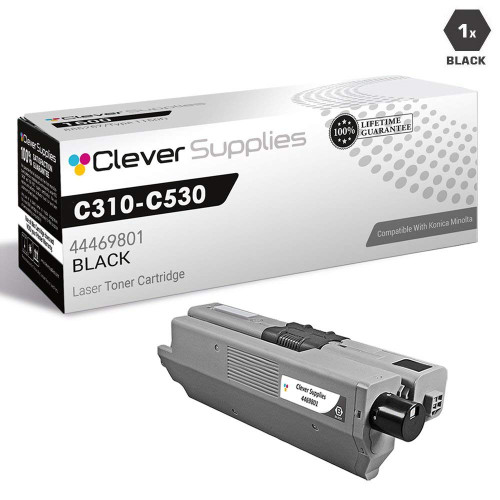
Printer model pages: C310 · C310DN · C330 · C330DN · C331 · C331 C530dn · C331DN · C510 · C510DN · C511DN · C530 · C530DN · C531 · C531d · C531DN · MC351 · MC351DN · MC361 MFP · MC361DN · MC362 · MC362W · MC362w MFP · MC561 Color MFP · MC561 MFP · MC561DN · MC562 · MC562dn · MC562dnw · MC562W · MC562W MFP · MC890 · MC950 · MC950 MFP
Same platform, second number line: the C530/C531 printers and the MC561, MC562, MC890 and MC950 multifunctions can also run this high-yield family, rated by the store field at 5,000 pages for every color. Seventeen listings, all purchasable. The interesting arithmetic is asymmetric. For colors, the upgrade pays plainly: a high-yield color single is $25.96 against the standard tier’s $26.75, for 5,000 field pages instead of 3,000 — about 0.52 cents against 0.89 cents per page. For black it does not: the high-yield black is $37.22 for 5,000 pages (0.74 cents) against the standard black’s $23.98 for 3,500 (0.69 cents).
So the honest recommendation splits by slot: colors from this tier, black from whichever tier your arithmetic prefers — the set below ($66.86) bundles all four in this tier’s numbers for those who would rather not split an order. Twelve of the 17 listings carry the parts-list sentence.
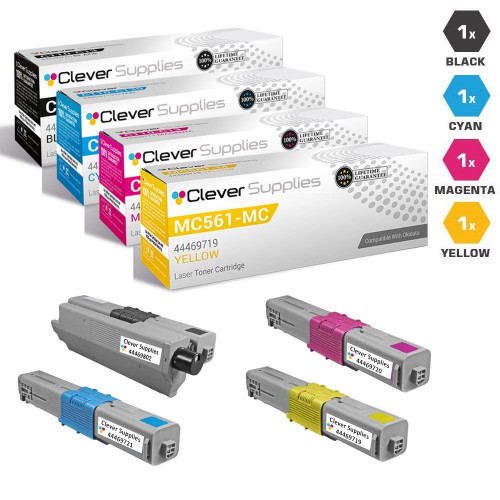
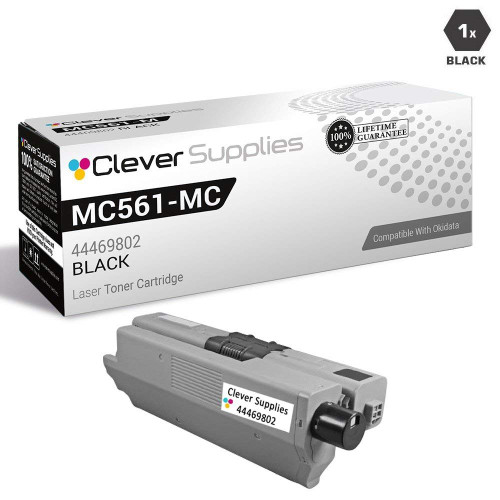
Printer model pages: C530 · C530DN · C531 · C531d · C531DN · MC561 Color MFP · MC561 MFP · MC561DN · MC562 · MC562W · MC562W MFP · MC890 · MC950 · MC950 MFP
The wide middle of the OKI color installed base: A4 departmental printers and MFPs from the C5500 generation through the C831, including the C610 — the one model name on this page served by two entirely different number lines.
The C5500, C5600, C5650, C5700 and C5800 ranges and their variants make this the second-largest family on the page: 55 listings, all purchasable, rated by the store field at a flat 5,000 pages per color. The set is $135.29; the singles show this generation’s pricing shape, with black at $36.94 (about 0.74 cents per field page) and each color at $48.86 — on this family, colors are the expensive slots, and the set’s saving is earned mostly there.
Twelve of the 55 listings carry the parts-list sentence; the rest say nothing about their internals. These machines predate the most detailed of the manuals quoted below, so read their panel messages through the decoder’s general entries — seating and lever first, identity second — rather than expecting the newest wording.
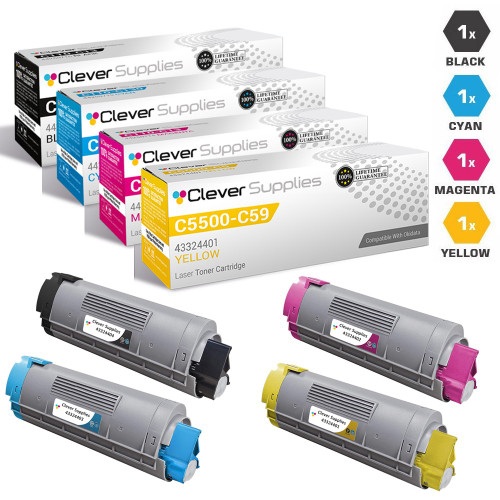
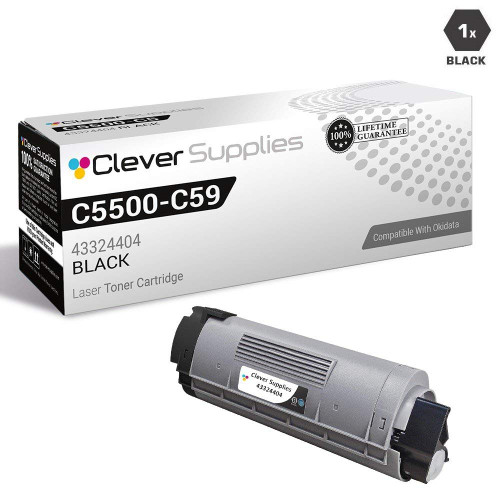
Printer model pages: C5500 · C5500DN · C5500Ldn · C5500MFP · C5500N · C5600 · C5650 · C5650DN · C5650N · C5700 · C5800 · C5800DN · C5800LDN · C5800N · C5900 · C5900 MFP · C5900CDTN · C5900DN · C5900DTN · C5900N · C5950
Forty-one listings cover the C5850, the C6150 range and the MC560 multifunctions. The store yield field gives black 8,000 pages and each color 6,000; the black single at $39.98 works out near 0.50 cents per field page, and the set at $126.52 undercuts the $174.77 singles total by $48.25. Every listing in the family is purchasable.
Twelve of the 41 listings carry the parts-list sentence. The model list above spans printer and MFP variants of one platform — match by the number on the removed container, as always, since the same 43865717–20 numbers are the whole family wherever they appear.
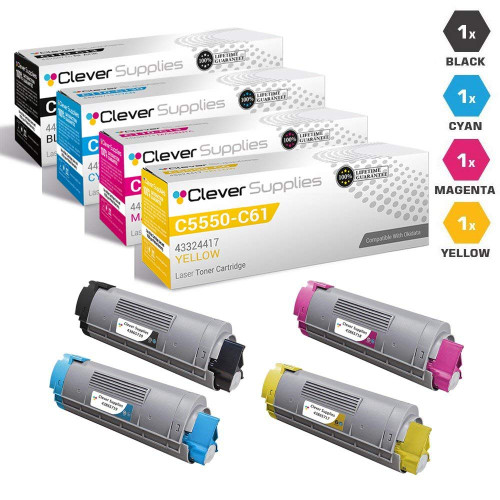
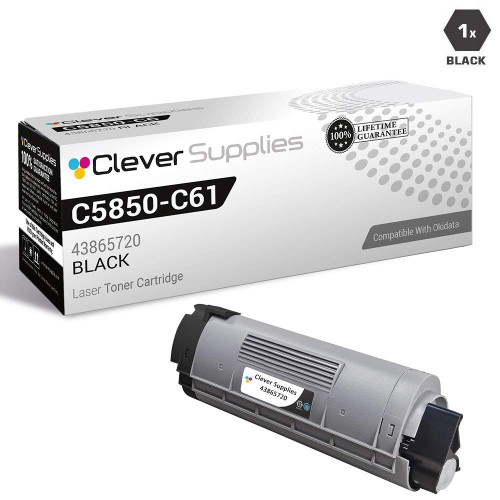
Printer model pages: C5850 · C5850DN · C5850N · C6150 · C6150DN · C6150DTN · C6150HDN · C6150N · MC560 · MC560 MFP · MC560N · MC560N MFP Plus
The C711 range and the MC851 multifunctions run the largest A4 yields in Group B: the store field reads 11,000 pages for black and 11,500 for each color, the same inversion as the C712 family. Forty-two listings, all purchasable. The black single at $39.35 is the family’s bargain slot — about 0.36 cents per field page, the lowest black rate in this group — while the magenta single sits at $49.46 against $39.35 for its cyan and yellow siblings, an outlier the set avoids: at $119.28 the set prices all four slots evenly.
Twelve of the 42 listings carry the parts-list sentence. Buyers replacing magenta alone should see the outlier for what it is and compare the set before paying it.
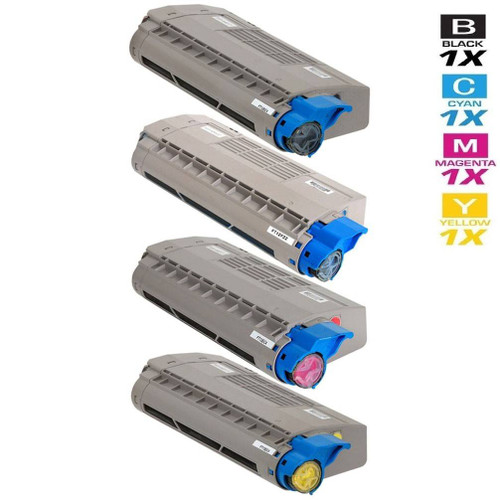
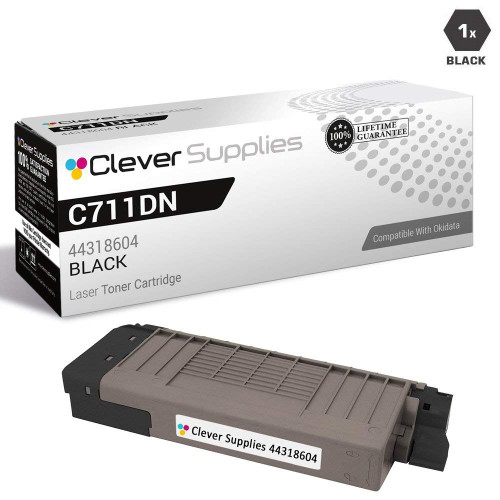
Printer model pages: C711 · C711DN · C711DTN · C711n · C711WT · MC851 · MC851CDTN · MC851cdtn Plus · MC851cdxn · MC851DN
The C610 range appears twice on this page, under two number lines that share nothing but the model name and the price template. This line — 44135301 through 44135304 — is the plainer of the two in our catalog: 15 listings, all purchasable, none of them carrying any chip wording at all. The store yield field reads 8,000 pages for black and 6,000 for each color; the set is $97.44 and the black single $39.90, about 0.50 cents per field page.
The companion line, sold under the Type C15 name, is the next-but-one section below, at byte-identical prices. Neither line substitutes for the other: a C610 that removed a 44135301 black takes a 44135301 black. The model name gets you to the right page section; the number on the container picks between the two.


Printer model pages: C610 · C610CDN · C610DN · C610DTN · C610n
Our listings sell this second C610 line under the Type C15 name: numbers 44315301 through 44315304, 27 listings, all purchasable, twelve of them carrying the parts-list sentence. Yields and prices replicate the companion line exactly — 8,000 field pages for black, 6,000 for colors; a $97.44 set; a $39.90 black single; $35.26 color singles — because both lines sit on the same store price template. Identical prices do not make the cartridges interchangeable.
If you arrived here from the section above with a C610 and no number, stop and pull the installed container first. The two lines exist because OKI numbered this platform twice; our shelf stocks both, and the only reliable guide is the code printed on the cartridge already in the machine.

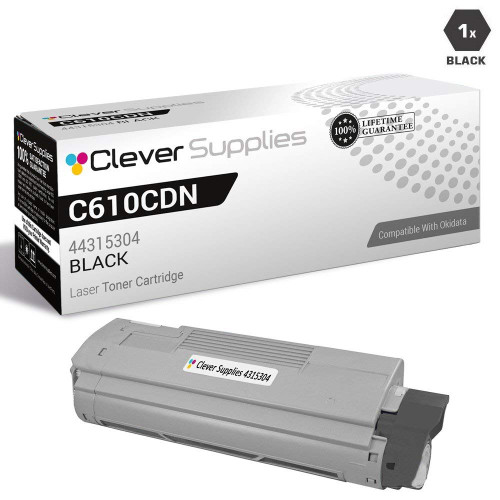
Printer model pages: C610 · C610CDN · C610DN · C610DTN · C610n
The C831 range, the MC837 and the MC873 range share this family’s four numbers: 43 listings, all purchasable, and a store yield field of a flat 10,000 pages for every slot. The pricing inverts the C5500 pattern — here the color singles at $41.29 each sit below the black single at $45.42, and black still lands near 0.45 cents per field page. The set is $121.05 against $169.29 in singles.
Twelve of the 43 listings carry the parts-list sentence. For a mixed fleet of the printer and MFP variants, the family’s flat yield field makes per-slot planning simple: every cartridge in the box is a 10,000-page cartridge by the field, whatever its color.
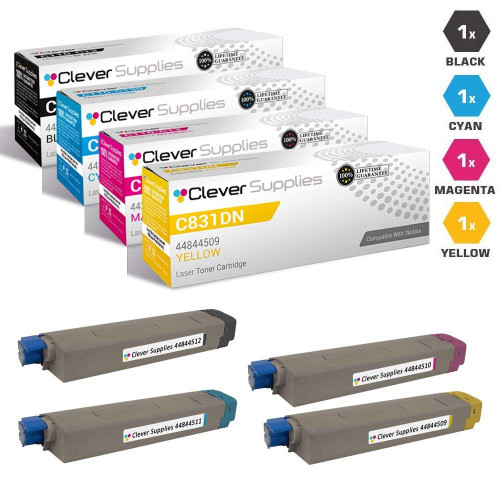
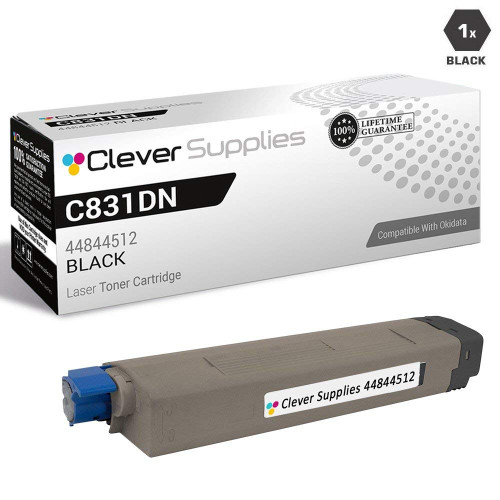
Printer model pages: C831 · C831CDTN · C831D · C831DN · C831N · MC837 · MC837DN · MC837DNC · MC837DNX · MC873 · MC873DN · MC873DNC · MC873DNX
Thirty-six listings cover the C810 and C830 ranges, OKI’s A3 color workhorses, all purchasable. The store yield field is a flat 8,000 pages per color; the set at $95.90 is the least expensive complete set in Group B, and the black single at $39.00 sits near 0.49 cents per field page with the color singles at $35.05 each.
Twelve of the 36 listings carry the parts-list sentence. A3 machines live long lives in print rooms; if yours is one of them, the drum runway described in the architecture section is the planning horizon that matters — toner is the part this page can keep supplying.
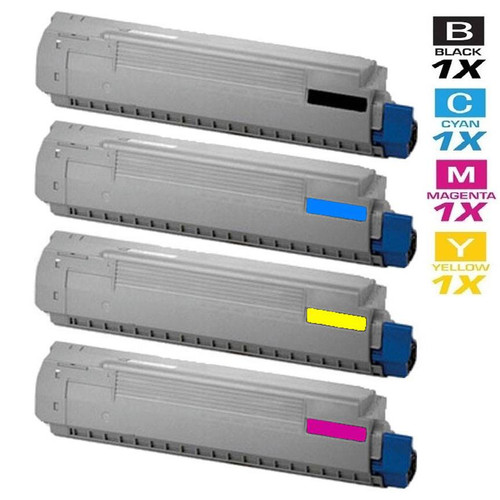
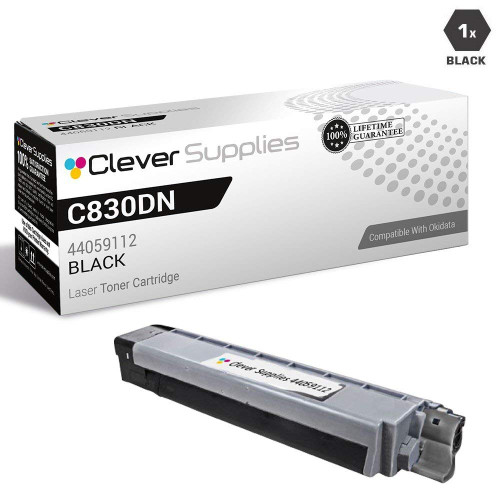
Printer model pages: C810 · C810CDTN · C810DN · C810N · C830 · C830D · C830DN · C830DTN · C830N
The MC860 range is the multifunction counterpart to the C810/C830 platform: 33 listings, all purchasable. Its store yield field splits the other way from most families — black at 9,500 pages, each color at 10,000 — and the set is $137.43 against $185.67 in singles. Three of the four singles sit at $46.76; the magenta single is a dollar and change lower at $45.39, a small asymmetry with no lesson in it beyond checking the card before assuming uniformity.
Twelve of the 33 listings carry the parts-list sentence. The black single works out near 0.49 cents per field page.
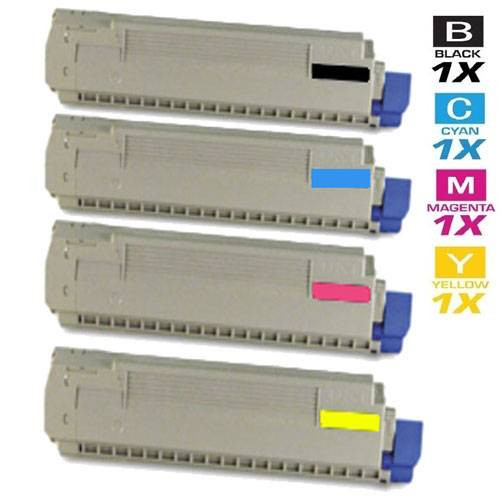

Printer model pages: MC860 · MC860CDTN · MC860CDXN · MC860DN · MC860T1 · MC860T2 · MC860T3
The oldest and largest machines on the page, and the families where our shelf itself runs thin: one family with no singles left, one with no yield we are willing to print, one with no black cartridge at all, and one reduced to a single cyan. Each section says exactly where its shelf ends.
Forty-one listings serve the C9600 range, the C9650N and the C9800 range at the largest store yield field on this page: 15,000 pages for every color. The set is $254.06; the black single at $72.93 lands near 0.49 cents per field page. The magenta single at $52.14 is this family’s pricing outlier, sitting well below its cyan and yellow siblings at $88.62 — single-color buyers should take the gift without reading a trend into it.
The overlap to watch: the C9650 name lives in two families. This one (42918901–04) includes the C9650N among its models; the family directly below (42918981–84) is built on the C9650 range alone, with different numbers and, as its section explains, no printable yield. A C9650 owner must match numbers, not names, before choosing between the two sections. Twelve of the 41 listings carry the parts-list sentence.
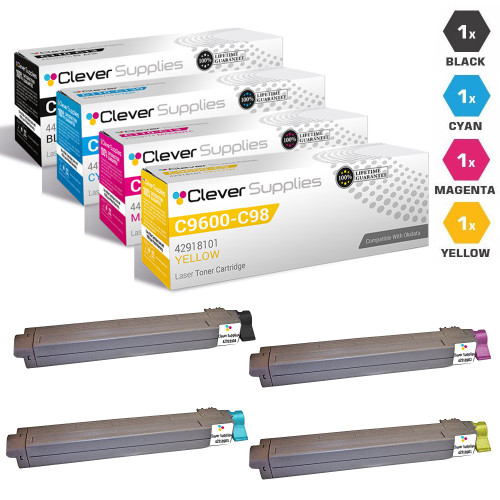

Printer model pages: C9600 · C9600HDN · C9600HN · C9600N · C9650N · C9800 · C9800GA · C9800GAMFP · C9800HDN · C9800HDTN · C9800HN · C9800N
Seventeen listings carry this family’s numbers, thirteen of them purchasable. Two limits define the section. First, the yield: our own listings contradict each other, one group rating the family at 18,000 pages black and 16,000 colors, another at 18,500 and 16,500. With no OKI-published figure captured to settle it, this page prints no yield for the family at all — a missing number is more useful than a coin-flip between two of ours. Second, the slots: no cyan or magenta single in this family is currently purchasable, so the cards below are the set, the black single and the yellow single — the whole of what can actually be bought.
The set’s $254.06 price is identical to the C9600 family’s set above. That is a coincidence of the store’s price template across two different products, not a sign the families merge: their numbers differ, and the section above explains which machines each serves. Ten of the 17 listings carry the parts-list sentence.
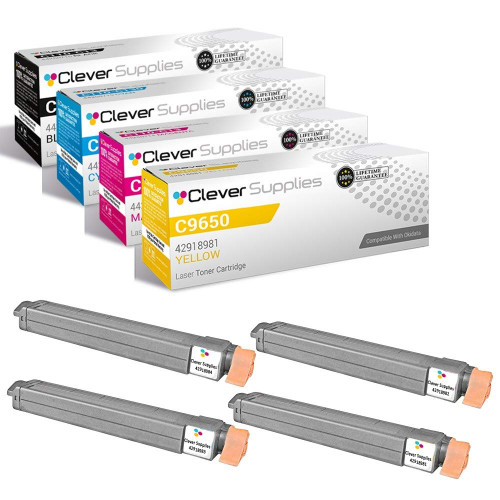
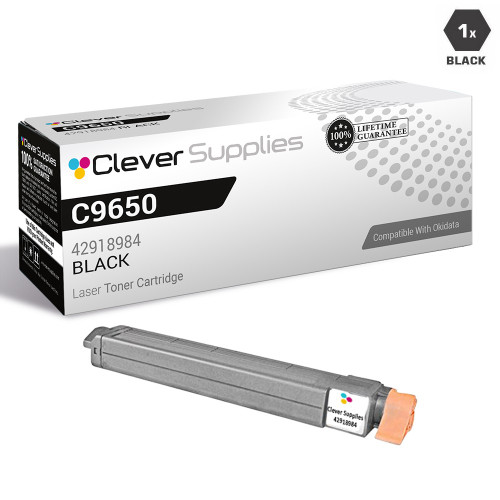
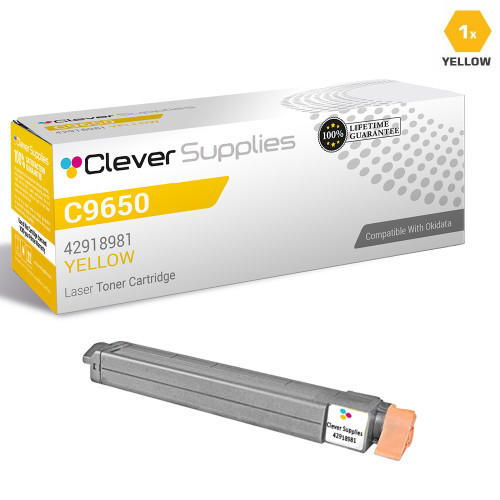
Printer model pages: C9650 · C9650DN · C9650HDN · C9650HN · C9650N
The C710 range’s family holds 27 listings, but only six of them can be purchased, and every purchasable one is a multi-pack: there is no single cartridge in this family to card, in any color. The card below is therefore the set alone, and it carries no savings chip — a saving is computed against singles, and with no purchasable singles there is nothing honest to compute against. The store yield field for the family reads 11,000 pages for black and 11,500 for each color.
Treat the shape of this shelf as the information it is: the C710 platform’s remaining supply in our store has consolidated into sets. If your machine needs one color only, this page cannot sell it to you for this family today, and the section would rather say that than dress a set as four singles. Twelve of the 27 listings carry the parts-list sentence.
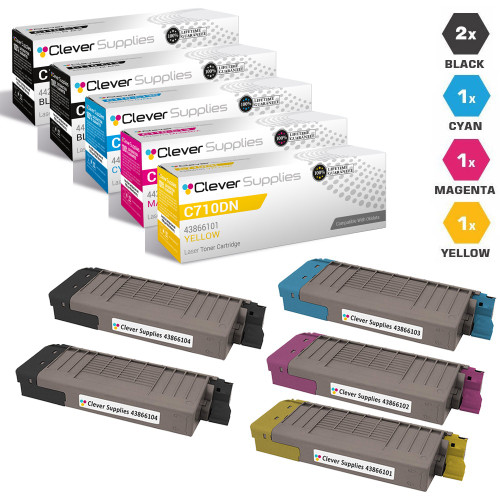
Printer model pages: C710 · C710CDTN · C710DN · C710DTN · C710N
The oldest platform in Group C runs on three numbers, not four: cyan, magenta and yellow for the C5100 through C5400 ranges and their C5450/C5510 relatives. No black cartridge exists in this family in our store — there is no fourth code to sell — so the cards below are the three color singles, and the family has no flagship set card. Read the family’s other listings with that in mind: the boxes titled as six-color sets are two-each bundles of these same three colors. They are legitimate restock packs, but they are not four-color sets, and this page will not call them that.
The store yield field reads 5,000 pages for each of the three colors; cyan and magenta singles are $29.54, yellow $34.13. Five of the family’s eight listings carry the parts-list sentence. A black-slot message on one of these machines is a question this family cannot answer from our shelf.
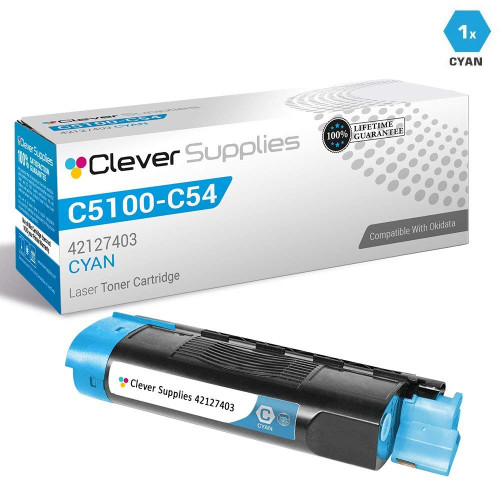
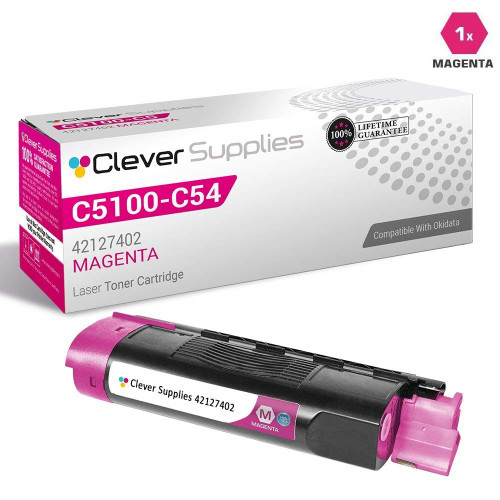
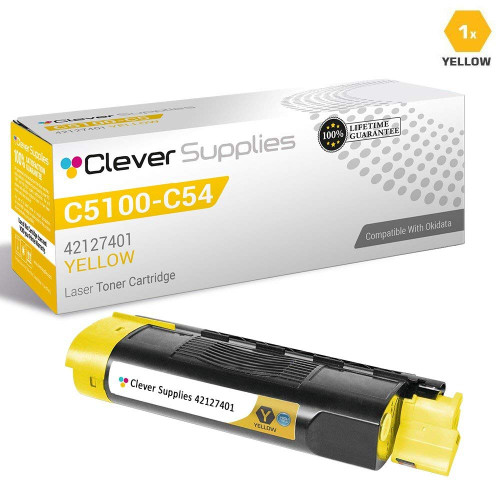
Printer model pages: C5100 · C5100N · C5150 · C5150N · C5200 · C5200N · C5250 · C5250DN · C5250N · C5300 · C5300N · C5400 · C5400DN · C5400DTN · C5400N · C5400TN · C5450 · C5450dn · C5450N · C5510 · C5510MFP · C5510N · C5510n MFP · ES1624N MFP
The C3100 and C3200 family survives in our store as a single purchasable color: one cyan single, $24.27, carrying a store yield field of 1,500 pages. No black, magenta or yellow listing in this family can be bought. The section exists at full size anyway, because a C3100 owner searching this number deserves the actual state of the shelf rather than an absence they have to interpret.
One of the family’s two listings carries the parts-list sentence. If your machine needs any color but cyan, this page has nothing to sell you for it; if it needs cyan, the card below is the family, complete.
Family 43459301 exists in our catalog as exactly one listing: a single yellow cartridge for the C3300/C3400 generation and the C3520, C3600 and MC360 multifunctions. That listing currently shows as unavailable to buy, and it is the whole family — so this section carries no cards. Its yield field, resting on that one listing alone, is not printed here either; a figure with a single uncorroborated source behind it does not become a specification by appearing on a page like this.
What can be said is the number itself and the shape of the shelf behind it: if 43459301 is the code on the container you removed, our store holds one listing for it, in one color, not currently purchasable. The model names above come from our category assignments for that listing; no fuller model list will be guessed into the gap.
Printer model pages: C3300 · C3300N · C3400 · C3400N · C3430N · C3520 · C3530 · C3530 MFP · C3530MFP · C3530N · C3530N MFP · C3600 · C3600N · MC360 MFP · MC630MFP
OKI documents its cartridge messages more completely than most manufacturers — error codes, exact display text, and in one case a procedure the user is meant to perform. What follows quotes that documentation as it stands: five documented entries and a sixth for the message OKI never wrote. Nothing here is paraphrased into a promise; where OKI’s text ends, the entry ends.
OKI’s full display text runs “%COLOR% Toner Sensor Error. %COLOR% Non Recommended Toner”, and its manual gloss is three sentences: “An optimum toner cartridge is not installed. Use a toner cartridge that matches your machine. The print quality is not guaranteed.” The coded range is 549–557, 614–617 and 620–623, with 549, 553, 557, 617 and 623 being the black-slot forms. Read the message for what it documents: the machine reporting that the installed cartridge is not the one it considers optimum, and declining to guarantee print quality. It is not worded as a stop, and this page does not upgrade it into one — nor downgrade it into nothing. The lever and seating checks in the fourth entry below belong first in practice, because a badly locked cartridge raises sensor errors of its own.
Three generations of OKI manuals print this warning in three wordings: “Caution, unknown Consumable detected. Go to User Manual ‘Trouble Shooting’ to restore operation. Error: 709”; “Caution: Non-Genuine Consumable detected”; and “Used or Non-Genuine Consumables/Maintenance Parts Are Installed”. OKI frames the choice itself, and the framing is part of the documentation: “You can use any consumables in your product, but you must accept the risks of using non-genuine consumables”, with the note that damage or effect on the product from such use “is not covered by warranty”. The documented acknowledgement, printed in the manuals for the user to perform, is this: switch the machine off; switch it on while pressing and holding the «CANCEL» button — some manuals word the held button as «CLEAR» — and release it when [Ready To Print] appears. OKI attaches one more sentence, and it is reproduced here at full weight because it is part of the procedure, not a footnote: “This operation will be recorded for future reference.” This page prints the procedure exactly as OKI documents it. It does not call it a workaround or a bypass, and it adds no guarantee of acceptance beyond OKI’s own text.
Of every message in this decoder, only the drum-lifetime codes are documented as a halt: “Printing has stopped because the image drum indicated on the screen reached its lifetime. Replace with a new image drum to print.” The approach is staged — at 350–353 and 560–563 the machine continues briefly if you open and close the cover or the output tray, and at 564–567 pressing OK or ONLINE lets you exceed the life temporarily — but the end of the road is a new drum, named by color. And here the page’s limit applies in its sharpest form: the drum that ends this message is a part our store does not sell in color. The toner sections above cannot resolve a 680–683 stop; an OKI parts channel can.
Two adjacent ranges are about a lever, not a cartridge’s origin. Codes 544–547 display “Check Toner Cartridge” with the summary “Improper Lock Lever Position”: the remedy is to turn the blue lock lever on the cartridge until it lines up, and to confirm the protective tape is off. Codes 540–543, the Toner Sensor Error range, are the same physical story told by the sensor — the cartridge is not locked properly, and OKI’s text points at the blue lever and the mark it should line up with (on color cases, the belt unit’s blue knobs get the same check). An OKI manual adds why the lever matters beyond messages: closing the output tray without turning the blue lever “may cause a malfunction”. Neighbors worth knowing: 610–613 mean a toner cartridge is not installed at all, and 410–413 mean the named color is empty. Check the lever before you judge any cartridge in this family of messages.
For service-level faults, OKI’s user manuals say one thing: inspection is required — switch the machine off and back on, and if the same error occurs, contact your dealer. That brevity matters because numbers beyond it circulate elsewhere. Codes in the 984–987 range appear in third-party maintenance compilations with confident meanings attached; they appear in no OKI user manual we read, in either of the full error lists checked end to end. This page prints no meaning for them. If your panel shows a service code, OKI’s documented instruction is the dealer — not a toner purchase, and not a definition sourced from a compilation OKI never published.
Two absences close the decoder, both verified rather than assumed. No OKI manual we read prints a panel message reporting a cartridge’s chip state as a fault, and none describes a firmware program that blocks or revokes cartridges: OKI’s documented model is a message, a warranty framing, and one recorded acknowledgement — the 709 procedure above. The word “firmware” appears in none of our 926 Okidata listings either. That is an absence finding, stated as one: it is not a promise that no update could ever change behavior, and it is not evidence for the opposite claim. A screen that seems to blame a chip or an update is, on the documented evidence, one of the five texts above wearing a worse interpretation.
Yes — four of them, one under each color, and that is OKI’s architecture rather than a quirk of one model. OKI’s error lists give the drums their own message families, including a lifetime stop (680–683) that only a new drum clears. The honest complication is supply: our store sells no color drums at all — every drum unit in our Okidata catalog belongs to a monochrome family — so this page can sell you the toner that rides over a drum but never the drum itself. Plan drum replacements through an OKI parts channel, and use the staged warnings (350–353, 560–567) as the ordering runway they are documented to be.
What OKI’s manuals tell you to do, quoted in full in the decoder above: switch off; switch on while holding «CANCEL» — some manuals word the button as «CLEAR» — and release when [Ready To Print] appears. Two parts of OKI’s text travel with the procedure and should not be separated from it: OKI states that damage or effects from non-genuine consumables are not covered by warranty, and it states that “this operation will be recorded for future reference”. This page’s role is to print the procedure exactly; it adds no guarantee that any given machine will accept any given cartridge, because OKI’s text makes none.
In OKI’s own gloss: “An optimum toner cartridge is not installed. Use a toner cartridge that matches your machine. The print quality is not guaranteed.” It is a report about which cartridge the machine believes is installed, delivered as a toner-sensor error (codes 549–557, 614–617, 620–623) — not worded as a printing stop. Before treating it as a verdict on a cartridge, clear the physical causes OKI documents in the neighboring ranges: a cartridge that is not locked properly raises its own sensor error (540–543), and the blue lock lever is the check both ranges point to.
There is no OKI document that says so, in either direction. We searched for a firmware position and found none: no OKI statement, FAQ or manual passage describes an update program that blocks or revokes cartridges, and the word appears in none of our 926 listings. OKI’s documented model for non-genuine consumables is the message set decoded on this page — warnings, a warranty framing, and the recorded 709 acknowledgement. That is an absence finding, and this page states it as one: not a promise that updates are safe, and not support for claims that they are dangerous.
The one whose number matches the container you removed. Our store stocks both of OKI’s number lines for the C610 range — 44135301–04 and the Type C15 line, 44315301–04 — as separate, real listings, and they sit at identical prices because both follow the same store price template ($97.44 the set, $39.90 the black single). Price cannot arbitrate between them, and neither can the model name, which both lines serve. The code printed on the installed cartridge is the only reliable guide; the two sections in Group B are written to be read as a pair for exactly this reason.
No — and this page would rather lose the sale cleanly than blur the answer. Codes 680–683 are OKI’s documented hard stop: printing has stopped because the named color’s image drum reached its lifetime, and only a new drum restarts it. Our store stocks no color drums, for this or any other family on the page. What we can tell you is the runway OKI documents before the stop — the earlier life stages (350–353, 560–563) continue briefly on a cover open-and-close, and 564–567 let you exceed the life temporarily with OK or ONLINE — which is the window in which to order the drum through an OKI parts channel. After the drum change, remember the gauge caveat: with the old toners still fitted, the toner-remaining display will read incorrectly until fresh cartridges reset it.