




C5900 MFP
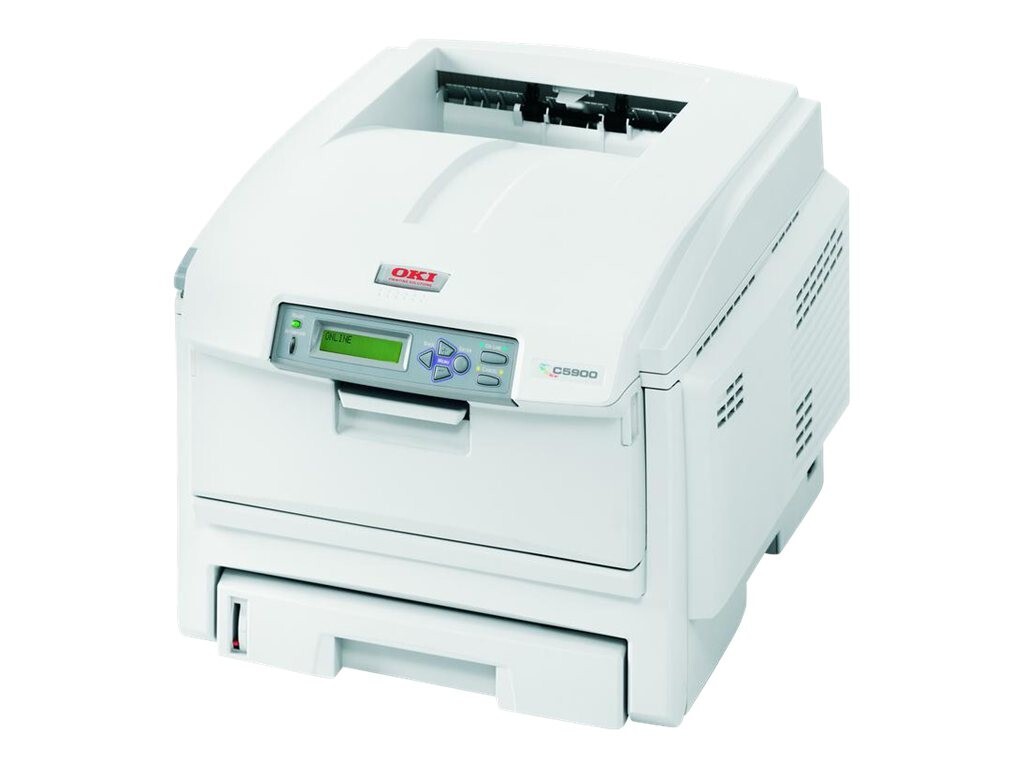
The Okidata C5900 MFP folds printing, scanning, copying and faxing into a single color laser machine for offices that live in color, and it feeds from the same OKI Type C8 cartridge family as the C5900 series. This page stocks that family in its high-capacity form: 43324404 black, 43324403 cyan, 43324402 magenta and 43324401 yellow.
Four functions do not mean four toner appetites. On the C5900 MFP only printing and copying consume toner — color copies draw on the three color cartridges while black-and-white work uses black alone. Scanning to a PC or email consumes nothing at all, so a scan-heavy workflow barely touches the supply, and a fax prints only when it arrives on paper. Knowing which jobs actually spend toner makes the level gauges far easier to read.
Toner Cartridges for C5900 MFP
- 43324404 — Black, high capacity (see product page)
- 43324403 — Cyan, high capacity, stocked in the Type C8 5 Color Set
- 43324402 — Magenta, high capacity (see product page)
- 43324401 — Yellow, high capacity (see product page)
Black, magenta and yellow are stocked as singles under the C5600 listing name; cyan is stocked as part of the five-piece set.
Which cartridge should you buy?
Let each color's own alert make the decision. The C5900 MFP tracks its four cartridges individually, and real documents almost never spend cyan, magenta and yellow at the same rate, so replacing a color as its warning appears is cheaper than retiring healthy cartridges in a full set. Keep the 5 Color Set for the moments when several colors are low together, or as the office spare that keeps copies and color prints moving while a single is on order. Black is the exception worth watching separately: in a fax-and-copy office it can empty well ahead of the colors.
Chip, toner and everyday use
These are chipped cartridges, and the MFP reports each level on its panel, which suits a machine several people share — anyone can see which color is next. Uneven depletion is normal behavior, not a fault: letterheads heavy in one brand color will always pull that cartridge harder. Store spares flat and sealed until needed, and when a color pales ahead of its warning, rocking the cartridge gently buys back the toner settled at one end.
Frequently Asked Questions
Which functions on the C5900 MFP actually consume toner?
Printing and copying. Color copies spend the cyan, magenta and yellow cartridges; black-and-white copies and ordinary documents spend only the black. Scanning consumes nothing, and a fax spends toner only when it is printed.
How do I keep the color toner from running out unevenly?
You cannot, entirely — uneven use is the natural result of real documents. The machine tracks each cartridge separately, so replace each color as its own low-toner alert appears instead of buying full sets on a schedule.
Do the plain C5900 printer cartridges fit the C5900 MFP?
Yes. The MFP shares the Type C8 family with the C5900 series — the family list below shows every model on the same four numbers — so one stock of spares can cover both the multifunction and its printer-only siblings.
Which cartridge number is black on this machine?
Black is 43324404 in the high-capacity family stocked here. When reordering, match the number on the cartridge you remove; the family also exists in a standard-capacity series with different numbers.
More printers that use the same cartridges
The C5900 MFP shares its cartridges with this whole family:
C5500, C5500DN, C5500Ldn, C5500MFP, C5500N, C5600, C5650, C5650DN, C5650N, C5700, C5800, C5800DN, C5800LDN, C5800N, C5900, C5900CDTN, C5900DN, C5900DTN, C5900N, C5950, C8, MFP