




C5650DN
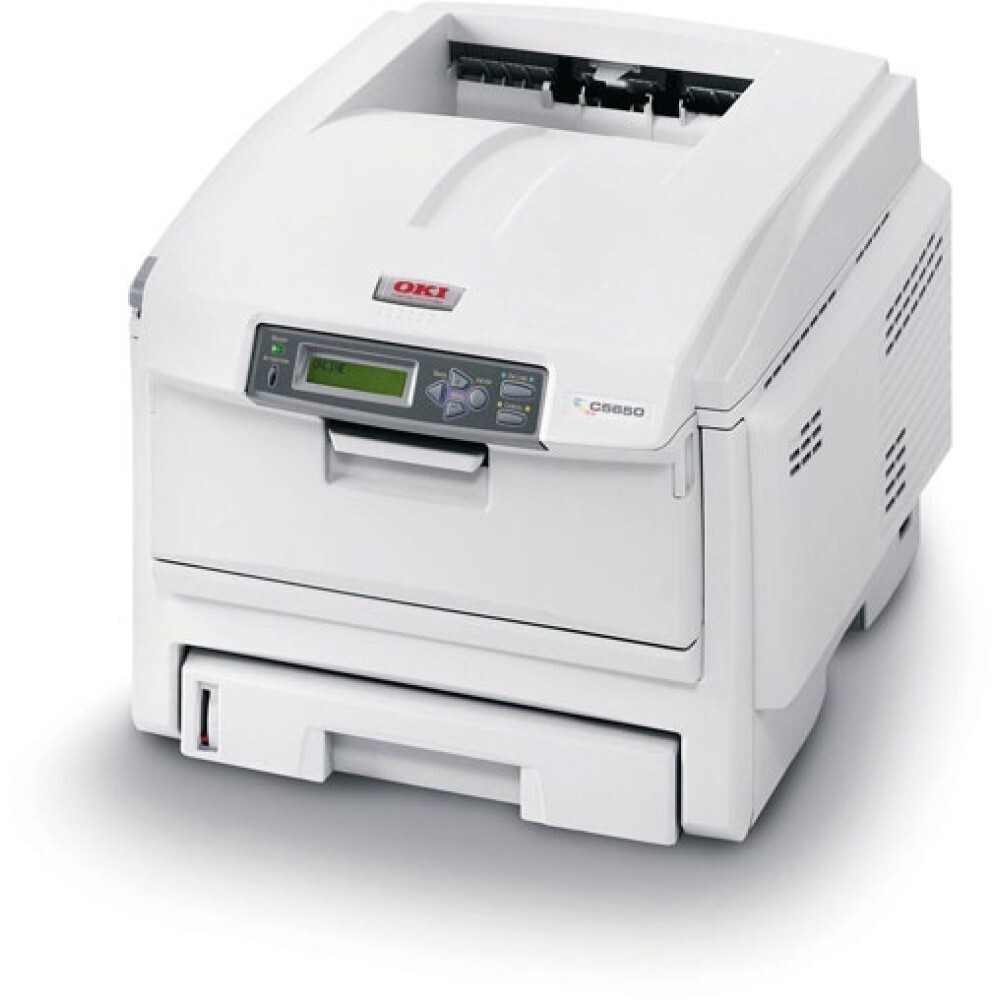
The OKI C5650DN brings duplex printing and network connectivity to the Type C8 color laser line, making it a fit for small workgroups sharing one machine. Its toner is the 43381900 series — black 43381904, cyan 43381903, magenta 43381902 and yellow 43381901 — with 5,000-page high-capacity versions available for the heavy users in the group. Compatible toner for the C5650DN delivers the same four part numbers at a lower running cost.
Toner Cartridges for C5650DN
This printer works with the following toner cartridges:
- Oki 43381901
- Oki 43381902
- Oki 43381903
- Oki 43381904
Frequently Asked Questions
What toner cartridges does the C5650DN use?
The C5650DN uses four individual toner cartridges — black (43381901), cyan (43381902), magenta (43381903) and yellow (43381904). Each color is replaced on its own when it runs out.
Colors from my C5650DN look faded — is the toner running out?
Washed-out color on the C5650DN usually means one of the four toner cartridges is low, so check the supply levels on the printer's status page first. If levels look fine, print a color test page — a single faded color points to that cartridge (black 43381901, cyan 43381902, magenta 43381903, yellow 43381904).
Is replacing toner in the C5650DN difficult?
Open the C5650DN's cover, remove the empty cartridge and insert the replacement (43381901, 43381902, 43381903 or 43381904 as needed) into the matching color slot. Give the new cartridge a few gentle side-to-side shakes first to distribute the toner evenly.