




MC873DNX
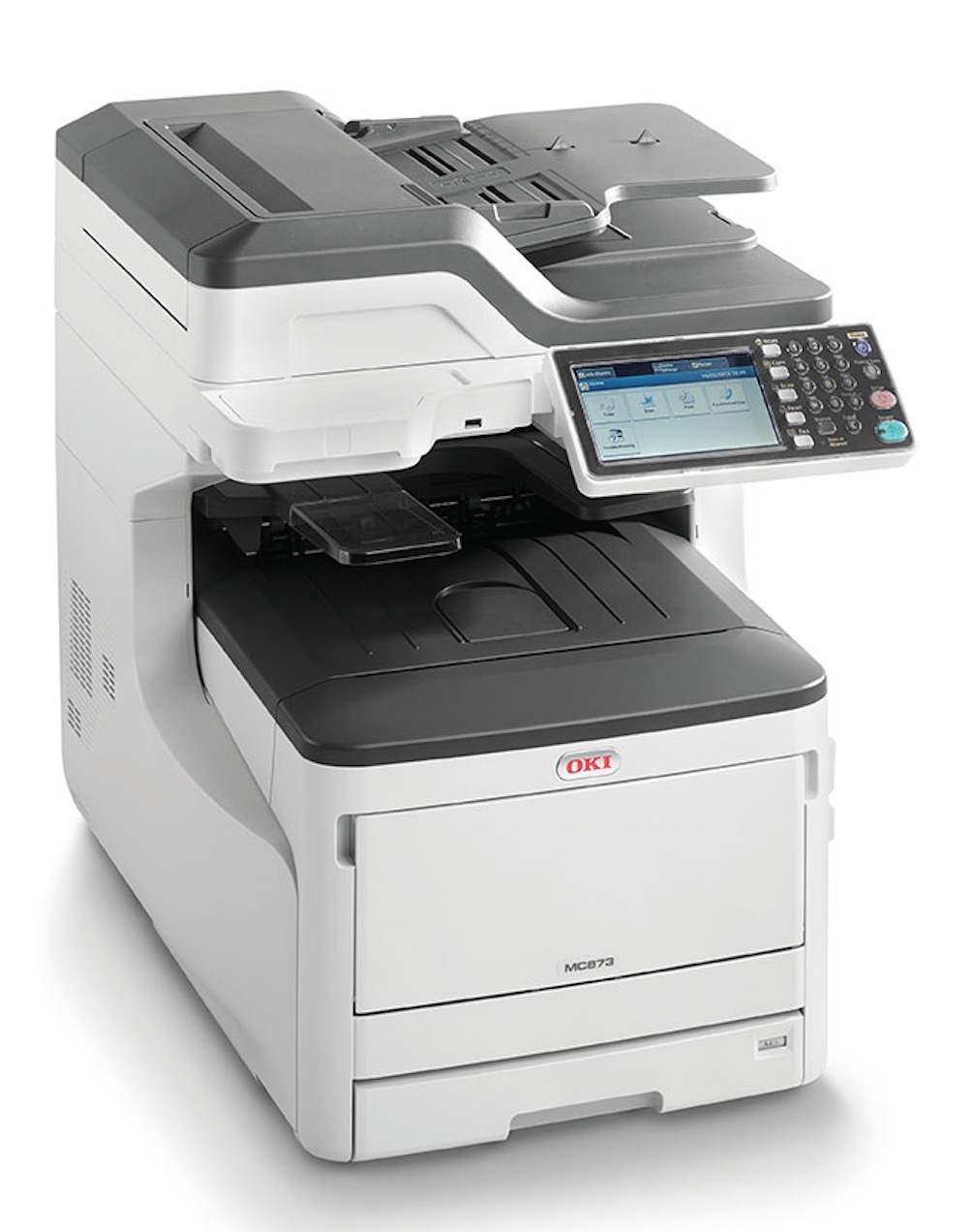
With duplexing and networking as standard, the Okidata MC873DNX brings a high-capacity A3 color engine to full print, copy, scan and fax duty for a whole department. Its cartridge family is rated at about 10,000 pages and comes as four individual units: yellow 44844509, magenta 44844510, cyan 44844511 and black 44844512.
A networked multifunction at this level is shared infrastructure, and that changes how it should be managed: access can be assigned per user, page counts can be reviewed by department, and toner stops being one person's guess. The offices that get the best value from an MC873DNX are the ones that treat color as a metered resource rather than an unlimited one.
Toner Cartridges for MC873DNX
- 44844509 — Yellow — About 10,000 pages
- 44844510 — Magenta — About 10,000 pages
- 44844511 — Cyan — About 10,000 pages
- 44844512 — Black — About 10,000 pages
Complete sets are stocked alongside the singles: the MC873DNX 4 Color Set, the MC873DNX Premium Quality 4 Color Set and the shared 448445-series 4 Color Set.
Which cartridge should you buy?
Because the family is rated around 10,000 pages, replacements on this machine are planned events rather than emergencies — watch the levels in the printer's reports and order the single color that is genuinely low. Black does the bulk of departmental document work and usually needs attention first; the three colors decline at their own pace depending on what your teams actually print. Choose a four-color set when the machine is due a general refresh or when several levels drop together. All of the compatible cartridges here are backed by a 1-year warranty and 1-year returns.
Chip, toner and everyday use
The chip on each cartridge is how the MC873DNX tracks its levels, so if a new unit is not recognized, remove it, check the chip contacts are clean and reseat it until it clicks home. Keep unopened cartridges in their bags until the moment of installation — toner that sits exposed picks up humidity and prints unevenly. And since yield figures are measured at about 5% coverage, a department printing full-color brochures will see very different real-world life from one printing memos; judge your reorder point from your own page counts, not the headline number.
Frequently Asked Questions
Which toner cartridges does the Okidata MC873DNX use?
Four cartridges from the 448445 family, rated at roughly 10,000 pages each: 44844509 yellow, 44844510 magenta, 44844511 cyan and 44844512 black. Each is bought and replaced separately.
What does the X add on the MC873DNX compared with the MC873DNC?
The X marks a higher configuration bundle, typically with extra paper capacity or finishing hardware. The print engine is the same across the MC873 variants and so is the toner — configuration differences never change the cartridges.
How do I set departmental print limits on this machine?
Use the printer's access-control features to assign PINs or user codes, then review the per-user page counts in its reports. Departments that can see their own color usage tend to print far less of it, which is what makes the 10,000-page cartridges last.
Is this the same toner family as the C831?
It is — the C831 line and the MC873 line draw from the same cartridge family, so an organization running both can standardize on one set of spares.
More printers that use the same cartridges
These models take the same four cartridges: