




C831N
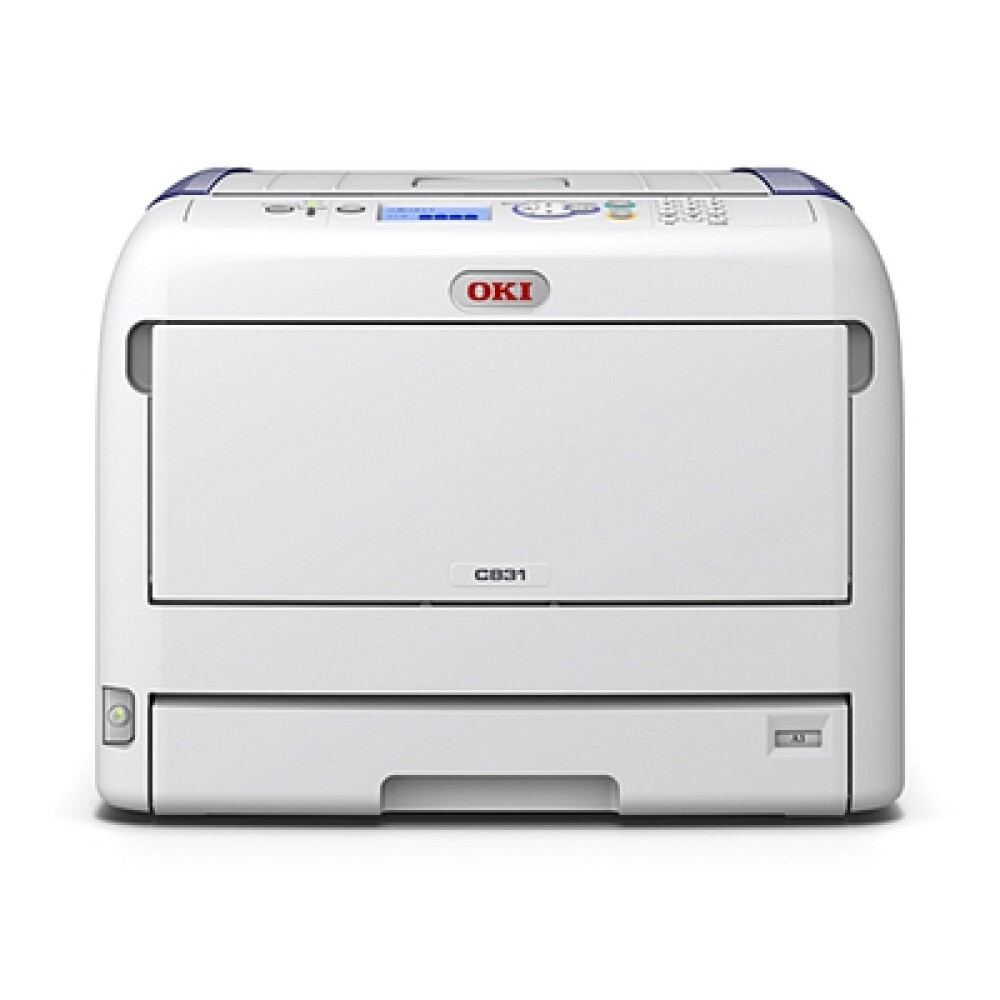
The Okidata C831N is a color laser printer from OKI's compact office line, designed for workgroups that want vivid color in a small footprint. It uses the 44844509 to 44844512 cartridge family — 44844512 black with 44844511 cyan, 44844510 magenta and 44844509 yellow — stocked here as separate cartridges so each color is replaced on its own schedule.
The N variant shares its cartridge family with the C831D and the MC873, so its toner is a known quantity across the range. What defines life with a shared C831N is less the machine than the mix of people printing to it: presentations one hour, plain text the next, and color levels that drift down unevenly. The most useful habit is simply knowing which color your group's work consumes fastest, and keeping that one cartridge ahead of demand.
Toner Cartridges for C831N
| Cartridge | Color | Page Yield |
|---|---|---|
| 44844512 | Black | See product page |
| 44844511 | Cyan | See product page |
| 44844510 | Magenta | See product page |
| 44844509 | Yellow | See product page |
| 44844512, 44844511, 44844510, 44844509 — 4 Color Set | All four colors | See product page |
| C831N — 4 Color Set | All four colors | See product page |
| C831N Premium Quality — 4 Color Set | All four colors | See product page |
Which cartridge should you buy?
Buy the single cartridge for the empty position — on a color machine with four independent cartridges, anything else spends money on toner that still has pages left in it. The sets on this page, including the premium-quality set, are for restocking a machine whose colors have run down together or for keeping a complete spare set for a printer a whole workgroup depends on. Watch the panel readings for a month and a pattern will emerge: most shared C831N machines lean hard on black and one accent color. Stock your spare shelf to match that pattern rather than evenly, and the printer will rarely catch the office unprepared. All compatible cartridges here come with a 1-year warranty and 1-year returns.
Chip, toner and everyday use
On a shared printer, the cheapest toner setting is a driver default: set casual printing to black-and-white so everyday drafts do not drain the color cartridges, and let color be a deliberate choice. Brief pauses between color pages are normal calibration cycles, not a toner fault; only when pauses grow long or quality drops is it time to check the levels. Keep spare cartridges sealed, flat and away from heat and sunlight, and when you install one, push it in until it clicks so the printer reads its chip and level correctly from the start.
Frequently Asked Questions
What toner set does the Oki C831N require?
The C831N uses yellow 44844509, magenta 44844510, cyan 44844511 and black 44844512. The N variant shares this cartridge family with the C831D and the MC873, so the same numbers serve all of them.
My C831N is shared by an office. How do I keep toner costs predictable?
Set the shared driver default to black-and-white, so casual users do not drain the color cartridges on drafts. Then track which color depletes fastest in your group's real work and keep one spare of that color on the shelf — that combination removes most surprise orders.
Why does the C831N pause between color pages?
Brief pauses during color printing are normal calibration cycles, not a sign of a toner problem. If the pauses grow long or print quality starts to drop, check the toner levels at that point rather than replacing cartridges on suspicion.
Which spare cartridge should a workgroup keep for the C831N?
The one your printing consumes fastest — usually black, and often one accent color alongside it. A month of panel readings will show the pattern for your office; stock to that pattern instead of buying a full set as insurance.
More printers that use the same cartridges
The same cartridge family serves these related models, so a spare bought for the C831N also fits any of them: MC837, MC837DN, MC837DNC, MC837DNX, MC873, MC873DN, MC873DNC, MC873DNX, C831, C831CDTN, C831D, C831DN.