




C831CDTN
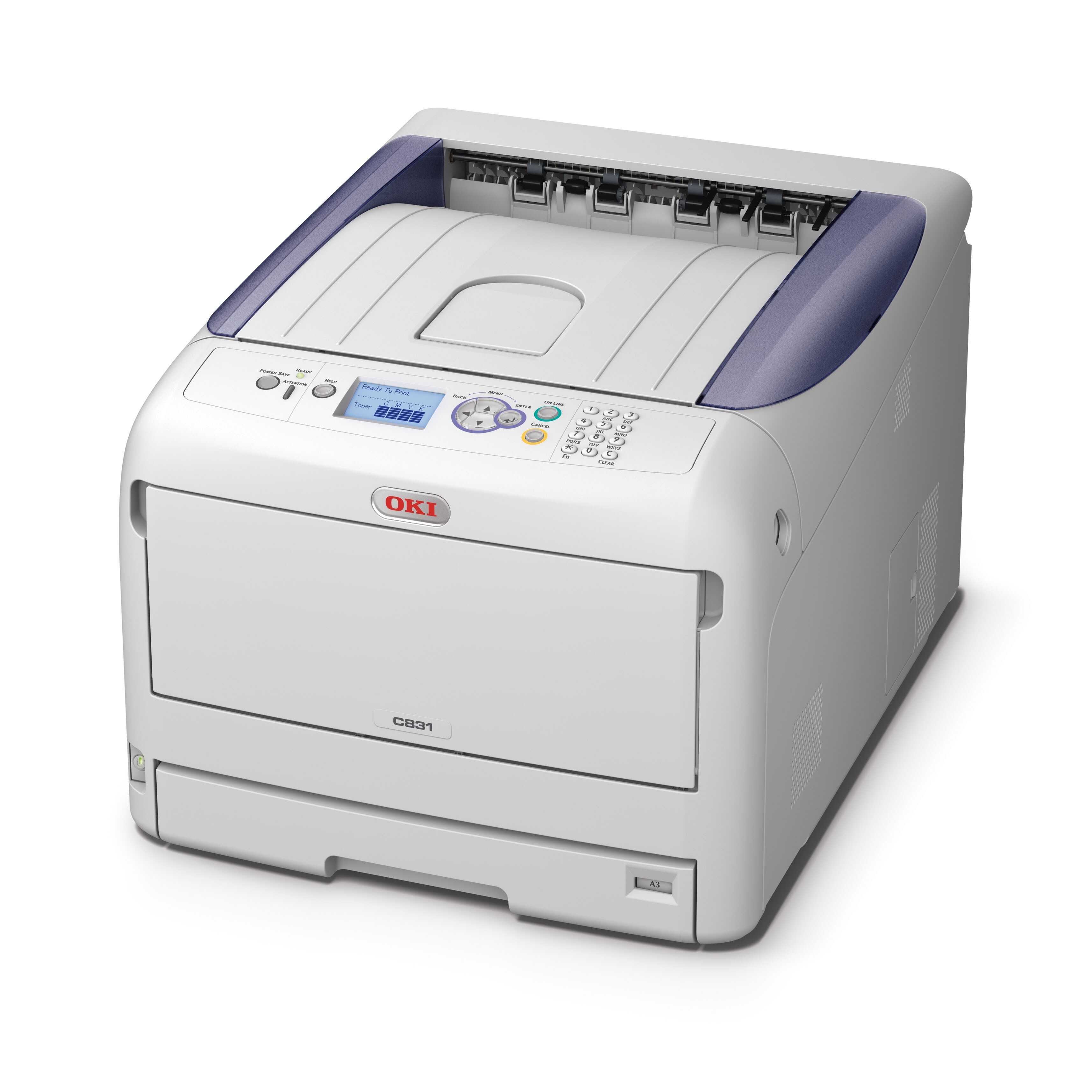
The C831CDTN is the fully optioned configuration of OKI's C831 color printer — duplexing and the expanded connectivity of the line on the same engine — and it drinks from exactly the same four cartridges as the base machine: black 44844512, cyan 44844511, magenta 44844510 and yellow 44844509. The configuration letters buy paper handling and connections, not a different consumable.
That shared appetite is worth more than it first looks. An office running several C831 configurations side by side stocks one cartridge list for all of them, so the spare on the shelf fits whichever machine calls for it. Order for the family rather than for a single printer's badge and the odds of having the right color on hand go up sharply.
Toner Cartridges for C831CDTN
| Cartridge | Color | Page Yield |
|---|---|---|
| 44844512 | Black | See product page |
| 44844511 | Cyan | See product page |
| 44844510 | Magenta | See product page |
| 44844509 | Yellow | See product page |
All four singles also come together in the 4 Color Set for this family.
Which cartridge should you buy?
Singles are the economical default: the printer tells you which color is low, and you replace that one alone. A set earns its place when two or more colors are approaching empty together, or when a workgroup printer simply cannot sit idle waiting for a second delivery — the C831CDTN 4 Color Set and the C831CDTN Premium Quality 4 Color Set both refresh the whole row at once. Check the supply levels before deciding; buying a set while three cartridges are half full spends money on toner you already own.
Chip, toner and everyday use
Before ordering, glance at the printer's status page: it reports each cartridge separately, which settles arguments about which color is really low. New cartridges are chipped and read as full once seated in the matching color slot. When a page starts to wash out, remove that color's cartridge and tilt it side to side several times — settled toner redistributes and often restores even coverage for a while longer. Keep unopened spares in their bags, out of direct sunlight, and they will wait patiently for their turn.
Frequently Asked Questions
Does the C831CDTN use the same toner as the base C831?
Yes, cartridge for cartridge. The C831, its duplex and network variants and this CDT configuration all take black 44844512, cyan 44844511, magenta 44844510 and yellow 44844509, so one stocking list covers the family.
My colors look faded. Which cartridge is at fault?
Usually the one that is running low. Check the supply levels on the status page first; if they look healthy, print a color test page — a single washed-out color points straight at that cartridge, while even fading across all colors suggests something other than toner.
Is changing a cartridge on this machine difficult?
No. Open the cover, pull the empty cartridge out and drop the replacement into the slot with the matching color label. A few gentle side-to-side shakes before fitting spread the toner evenly through the new cartridge.
Do the extra configuration letters change which toner I buy?
They do not. The letters describe hardware — two-sided printing, trays, network options — while the toner set stays identical across every C831 letter combination.
More printers that use the same cartridges
These office models share the same four cartridges, so stock bought for one serves them all:
MC837, MC837DN, MC837DNC, MC837DNX, MC873, MC873DN, MC873DNC, MC873DNX, C831, C831D, C831DN, C831N