




MC560N
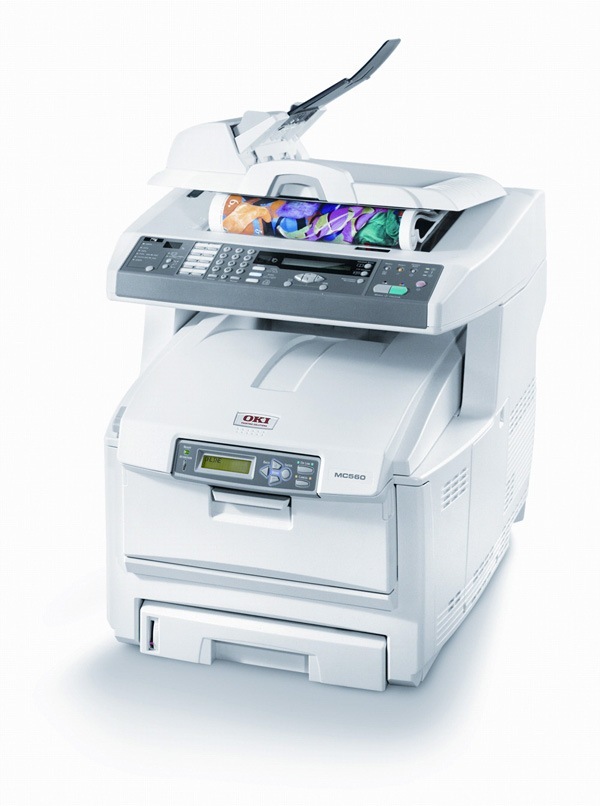
The Okidata MC560N takes the MC560 color platform onto the office network, so a whole workgroup shares one machine for color printing, copying, scanning and faxing. This page stocks the complete supply for it in a single box: the MC560N MFP 4 Color Set, which holds the four individual cartridges the machine runs on — black, cyan, magenta and yellow, each in its own slot.
Sharing changes the supply problem. On a personal printer an empty cartridge is one person's errand; on a networked workgroup machine it is everyone's stalled job. The MC560N was specced for that shared life — network-connected, LED-fast in color as well as black — and its toner arrangement matches: four separate cartridges with long rated lives, so replacements are occasional events rather than a weekly routine, and a complete spare set can wait in the cupboard against the day one color gives out mid-run.
Toner Cartridges for MC560N
| Cartridge | Color | Page Yield |
|---|---|---|
| MC560N MFP — 4 Color Set | Black, Cyan, Magenta, Yellow | See product page |
Inside the set are the four cartridges specified for this machine: black 43865744, rated at 8,000 pages; yellow 43865741, magenta 43865742 and cyan 43865743, each rated at 6,000 pages. Ratings assume roughly 5% page coverage, so dense color documents will land lower and plain text higher. The four are replaced individually as they empty — the set is how they are stocked on this page, not a requirement to change all four at once.
Which cartridge should you buy?
For this page the decision is simple, because the 4 Color Set is the stocked unit — and for a shared machine that is arguably the right unit anyway. A workgroup cannot plan around which color empties first; black is rated for 8,000 pages against 6,000 for the colors, so the slots fall out of step with each other by design. Keeping one complete set in reserve means whichever cartridge the panel flags, its replacement is already in the building, and the individual spent cartridge is the only thing being thrown away. Buy the set when the first color warning appears rather than after a slot is fully empty, and the MC560N never has to sit idle waiting for a delivery.
Chip, toner and everyday use
The MC560N is a digital LED printer: single-pass LED printheads lay down all four colors in one pass, which is why color pages keep pace with black ones. The cartridges in the set are chipped for the machine, so levels display normally on the panel after a swap. If colors ever drift out of register — a faint halo around text is the usual sign — run the color registration adjustment from the machine's menu; it prints a test pattern and realigns the four printheads, and a cartridge that is nearly empty in one color can be the underlying cause if the drift returns. Store the spare set sealed and flat, away from heat and direct light.
Frequently Asked Questions
What toner cartridges does the MC560N use?
Four individual cartridges: black 43865744 (8,000 pages), yellow 43865741, magenta 43865742 and cyan 43865743 (6,000 pages each). On this page they are supplied together as the 4 Color Set listed above.
Can I buy a single color for the MC560N on this page?
This page stocks the complete 4 Color Set rather than separate singles. The cartridges inside are still replaced one at a time as they empty — you are stocking all four at once, not changing all four at once.
My colors look misaligned. Is a cartridge failing?
Usually not. Run the color registration adjustment from the MC560N's menu first; it exists for exactly this. If the misalignment keeps coming back, check the levels — a color that is nearly empty can lay down unevenly and mimic a registration problem.
Is the MC560N a laser printer?
It is a digital LED printer, not a traditional laser design. LED printheads expose the image without a sweeping laser beam or rotating mirror, and on this model all four colors print in a single pass — one reason a workgroup machine like this holds its speed in color work.