




MC363DN
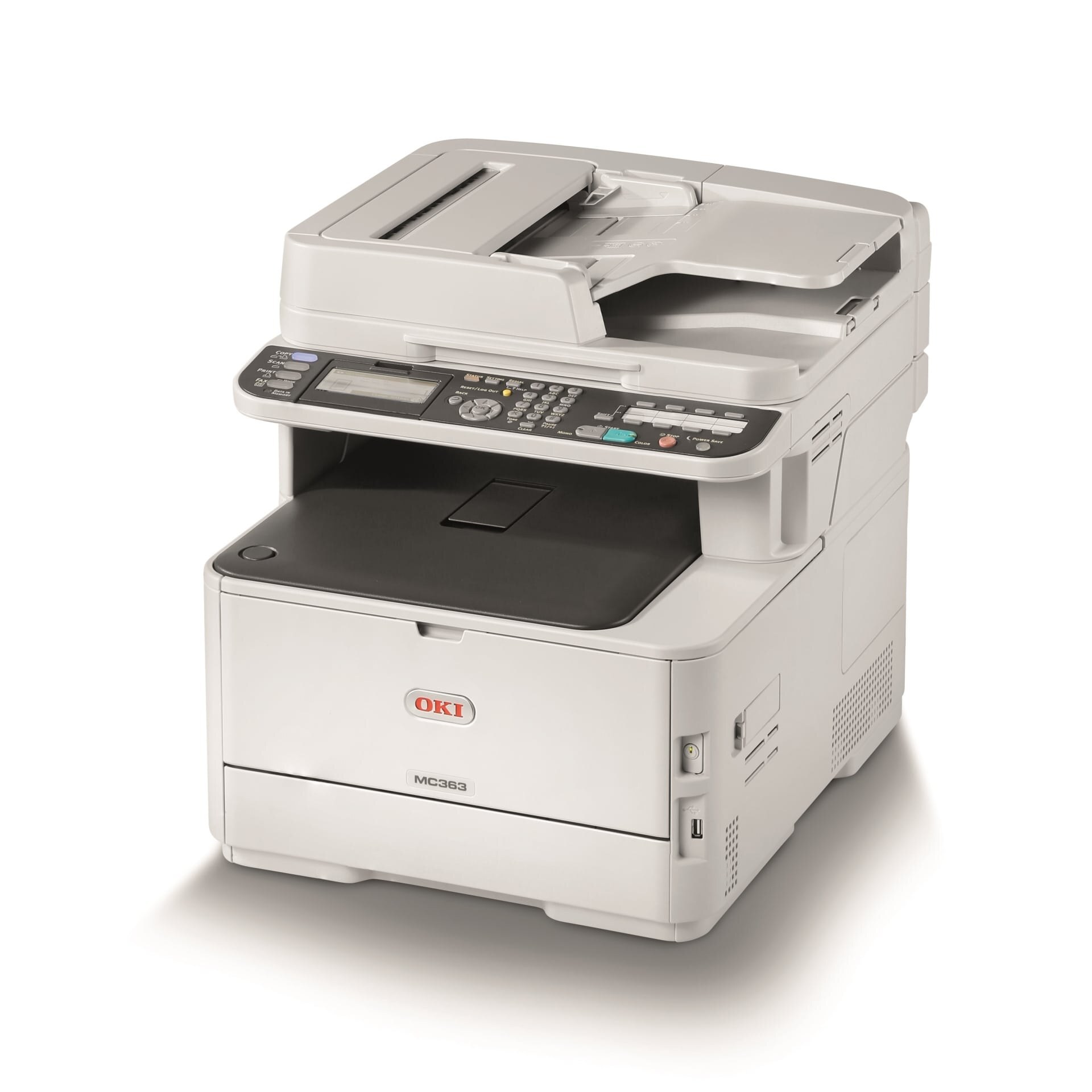
The OKI MC363DN is a duplex, networked color multifunction for small workgroups that need print, scan, copy and fax in one machine. Its toner is 46508704 black, rated at about 3,500 pages, with 46508701 yellow, 46508702 magenta and 46508703 cyan — four clearly numbered cartridges that are hard to mix up at the shelf.
A multifunction spends toner in more ways than a printer does. Every color copy draws on the same four cartridges as a color print, while scans sent to email or a folder cost nothing at all. On the MC363DN the black cartridge usually leads the pack, because copying and fax output in a typical workgroup is mostly black-and-white paperwork.
Toner Cartridges for MC363DN
| Cartridge | Color | Page Yield |
| 46508704 | Black | About 3,500 pages |
| 46508703 | Cyan | See product page |
| 46508702 | Magenta | See product page |
| 46508701 | Yellow | See product page |
Also stocked under this model's name: the black 46508704 2 Pack and the 4 Color Set with one cartridge of each color.
Which cartridge should you buy?
Because each color loads separately, you only ever replace the one that is empty — that is the baseline rule for this machine. Build from there: a copy-heavy workgroup should keep the black 2 Pack as its standing spare, since black is spent by prints, copies and received faxes alike. The 4 Color Set is the right buy when the machine is first installed, or when several colors have aged together and a full refresh beats three separate orders in a month. Single colors remain the answer when just one slot calls for attention.
Chip, toner and everyday use
The MC363DN reads each cartridge's chip and reports levels per color, so a low warning names its cartridge. A warning is not an emergency: remove the low cartridge, shake it gently side to side to redistribute the toner that remains, and reinstall — printing usually continues until output genuinely fades. Keep unopened spares flat and sealed, and fit replacements one at a time so each chip registers cleanly before the next swap.
Frequently Asked Questions
What toner cartridges does the MC363DN use?
Black 46508704, yellow 46508701, magenta 46508702 and cyan 46508703. Each color is its own cartridge, so replacement always follows the one that actually ran out.
The MC363DN says a cartridge is low. Do I have to replace it right away?
Usually not. Take the low cartridge out, shake it gently side to side, and put it back — the remaining toner redistributes and work continues. Replace it when prints or copies actually start to fade.
My MC363DN prints thin white lines. Is the toner empty?
Probably not — thin white lines down the page usually mean a dirty LED lens. Clean the four LED arrays inside the machine with a dry, lint-free cloth and print a test page before blaming a cartridge.
Does the MC363DN share cartridges with the C332DN printer?
Yes, the same four numbers feed both machines, and the C322DN belongs to the family as well — see the list below. One shelf of spares can cover the whole group.
More printers that use the same cartridges
The MC363DN's cartridge family also covers: