




C511DN
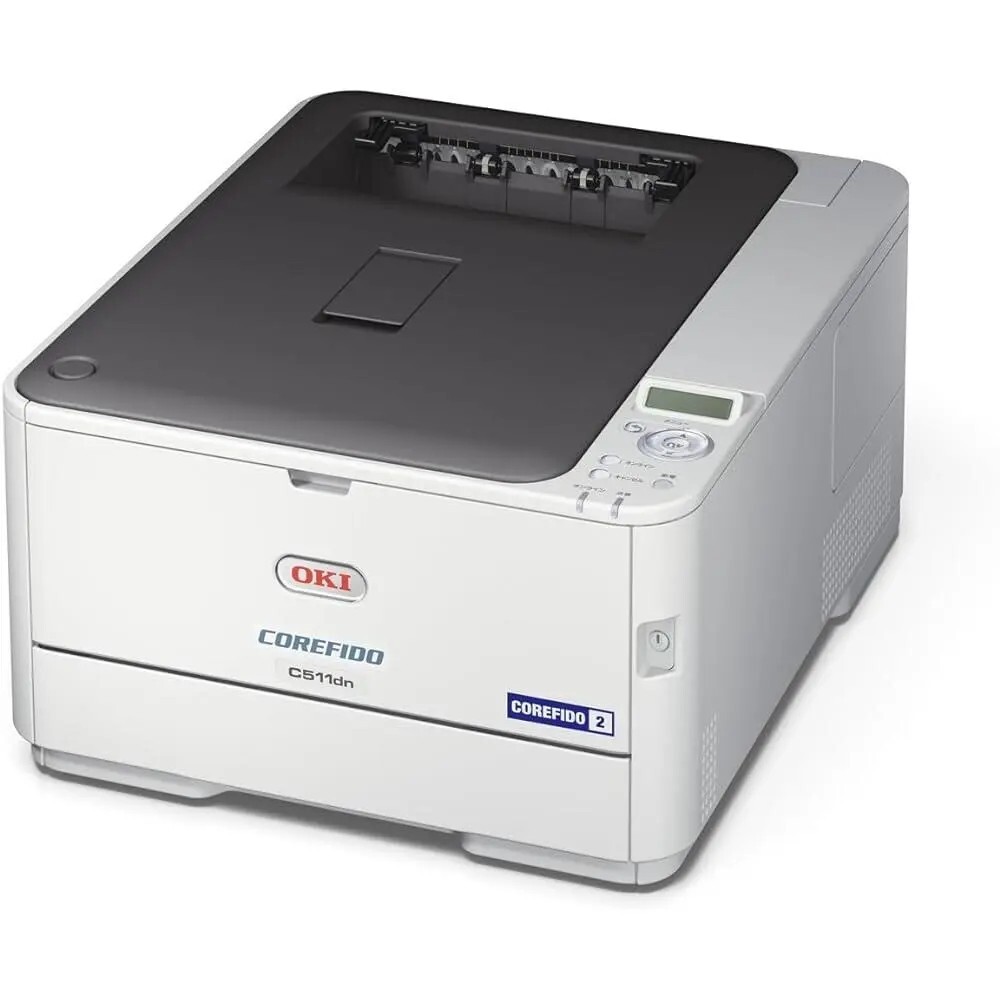
Designed as a networked color laser printer with duplexing, the OKI C511DN suits shared office setups where two-sided color documents are routine. Its Type C17 toner set pairs 44469801 black with 44469703 cyan, 44469702 magenta and 44469701 yellow, and high-capacity variants of the family stretch the intervals between cartridge swaps.
Routine two-sided color is a specific kind of workload: documents that leave the office — proposals, reports, client packs — printed double-sided as a matter of house style. The C511DN's duplexing makes that the path of least resistance, and its network connection means the whole team shares the habit. Toner planning follows from it: color consumption on this machine is steady rather than spiky, which makes the high-capacity variants a natural fit and turns reordering into a predictable rhythm instead of a series of surprises.
Toner Cartridges for C511DN
| Cartridge | Color | Page Yield |
|---|---|---|
| 44469801 | Black | See product page |
| 44469703 | Cyan | See product page |
| 44469702 | Magenta | See product page |
| 44469701 | Yellow | See product page |
Sets on this page: the C511DN 4 Color Set, the C511DN Premium Quality 4 Color Set, the Type C17 4 Color Set and the Type C17 Premium Quality 4 Color Set.
Which cartridge should you buy?
Start with the high-capacity question, because steady shared volume is where longer-life cartridges quietly win: fewer swaps, fewer interruptions, and a lower cost per page across the year. Within that, buy by color — the C511DN consumes its four cartridges independently, and the one your documents lean on (often black, or the dominant brand color in your templates) will call for replacement well before the others. A full set makes sense when a restock coincides across colors or when you are setting the printer up; day to day, a single cartridge matched to the low warning is the disciplined buy. Keep the numbering by suffix: 801 is black; 701, 702 and 703 are yellow, magenta and cyan.
Chip, toner and everyday use
Faded colors on a C511DN are worth diagnosing before you spend: run the printer's color calibration from the menu first, then gently wipe the LED printhead lens strips with a soft, dry cloth, since dust there dulls one channel while its cartridge is still healthy. Only if a single color stays weak after both steps is its cartridge likely near the end. Store spare cartridges sealed and flat, and rotate stock so the oldest box goes in first — toner keeps well, but there is no reason to test how well. When you swap, let the chip register and the machine settle before judging the first sheet.
Frequently Asked Questions
Which toner cartridges does the OKI C511DN use?
Four Type C17 cartridges: black 44469801, cyan 44469703, magenta 44469702 and yellow 44469701, each replaced individually — you only ever buy the color that runs out.
How does the C511DN's duplex printing affect toner consumption?
Printing on both sides halves paper use, but toner is consumed per printed side, so a duplex page uses the same toner as two single-sided pages. Duplex as the default still saves money overall, because paper is often the larger cost.
Why do colors look faded on my C511DN even though the cartridges are not empty?
Run color calibration from the menu first, then wipe the LED printhead lens strips with a soft, dry cloth. If one color channel is still weak afterward, that specific cartridge — 44469701, 44469702 or 44469703 — may be nearing its end and should be replaced.
Are high-capacity cartridges a good fit for the C511DN?
For a shared machine with steady two-sided color work, yes: the family's high-capacity variants stretch the time between swaps, which is where a networked workgroup printer feels the benefit most.
More printers that use the same cartridges
The Type C17 family also covers these OKI models: MC351, MC351DN, MC361 MFP, MC361DN, MC362, MC362w MFP, MC362W, MC561 Color MFP, MC561 MFP, MC561DN, MC562, MC562dn, MC562dnw, MC562W MFP, MC562W, MC890, MC950 MFP, MC950, C17, C310, C310DN, C330, C330DN, C331 C530dn, C331, C331DN, C510, C510DN, C530, C530DN, C531, C531d, C531DN.