




MC361 MFP
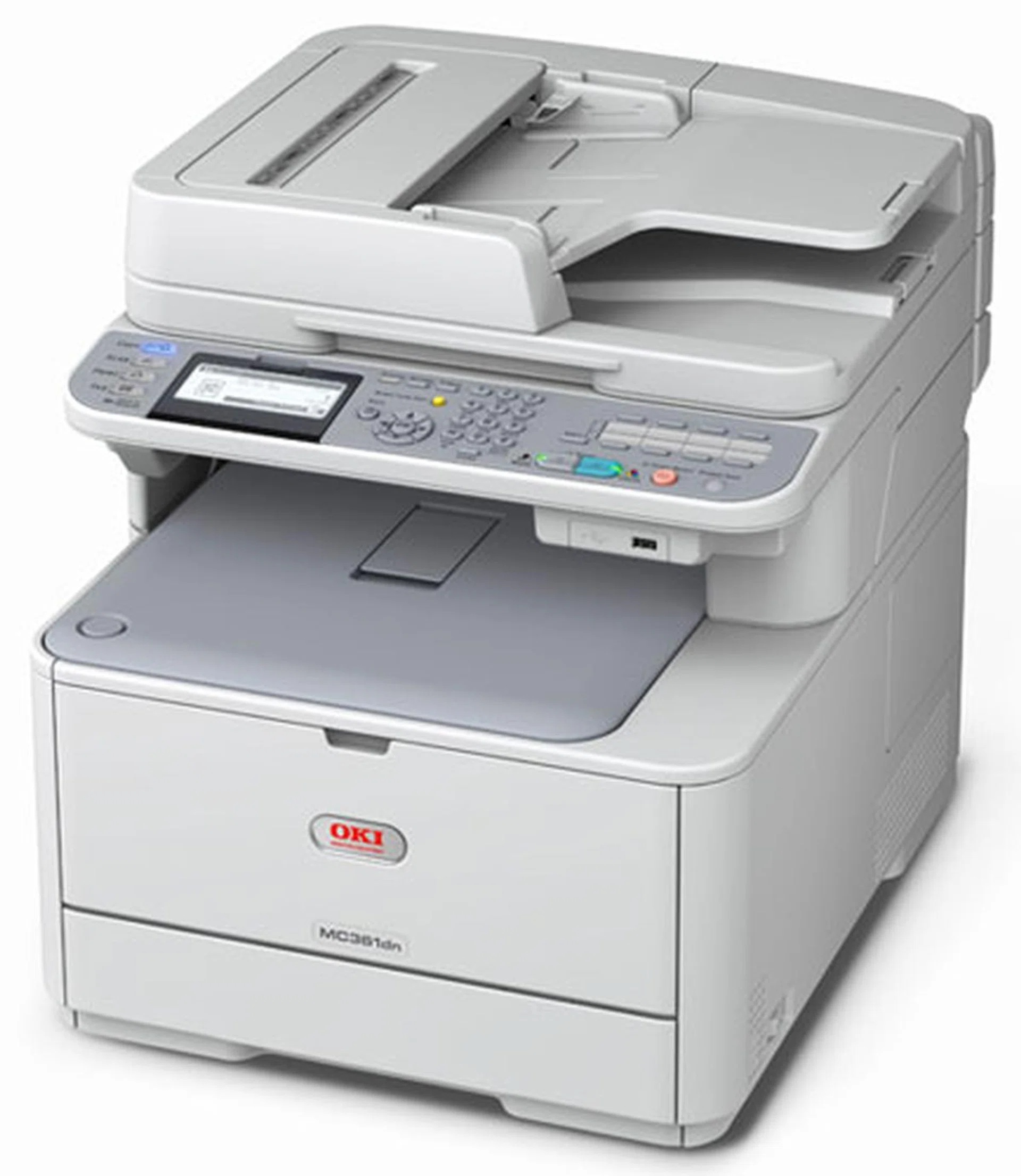
The OKI MC361 MFP combines color printing with scanning, copying and fax in one desktop unit sized for small workgroups. It takes the same Type C17 toner as the C510 and C530 printer family: black 44469801, cyan 44469703, magenta 44469702 and yellow 44469701. One cartridge family therefore covers both the printer-only and multifunction sides of an OKI fleet.
That sharing is the practical story of this machine. A small team rarely standardizes on one box; it ends up with a printer by one desk and an MFP by another. Because the MC361 MFP drinks from the same four numbers as its C-series cousins, the supply shelf stays simple — four cartridges to watch, not eight. Additional multipack listings for this family are also sold under the C330 name on this page.
Toner Cartridges for MC361 MFP
| Cartridge | Color | Page Yield |
|---|---|---|
| 44469801 | Black | See product page |
| 44469703 | Cyan | See product page |
| 44469702 | Magenta | See product page |
| 44469701 | Yellow | See product page |
| Type C17 4 Color Set | Black, cyan, magenta and yellow | See product page |
| Type C17 Premium Quality 4 Color Set | Black, cyan, magenta and yellow | See product page |
| MC361 MFP 4 Color Set | Black, cyan, magenta and yellow | See product page |
| MC361 MFP Premium Quality 4 Color Set | Black, cyan, magenta and yellow | See product page |
Which cartridge should you buy?
Replace the slot that is empty, not the row. The four cartridges live independent lives, and on a workgroup MFP the colors tend to fall in waves after copy-heavy weeks while black drains steadily in between. A single cartridge is the economical answer to a single faded color. Reach for a four-color set when the machine is new to you, when several slots are low at once, or when restocking a shared shelf in one order is worth more than squeezing the last pages from a cartridge. Either way, reorder by the number on the cartridge you removed.
Chip, toner and everyday use
These cartridges are chipped, so the MC361 MFP reports each level and recognizes a replacement as soon as it locks in. Swap with the power on, seat the cartridge fully, and run a test page before handing the machine back to the team. A cartridge that has been on the shelf a while benefits from a gentle end-to-end rock to loosen the toner. Store spares in their bags, flat and out of direct light, and remember that copying and printing draw from the same four cartridges — heavy copy weeks will show up in your levels.
Frequently Asked Questions
Which toner does the OKI MC361 MFP use?
Black 44469801, cyan 44469703, magenta 44469702 and yellow 44469701 — the Type C17 family shared with the C510 and C530 printers. Each color is its own cartridge and can be replaced independently.
Can the MC361 MFP work as a standalone copier during a network outage?
Yes. Copying needs no network at all, so the machine keeps serving as a copier while the network is down. Only network printing and scan-to-network-folder pause until connectivity returns.
Are the cartridges the same as the ones for the MC361DN?
Yes — both models run the identical Type C17 set and the same engine family. A spare bought for one model fits the other, which keeps a mixed shelf simple.
How do I know which color to reorder?
Check the level display for each of the four slots and order the one that is low. The machine tracks the colors separately, so there is no need to guess from print quality alone.
More printers that use the same cartridges
The Type C17 family stretches across a long list of OKI printers and MFPs. All of these take the same four cartridges:
MC351, MC351DN, MC361DN, MC362, MC362w MFP, MC362W, MC561 Color MFP, MC561 MFP, MC561DN, MC562, MC562dn, MC562dnw, MC562W MFP, MC562W, MC890, MC950 MFP, MC950, C17, C310, C310DN, C330, C330DN, C331 C530dn, C331, C331DN, C510, C510DN, C511DN, C530, C530DN, C531, C531d, C531DN