




C310DN
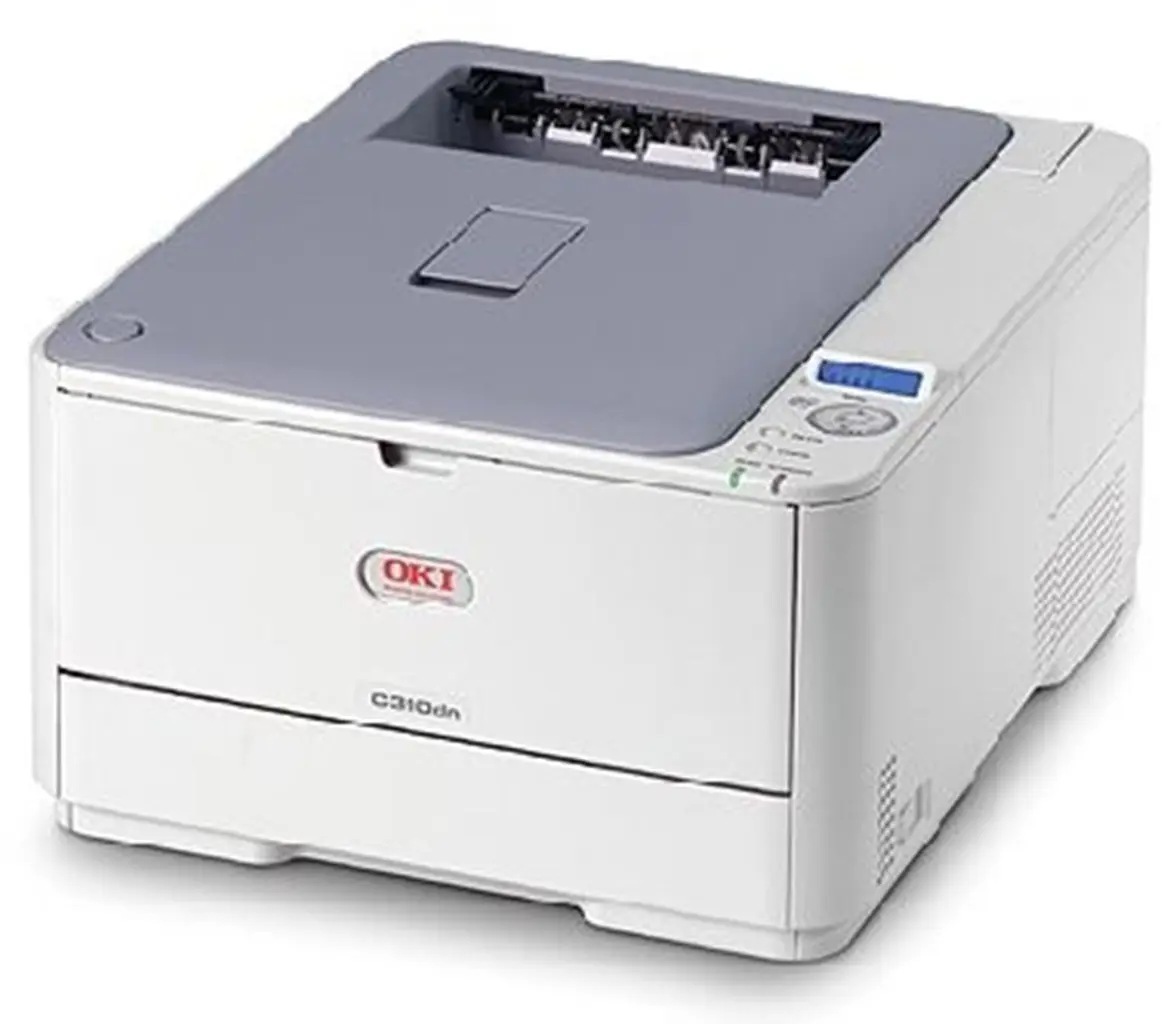
Compact is the C310DN's defining trait: a color laser printer small enough for a shared office corner, yet fitted with automatic duplexing and network connectivity in its "dn" configuration. It draws from OKI's Type C17 toner family — 44469801 black, rated at 3,500 pages, alongside 44469703 cyan, 44469702 magenta and 44469701 yellow, with high-yield versions that stretch each color to 5,000 pages for busier print months.
A printer this size usually serves a handful of people who print a bit of everything: color-coded spreadsheets, meeting handouts, the odd flyer. Its small footprint tempts owners to tuck it anywhere, but give it breathing room and a level surface — heat and vibration are unkind to toner cartridges, and a compact machine that several people depend on is exactly the one you cannot afford to have sulking. The duplex unit quietly halves paper use on the two-sided documents small teams produce most.
Toner Cartridges for C310DN
| Cartridge | Color | Page Yield |
|---|---|---|
| 44469801 | Black | 3,500 pages |
| 44469703 | Cyan | See product page |
| 44469702 | Magenta | See product page |
| 44469701 | Yellow | See product page |
High-yield versions of the three colors run to about 5,000 pages each. Full sets on this page: the C310DN 4 Color Set, the C310DN Premium Quality 4 Color Set, the Type C17 4 Color Set and the Type C17 Premium Quality 4 Color Set.
Which cartridge should you buy?
For a small team, the high-yield colors are usually the smart default: stretching each color to roughly 5,000 pages means the shared printer asks for attention a few times a year instead of every few weeks, and the cost per page drops with the longer life. Black is the exception to think about separately — at 3,500 pages it is the cartridge a document-heavy office empties first, so a spare black earns its shelf space even when the colors are fresh. Buy singles as colors fade; there is no prize for replacing a half-full cyan early. Keep a full set only if the printer supports a deadline-driven team that cannot pause for a delivery.
Chip, toner and everyday use
When the C310DN reports a cartridge as low, do not treat the message as an expiry date. Lift the cartridge out, rock it gently side to side to redistribute the toner still inside, and reinstall it — output often evens out for a good while longer. Dust is the other quiet enemy: white streaks down the page usually trace to the LED lens strips, which wipe clean with a soft, dry, lint-free cloth while the machine is powered off. Fit replacements with clean, dry hands and avoid touching the lens strips with bare fingers, since skin oil smears light exactly where you least want it.
Frequently Asked Questions
Which cartridges fit the C310DN?
Four Type C17 cartridges: 44469801 black, 44469703 cyan, 44469702 magenta and 44469701 yellow. Check the color against the number when ordering — on this family black carries the 801 suffix, not the lowest number.
The C310DN says a cartridge is low. Do I have to replace it right away?
Usually not. Remove the low cartridge, shake it gently side to side, and reinstall it to redistribute the remaining toner. Replace it when prints genuinely start to fade rather than when the warning first appears.
How do I clean the LED printheads on the C310DN?
Power the printer off, open it up, and gently wipe each LED printhead lens with a soft, dry, lint-free cloth. Dust on a lens blocks light and leaves white streaks; avoid touching the lens with bare fingers.
Are high-yield cartridges worth it for a small office?
For the colors, generally yes: high-yield versions stretch each color to about 5,000 pages, so a shared printer needs fewer swaps across the year. Light users who print color only occasionally can stay with standard cartridges and keep less money parked in toner.
More printers that use the same cartridges
The Type C17 family is one of OKI's widest, covering these printers and multifunction models: MC351, MC351DN, MC361 MFP, MC361DN, MC362, MC362w MFP, MC362W, MC561 Color MFP, MC561 MFP, MC561DN, MC562, MC562dn, MC562dnw, MC562W MFP, MC562W, MC890, MC950 MFP, MC950, C17, C310, C330, C330DN, C331 C530dn, C331, C331DN, C510, C510DN, C511DN, C530, C530DN, C531, C531d, C531DN.