




MC362w MFP
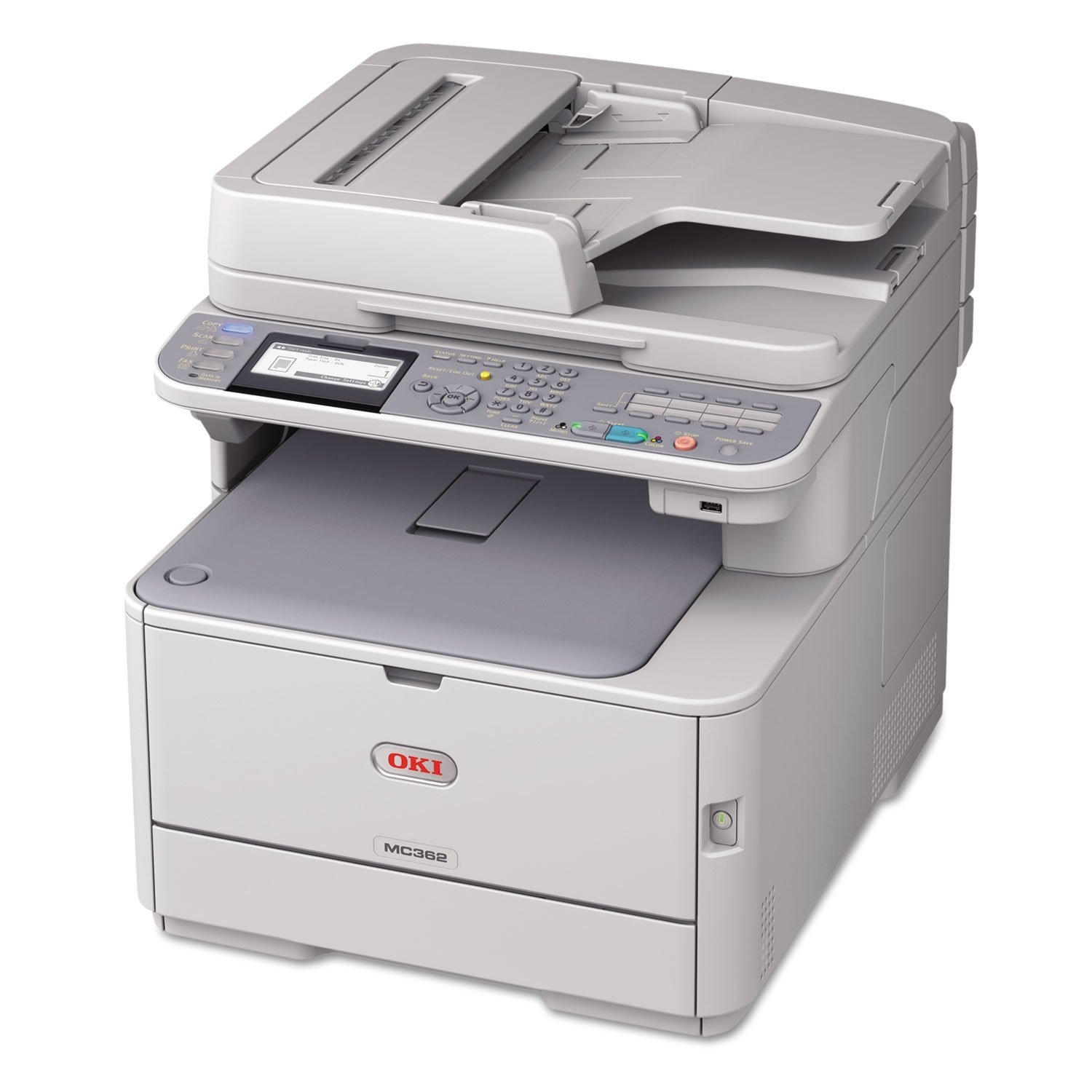
The Okidata MC362w MFP is the wireless member of its family — the full print, copy, scan and fax feature set, placed wherever the office needs it without running network cable. Its toner is the standard Type C17 line: black 44469801 rated at 3,500 pages, with cyan 44469703, magenta 44469702 and yellow 44469701 rated at 3,000 pages each. The family also offers a high-yield option rated at 5,000 pages per cartridge for heavier print runs; the listings on this page are the standard-capacity cartridges.
Wireless placement changes the office more than it changes the printer. The MC362w can sit on a credenza or in a shared nook instead of wherever the network drop happens to be, and every laptop in the room reaches it over Wi-Fi. What does not change is the supply routine: four independent cartridges, each replaced when its own level runs out, shared with the wired models in the same family.
Toner Cartridges for MC362w MFP
| Cartridge | Color | Page Yield |
|---|---|---|
| 44469801 | Black | 3,500 pages |
| 44469703 | Cyan | 3,000 pages |
| 44469702 | Magenta | 3,000 pages |
| 44469701 | Yellow | 3,000 pages |
Full sets stocked on this page:
- MC362W MFP 4 Color Set
- MC362W MFP Premium Quality 4 Color Set
- Type C17 4 Color Set
- Type C17 Premium Quality 4 Color Set
Which cartridge should you buy?
For a typical small-office load, the standard cartridges are the sensible default: 3,500 pages from the black and 3,000 from each color is a long interval between swaps, and you replace only the color that empties. If your team prints in sustained runs — monthly reports, classroom packs, client packets — the family's 5,000-page high-yield option stretches that interval further; just order by the exact number on the cartridge you remove, since the two capacities share the same slots. A four color set suits the moment when several levels fall together, or when you want one complete spare set beside a machine the whole office depends on.
Chip, toner and everyday use
The cartridges are chipped, and the MC362w reads each chip to report levels per color, so the wireless convenience never hides which cartridge is next. The one genuinely wireless way to waste toner is a dropped connection: a job that fails mid-print and gets resent can come out twice, and the duplicate set is pure waste. Keep the signal strong for long jobs, and when a cartridge nears its end, a gentle side-to-side rock of the cartridge redistributes the toner for a few final even pages.
Frequently Asked Questions
Which cartridges fit the MC362w MFP?
Four standard Type C17 cartridges: black 44469801, cyan 44469703, magenta 44469702 and yellow 44469701. Each color works independently and is replaced on its own when it runs out; the other three keep printing.
Do I have to replace all four cartridges at the same time?
No. Every cartridge in this machine has its own slot and its own level, so you change only the one that is empty. Replacing a full set when a single color has run out discards toner you have already paid for.
Will compatible cartridges work reliably in the MC362w MFP?
Yes — the compatible cartridges on this page are chipped to be recognized by the machine and to report their levels like the originals, and they are covered by a 1-year warranty and 1-year returns. Recognition, not the badge on the box, is what the printer checks.
Why did the same document print twice on my MC362w MFP?
Usually a dropped wireless connection: the first attempt partly printed, the job was resent, and both copies came out. It is a connection problem rather than a cartridge problem, but it costs real toner and paper, so a stronger signal or a wired run for very large jobs pays for itself.
More printers that use the same cartridges
Wireless or wired, the toner is shared — these Okidata models take the same Type C17 cartridges:
MC351, MC351DN, MC361 MFP, MC361DN, MC362, MC362W, MC561 Color MFP, MC561 MFP, MC561DN, MC562, MC562dn, MC562dnw, MC562W MFP, MC562W, MC890, MC950 MFP, MC950, C17, C310, C310DN, C330, C330DN, C331 C530dn, C331, C331DN, C510, C510DN, C511DN, C530, C530DN, C531, C531d, C531DN