




C331 C530dn
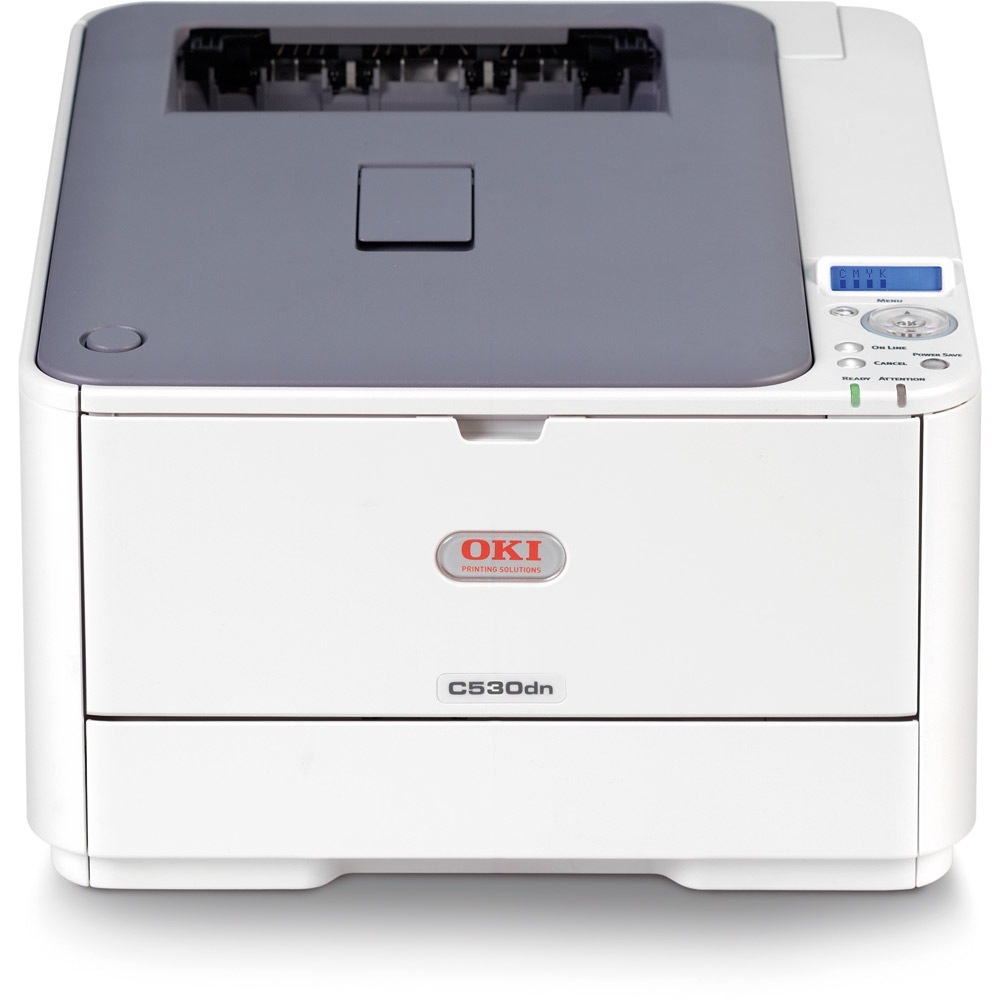
Two printer names share one page here because the Okidata C331 and the Okidata C530dn are built on the same color laser engine and drink from the same OKI Type C17 cartridge family. Black is 44469801, and the three colors are 44469703 cyan, 44469702 magenta and 44469701 yellow. A set bought for either machine drops straight into the other, which is why this combined listing stocks the shared family in set form rather than as separate shelves.
The practical payoff is a thinner spare shelf. An office running a C331 at one desk and a C530dn at another does not need two sets of backup cartridges, two reorder lists or two chances to run dry mid-job: one Type C17 set covers both machines, and whichever printer calls for a color first gets it. Stock rotation also gets simpler, because the spare is never stranded for a model that happens not to need it this month.
Toner Cartridges for C331 C530dn
| Cartridge | Color | Page Yield |
| 44469801 | Black | See product page |
| 44469703 | Cyan | See product page |
| 44469702 | Magenta | See product page |
| 44469701 | Yellow | See product page |
Stocked on this page: the Type C17 4 Color Set with one cartridge in each color, and the Type C17 5 Color Set, which packs five pieces from the same four cartridges.
Which cartridge should you buy?
There are no loose singles on this page, so the choice is between the two sets. The 4 Color Set is the straightforward full refresh: when several colors are reporting low together, or a printer is new to the office, one box restarts every slot at once. The 5 Color Set suits the machine whose black empties long before its colors — a common pattern in text-heavy offices — because the fifth piece gives the fastest-moving slot a head start. If only one color is low and the rest are healthy, a set is more than the moment demands, but it leaves the remaining cartridges on the shelf for the next alert instead of triggering a second order.
Chip, toner and everyday use
Each Type C17 cartridge carries a chip the printer reads on installation, so a compatible set registers without workarounds. Swap one color at a time and keep the printer powered while it recognizes the new cartridge. Page counts are estimates at light coverage, and real offices printing dense color graphics will see fewer pages. Store unopened cartridges flat, out of direct sunlight, and if a color starts printing pale before its warning appears, slide it out and rock it gently end to end to level the toner inside.
Frequently Asked Questions
I have a C331. Can I use cartridges bought for a C530dn?
Yes. The two models share the exact same Type C17 family — black 44469801 with yellow 44469701, magenta 44469702 and cyan 44469703 — so cartridges move freely between them. Just seat each cartridge in its matching color slot.
Why does my C530dn use color toner on black-and-white pages?
It is probably printing text in composite black, which mixes the color cartridges instead of using the black one. Set the driver to black-only or grayscale for everyday documents and the 44469801 cartridge does the work while the colors stay untouched.
Do all four cartridges have to be replaced together?
No. Each color is tracked and replaced on its own schedule. The sets on this page are a buying convenience for a shared shelf, not a requirement — install only the cartridge the printer asks for and keep the rest sealed.
Which set should a two-printer office keep as the spare?
The 5 Color Set, if black disappears noticeably faster than the colors; the 4 Color Set if both machines use their colors evenly. Either way, one spare box covers both printers.
More printers that use the same cartridges
The same Type C17 family also feeds these models:
MC351, MC351DN, MC361 MFP, MC361DN, MC362, MC362w MFP, MC362W, MC561 Color MFP, MC561 MFP, MC561DN, MC562, MC562dn, MC562dnw, MC562W MFP, MC562W, MC890, MC950 MFP, MC950, C17, C310, C310DN, C330, C330DN, C331, C331DN, C510, C510DN, C511DN, C530, C530DN, C531, C531d, C531DN