




C330DN
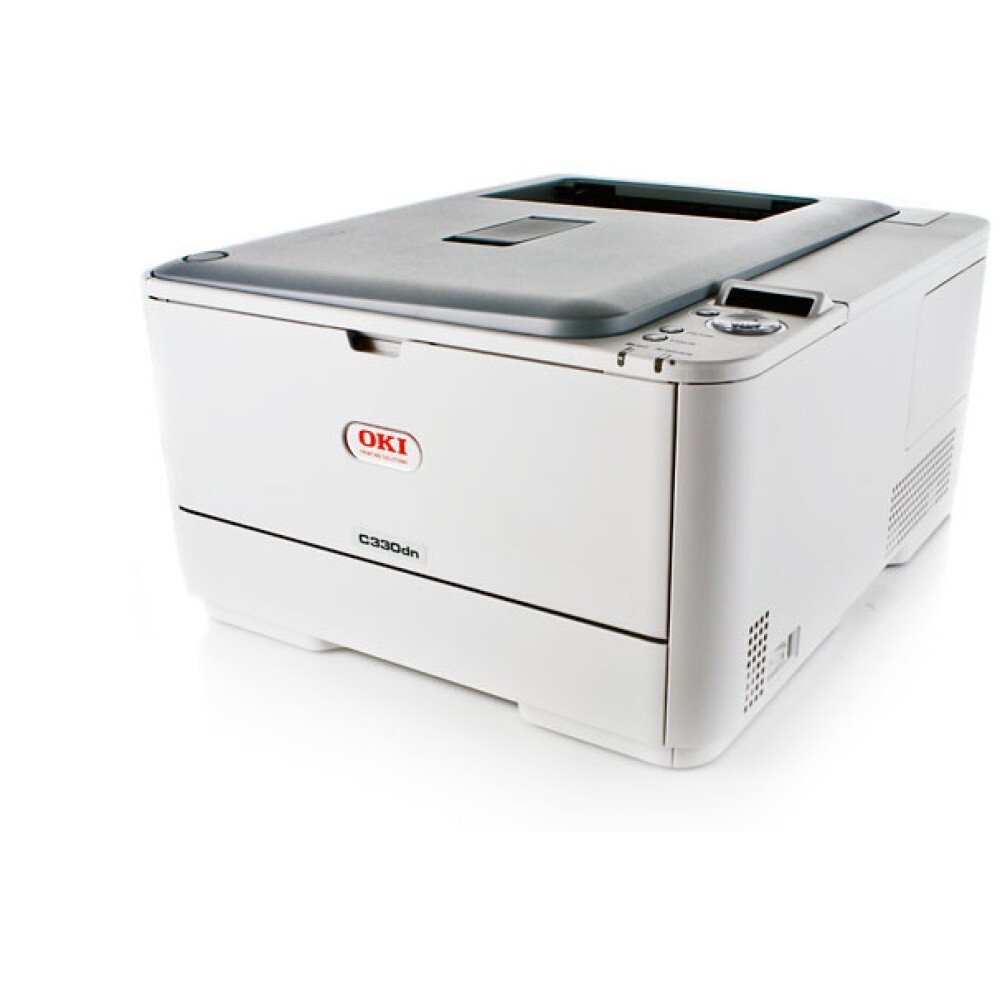
One color printer, shared by a few desks: the Okidata C330DN is a single-function color laser with duplex and network connectivity built in, aimed at small offices. It runs on OKI Type C17 cartridges — black 44469801, cyan 44469703, magenta 44469702 and yellow 44469701 — each color loaded separately, each replaced only when its own supply runs dry.
Four independent supplies shape how this printer behaves in daily use. Black does the heavy lifting on letters, invoices and reports, while the three colors are spent only by the pages that carry them. The result is a predictable pattern: the black cartridge cycles two or three times for every color change, and a color running out on a Friday never blocks a weekend of black-and-white paperwork — the machine simply asks for that one cartridge.
Toner Cartridges for C330DN
| Cartridge | Color | Page Yield |
|---|---|---|
| 44469801 | Black | See product page |
| 44469703 | Cyan | See product page |
| 44469702 | Magenta | See product page |
| 44469701 | Yellow | See product page |
When several colors run low together, a full-set refresh is the tidier job: the C330DN 4 Color Set replaces all four cartridges in one pass, and the C330DN Premium Quality 4 Color Set offers the same four-color renewal in the premium line.
Which cartridge should you buy?
Buy singles for routine running. The whole point of this design is that an empty yellow never forces you to retire a half-full cyan, so top up color by color as the machine asks. Keep a spare black on the shelf regardless — it is the cartridge this printer consumes fastest in document-heavy offices, and it is the one whose absence stops ordinary work. Reach for a four-color set when two or more colors are nearing the end together, or when the printer has sat unused long enough that a clean, matched set is worth more than squeezing the last pages out of aging cartridges.
Chip, toner and everyday use
Each cartridge reports its own level, so read the machine's readings color by color rather than assuming the set ages evenly. If one color fails to register after a swap, lift it out and seat it again before suspecting the cartridge — contact alignment does most of the talking between chip and printer. Faint streaks in a single color usually follow that color's cartridge, while thin lines running down every page point instead to the LED lenses, which clean up with a dry, lint-free cloth. Store spare colors sealed and upright, and rotate stock so the oldest box is used first.
Frequently Asked Questions
Which cartridges fit the C330DN?
The Type C17 set: 44469801 for black, 44469703 for cyan, 44469702 for magenta and 44469701 for yellow. Note that the color order is not the numeric order — black carries the highest number in this family, so check the color on the box, not just the digits.
When one color runs out in the C330DN, must I change the rest too?
No. The printer tracks black, cyan, magenta and yellow independently, and a single empty cartridge never forces you to discard the other three. Replace the color that is empty and carry on.
Singles or the four-color set — which is the smarter buy?
Singles, for normal running: they match spending to actual consumption. The set earns its place when several colors are low at once or when you want all four supplies renewed together for a heavy color workload ahead.
Are compatible cartridges for the C330DN covered by a warranty?
Yes. Compatible cartridges from this store carry a 1-year warranty and 1-year returns, so a cartridge that misbehaves is replaced or refunded rather than argued over.
More printers that use the same cartridges
The Type C17 cartridge set also feeds a long list of Okidata color machines: MC561 Color MFP, MC561 MFP, MC561DN, MC562, MC562dn, MC562dnw, MC562W MFP, MC562W, MC890, MC950 MFP, MC950, C17, C310, C310DN, C330, C331 C530dn, C331, C331DN, C510, C510DN, C511DN, C530, C530DN, C531, C531d, C531DN, MC351, MC351DN, MC361 MFP, MC361DN, MC362, MC362w MFP, MC362W.