




C310DN
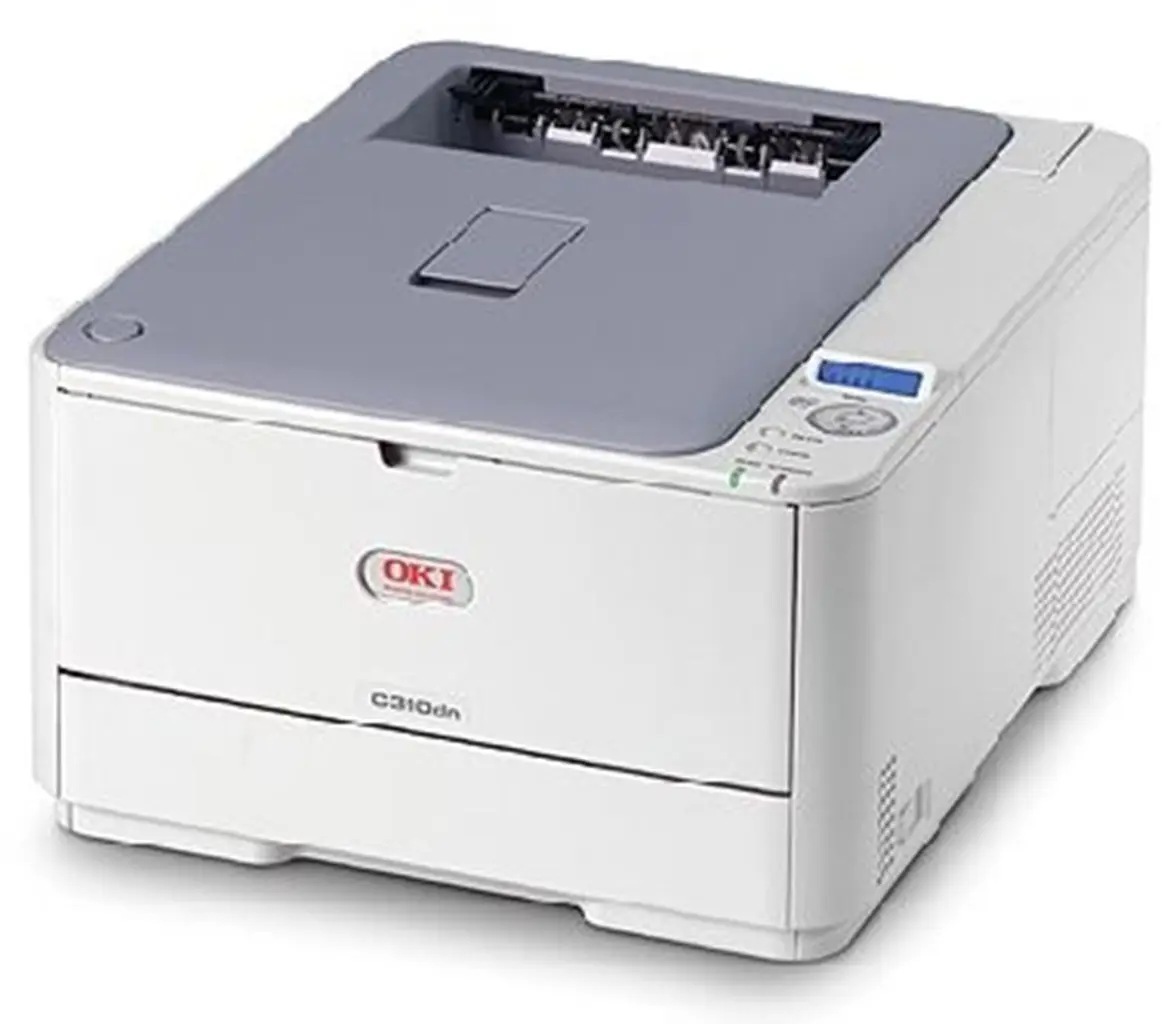
The Okidata C310DN is a compact color laser printer built for shared office use, with automatic duplexing and network connectivity in the "dn" configuration. It draws from OKI's Type C17 toner family: the 44469801 black cartridge (3,500 pages) alongside the 44469701, 44469702, and 44469703 color cartridges, with high-yield versions that stretch each color to 5,000 pages for busier print months.
Toner Cartridges for C310DN
This printer works with the following toner cartridges:
- Oki 44469701
- Oki 44469702
- Oki 44469703
- Oki 44469801
Frequently Asked Questions
Which cartridges fit the C310DN?
The C310DN uses four individual toner cartridges — black (44469701), cyan (44469702), magenta (44469703) and yellow (44469801). Each color is replaced on its own when it runs out.
The C310DN says a cartridge is low. Do I have to replace it right away?
You can usually keep going on the C310DN for a while: remove the low cartridge, shake it gently side to side, and reinstall it — this redistributes the remaining toner. Replace it when prints actually start to fade.
How do I clean the LED printheads on the C310DN?
Yes — gently wipe each LED printhead lens with a soft, dry, lint-free cloth; dust on the lens blocks light and leaves white streaks. Power the C310DN off first and avoid touching the lens with bare fingers.