




MC851DN
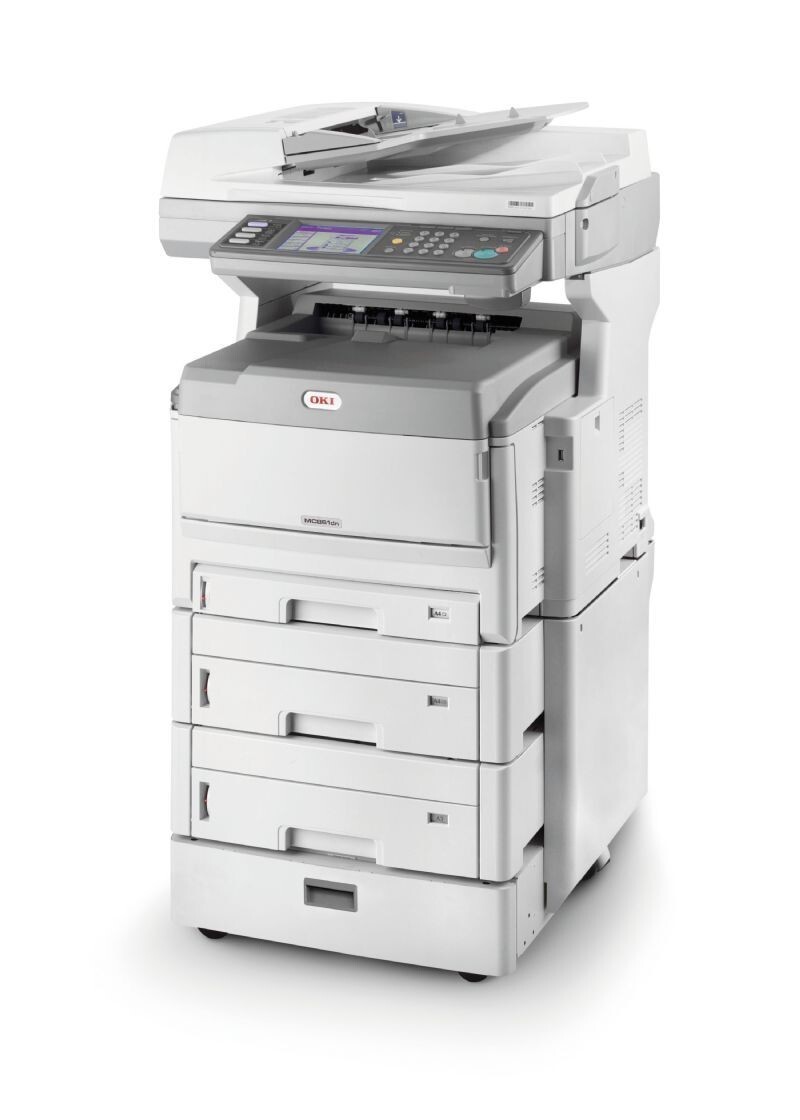
The OKI MC851DN is a duplex, networked color multifunction for workgroups — the base configuration of the MC851 line, with two-sided printing and a network connection as standard. The cartridges stocked for it on this page are black 44318604, cyan 44318603, magenta 44318602 and yellow 44318601, four separate units replaced one at a time. Yield figures for this family appear on the product pages, so check the listing for the rating of the cartridge you need.
As the line's foundation model, the DN is the one most offices actually run: A3 and tabloid through the trays, heavier stocks through the multipurpose tray, and a steady mix of printing, copying and scanning in between. Its toner math has one quirk worth knowing — a tabloid page carries roughly twice the image area of a letter page, so a DN that lives on A3 work empties cartridges at a pace its letter-size cousins never see.
Toner Cartridges for MC851DN
| Cartridge | Color | Page Yield |
|---|---|---|
| 44318604 | Black | See product page |
| 44318603 | Cyan | See product page |
| 44318602 | Magenta | See product page |
| 44318601 | Yellow | See product page |
- Compatible Okidata Laser Toner Cartridges 4 Color Set (44318604/ 44318603/ 44318602/ 44318601)
- Compatible Okidata MC851DN Laser Toner Cartridges 4 Color Set
- Compatible Okidata MC851DN Premium Quality Laser Toner Cartridges 4 Color Set
Which cartridge should you buy?
For a workgroup DN, think in terms of uptime: a four color set in the cupboard means any empty cartridge is a two-minute fix, whoever discovers it. Singles suit the gaps between, especially once you learn your office's pattern — most find black and one favorite color cycling faster than the rest. Weigh your paper mix too: if A3 originals are daily work, budget the color cartridges to deplete faster than their letter-page reputation suggests. And as with every model in this family, match the part number on the cartridge you remove against the numbers stocked here before ordering.
Chip, toner and everyday use
Booklet printing is a quiet toner saver on this model: in the driver, booklet mode orders and duplexes the pages automatically, so a report comes out folded-and-ready instead of as a stack of full-size sheets using full-size toner. The cartridges are chipped and read on installation — seat each firmly and let the recognition cycle finish. Store spares sealed, flat and out of direct light, and keep heavier stocks on the multipurpose tray where the straight paper path treats both the stock and the print quality kindly.
Frequently Asked Questions
Which toner does the OKI MC851DN use?
The four cartridges stocked above: black 44318604, cyan 44318603, magenta 44318602 and yellow 44318601. If paperwork that came with the machine names a 44059165-series set instead, go by the number on the installed cartridge — that is the cartridge this page replaces.
What paper sizes can the MC851DN handle?
Sizes up to A3 and tabloid through its trays, plus heavier stocks through the multipurpose tray. Larger pages use more toner per sheet, so budget the cartridges accordingly if A3 is your daily work.
How do I print a booklet on the MC851DN?
Select booklet printing in the driver and it orders and duplexes the pages automatically; fold and staple the stack afterward. The printer handles the imposition, so the page order comes out right without any manual shuffling.
Can I keep printing when one color is empty?
Black-only work can usually continue briefly, but color jobs will stop until the empty unit is replaced — one more reason a shared DN deserves a complete spare set rather than a single spare cartridge.
More printers that use the same cartridges
The same toner set also fits these models: MC851, MC851CDTN, MC851cdtn Plus, MC851cdxn, C711, C711DN, C711DTN, C711n, C711WT.