




C711DTN
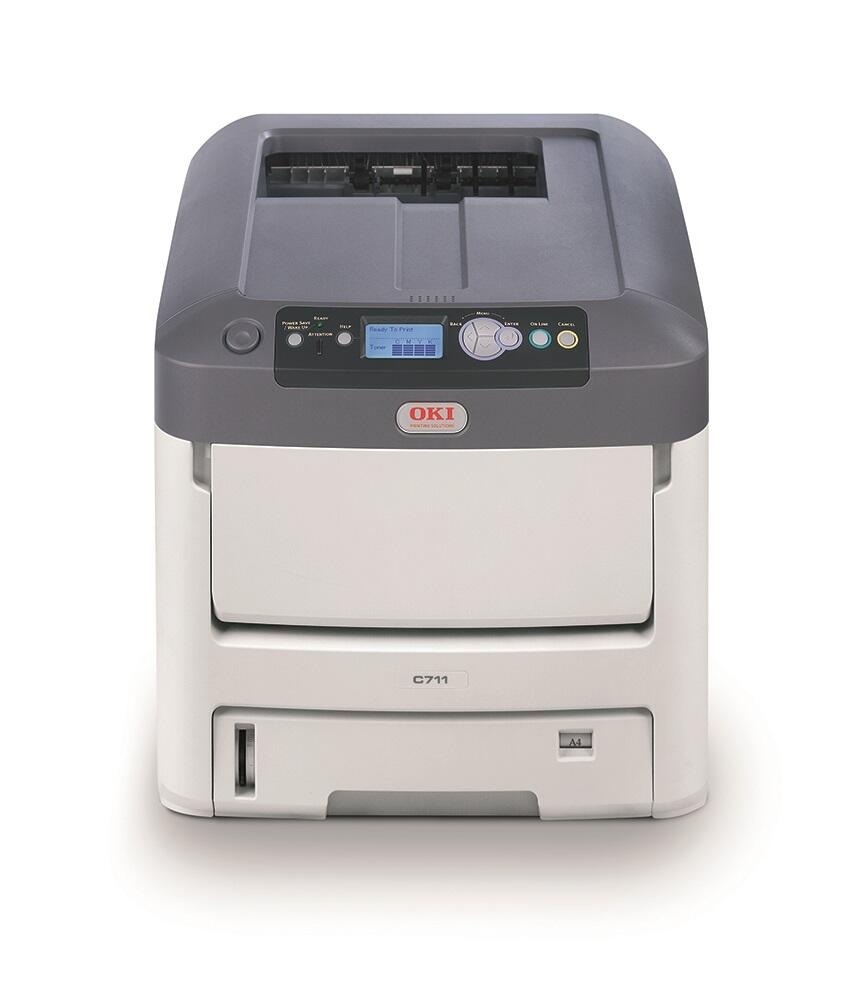
The Okidata C711DTN adds duplexing and extra tray capacity to the C711 color laser printer for offices with heavier document demands. It shares the Type C16 cartridge family (black 44318604, colors 44318601–03). Compatible cartridges keep this configured-for-volume printer economical.
Toner Cartridges for C711DTN
This printer works with the following toner cartridges:
- Oki 44318601
- Oki 44318602
- Oki 44318603
- Oki 44318604
Frequently Asked Questions
Which cartridges fit the C711DTN?
The C711DTN uses four individual toner cartridges — black (44318601), cyan (44318602), magenta (44318603) and yellow (44318604). Each color is replaced on its own when it runs out.
How do I change a toner cartridge in the C711DTN?
Open the C711DTN's cover, remove the empty cartridge and insert the replacement (44318601, 44318602, 44318603 or 44318604 as needed) into the matching color slot. Give the new cartridge a few gentle side-to-side shakes first to distribute the toner evenly.
How do I correct color registration on the C711DTN?
Run the color registration adjustment from the C711DTN's menu — it prints a test pattern and realigns the four LED printheads. If misalignment persists after registration, a nearly-empty cartridge in one color can be the culprit.