




C610n
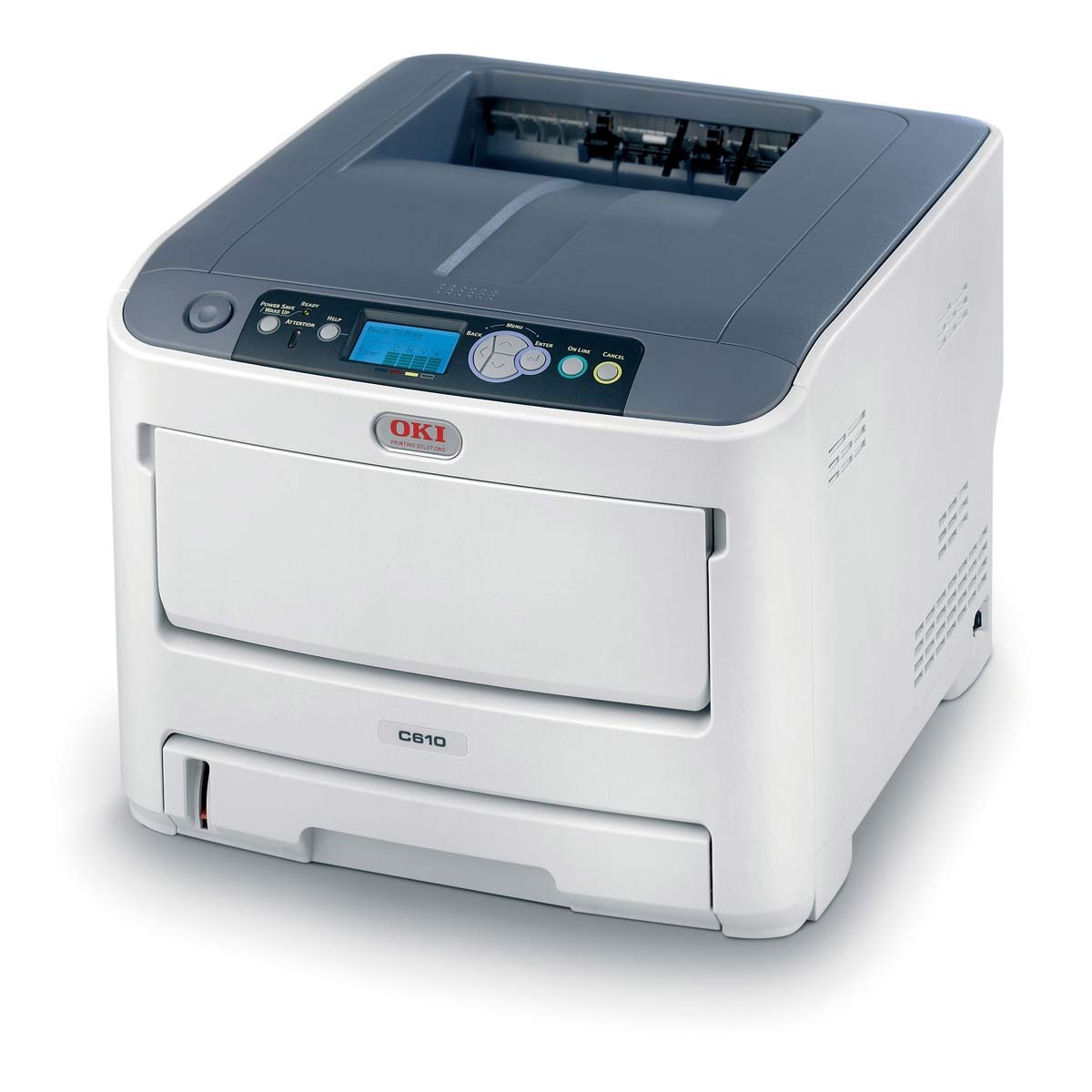
The OKI C610n brings the C610 color laser to networked offices as a shared workgroup printer, and the "n" in its name means it ships network-ready. It runs on OKI's Type C15 toner set: yellow 44315301, magenta 44315302, cyan 44315303 and black 44315304. The black cartridge is rated for about 8,000 pages and each color cartridge for about 6,000, and every color loads as its own separate unit, so one empty channel never forces a full-set change.
In a shared office the C610n earns its place as the one color printer everyone can reach from their desks. Toner levels for all four cartridges can be checked over the network, so whoever spots a channel running low can order just that cartridge before a job stalls. Restocking is always one cartridge at a time: the color that empties is the only one that gets replaced, and the rest of the set keeps the life it has left.
Toner Cartridges for C610n
Every cartridge sold for the C610n is listed below. The Type C15 singles come first, followed by the C610cdn and C610 listings carried on this page.
| Cartridge | Color | Page Yield |
|---|---|---|
| 44315304 | Black | About 8,000 pages |
| 44315303 | Cyan | About 6,000 pages |
| 44315302 | Magenta | About 6,000 pages |
| 44315301 | Yellow | About 6,000 pages |
| 4 Color Set (44315304, 44315303, 44315302, 44315301) | Black, Cyan, Magenta, Yellow | Black about 8,000; colors about 6,000 |
| C610N 4 Color Set | Black, Cyan, Magenta, Yellow | Black about 8,000; colors about 6,000 |
| C610N Premium Quality 4 Color Set | Black, Cyan, Magenta, Yellow | Black about 8,000; colors about 6,000 |
| 44315304 | Black | About 8,000 pages |
| 44315303 | Cyan | About 6,000 pages |
| 44315302 | Magenta | About 6,000 pages |
| 44315301 | Yellow | About 6,000 pages |
| 2 Black (44315304) | Black | About 8,000 pages each |
| 3 Black (44315304) | Black | About 8,000 pages each |
| 5 Black (44315304) | Black | About 8,000 pages each |
| 4 Color Set (44315304, 44315303, 44315302, 44315301) | Black, Cyan, Magenta, Yellow | Black about 8,000; colors about 6,000 |
| 5 Color Set (44315304, 44315303, 44315302, 44315301) | Black, Cyan, Magenta, Yellow | Black about 8,000; colors about 6,000 |
| 8 Color Set (44315304, 44315303, 44315302, 44315301) | Black, Cyan, Magenta, Yellow | Black about 8,000; colors about 6,000 |
| 6 Color Set (44315303, 44315302, 44315301) | Cyan, Magenta, Yellow | About 6,000 pages each |
| 3 Color Set (44315303, 44315302, 44315301) | Cyan, Magenta, Yellow | About 6,000 pages each |
| 44135304 | Black | See product page |
| 44135303 | Cyan | See product page |
| 44135302 | Magenta | See product page |
| 44135301 | Yellow | See product page |
| 2 Black (44135304) | Black | See product page |
| 3 Black (44135304) | Black | See product page |
| 5 Black (44135304) | Black | See product page |
| 4 Color Set (44135304, 44135303, 44135302, 44135301) | Black, Cyan, Magenta, Yellow | See product page |
| 3 Color Set (44135303, 44135302, 44135301) | Cyan, Magenta, Yellow | See product page |
| 5 Color Set (44135304, 44135303, 44135302, 44135301) | Black, Cyan, Magenta, Yellow | See product page |
| 6 Color Set (44135303, 44135302, 44135301) | Cyan, Magenta, Yellow | See product page |
| 8 Color Set (44135304, 44135303, 44135302, 44135301) | Black, Cyan, Magenta, Yellow | See product page |
| 3 Color Set (44135303, 44135302, 44135301) | Cyan, Magenta, Yellow | See product page |
| 44135302 | Magenta | See product page |
| 4 Color Set (44135304, 44135303, 44135302, 44135301) | Black, Cyan, Magenta, Yellow | See product page |
Which cartridge should you buy?
Start from the cartridge that is actually empty. If only one channel has run out, buy that single cartridge — there is no reason to pay for three full colors. If two or more channels are low at the same time, the 4-color set is the simpler order and it refreshes the whole printer at once. Offices that print mostly in black should look at the black multi-packs: the black cartridge does the most work in a shared printer, and buying two, three or five at a time means fewer orders. One thing to check before ordering: this page carries two listing groups, the Type C15 cartridges numbered 44315301 through 44315304 and the C610-named listings numbered 44135301 through 44135304. Match the number printed on the cartridge you are replacing and order that code.
Chip, toner and everyday use
When a new cartridge arrives, open it just before fitting it and rock it gently side to side a few times so the toner settles evenly inside. Push it into its slot until it seats firmly, then close the cover and let the printer recognize the chip before printing — a test page will show whether the colors land correctly. If printed colors do not match the screen, run color calibration from the printer menu and check the driver color mode: vivid suits presentations, natural suits photos. Keep a spare black cartridge on the shelf, since black empties fastest in a shared printer, and store spares upright in a cool, dry place away from direct light.
Frequently Asked Questions
Which cartridges fit the OKI C610n?
The C610n uses the Type C15 set: yellow 44315301, magenta 44315302, cyan 44315303 and black 44315304. Each is sold on its own and as a 4-color set, and each loads as a separate unit.
What does the "n" in C610n mean?
It means the printer ships network-ready, so the whole office can share it over the network. The consumables are the same as the base C610, and toner levels for all four cartridges can be monitored over the network.
This page lists two groups of cartridges. Which do I order?
Order the code printed on the cartridge you are replacing. The Type C15 group is numbered 44315301 through 44315304 and the C610-named group is numbered 44135301 through 44135304, and both groups are listed on this page with their own codes.
Colors on my C610n do not match my screen. What can I do?
Run color calibration from the printer menu and choose the right color mode in the driver for the job: vivid for presentations, natural for photos. Make sure you are using genuine cartridges in the 44315301 series, since third-party toner can shift color balance.
More printers that use the same cartridges
These printers use the same cartridges: