




C532DN
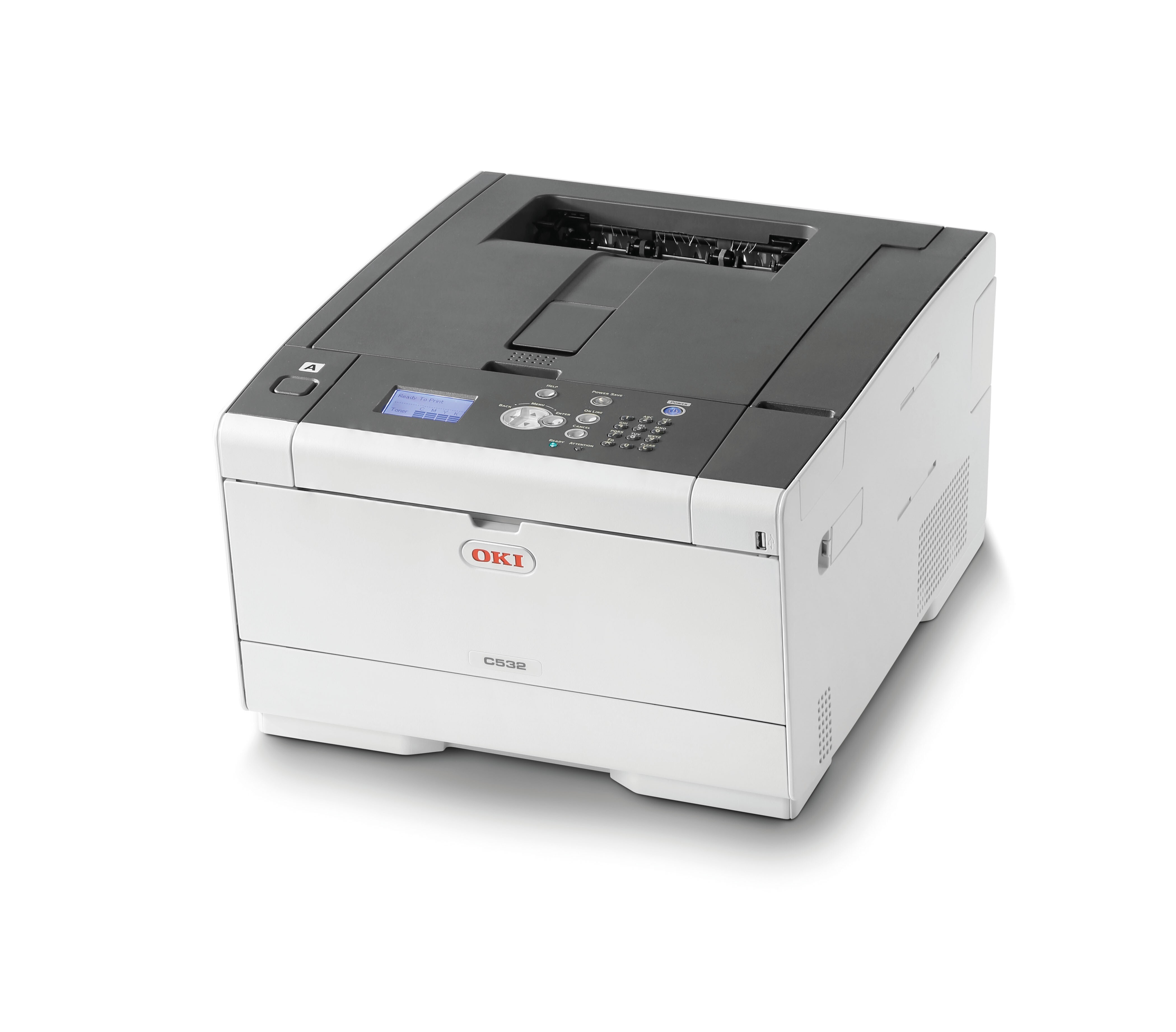
The Okidata C532DN is a color printer with duplexing and networking built in — that is what the "dn" in its name stands for — and it is aimed at small workgroups that share a single machine. The cartridges stocked on this page are the family's high-capacity set: black 46490604 rated for roughly 7,000 pages, plus cyan 46490603, magenta 46490602 and yellow 46490601 at about 6,000 pages apiece. OKI also numbers a standard-capacity set for this printer — 46490504 in black, 46490503 in cyan, 46490502 in magenta and 46490501 in yellow — but those are not the listings sold here, so check the number on the cartridge you remove before you order.
On a shared workgroup machine, black toner does most of the work: letters, invoices and reports roll out all day, while color is saved for the documents that leave the building. Because each color sits in its own cartridge, a busy week that empties the black never forces you to replace cyan, magenta or yellow early. Setting two-sided printing as the driver default is the other quiet saving — the C532DN turns each sheet over on its own, and paper use drops while toner consumption stays tied to what is actually printed on the page.
Toner Cartridges for C532DN
| Cartridge | Color | Page Yield |
|---|---|---|
| 46490604 | Black | Approx. 7,000 pages |
| 46490604 Black 2 Pack | Black | Approx. 7,000 pages per cartridge |
| 46490603 | Cyan | Approx. 6,000 pages |
| 46490602 | Magenta | Approx. 6,000 pages |
| 46490601 | Yellow | Approx. 6,000 pages |
| 46490604, 46490603, 46490602, 46490601 — 4 Color Set | All four colors | See product page |
Magenta 46490602 is stocked on this page as part of the 4 Color Set rather than as a single cartridge.
Which cartridge should you buy?
Every cartridge on this page is the high-capacity version, and for a shared printer that is usually the right call: the black 46490604 lasts roughly 7,000 pages, so changes stay infrequent even when several people print all day. If black runs out noticeably faster than the colors in your office — the common pattern — the black 2 Pack keeps a spare on the shelf and saves an emergency order. Colors can be replaced one at a time as each runs down; the 4 Color Set makes sense when two or more colors are low together, or when you want a complete set held in reserve. On a shared machine the real cost is a cartridge running dry in the middle of someone's job, so one black in reserve is cheap insurance. All of these compatible cartridges carry a 1-year warranty and 1-year returns.
Chip, toner and everyday use
These cartridges carry the chip the C532DN expects, and the printer reads the level from it once the cartridge is installed. Before fitting a new one, rock it gently from side to side a few times so the toner inside is spread evenly, then slide it into its color slot until it seats. Page ratings are estimates worked out at 5% page coverage, so a black rated around 7,000 pages will return fewer on dense, text-heavy documents. Store spares sealed, flat and away from heat, and rotate stock so the oldest cartridge goes into the machine first.
Frequently Asked Questions
Which toner cartridges does the Okidata C532DN use?
Two sets fit. The standard-capacity set is 46490504 (black), 46490503 (cyan), 46490502 (magenta) and 46490501 (yellow). The high-capacity set sold on this page is 46490604 in black at roughly 7,000 pages, with 46490603, 46490602 and 46490601 covering cyan, magenta and yellow at about 6,000 pages each. Either set loads the same way, one cartridge per color.
Does the C532DN print on both sides automatically?
Yes. Duplexing is built into this model, along with networking. Turn two-sided printing on in the driver — or set it as the default — and the printer flips each sheet itself. Toner use per page does not change, but paper consumption falls sharply on long documents.
One color has run out but the others are fine. Do I replace all four?
No. Each color is a separate cartridge, so you only change the one that is empty. On this page magenta is stocked inside the 4 Color Set, while black, cyan and yellow are available as single cartridges.
The printer says toner is low, but print still looks clean. What should I do?
Treat the warning as notice to order, not as a stop signal. You can usually keep printing while quality holds, and a gentle side-to-side shake of the cartridge redistributes the remaining toner for a while. Having the replacement ready matters most on a shared machine, where a cartridge rarely empties at a convenient moment.
More printers that use the same cartridges
The same cartridge family also serves these models: MC573, MC573DN, C532, C532CD.