




MC573DN
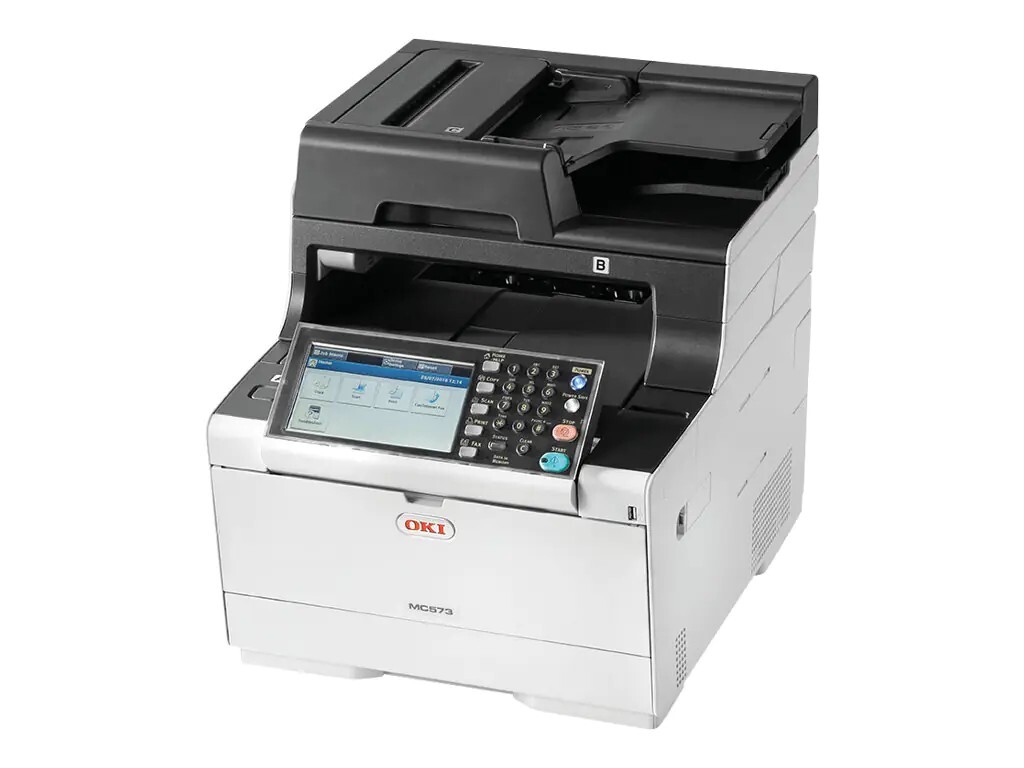
The Okidata MC573DN adds duplexing and networking to the MC573 color multifunction printer, making it a natural fit for shared office use. It shares the same 46490501–04 cartridge family (black 46490504). Compatible MC573DN cartridges deliver the printer's crisp color output without the OEM price.
Toner Cartridges for MC573DN
This printer works with the following toner cartridges:
- Oki 46490501
- Oki 46490502
- Oki 46490503
- Oki 46490504
Frequently Asked Questions
Which cartridges fit the MC573DN?
Your MC573DN takes the OKI 46490501 (black), 46490502 (cyan), 46490503 (magenta) and 46490504 (yellow) toner cartridges. Since each color loads separately, you only ever replace the one that is empty.
How do I change a toner cartridge in the MC573DN?
Open the MC573DN's cover, remove the empty cartridge and insert the replacement (46490501, 46490502, 46490503 or 46490504 as needed) into the matching color slot. Give the new cartridge a few gentle side-to-side shakes first to distribute the toner evenly.
How do I correct color registration on the MC573DN?
Run the color registration adjustment from the MC573DN's menu — it prints a test pattern and realigns the four LED printheads. If misalignment persists after registration, a nearly-empty cartridge in one color can be the culprit.