




MC573DN
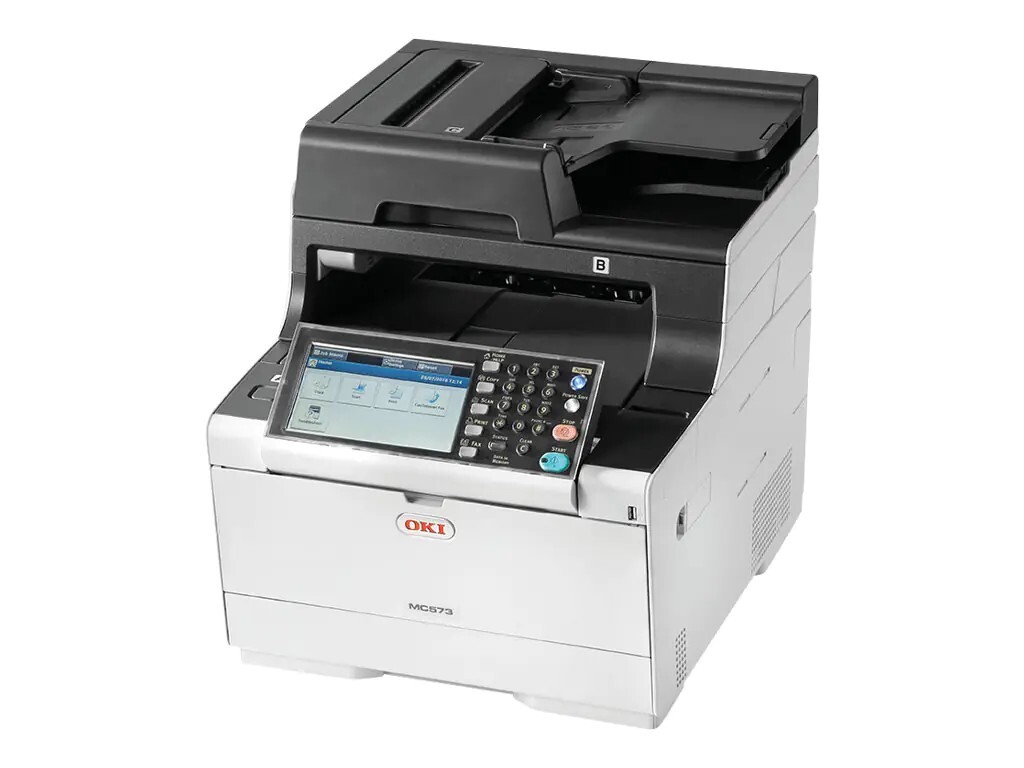
The Okidata MC573DN takes the MC573 color multifunction platform and adds built-in duplexing and networking, which makes it the version meant to be shared across an office. All four of its high-capacity toners are stocked on this page as singles: black 46490604 at roughly 7,000 pages, and cyan 46490603, magenta 46490602 and yellow 46490601 at roughly 6,000 pages each. The machine also accepts the standard-capacity family — 46490504 in black with 46490503, 46490502 and 46490501 for the colors — though those are not the listings here.
A networked MFP in a shared office keeps a different rhythm from a personal printer: several people's jobs queue through it, copies get run between meetings, and nobody in particular owns the supply cupboard. Duplexing set as the default trims the paper bill across all of that routine work. For supplies, the practical habit is a small buffer — when the black cartridge reports low on a shared machine, the replacement should already be in the building, not still in a shopping cart.
Toner Cartridges for MC573DN
| Cartridge | Color | Page Yield |
|---|---|---|
| 46490604 | Black | Approx. 7,000 pages |
| 46490604 Black 2 Pack | Black | Approx. 7,000 pages per cartridge |
| 46490603 | Cyan | Approx. 6,000 pages |
| 46490602 | Magenta | Approx. 6,000 pages |
| 46490601 | Yellow | Approx. 6,000 pages |
| 46490604, 46490603, 46490602, 46490601 — 4 Color Set | All four colors | See product page |
These cartridges are also listed on this page under the shared C532 family name, including the yellow single 46490601 and the C532 4 Color Set.
Which cartridge should you buy?
Two capacities fit this machine. The standard set suits a lightly used MFP, but a shared MC573DN usually justifies the high-capacity set stocked here: fewer changes, and a lower cost per page across the roughly 7,000-page black and the 6,000-page colors. Buy black ahead of the colors — document printing consumes it fastest, and the black 2 Pack exists for exactly that pattern. Colors are replaced individually, only when each one actually empties; the 4 Color Set is the tidy option when several colors are low together. Every compatible cartridge here carries a 1-year warranty and 1-year returns.
Chip, toner and everyday use
Changing a cartridge is a two-minute job: open the top cover, lift out the empty unit, and lower the replacement into the slot marked for its color. Give the new cartridge a few gentle side-to-side rocks first so the toner settles evenly, keep its box until it is installed so a spare is never mixed up with an empty, and the machine's chip reading will register the fresh level once the cover closes. Remember that rated yields are measured at 5% coverage — scanned copies and graphics-heavy pages use toner faster than plain text. Store spares sealed and flat, away from direct sunlight.
Frequently Asked Questions
Which cartridges fit the MC573DN?
The standard set is 46490504 for black, 46490503 for cyan, 46490502 for magenta and 46490501 for yellow. The high-capacity equivalents — the ones sold on this page — are 46490604, 46490603, 46490602 and 46490601 in the same color order. Each color loads separately, so you only ever replace the one that has run out.
How do I change a toner cartridge in the MC573DN?
Open the cover, remove the empty cartridge and insert the replacement into the matching color slot. Give the new cartridge a few gentle side-to-side shakes first to distribute the toner evenly, and close the cover — the machine reads the new cartridge's chip and updates its level display on its own.
Printed colors look shifted or misaligned. What fixes it?
Run the color registration adjustment from the machine's menu: it prints a test pattern and realigns the four LED printheads. If misalignment persists after registration, a nearly empty cartridge in one color can be the culprit, since a starved color lays down unevenly.
Does two-sided printing use different toner?
No. Duplexing changes how the paper moves, not which cartridges the machine uses — the same four toners serve single-sided and double-sided jobs alike, and toner use per printed page is unchanged.
More printers that use the same cartridges
The MC573DN's cartridges also fit these models: MC573, C532, C532CD, C532DN.