




C6150HDN
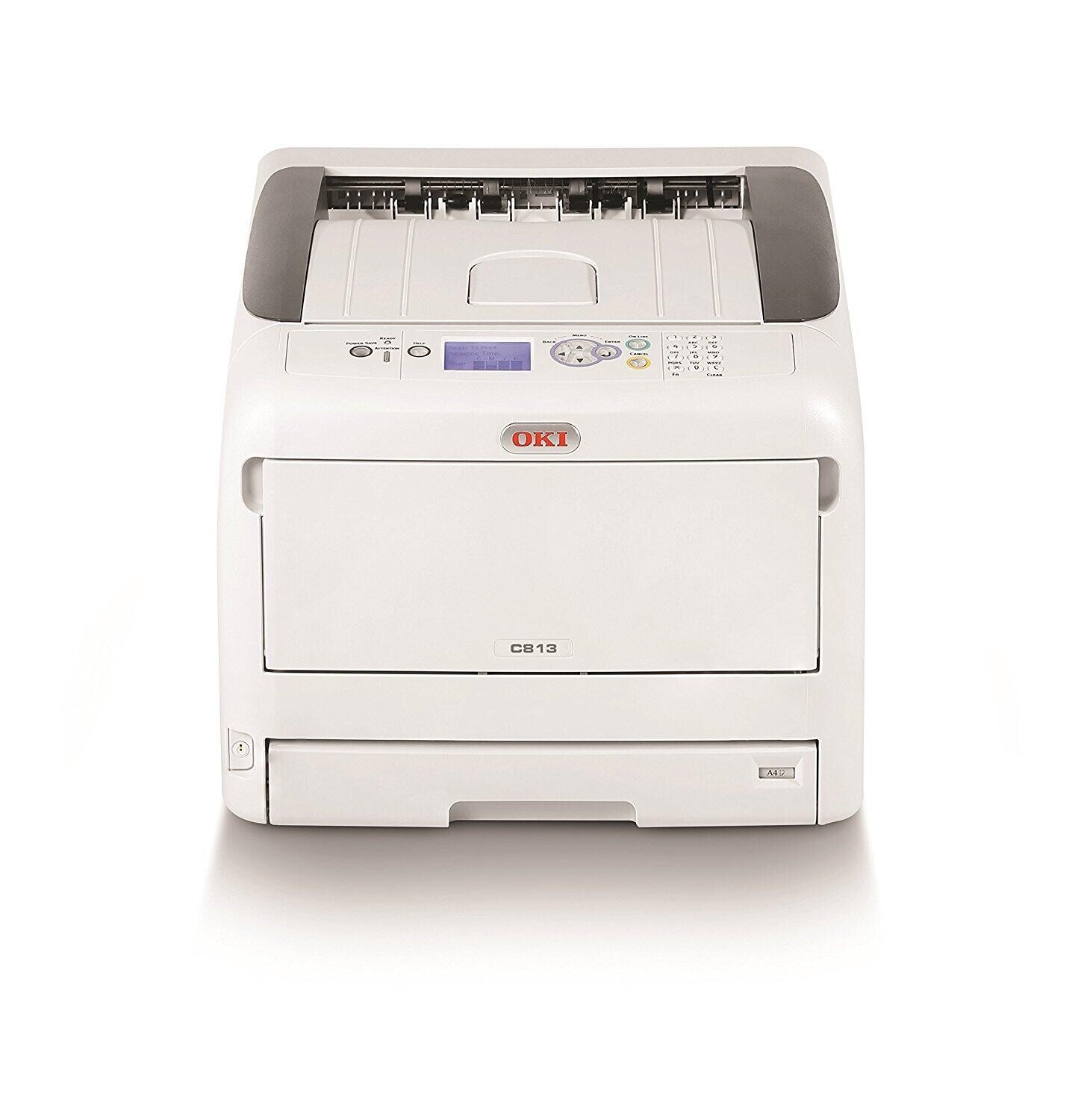
The Okidata C6150HDN is the high-end configuration of the C6150 color laser printer, with duplexing and networking fitted for workgroups that print a steady stream of color documents. Its toner set matches the rest of the family exactly: black 43865720, cyan 43865719, magenta 43865718 and yellow 43865717. Configuration is where the HDN spends its money — the consumables stay the familiar four.
Where the DTN spends its configuration budget on trays, the HDN is set up for heavier color volume: a workgroup machine that is expected to run color all day, every day, without becoming the office bottleneck. That duty profile changes how you should stock for it. Cartridges on a high-throughput machine empty on a schedule you can almost set a calendar by, so planned spares and full-set refreshes suit it better than emergency single purchases.
Toner Cartridges for C6150HDN
| Cartridge | Color | Page Yield |
|---|---|---|
| 43865720 | Black | See product page |
| 43865719 | Cyan | See product page |
| 43865718 | Magenta | See product page |
| 43865717 | Yellow | See product page |
| 4 Color Set (43865720 / 43865719 / 43865718 / 43865717) | Full set | See product page |
| C6150HDN 4 Color Set | Full set | See product page |
| C6150HDN Premium 4 Color Set | Full set | See product page |
Which cartridge should you buy?
For a steady-volume HDN, think in sets and spares rather than single rescues. A full four-color set refreshes all slots together and suits a machine whose four cartridges age at a similar pace under constant use; keep a second set or at least a spare black behind it so the next change is a shelf trip, not a delivery wait. Single-color purchases still make sense when one slot is clearly out of step with the others. One caution for black-heavy offices: calibration and cleaning cycles sip small amounts of color toner even on monochrome jobs, so color levels drift down slowly even when almost everything you print is text.
Chip, toner and everyday use
On a machine working this hard, treat the per-color level readouts as a maintenance schedule: the chip in each cartridge reports its remaining life, and a Friday check prevents a Monday stoppage. Install cartridges one at a time and confirm recognition on the panel before closing up — a cartridge that is not read correctly will not report its level, and flying blind on a volume machine ends in a mid-run stop. Rotate spare stock so the oldest sealed cartridge is used first, store boxes flat and away from heat, and yields quoted at 5% coverage will run out noticeably faster under the full-color work this printer was configured for.
Frequently Asked Questions
Which toner does the OKI C6150HDN use?
Black 43865720, cyan 43865719, magenta 43865718 and yellow 43865717 — the standard C6150 set, shared with every other configuration of this family.
How is the C6150HDN different from the C6150DTN?
Both share the same toner. The HDN configuration is aimed at higher monthly color volumes, while the DTN emphasizes extra paper trays and media variety. Choose by whether your bottleneck is throughput or paper handling.
Why does my C6150HDN use color toner on mostly black jobs?
Calibration and cleaning cycles consume small amounts of color toner even during monochrome printing, so the color cartridges decline slowly no matter what you print. Printing color regularly can actually waste less than long stretches of pure black followed by intensive cleaning cycles.
More printers that use the same cartridges
The same cartridge set also serves these related OKI models: MC560 MFP, MC560, MC560N MFP Plus, C5850, C5850DN, C5850N, C6150, C6150DN, C6150DTN, C6150N.