




C6150
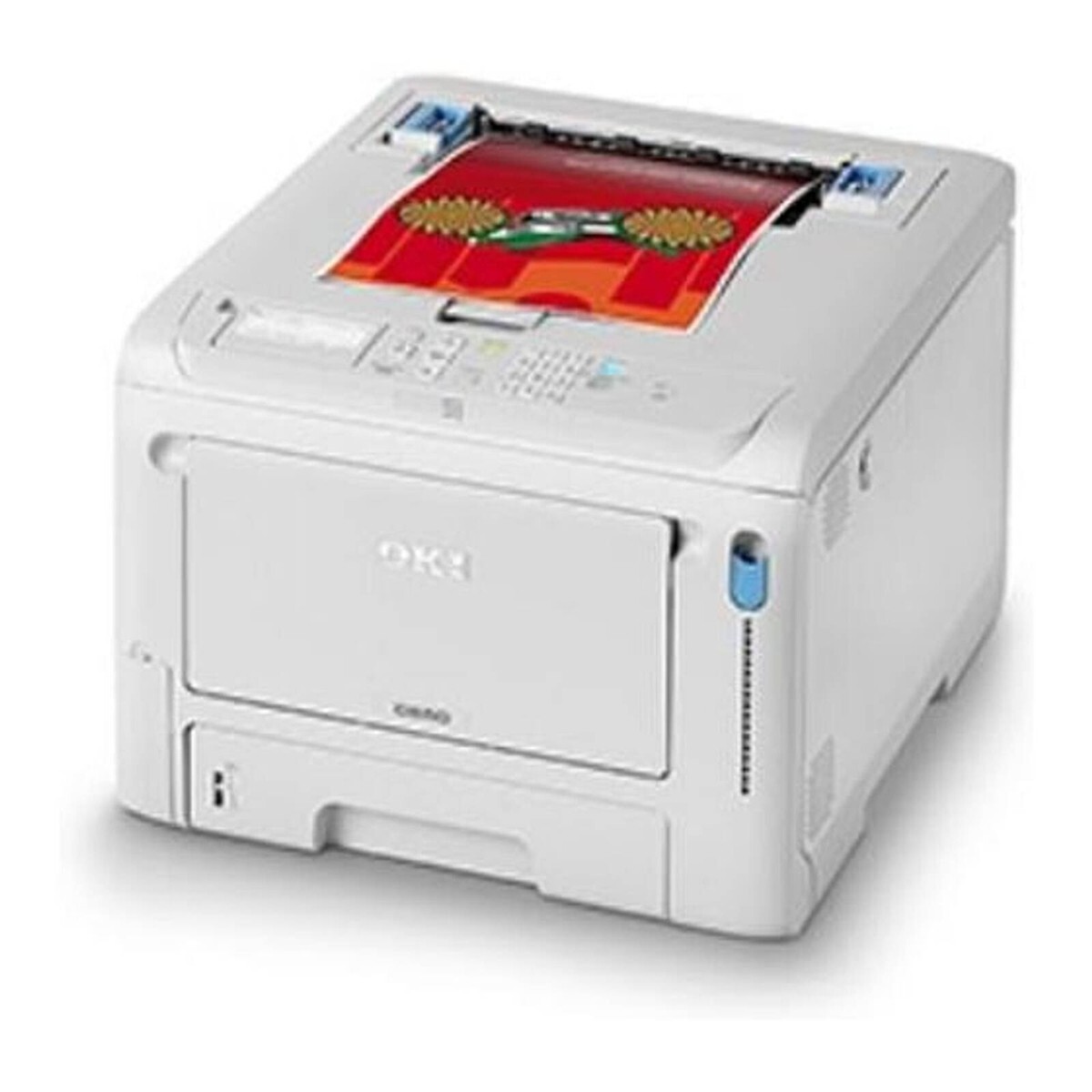
The OKI C6150 is a color laser printer built for workgroups with regular color document needs. It takes four individual cartridges: 43865720 black, rated at about 8,000 pages, plus 43865719 cyan, 43865718 magenta and 43865717 yellow at roughly 6,000 pages each. (Note the numbering runs opposite to most OKI sets: on this family the lowest number is yellow and the highest is black.)
Regular color is the C6150's whole brief — weekly reports with charts, client-facing documents, internal posters and training material rather than the occasional splash of color on an invoice. A workgroup machine like this also tends to be shared by people with very different habits, from draft-mode economists to full-quality perfectionists, so per-color cartridges matter: the person printing color proofs all week drains cyan and magenta, while the contracts desk mostly consumes black, and each cartridge can be replaced on its own schedule.
Toner Cartridges for C6150
| Cartridge | Color | Page Yield |
|---|---|---|
| 43865720 | Black | Approx. 8,000 pages |
| 43865719 | Cyan | Approx. 6,000 pages |
| 43865718 | Magenta | Approx. 6,000 pages |
| 43865717 | Yellow | Approx. 6,000 pages |
Restocking the whole machine at once is covered by the 438657 4 Color Set, the C6150 4 Color Set and the C6150 Premium Quality 4 Color Set.
Which cartridge should you buy?
Let the printer's own counters make the call. Black is rated around 8,000 pages and typically outlasts the colors, so most C6150 owners reorder colors more often than black. When a single color fades, a single cartridge is the economical answer — the other three still hold toner you have already paid for. A 4-color set makes sense at a planned restock: when two colors are low and black is past halfway, replacing everything together avoids three separate toner stops in the same month. Avoid the habit of swapping a full set at the first low warning; the warning arrives early by design, and there are usually hundreds of good pages left in the cartridge it names.
Chip, toner and everyday use
The C6150 reads a chip on each cartridge to estimate remaining toner, and those estimates assume ordinary office coverage — a month of full-page color graphics will beat the estimate easily. White lines running down the page are more often a dirty LED lens than an empty cartridge: open the machine and wipe the four LED arrays gently with a dry, lint-free cloth before you order anything. When a cartridge truly runs low, rocking it side to side spreads the remaining toner and buys time, but treat that as a bridge to a replacement you have already ordered, not as a refill.
Frequently Asked Questions
Which cartridges does the C6150 use?
Four individual cartridges: 43865720 black, 43865719 cyan, 43865718 magenta and 43865717 yellow. Watch the order when reordering — on this family yellow carries the lowest number, which trips up owners used to black being listed first.
The C6150 warns that toner is low, but pages still look good. Can I keep printing?
Yes. The low warning is an early heads-up, not a stop. Keep printing, order the named color, and replace the cartridge when output actually starts to fade.
How do I clean the LED printheads on the C6150?
Power the printer down, open the top, and wipe each of the four LED lens strips with a soft, dry, lint-free cloth. Dust on a lens blocks light and prints as thin white lines down the page; cleaning the lens usually clears them without touching the toner.
Does the C6150 use a separate drum unit?
The cartridges listed on this page are the toner supplies the C6150 consumes color by color. Order by the 438657 numbers above and you have the right consumables for everyday printing.
More printers that use the same cartridges
The same 438657 toner family also serves these models: MC560 MFP, MC560, MC560N MFP Plus, C5850, C5850DN, C5850N, C6150DN, C6150DTN, C6150HDN, C6150N.