




C5850DN
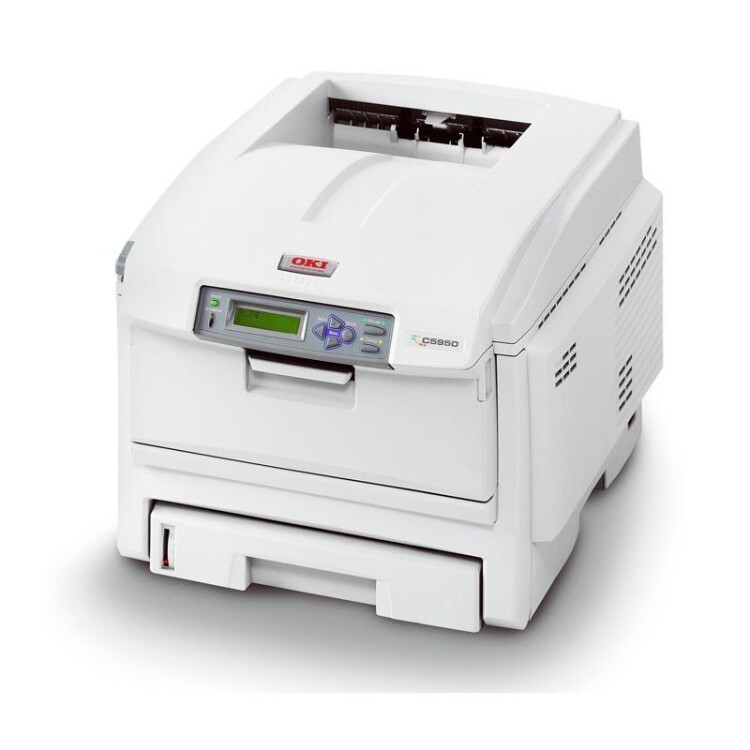
The Okidata C5850DN adds duplexing and networking to the C5850 wide-format color laser printer, for offices with serious color volume. It takes the same four cartridges as the base machine — black 43865720, cyan 43865719, magenta 43865718 and yellow 43865717 — fitted individually and changed one at a time. Compatible C5850DN cartridges help high-volume wide-format users keep per-page costs under control.
Two-sided tabloid output is this model’s party trick: presentations, newsletters and proofs come off the machine already duplexed, and a network connection lets a whole department share that capability. High volume plus wide format means color consumption is the running cost to manage — and on this printer it is managed one cartridge at a time.
Toner Cartridges for C5850DN
| Cartridge | Color | Page Yield |
|---|---|---|
| 43865720 | Black | See product page |
| 43865719 | Cyan | See product page |
| 43865718 | Magenta | See product page |
| 43865717 | Yellow | See product page |
The same cartridges as matched sets:
- 4 Color Set (43865720 / 43865719 / 43865718 / 43865717)
- C5850DN 4 Color Set
- C5850DN Premium Quality 4 Color Set
Which cartridge should you buy?
Real-world documents rarely use the four colors evenly, so the smart buying pattern is to track which cartridge your work drains first and keep a spare of that one. Blue-heavy house styles empty cyan early; photography leans on magenta. Replace colors individually as they run out rather than swapping the set, and reserve a four-color set for the moment two or more levels fall together. Black, which carries the text even on color pages, is the one cartridge worth keeping in reserve at all times on a high-volume machine.
Chip, toner and everyday use
Browsers and email clients are quiet toner thieves on a shared color printer: switch the driver to grayscale for web and email printing so the color cartridges stay idle, and use the simplified print view many browsers offer to strip toner-heavy banners from the page. Each cartridge’s chip reports to the printer individually, so the front panel tells you which slot is low before it runs dry. If a new cartridge is not recognized, reseat it firmly and restart the machine.
Frequently Asked Questions
What cartridges fit the Oki C5850DN?
Black 43865720, cyan 43865719, magenta 43865718 and yellow 43865717. The DN suffix means duplex and network; it does not change the cartridge set from the base C5850.
My C5850DN wastes color toner on emails printed from the web. How do I stop it?
Set the driver to grayscale for web and email printing so the color cartridges stay idle. Many browsers also offer a simplified print view that removes toner-heavy ads and banners before the job reaches the printer.
Why does one C5850DN color always run out first?
Documents do not use colors evenly — a logo in deep blue will drain cyan faster than the rest. Watch the pattern over a few months and keep a spare of your fastest-draining color.
Are these genuine OKI cartridges?
No, they are compatible replacements matched to the 438657-series part numbers, and they carry a 1-year warranty with 1-year returns.
More printers that use the same cartridges
The printers below use the same 438657-series cartridge set: MC560 MFP, MC560, MC560N MFP Plus, C5850, C5850N, C6150, C6150DN, C6150DTN, C6150HDN, C6150N.