




C612dn
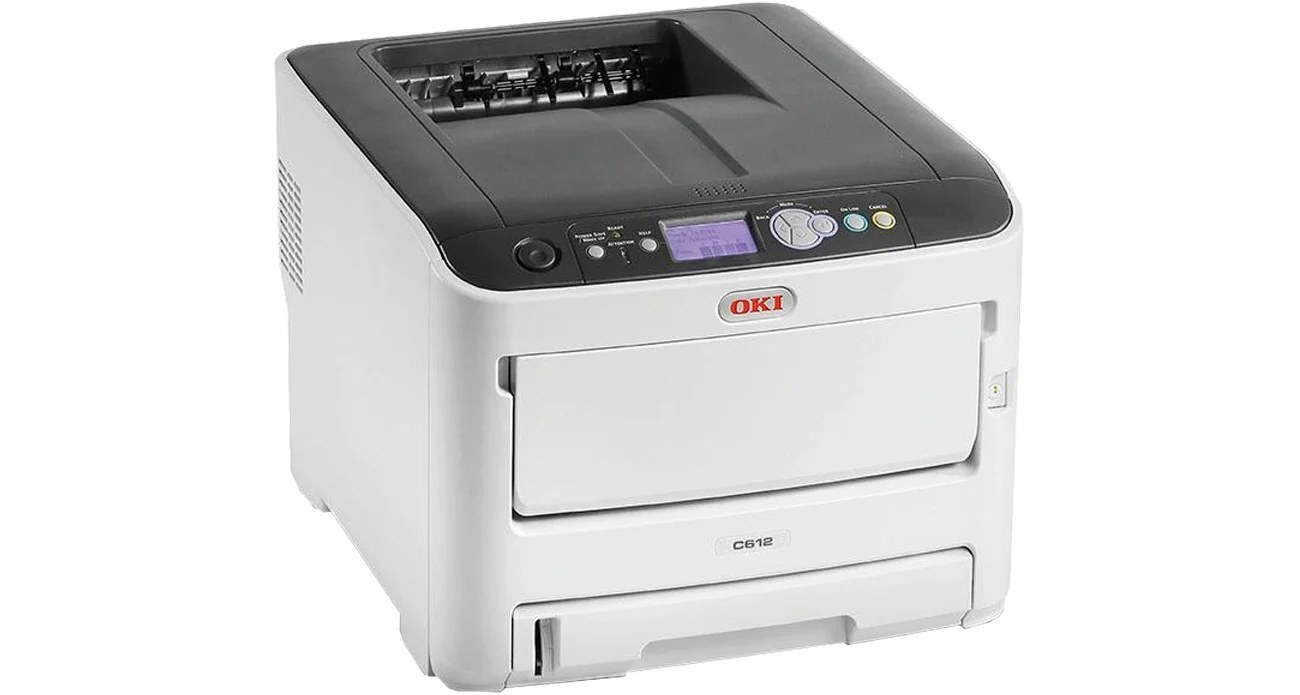
The Okidata C612dn is a duplex, networked color LED printer made for workgroups, and its toner figures are verified on OKI's own site. It runs four separate cartridges: black 46507504 rated at about 8,000 pages, plus cyan 46507503, magenta 46507502 and yellow 46507501 at about 6,000 pages each. Those are generous yields for shared-office color, and because every color is its own cartridge, a single empty slot never forces you to replace the other three.
A printer like this usually sits within reach of the team that uses it, turning out contracts, invoices and client-ready color documents all day. The LED printhead array — there is no laser and spinning mirror inside — keeps the machine compact and quiet enough for a desk-side position, while automatic duplexing trims paper use on the long black-and-white runs that still make up most office printing. It is the kind of printer a small office buys once and then simply keeps fed.
Toner Cartridges for C612dn
| Cartridge | Color | Page Yield |
|---|---|---|
| 46507504 | Black | About 8,000 pages |
| 46507503 | Cyan | About 6,000 pages |
| 46507502 | Magenta | About 6,000 pages |
| 46507501 | Yellow | About 6,000 pages |
| 46507504 | Black — 2-pack | About 8,000 pages per cartridge |
| 46507504 | Black — 3-pack | About 8,000 pages per cartridge |
| 46507504 | Black — 5-pack | About 8,000 pages per cartridge |
| 46507504, 46507503, 46507502, 46507501 | 4 Color Set | Black about 8,000 pages; colors about 6,000 pages each |
| 46507504, 46507503, 46507502, 46507501 | 5 Color Set | Black about 8,000 pages; colors about 6,000 pages each |
| 46507504, 46507503, 46507502, 46507501 | 8 Color Set | Black about 8,000 pages; colors about 6,000 pages each |
| 46507503, 46507502, 46507501 | 6 Color Set (colors only) | About 6,000 pages per cartridge |
| 46507503, 46507502, 46507501 | 3 Color Set (colors only) | About 6,000 pages per cartridge |
Alongside the four singles, this page stocks black multi-packs for mono-heavy offices and full color sets in several sizes, so restocking can match the way your office actually consumes toner.
Which cartridge should you buy?
Start with how your office prints. If most pages are text with occasional color, the black cartridge does the heavy lifting: a single is fine for light use, but the 2-pack, 3-pack and 5-pack of black lower the cost per page and keep a spare on the shelf for the day the low-toner warning lands mid-run. Offices that print presentations, charts and marketing pieces in color will cycle through cyan, magenta and yellow more evenly; there, the 4 Color Set replaces everything in one order, and the larger 5 and 8 Color Sets suit teams that cannot afford a mid-week stop. The 3 and 6 Color Sets cover the three colors without black — handy when the black cartridge was recently changed on its own. Whichever route you take, replace colors individually as they empty rather than swapping a whole set early.
Chip, toner and everyday use
Each compatible cartridge carries a chip the C612dn reads on installation, so toner levels report correctly and the swap is a simple open, seat and close job. Page yields are quoted at the industry-standard 5% coverage; a page of dense color graphics uses far more toner than a page of memos, so real-world counts vary with what you print. If output starts to look faint before the cartridge is truly empty, remove it and rock it gently side to side to redistribute the toner inside. Keep spare cartridges in their bags, stored flat at room temperature, and they will be ready when a deadline is not.
Frequently Asked Questions
Which toner cartridges does the OKI C612dn use?
It uses four individual cartridges: black 46507504, cyan 46507503, magenta 46507502 and yellow 46507501. Black is rated at about 8,000 pages and each color at about 6,000 pages, and each one is replaced separately as it runs out.
Is the C612dn a laser or LED printer?
It is an LED printer, like all OKI color models. An LED printhead array replaces the laser and spinning mirror, which is part of why the machine stays compact and quiet enough for a desk-side spot in a small office.
How do I get vivid color on the C612dn without wasting toner?
Use the driver's vivid or presentation mode only for final output, and print drafts and internal copies in black and white. Also print on decent 24 lb paper; thin paper mutes color and tempts you into reprints, which spends the same toner twice.
Can I replace just one color at a time?
Yes. The four cartridges are independent, so when cyan runs low you change cyan only. The printer keeps working with the remaining cartridges until the empty one is replaced.
More printers that use the same cartridges
The C612dn shares its complete toner set with one sibling model, so a spare set on the shelf covers both machines: