




Every Xerox color cartridge carries a CRUM chip, and on the contract machines that chip does more than count pages: it identifies the supplies plan and region the cartridge was sold for. A genuine Xerox cartridge on the wrong plan is rejected just the same. This page explains the mechanism from Xerox's own documents, walks the Metered versus Sold part-number split on the WorkCentre 7525–7970 family, and then covers all 36 of our Xerox color families with the products we sell for each.
Xerox enforces cartridge identity at the chip, in its service literature. There is no Xerox firmware FAQ to quote, and this page does not invent one.
Start with the honest shape of the evidence. HP publishes a consumer-facing dynamic security story and Lexmark publishes a firmware FAQ; Xerox publishes neither. What Xerox does publish — in service manuals, specification documents and administrator guides — is a chip system with a name: CRUM. The machine reads the CRUM on each toner cartridge and each drum unit. When the data on that chip does not match what the machine expects, the result is a hard fault, not a warning you can tap through.
The clearest consumer-facing documentation sits on the small B205/B215 platform, covered in full on our monochrome page: fault 09-800, shown as “Invalid Print Cart.” on the B205 and “Incompatible Toner Cartridge has been Detected” on the B215, with the service manual's diagnosis reading simply “The Toner Cartridge is not compatible with the printer.” The same manual's first physical checks are about the chip itself — seat the cartridge, and “Check the CRUM contact area for contamination and clean if necessary.” Color machines run the same CRUM architecture; the color-specific twist, and the subject of most of this page, is what else the chip can carry: a supplies plan.
Now the audit of our own shelf, because a help page should be as exact about us as about Xerox. We read all 1,966 Xerox toner descriptions in this store. The word “chip” appears in 521 of them, and every single instance is one shared legacy parts list — cartridges described as built with “all new parts including OPC drums, wiper blades, a smart chip and other internal parts.” That is a component mention inside a parts list. It is not a claim that any family's cartridge carries a fitted chip, and no section below upgrades it into one. The words “firmware” and “CRUM” appear in none of our listings at all — and every current platform on this page, VersaLink and AltaLink included, is completely silent about chips in its product copy. So this page makes exactly two storewide claims, both grounded in Xerox's own documents: Xerox machines read a CRUM chip and reject mismatches, and on plan-split platforms the part number is the plan. Nothing stronger exists in the evidence.
Xerox's printed position on non-genuine supplies is also worth stating at its exact strength. Its user guides say Xerox does not recommend non-Xerox cartridges, and that the Xerox warranty, service agreement and Total Satisfaction Guarantee do not cover damage, malfunction or performance degradation caused by non-Xerox supplies. That is a non-recommendation plus a damage-caused-by exclusion. It is not a statement that third-party cartridges cannot work, and this page reports it as written — neither softer nor harder.
The lead teaching case is the WorkCentre 7525–7970 family, because Xerox documents both number sets for it, at identical yields, in one specification table.
Xerox sells many of its office machines two ways: owned outright, or under a cost-per-copy contract. The supplies follow the machine's deal. A cartridge sold for a contract machine is a Metered cartridge; a cartridge sold for an owned machine is a Sold cartridge. They are the same toner in the same shell — what differs is the chip, and Xerox says so itself. In a 2022 reply signed Xerox Customer Support, the company explained it in one paragraph:
Read that again if you buy for a shared office machine: a genuine Xerox cartridge is rejected when its chip's contract type does not match the machine's plan. This is not a compatible-versus-genuine problem. It is a number-matching problem, and it catches genuine buyers first.
The WorkCentre 7525/7530/7535/7545/7556 specification document (Xerox 610P730081J) prints both sets side by side. Metered black is 006R01509 and Sold black is 006R01513, at the same yield — about 26,000 pages for black and about 15,000 for each color, Xerox's own figures. The full split:
| Color | Metered number | Sold number | Xerox yield |
|---|---|---|---|
| Black | 006R01509 | 006R01513 | ~26,000 pages |
| Yellow | 006R01510 | 006R01514 | ~15,000 pages |
| Magenta | 006R01511 | 006R01515 | ~15,000 pages |
| Cyan | 006R01512 | 006R01516 | ~15,000 pages |
The code-order trap, stated plainly because it causes real mis-orders: the numbers do not run in CMYK order. In both sets, the second number is yellow and the fourth is cyan — 006R01510 is YELLOW and 006R01512 is CYAN, and the Sold set repeats the pattern (006R01514 yellow, 006R01516 cyan). Our store's listings follow Xerox's table exactly; each code on this page links only to its own correctly titled product. If you remember one line from this page, make it this one: read the number off the cartridge you remove, and buy that number.
Region rides on top of plan. Xerox's VersaLink C7020/C7025/C7030 installation guide labels its standard cartridges “WW - METERED” and its extra-high cartridges “NA/EU - SOLD” and “DMO - SOLD” — worldwide, North America/Europe and developing-market bands printed as part of the supply's identity. The VersaLink C500/C600 user guide likewise lists “TONER CART, METERED” at 9,000 pages as its own order numbers, separate from starter and Sold cartridges. Plan and region are not settings a cartridge can be talked out of; they are what the number means.
And if a machine itself needs to change plans? That is a Xerox-side act. The VersaLink System Administrator Guide carries a section titled “Supplies Plan Activation Code”: the plan is set by an activation code obtained through Xerox channels. A user cannot convert a machine by swapping cartridges, and no cartridge — genuine or compatible — can convert itself. Where a plan mismatch is the problem, the documented fix is a cartridge of the machine's plan, or a plan conversion performed through Xerox. There is no documented user override, and this page will not pretend otherwise.
Where does our own shelf sit? Honestly: mainly on the Metered numbers for this family, with a thinner Sold-number shelf beside it, and our product listings never disclosed the distinction until this page — the words appear in our catalog only as generic prose. The set and single carded in the family section below are the Sold-number listings (006R01513–1516), because those are the listings our verification pass confirmed live; Metered-number listings for the same machines are stocked as well. Whichever plan your machine is on, the rule is the same: match the removed cartridge's number. We will never describe a compatible cartridge as plan-proof, because Xerox's own documents say the chip decides.
Every family we sell, with its drum codes. Yields are Xerox's only where marked; everything else is our store's Page Yield field, and two families print no number because our own listings disagree.
| Family | Printers | Yield basis | The one thing to know |
|---|---|---|---|
| WorkCentre 7525–7970 · 006R01509–16 | 7525, 7530, 7535, 7545, 7556 + 7830 bench | Xerox: K ~26,000 · colors ~15,000 | Metered vs Sold documented; our shelf mainly Metered numbers |
| VersaLink C7020–C7030 · 106R03741–44 | C7020, C7025, C7030 | Store field (set) | Region bands WW / NA-EU / DMO in Xerox's guide; no plan assigned to our numbers |
| AltaLink C8030–C8070 · 006R01697–1700 | C8030, C8035, C8045, C8055, C8070 | Store field: K 26,000 · colors 15,000 | Enterprise contract platform; reorder strictly by number |
| Xerox C310 / C315 · 006R04364–67 | C310, C315 | Store field (set) | Current small-office platform; listings chip-silent |
| VersaLink C400 / C405 · 106R03524–27 | C400, C405 | Store field (set) | Plan changes via Xerox activation code |
| VersaLink C500 / C505 · 106R03866–69 | C500, C505 | Store field (set) | User guide itself prints a Metered line (9,000 pages) |
| VersaLink C600 / C605 · 106R03896–99 | C600, C605 | Store field (set) | First of three C600 code waves — match by number |
| VersaLink C600 / C605 · 106R03900–03 | C600, C605 | Store field (set) | Second C600 code wave |
| VersaLink C600 · 106R03916–19 | C600 | Store field (set) | Third C600 code wave; set only verified |
| WorkCentre 7425–7435 · 006R01395–98 | 7425, 7428, 7435 | Store field: K 26,000 · colors 15,000 | Drum 013R00647; beware drum-code listings titled as toner |
| WorkCentre 7120–7220 · 006R01457–60 | 7120, 7125, 7220 | Store field: K 22,000 · colors 15,000 | No plan assignment documented |
| CopyCentre C2128–C2636 · 006R01175–78 | C2128, C2632, C2636, C3545 | Withheld — our listings conflict | Oldest family here; no number printed rather than a wrong one |
| DocuColor 240–260 · 006R01219–22 | 240, 242, 250, 252, 260 | Withheld — our listings conflict | Drum 013R00602, shared with WorkCentre 7655 bench |
| WorkCentre 6655 · 106R02744–47 | 6655, 6655i | Store field (set) | Bridge-era departmental platform |
| Phaser 7760 · 106R01160–63 | 7760, 7760DN, 7760DX | Store field: K 32,000 · colors 25,000 | Graphics bench; parts-list chip wording at most |
| Phaser 7800 · 106R01566–69 | 7800, 7800DN, 7800DG | Store field: K 24,000 · colors 17,200 | 7760 successor |
| Phaser 7750 · 106R00652–55 | 7750, 7750DN | Store field: K 32,000 · colors 22,000 | Drum 108R00581; highest set price on this page, as read |
| Phaser 7500 · 106R01433–36 | 7500, 7500DN, 7500DT | Store field: K 19,800 · colors 17,800 | Black single carries high-yield code 106R01439 |
| Phaser 7400 · 106R01077–80 | 7400, 7400DN, 7400DXF | Store field: K 15,000 · colors 18,000 | Colors outrate black in the field values |
| Phaser 7100 · 106R02599–2605 | 7100, 7100DN | Store field (set): K 5,000 · colors 4,500 | Two tiers under one platform name |
| Phaser 6700 · 106R01507–10 | 6700, 6700DN | Store field: K 18,000 · colors 12,000 | Prefix trap: 106R01509/10 vs WorkCentre 006R01509/10 |
| Phaser 6280 · 106R01392–95 | 6280, 6280DN | Store field: K 7,000 · colors 5,900 | Prefix trap: 106R01395 vs WorkCentre 006R01395 |
| Phaser 6360 · 106R01217 family | 6360, 6360DN | See product page | Single verified canonical only; no set carded |
| Phaser 6350 · 106R01144–47 | 6350, 6350DP | Store field (set) | Legacy parts-list wording at most |
| Phaser 6300 · 106R01082–85 | 6300, 6300DN | Store field (set) | 6350 predecessor |
| Phaser 6600 / WC 6605 · 106R02225–28 | 6600, 6600DN, 6605 | Store field (set): K 8,000 · colors 6,000 | One family feeds a Phaser and a WorkCentre line |
| Phaser 6510 / WC 6515 · 106R03477–80 | 6510, 6515 | Store field (set) | Cross-check the 106R03690 wave below |
| Phaser 6510 / 7400 · 106R03690–92 | 6510, 6515, 7400 | Store field (set) | Second code family for the same machines |
| Phaser 6000 / 6010 · 106R01627–30 | 6000, 6010 | Store field: K 2,000 · colors 1,000 | Truncated-code listings (106R1627) split the family in search |
| Phaser 6500 / 6505 · 106R01594–97 | 6500, 6500DN, 6505 | Store field: K 3,000 · colors 2,500 | Small-workgroup staple |
| Phaser 6022 / 6027 · 106R02756–59 | 6022, 6027, WC 6025 | Store field: K 2,000 · colors 1,000 | Smallest yields in the office group |
| Phaser 6128 / 6128MFP · 106R01452–55 | 6128, 6128MFP | Store field: K 3,100 · colors 2,500 | Compact MFP platform |
| Phaser 6125 · 106R01331–34 | 6125, 6125N | Store field: K 2,000 · colors 1,000 | Entry desktop color Phaser |
| Phaser 6130 · 106R01278–81 | 6130, 6130N | Store field: K 2,500 · colors 1,900 | 6125 step-up |
| Phaser 6140 · 106R01477–80 | 6140, 6140DN | Store field (set) | Workgroup desktop platform |
| Phaser 6180 / 6180MFP · 113R00723–26 | 6180, 6180DN, 6180MFP | Store field (set) | Only 113R-prefixed color family |
| Drum 013R00602 | DocuColor 240–260, WC 7655–7775 | — | Carded in the drum section |
| Drum 013R00647 | WorkCentre 7425–7435 | — | A drum — never carded as toner |
| Drum 013R00662 | WorkCentre 7525–7970 + 7830–7855 | Xerox: ~125,000 pages | Four units per machine; carded in the 75xx section |
| Drum 108R00581 | Phaser 7750 | — | Carded in the drum section |
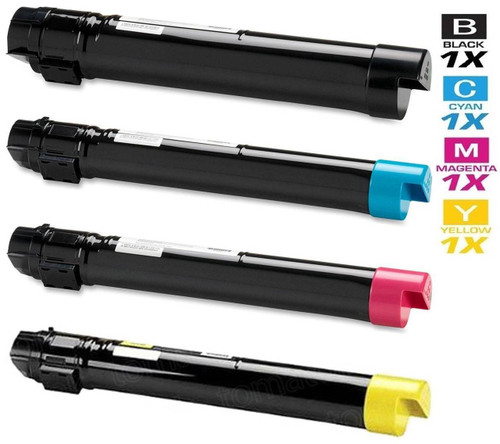
Printer family: WorkCentre 7525, WorkCentre 7530, WorkCentre 7535, WorkCentre 7545, WorkCentre 7556 and the WorkCentre 7830–7970 bench that shares the platform
Cartridge numbers: Metered 006R01509 (K), 006R01510 (Y), 006R01511 (M), 006R01512 (C) · Sold 006R01513 (K), 006R01514 (Y), 006R01515 (M), 006R01516 (C) · drum 013R00662
Page yield: Xerox's own specification figures: black about 26,000 pages, each color about 15,000; the drum cartridge is rated about 125,000 pages in the same document. These are the only yields on this page that come from a Xerox document for this family.
What Xerox's documentation says: the Metered/Sold split above is this family's documentation — both number sets, identical yields, one table (Xerox 610P730081J). The machine runs four separate drum units, one per color, each on the 013R00662 cartridge; a drum message names a unit that has outlived several rounds of toner, not a toner problem.
What our product pages say: our 74 listings for this platform carry the newer written SSS text and say nothing about chips or CRUM — no parts list, no claim in either direction. The shelf sits mainly on the Metered numbers; the carded set and single below are the Sold-number listings our verification pass confirmed live.
Choosing between the packs: buy the number your machine already runs. On a contract (Metered) machine, shop the 006R01509–1512 set; on an owned (Sold) machine, the 006R01513–1516 set carded here. And mind the order trap: second number yellow, fourth number cyan, in both sets.

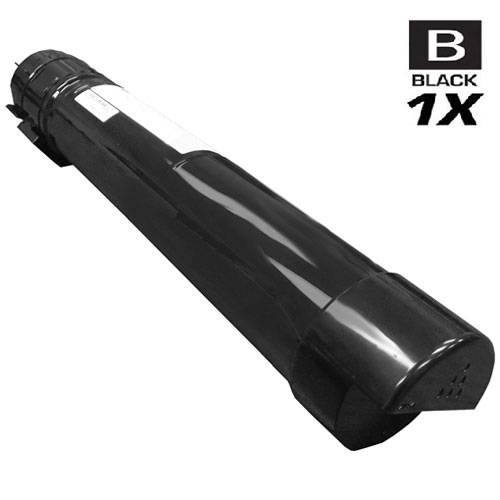

Printer family: VersaLink C7020, VersaLink C7025, VersaLink C7030
Cartridge numbers: 106R03741 (K), 106R03742, 106R03743, 106R03744 — the family's high-capacity set in our catalog
Page yield: our store's Page Yield field for the carded set reads: Black: 16100, Color: 9800. Xerox's own installation guide rates its standard WW-Metered set (106R03733–36, different numbers from ours) at 22,000 black / 15,000 colors, and its NA/EU-Sold extra-high black at 23,600 — quoted here as Xerox's figures for those numbers, not as ratings for the set below.
What Xerox's documentation says: this platform is where Xerox prints the region bands: standard cartridges labeled “WW - METERED,” extra-high labeled “NA/EU - SOLD” and “DMO - SOLD” in the Customer Expectation and Installation Guide. No captured Xerox document assigns a plan to our shelf's numbers (106R03741–44), so this page does not assign one either. The matching rule still applies in full: buy the number on the cartridge you remove.
What our product pages say: complete silence on chips — none of this platform's 24 listings uses the word. Nothing about CRUM, nothing about plans. This section adds no claim the listings do not make.
Choosing between the packs: the set below is the family's high-capacity shelf. If your machine's removed cartridge carries a different 106R037xx number, that number — not this set — is your reorder.


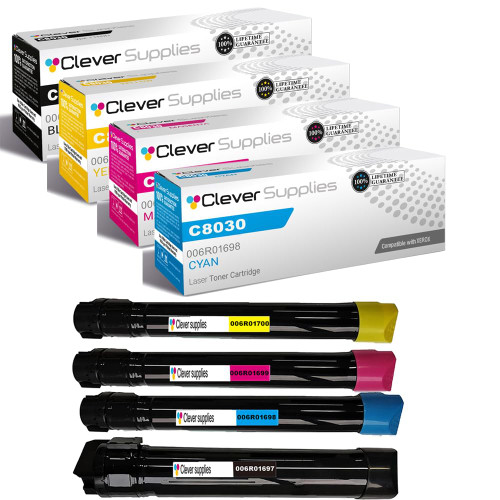
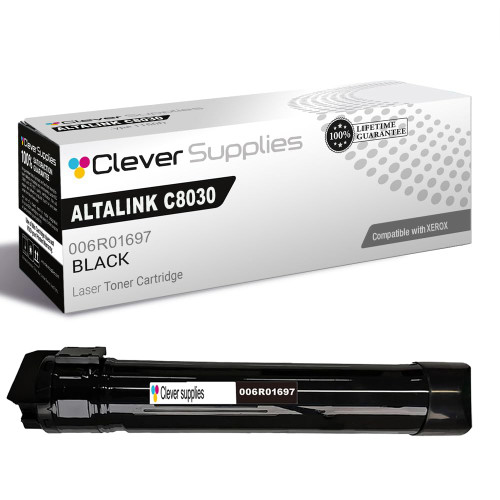
Printer family: AltaLink C8030, AltaLink C8035, AltaLink C8045, AltaLink C8055, AltaLink C8070
Cartridge numbers: 006R01697 (K), 006R01698, 006R01699, 006R01700
Page yield: our store's Page Yield field: black 26,000, colors 15,000 each (the set's field reads Black: 26000, Color: 15000). No Xerox figure for these numbers was captured in our research pass, so read those as our store's field values.
What Xerox's documentation says: AltaLink is Xerox's enterprise line, sold heavily through contract channels — exactly the world the Metered/Sold system belongs to. No Xerox document captured in our pass assigns these four numbers to a plan, and the honest instruction is the standing one: the number on the removed cartridge is the specification. A departmental machine that arrived under a Xerox contract should be reordered by number, never by platform name alone.
What our product pages say: chip-silent, all 36 listings. The set's price below is real and it is this shelf's honest shape: the C8000 series is a high-capacity platform and its set is priced like one.
Choosing between the packs: the 4-color set at $424.99 is the platform's full refresh; the black single at $102.91 covers the far more common event, since black drains first under office printing.
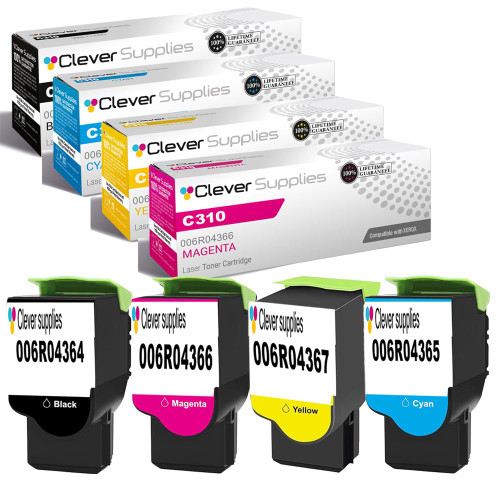
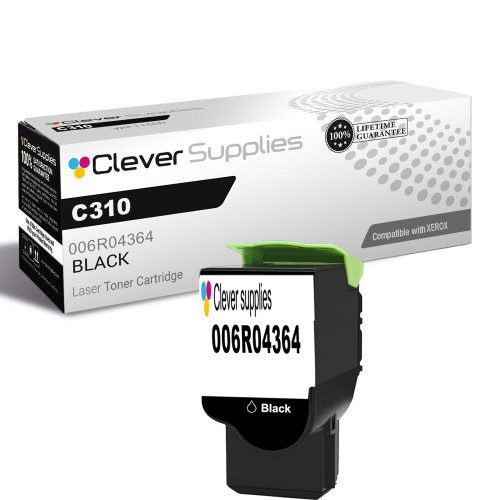
Printer family: Xerox C310, Xerox C315
Cartridge numbers: 006R04364 (K), 006R04365, 006R04366, 006R04367
Page yield: our store's Page Yield field for the carded set reads: Black: 8000, Color: 5500. No Xerox figure was captured for these numbers; the field value is ours, labeled as such.
What Xerox's documentation says: the C310/C315 is the current small-office color platform, and it sits in the same CRUM world as the rest of this page: the machine reads each cartridge's chip, and Xerox has published no firmware statement and no dismissal path for a cartridge the machine rejects. What Xerox documents for its small platforms generally — reseat, clean the CRUM contact area, replace with a cartridge the machine accepts — is the whole documented remedy set.
What our product pages say: chip-silent across all 18 listings, like every current platform in our catalog. No fitted-chip claim is made here, because none exists in the listing evidence.
Choosing between the packs: the set refreshes all four slots at once; the black single handles the everyday case. Match the 006R0436x number on the cartridge you remove before choosing either.
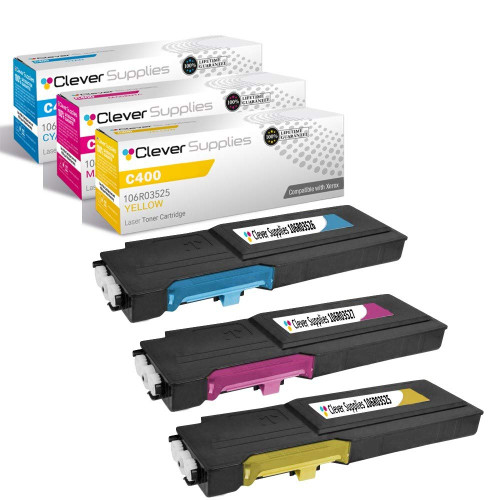
Printer family: VersaLink C400, VersaLink C405
Cartridge numbers: 106R03524 (K), 106R03525, 106R03526, 106R03527
Page yield: our store's Page Yield field for the carded set reads: Color: 8000 (our field, not a Xerox-captured figure).
What Xerox's documentation says: the C400 printer and C405 MFP are VersaLink machines, so the plan machinery documented at the top of this page is their world: supplies identity lives on the chip, and plan changes run through Xerox's Supplies Plan Activation Code route, not through cartridge swaps. No document captured in our pass assigns a plan to these four numbers.
What our product pages say: chip-silent — this platform's 8 listings say nothing about chips in either direction.
Choosing between the packs: a small shelf by design: the set and the black single below are the family's verified canonical listings.

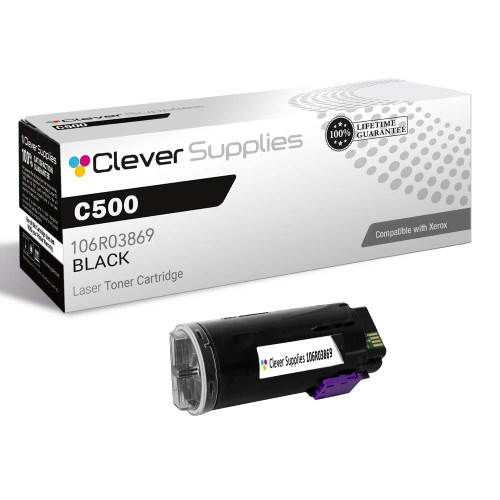
Printer family: VersaLink C500, VersaLink C505
Cartridge numbers: 106R03866 (K), 106R03867, 106R03868, 106R03869
Page yield: our store's Page Yield field for the carded set reads: Color: 9000. Xerox's C500/C600 user guide separately documents a Metered cartridge line for this platform at 9,000 pages under its own order numbers — evidence that the plan split is printed in this family's consumer documentation, not only in service literature.
What Xerox's documentation says: of all the VersaLink C platforms here, this is the one whose own user guide prints the word Metered in its supplies table. Starter cartridges for the platform are likewise separate order numbers. The lesson transfers directly: on a C500 or C505, the cartridge number encodes more than color and yield.
What our product pages say: chip-silent in all 8 listings. Our listings do not disclose a plan for these numbers, and this page does not assign one.
Choosing between the packs: the set and single below are the verified shelf. Reorder by the removed cartridge's number first; platform name second.

Printer family: VersaLink C600, VersaLink C605
Cartridge numbers: 106R03896 (K), 106R03897, 106R03898, 106R03899
Page yield: our store's Page Yield field for the carded set reads: Black: 6000, Color: 6000 (our field). Xerox's documented Metered figure for the C500/C600 platform is 9,000 pages for its Metered order numbers, per the family user guide.
What Xerox's documentation says: the C600/C605 shares its user guide with the C500, including the Metered supplies table — the plan split is part of this platform's printed documentation. Two further C600 code waves sit in their own sections below (106R03900–03 and 106R03916–19): same machines, different cartridge codes. Cross-reference by number, never assume one C600 code wave fits a machine that shipped with another.
What our product pages say: chip-silent across the platform's 18 listings.
Choosing between the packs: the set below is this wave's full refresh; compare its number set against the cartridge you remove before ordering — the next two sections are the same platform wearing different numbers.


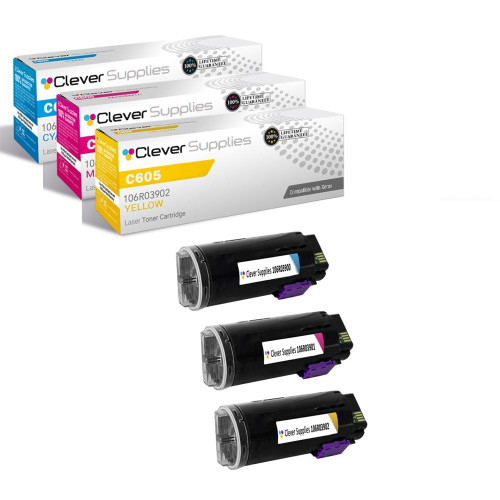
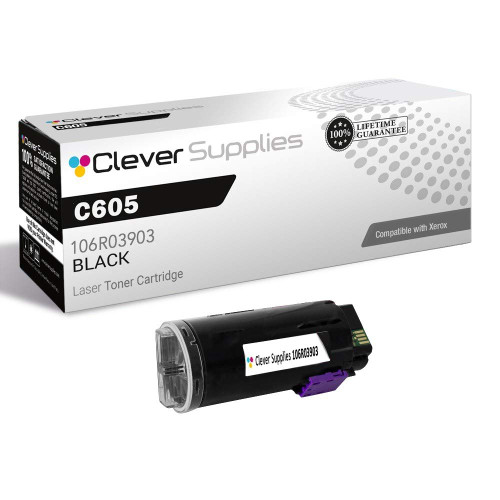
Printer family: VersaLink C600, VersaLink C605
Cartridge numbers: 106R03900 (K), 106R03901, 106R03902, 106R03903
Page yield: our store's Page Yield field for the carded set reads: Color: 10100 (our field; no Xerox figure captured for these numbers).
What Xerox's documentation says: a second code wave for the same C600/C605 machines, kept as its own family in our catalog because the codes are different cartridges on paper. Xerox's platform documentation (shared with the C500) prints Metered order numbers separately; no captured document assigns a plan to this wave's numbers.
What our product pages say: chip-silent in all 8 listings, same as its sibling wave above.
Choosing between the packs: if the cartridge you remove reads 106R0390x, this is your section; if it reads 106R0389x or 106R0391x, use those sections instead. The machine's number is the authority.
Printer family: VersaLink C600, VersaLink C600 DT
Cartridge numbers: 106R03916 (K), 106R03917, 106R03918, 106R03919
Page yield: our store's Page Yield field for the carded set reads: Color: 16800 (our field).
What Xerox's documentation says: the thinnest C600 shelf in our catalog — two listings — and the third distinct code wave for the platform. Three waves for one machine is exactly why this page keeps repeating its one rule: platforms do not identify cartridges; numbers do.
What our product pages say: chip-silent. Only the set below passed our verification as this wave's canonical listing; no single was verified, so none is carded.
Choosing between the packs: the set is the wave's whole verified shelf. If your removed cartridge carries one of the other two C600 number waves, those sections carry your cartridges.

Departmental color platforms from the generations before VersaLink. The CRUM architecture is the same; the plan documentation is thinner, so the number-matching rule carries even more of the weight.
Printer family: WorkCentre 7425
Cartridge numbers: 006R01395 (K), 006R01396, 006R01397, 006R01398 · drum 013R00647
Page yield: our store's Page Yield field: black 26,000, colors 15,000 each — our field values, labeled as such; no Xerox figure was captured for these numbers.
The predecessor bench to the 75xx family, with its own separate drum (013R00647, carded in the drum section below). One catalog trap lives here and this page routes around it: two listings titled as toner for this family carry the drum code 013R00647 in truncated form. They are drum listings under a toner title; they are not carded as toner here, and the drum itself is carded under its own name.

Printer family: WorkCentre 7120, WorkCentre 7125, WorkCentre 7220
Cartridge numbers: 006R01457 (K), 006R01458, 006R01459, 006R01460
Page yield: our store's Page Yield field: black 22,000, colors 15,000 each (our field).
A long-lived departmental platform whose cartridges predate the VersaLink plan printing. Nothing in Xerox's captured documentation assigns these numbers a plan; nothing in our listings mentions a chip beyond the shared legacy parts list on some listings. Reorder by number, as everywhere on this page.
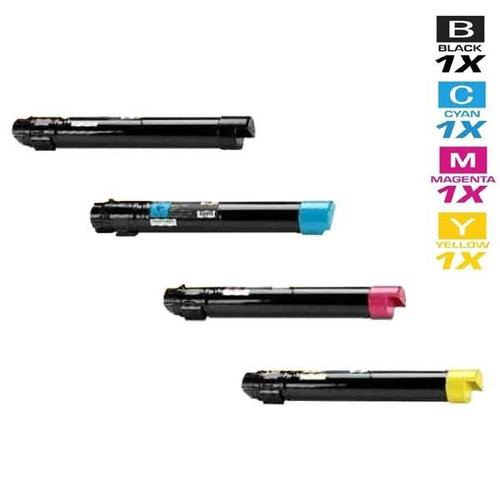
Printer family: CopyCentre C2128, CopyCentre C2632, CopyCentre C2636
Cartridge numbers: 006R01175 (K), 006R01176, 006R01177, 006R01178
The oldest departmental family on this page. Its yield treatment is this page's honesty test: our own listings disagree with each other on this family's color yield (both 16,000 and 15,000 appear across its listings), so this section prints no yield number at all rather than pick one. Read the individual product page for the listing you are considering, and treat any single figure for this family with care until the field is reconciled.
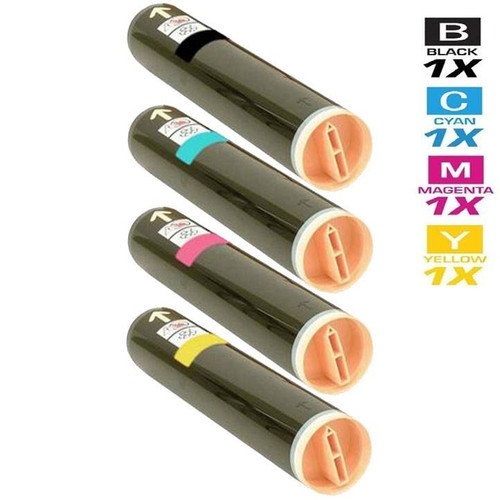

Printer family: DocuColor 240, DocuColor 242, DocuColor 250
Cartridge numbers: 006R01219 (K), 006R01220, 006R01221, 006R01222 · drum 013R00602
The production-color ancestor in this catalog, sharing its 013R00602 drum with the WorkCentre 7655 bench (the drum is carded in the drum section). Like the CopyCentre family above, its own listings print its yields inconsistently — the color figure sits above the black figure in some listings and the values shift between singles — so no yield number is printed here. The set and single below are verified listings; their product pages carry the fields as read.
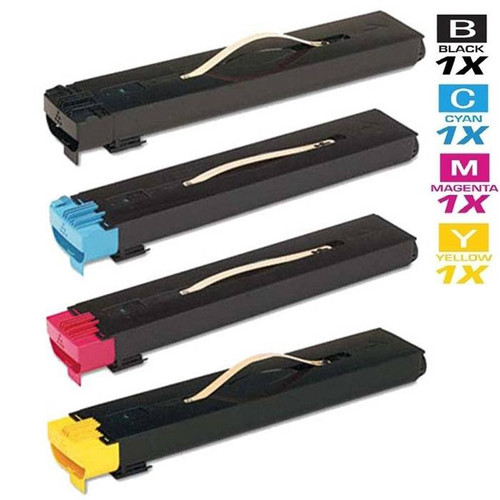
Printer family: WorkCentre 6655, WorkCentre 6655i
Cartridge numbers: 106R02744 (K), 106R02745, 106R02746, 106R02747
Page yield: our store's Page Yield field for the carded set reads: Black: 12,000, Colors: 7,500 each (our field).
A smaller departmental platform bridging the WorkCentre and VersaLink eras. Its 14 listings are chip-silent beyond the legacy parts list where it appears. No plan assignment for these numbers was captured from Xerox; the standing rule applies.


The big tabloid and graphics Phasers. Long-life cartridges, high set prices, and the same CRUM read at install — with drums sold separately on the platforms that use them.
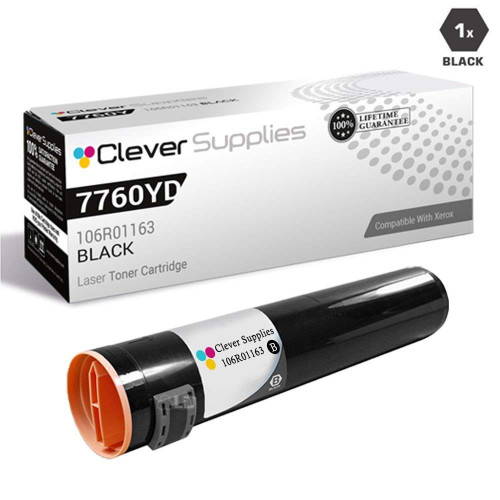
Printer family: Phaser 7760, Phaser 7760DN
Cartridge numbers: 106R01160 (K), 106R01161, 106R01162, 106R01163
Page yield: our store's Page Yield field: black 32,000, colors 25,000 each (our field).
A graphics-bench Phaser with the longest field yields in this group. One listing in this family (a yellow cartridge) carries a Condition field that wrongly reads as a genuine-product flag in our catalog data; the listing's own title says compatible, and it is treated as compatible here, as its title states. The family's chip wording, where it appears, is the shared legacy parts list.
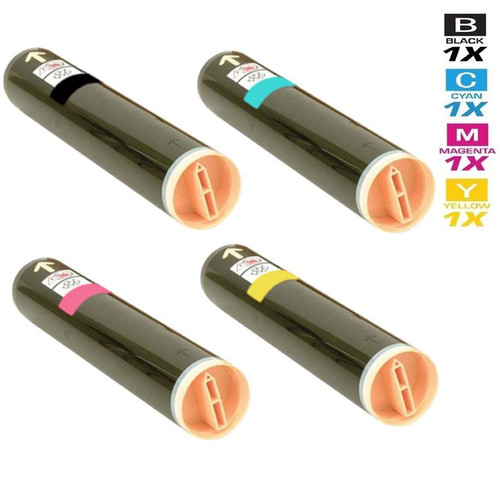
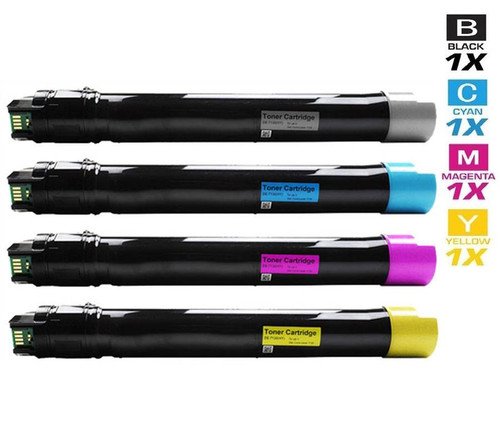
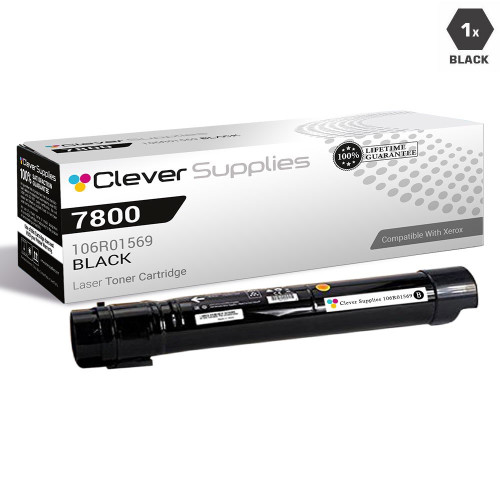
Printer family: Phaser 7800, Phaser 7800DN, Phaser 7800DG
Cartridge numbers: 106R01566 (K), 106R01567, 106R01568, 106R01569
Page yield: our store's Page Yield field: black 24,000, colors 17,200 each (our field).
The 7760's successor on the graphics bench. The set below is priced as the platform's full high-yield refresh; the black single covers routine reordering. Chip wording in this family is the legacy parts list only.
Printer family: Phaser 7750, Phaser 7750DN
Cartridge numbers: 106R00652 (K), 106R00653, 106R00654, 106R00655 · drum 108R00581
Page yield: our store's Page Yield field: black 32,000, colors 22,000 each (our field).
The oldest graphics Phaser here, and the most expensive set on this page — a real figure for a platform whose cartridges were always premium parts. Its drum (108R00581) is a separate, separately carded unit in the drum section. The set price is presented as read, without apology or discount theater.
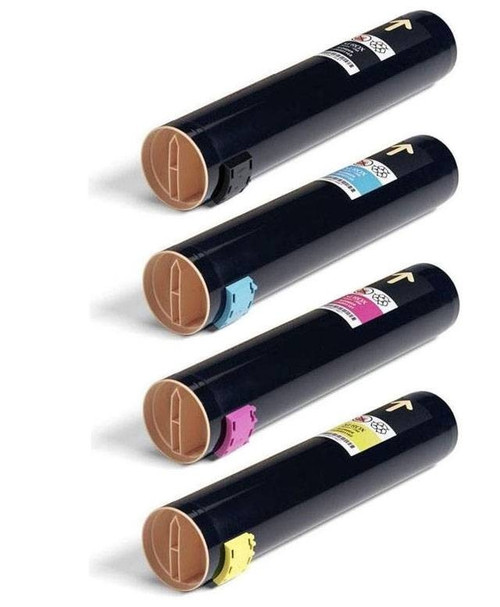
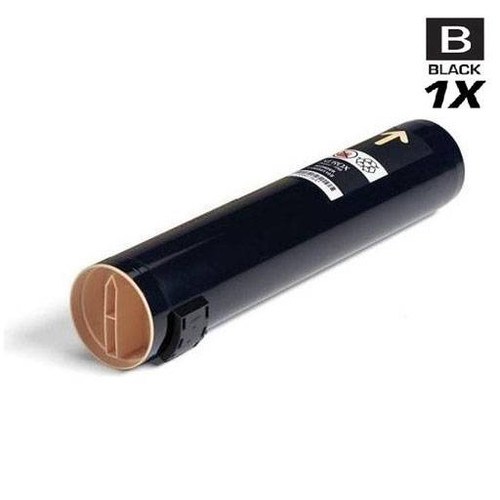
Printer family: Phaser 7500, Phaser 7500DN, Phaser 7500DT
Cartridge numbers: 106R01433 (K), 106R01434, 106R01435, 106R01436 (high-yield line extends to 106R01439)
Page yield: our store's Page Yield field: black 19,800, colors 17,800 each (our field).
A tabloid platform whose catalog footprint overlaps its 7750 predecessor — the carded black single below is a 7750-titled listing carrying this family's high-yield black code (106R01439), verified live as such. Cross-platform code sharing like this is why every card on this page is labeled with its code, not just its platform.
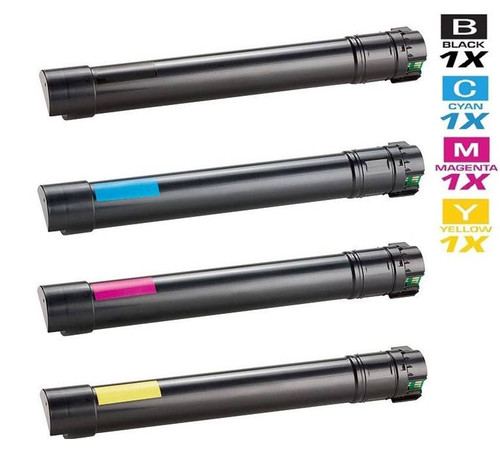
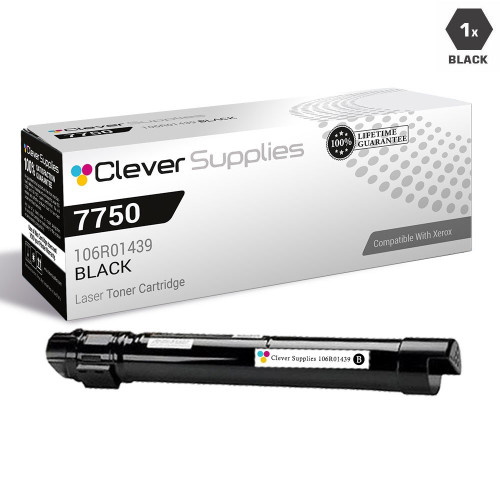
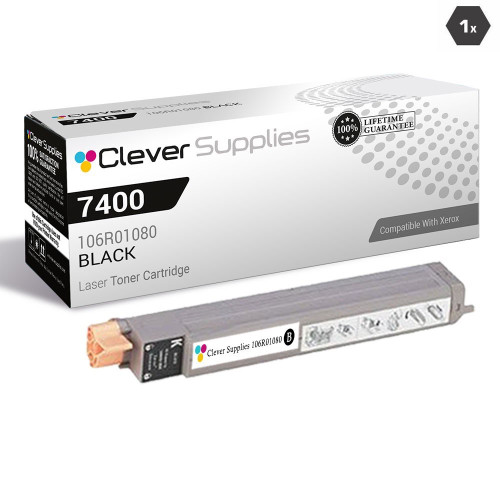
Printer family: Phaser 7400, Phaser 7400DN, Phaser 7400DXF
Cartridge numbers: 106R01077 (K), 106R01078, 106R01079, 106R01080
Page yield: our store's Page Yield field: black 15,000, colors 18,000 each — a platform whose color cartridges genuinely outrate its black in the field values (our field).
A tabloid workhorse whose colors carry higher field yields than its black — unusual, and printed here as the field reads rather than normalized away. A second, smaller code family (106R03690–92) also lists the 7400 among its platforms; it sits in the office group below, and the two should not be confused at reorder.
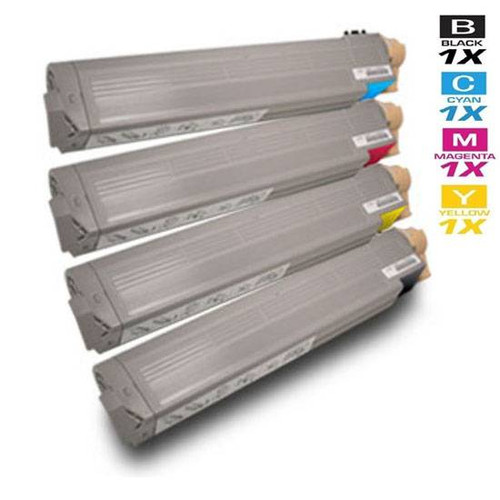
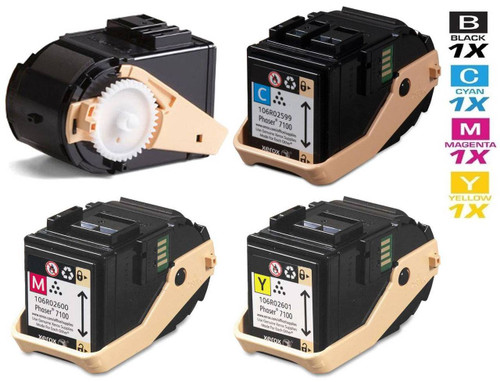
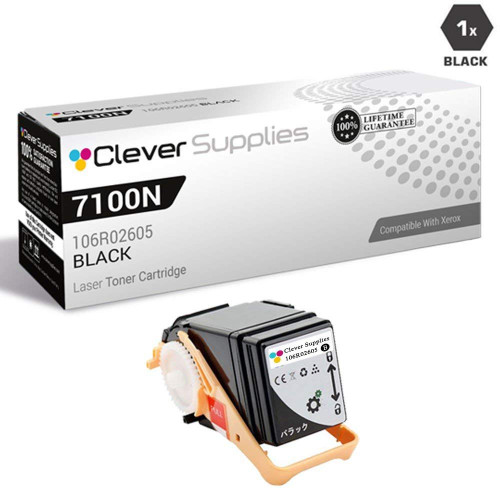
Printer family: Phaser 7100, Phaser 7100DN
Cartridge numbers: 106R02599–106R02605 across the family's tiers (set codes 106R02605/2599/2600/2601)
Page yield: our store's Page Yield field for the carded set reads: black 5,000, colors 4,500 each (our field).
A tabloid platform whose family spans more codes than most — standard and high tiers together run 106R02599 through 106R02605. The carded set carries the family's high-tier numbers; check your removed cartridge's tier before ordering, because the platform name alone spans both.
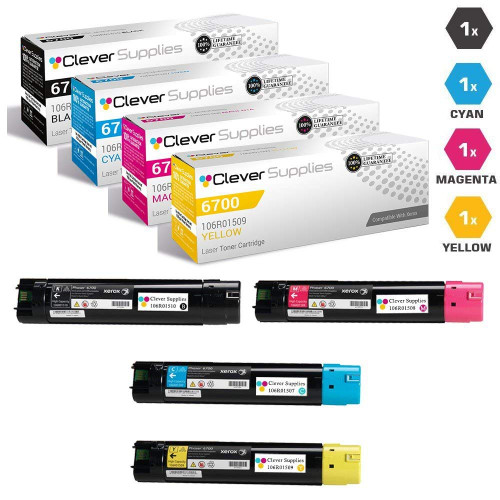
Printer family: Phaser 6700, Phaser 6700DN
Cartridge numbers: 106R01507 (K), 106R01508, 106R01509, 106R01510
Page yield: our store's Page Yield field: black 18,000, colors 12,000 each (our field).
A code-collision warning belongs to this family: its color codes (106R01509, 106R01510) share digits with the WorkCentre 75xx family's famous 006R01509/006R01510 — a different prefix and a different cartridge entirely. A search typed from memory can land on the wrong platform's cartridge; the prefix (106R versus 006R) is part of the number.
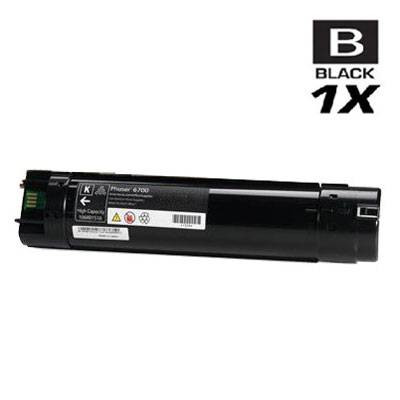
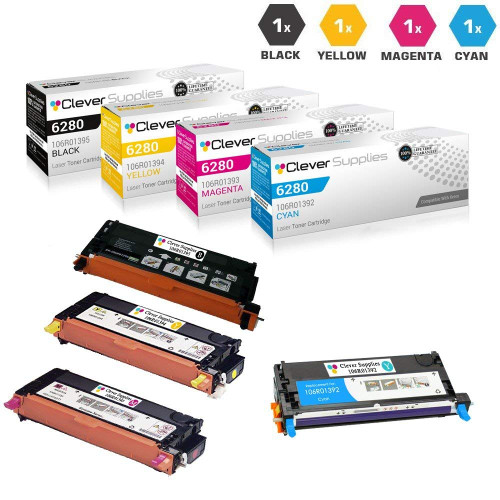
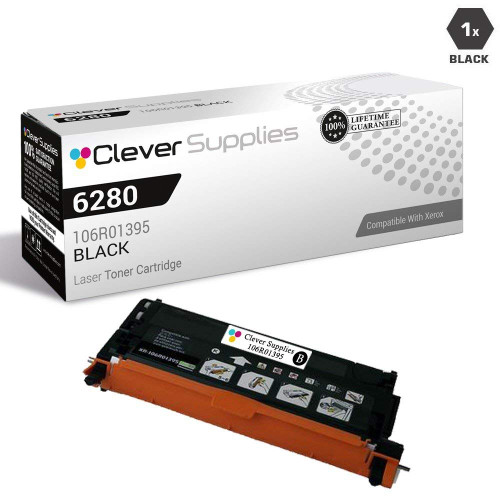
Printer family: Phaser 6280, Phaser 6280DN
Cartridge numbers: 106R01392 (K), 106R01393, 106R01394, 106R01395
Page yield: our store's Page Yield field: black 7,000, colors 5,900 each (our field).
Another prefix-collision family: its black code 106R01395 mirrors the WorkCentre 7425 family's 006R01395. Same digits, different prefix, different machine. The carded black below is this family's high-yield black, titled and verified as such.
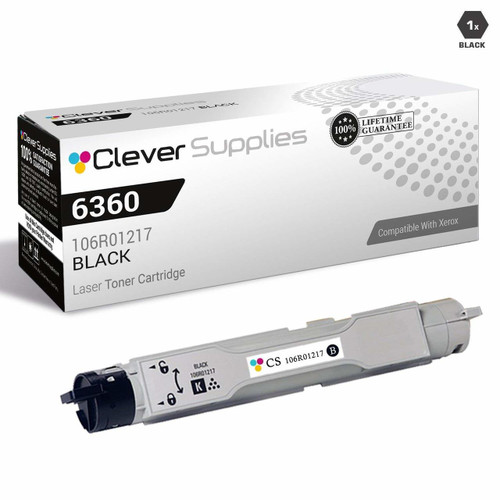
Printer family: Phaser 6360, Phaser 6360DN
Cartridge numbers: 106R01217 (K) with 106R01219/106R01220 appearing in the family's code set
Page yield: our store's Page Yield field for the carded single is read on its product page; this family's verified shelf is a single canonical listing, so no set is carded.
The smallest shelf in the production group: nine listings and one verified canonical — the black single below. No 4-color set for this family passed verification, so none is carded; a help page cards what it has verified, not what a complete shelf would look like.
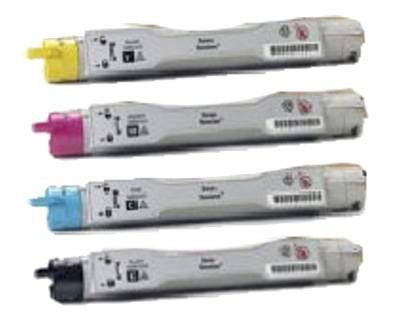
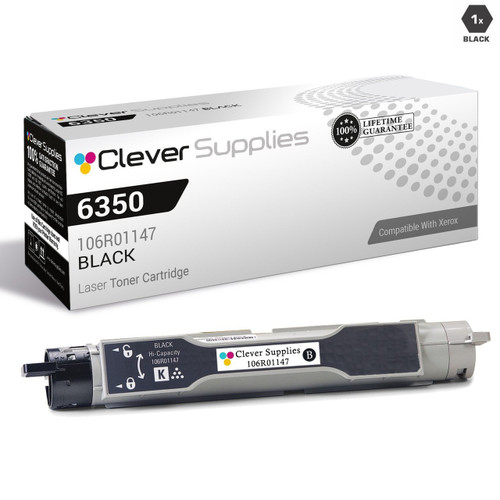
Printer family: Phaser 6350, Phaser 6350DP
Cartridge numbers: 106R01144 (K), 106R01145, 106R01146, 106R01147
Page yield: our store's Page Yield field for the carded set reads: 10,000 Each (our field).
A mid-2000s office Phaser whose listings carry the legacy parts-list chip sentence where chip wording appears at all. That sentence is reported here for exactly what it is — a component mention — and this section builds no fitted-chip claim on it.
Printer family: Phaser 6300, Phaser 6300DN
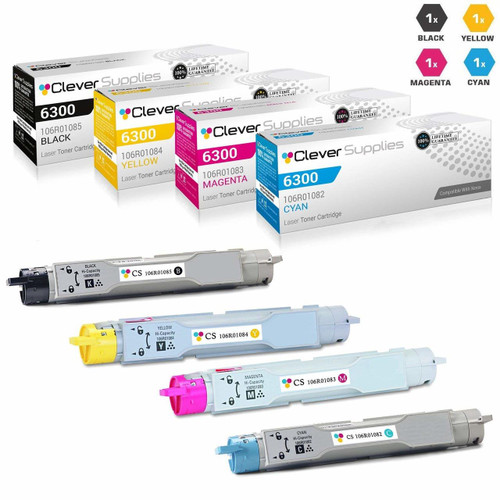
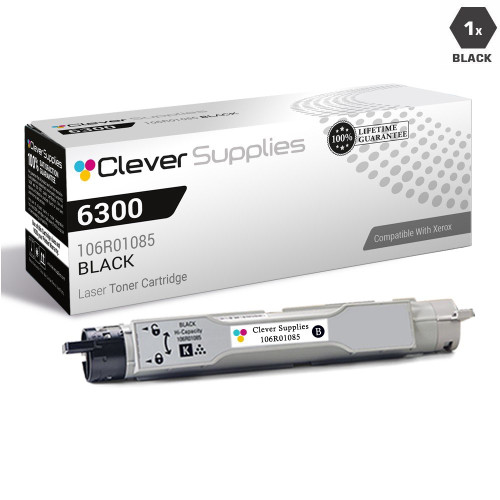
Cartridge numbers: 106R01082 (K), 106R01083, 106R01084, 106R01085
Page yield: our store's Page Yield field for the carded set reads: 7,000 Each (our field).
The 6350's predecessor platform, same era and same listing pattern: legacy parts-list wording at most, no family-specific chip claim anywhere in its 24 listings.
The desktop and departmental Phasers most offices actually run. Yields are smaller, sets are cheaper, and the CRUM read at install is identical to the big machines.
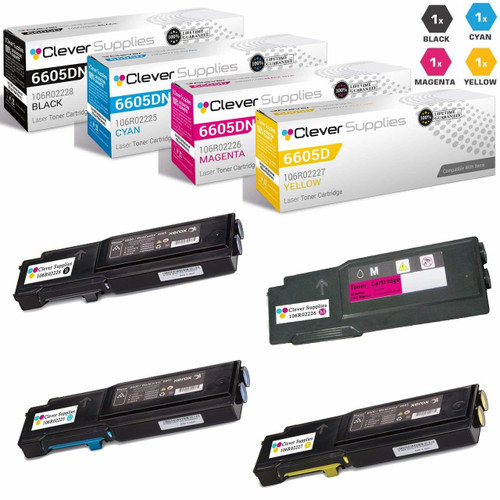
Printer family: Phaser 6600, Phaser 6600DN, WorkCentre 6605
Cartridge numbers: 106R02225 (K), 106R02226, 106R02227, 106R02228 (high-yield line to 106R02244)
Page yield: our store's Page Yield field for the carded high-yield set: black 8,000, colors 6,000 each (our field).
One cartridge family feeding both a Phaser printer line and the WorkCentre 6605 MFP line — platform names differ, numbers agree. The carded black is the high-yield black (106R02244); the family's standard tier sits under the 106R02225–28 numbers.

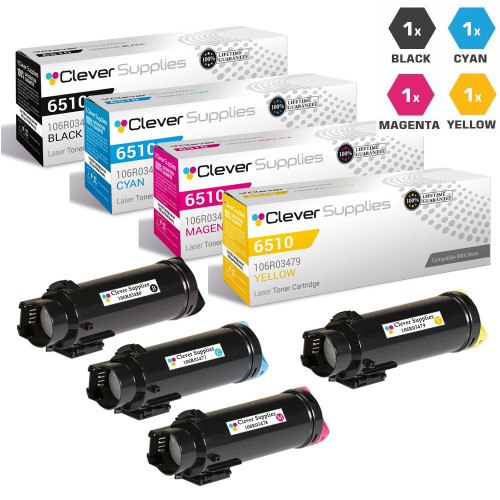
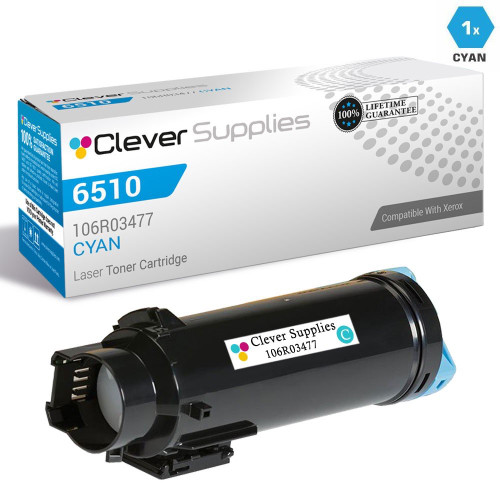
Printer family: Phaser 6510, WorkCentre 6515
Cartridge numbers: 106R03477 (K), 106R03478, 106R03479, 106R03480
Page yield: our store's Page Yield field for the carded set reads: Black: 5500, Color: 2400 (our field).
The VersaLink generation's smaller sibling platform — a Phaser printer and a WorkCentre MFP sharing one cartridge set. A second code family (106R03690–92, next entry) also lists these machines; the two families' codes are different cartridges on paper, so reorder from the removed cartridge, not from this section's heading.
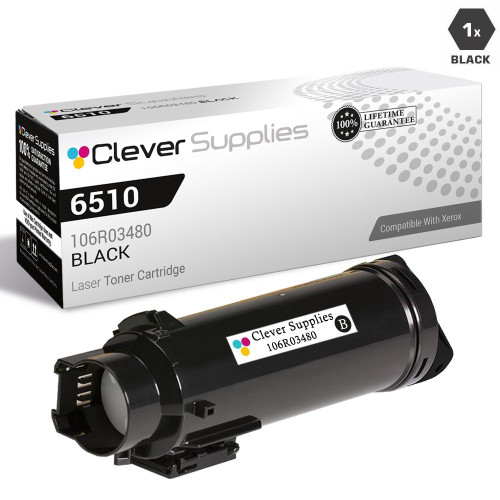
Printer family: Phaser 6510, WorkCentre 6515, Phaser 7400
Cartridge numbers: 106R03690 (K), 106R03691, 106R03692
Page yield: our store's Page Yield field for the carded set reads: Color: 4300 (our field).
Eight listings whose categories span two platforms that also appear elsewhere on this page under different codes — the clearest small-scale example of why this page is organized by number first and platform second. If your removed cartridge reads 106R0369x, this small section is yours; the bigger 6510 and 7400 sections carry different numbers.
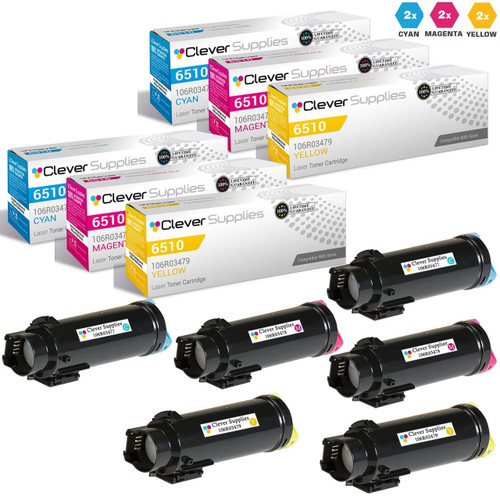
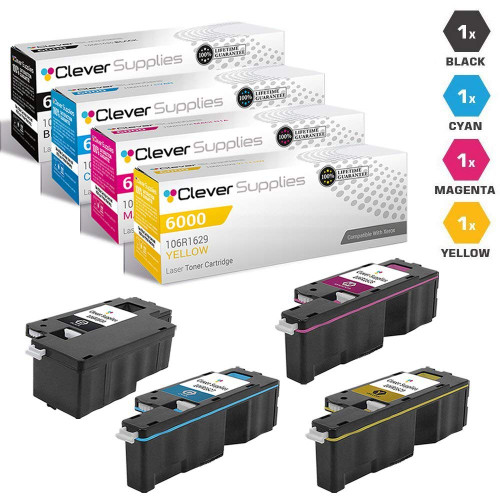
Printer family: Phaser 6000, Phaser 6010
Cartridge numbers: 106R01627 (K), 106R01628, 106R01629, 106R01630 (also listed in truncated form 106R1627–30)
Page yield: our store's Page Yield field: black 2,000, colors 1,000 each (our field).
A compact desktop family with a catalog quirk worth knowing: about 45 of its listings carry zero-stripped codes (106R1627 instead of 106R01627) in their titles and code fields. Same cartridges, two spellings — a search on the full code will not surface the truncated listings, which is a findability flaw in our catalog, reported here rather than hidden.

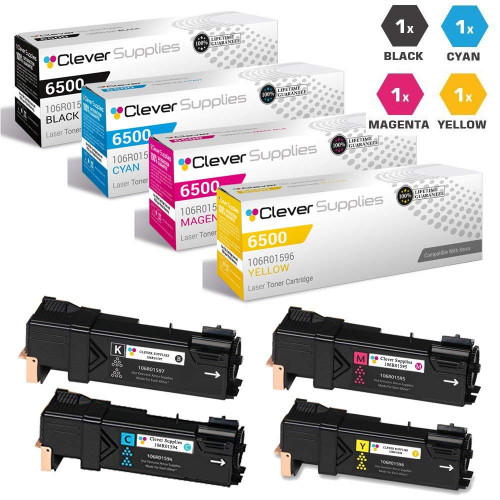
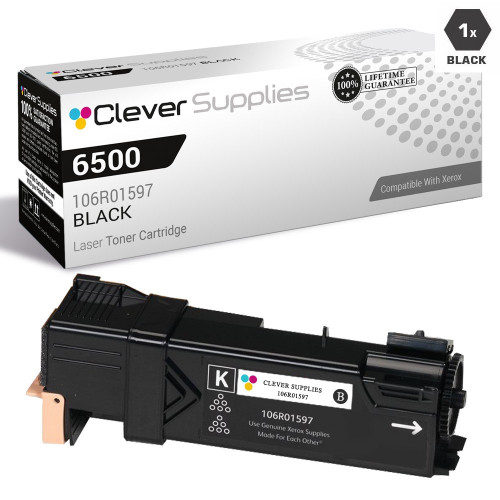
Printer family: Phaser 6500, Phaser 6500DN, Phaser 6505
Cartridge numbers: 106R01594 (K), 106R01595, 106R01596, 106R01597
Page yield: our store's Page Yield field: black 3,000, colors 2,500 each (our field).
A small-workgroup family whose carded black is titled under the Phaser 6500 name with this family's black code (106R01597), verified live. The family's chip wording, where present, is the legacy parts list.
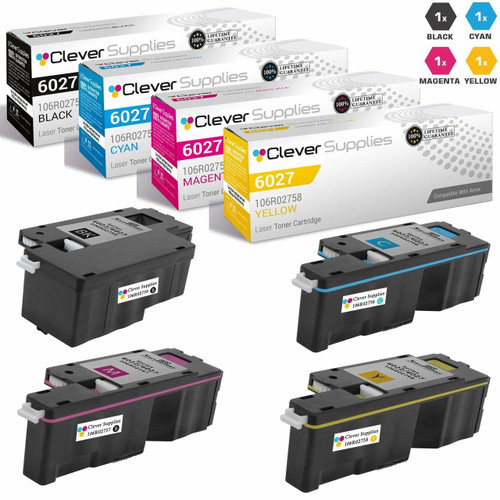
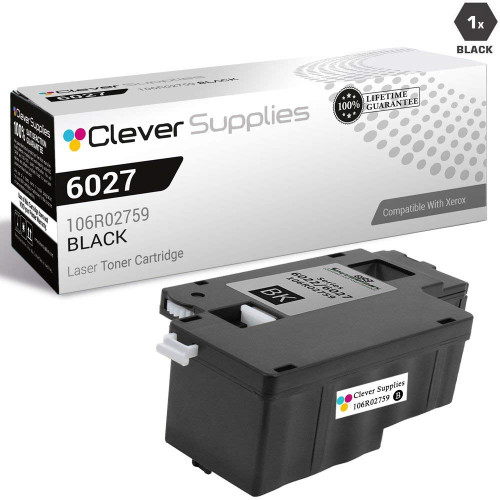
Printer family: Phaser 6022, Phaser 6027, WorkCentre 6025
Cartridge numbers: 106R02756 (K), 106R02757, 106R02758, 106R02759
Page yield: our store's Page Yield field: black 2,000, colors 1,000 each (our field).
The smallest-yield family in the office group — desktop machines whose cartridges are consumables in the near-inkjet sense. The set below is priced accordingly; at these yields the set, not the single, is usually the rational reorder.
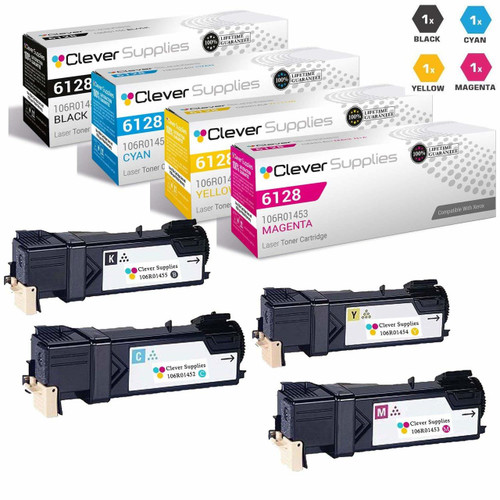
Printer family: Phaser 6128, Phaser 6128MFP
Cartridge numbers: 106R01452 (K), 106R01453, 106R01454, 106R01455
Page yield: our store's Page Yield field: black 3,100, colors 2,500 each (our field).
A compact MFP platform from the generation whose listings carry the legacy parts list. The carded black carries the family's fourth code (106R01455), as titled.
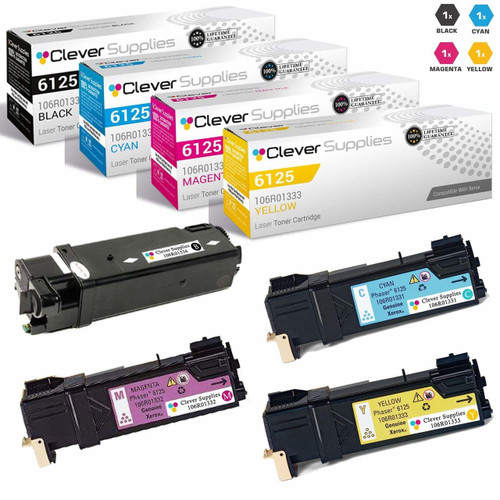
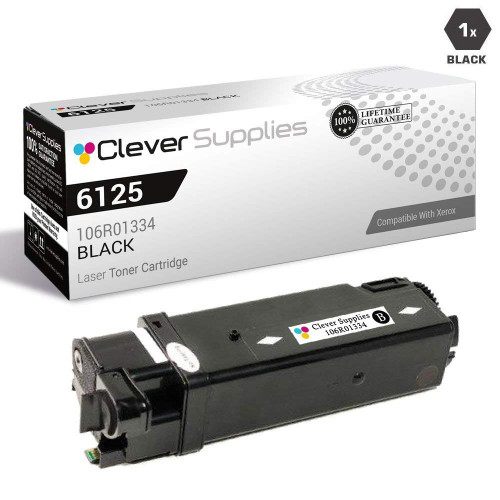
Printer family: Phaser 6125, Phaser 6125N
Cartridge numbers: 106R01331 (K), 106R01332, 106R01333, 106R01334
Page yield: our store's Page Yield field: black 2,000, colors 1,000 each (our field).
The entry desktop color Phaser of its generation. Small yields, small prices, and the same install-time CRUM read as every other platform on this page.
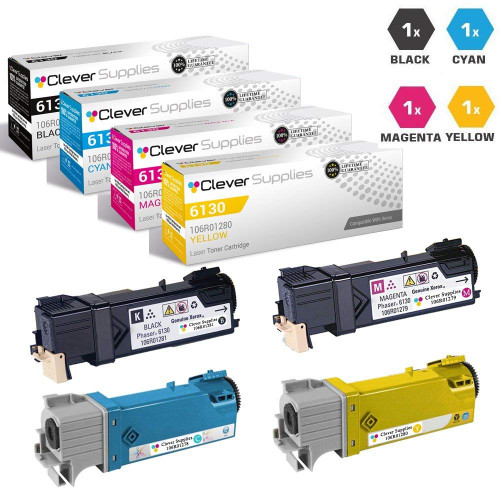
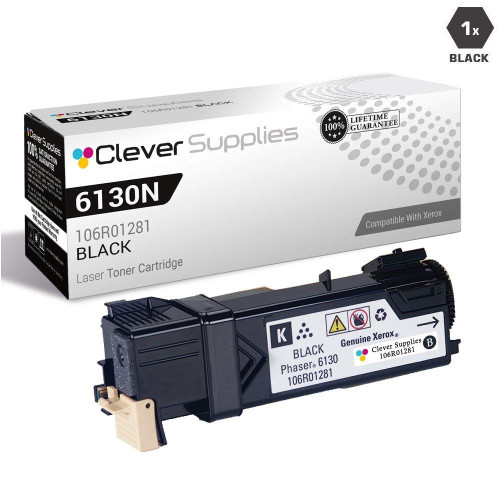
Printer family: Phaser 6130, Phaser 6130N
Cartridge numbers: 106R01278 (K), 106R01279, 106R01280, 106R01281
Page yield: our store's Page Yield field: black 2,500, colors 1,900 each (our field).
The 6125's step-up sibling, with modestly larger cartridges. Its listings follow the family pattern: parts-list wording at most, no fitted-chip claim.
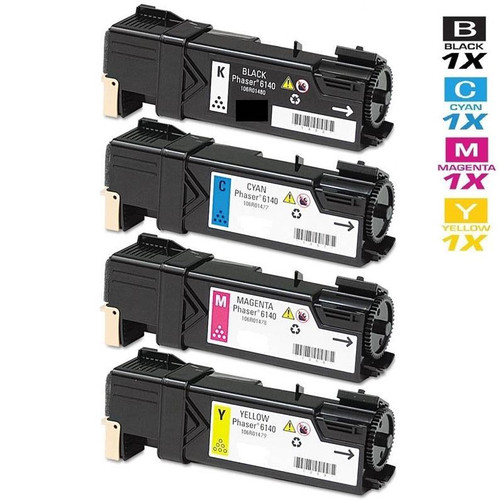
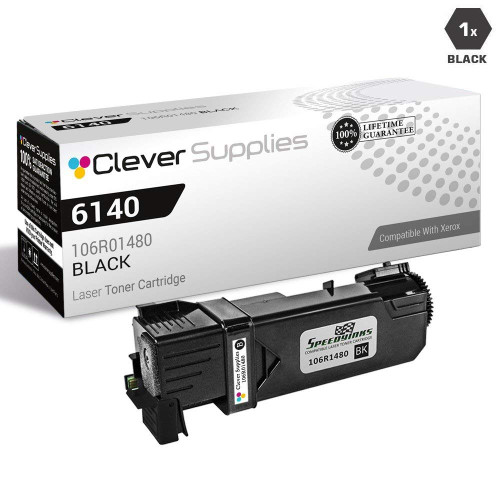
Printer family: Phaser 6140, Phaser 6140DN
Cartridge numbers: 106R01477 (K), 106R01478, 106R01479, 106R01480
Page yield: our store's Page Yield field for the carded set reads: Black: 2,600, Colors: 2,000 Each (our field).
A workgroup desktop platform whose 24 listings sit between the small 61xx machines and the 65xx line in both yield and price. No plan or chip claim is documented for its numbers in the material we captured.
Printer family: Phaser 6180, Phaser 6180DN
Cartridge numbers: 113R00723 (K), 113R00724, 113R00725, 113R00726
Page yield: our store's Page Yield field for the carded set reads: Black: 8,000, Colors: 6,000 Each Pages (our field).
The only 113R-prefixed color family in the catalog — a reminder that Xerox code prefixes mark eras, not quality. Its MFP variants make it a genuine small-office platform rather than a printer-only one.
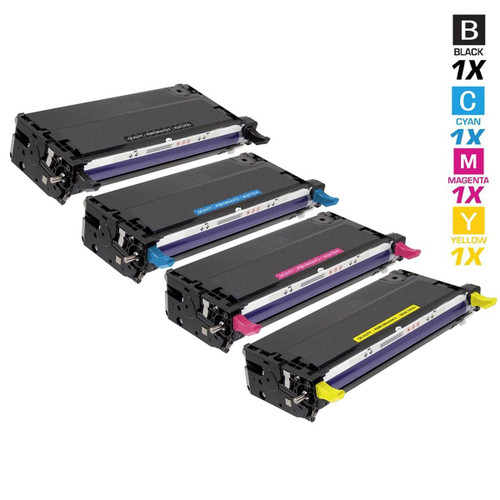
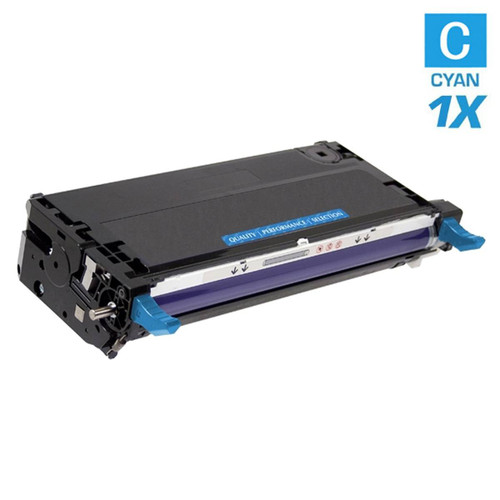
Four drum codes serve the color platforms. Each drum carries its own CRUM and is read by the machine the same way toner is.
The WorkCentre 7525–7970 architecture is the one to understand, because it surprises buyers raised on single-drum machines: it runs four drum units, one behind each color, all on the same drum cartridge number (013R00662) and all rated by Xerox at about 125,000 pages. A drum reaching its end is replaced singly, and its message is a drum message — fitting fresh toner does not clear it, because the toner was never the part being counted. The 013R00662 unit is carded in the 75xx section above, where it belongs.
The remaining color drums are carded here. The DocuColor drum (013R00602) also serves the WorkCentre 7655–7775 bench; the WorkCentre 7425 drum (013R00647) is the genuine article behind the mis-titled “toner” listings flagged in that family's section — carded here under its correct identity, as a drum; and the Phaser 7750 drum (108R00581) is its platform's imaging unit. None of these is a toner cartridge, whatever any listing title says.


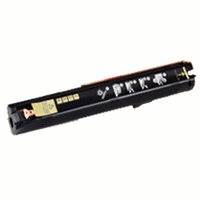
The fault texts below are Xerox's documented wording, captured from the B205/B215 service manual — the platform where Xerox documents this fault family in full. The mechanisms are the CRUM architecture every platform on this page shares.
Fault 09-800 on the documented B215 platform (the B205 shows “Invalid Print Cart.”). The manual's diagnosis: “The Toner Cartridge is not compatible with the printer.” This is a CRUM mismatch — wrong number, wrong plan, or a chip the machine cannot read. Xerox's documented path is reseat, then replace with a cartridge the machine accepts. No dismiss-and-print step exists in the procedure.
Fault 09-500: the machine cannot detect the cartridge at all. The manual's procedure names the physical suspect first — “Check the CRUM contact area for contamination and clean if necessary” — then seating. A cartridge that is present but unread is treated as absent; clean contacts and a firm reseat come before any conclusion about the cartridge itself.
Faults 09-600/09-900 cover the drum's own CRUM: not installed, or invalid. The manual's line is “Verify the Drum Cartridge CRUM is fully seated.” On the B215 the drum fault can even display the same “Incompatible Toner Cartridge” text as the toner fault — a documented quirk worth knowing before you replace toner for a drum problem. On four-drum color platforms, the message names the unit; replace that unit.
Fault 09-100 is a warning, not a stop: the cartridge is near its predetermined end. Xerox designs its cartridges and drums, in its user guide's words, “to cease functioning at a predetermined point” — a low warning is that design working as documented. Order the replacement by the number on the cartridge while the machine still prints.
No special panel text is documented for this case, because it is not a special case: it is the plan system working as Xerox describes it. Per Xerox Customer Support, a genuine cartridge whose chip identifies the wrong contract type — Metered in a Sold machine, or the reverse — is the wrong cartridge for that machine. The fix is the cartridge carrying your machine's plan number, or a plan conversion through Xerox's activation-code route.
- Pull the cartridge you are replacing and read its full number, prefix included — 006R and 106R numbers with the same digits are different cartridges.
- If the machine came under a Xerox contract, assume it is a Metered machine until proven otherwise, and shop the Metered number set; owned machines take the Sold set.
- On WorkCentre 7525–7970 numbers, check the color order twice: second number yellow, fourth number cyan, in both the Metered and Sold sets.
- On VersaLink platforms, treat region as part of the number's identity (WW / NA-EU / DMO bands appear in Xerox's own supply tables).
- Do not expect a settings change, a menu, or a cartridge swap to convert a machine's plan — plan changes run through Xerox's Supplies Plan Activation Code.
- If a new cartridge is rejected, reseat it and clean the CRUM contact area before concluding anything; Xerox's own procedures start there.
- Keep toner and drum separate in your diagnosis: a drum message survives a toner change, on single-drum and four-drum platforms alike.
The mechanism that decides is documented: the machine reads the cartridge's CRUM chip, and a mismatch — wrong number, wrong plan, unreadable chip — is a hard stop. Our listings make no fitted-chip claim for any Xerox family (the only chip wording in our catalog is a shared parts-list sentence), so this page promises nothing the evidence does not carry. What decides success in practice is exact number matching, including plan and region where the platform splits them.
They are the same toner sold under different numbers for different machine deals, and the chip carries the difference. In Xerox Customer Support's own words, “Metered” means cost-per-copy / contract machine, and “SOLD / Regular” means you own the machine with no contract. A cartridge of the wrong type is rejected even when it is genuine Xerox.
Cyan is the fourth number, not the second: 006R01512 on a Metered machine, 006R01516 on a Sold machine. The second number (006R01510 / 006R01514) is yellow. The codes do not run in CMYK order in either set — Xerox's specification table is the source, and our listings follow it.
No documented user path exists. The VersaLink System Administrator Guide documents a Supplies Plan Activation Code: the plan is set by code through Xerox channels. Until Xerox converts the machine, it will keep asking for cartridges of its current plan.
Xerox has published no firmware statement on third-party cartridges that our research could find — no FAQ, no dynamic-security page. This page does not invent one in either direction. Xerox's documented enforcement surface is the CRUM chip and the supplies plan, and that is what the sections above are built on.
Because they are different parts on different counters, each with its own CRUM. On the WorkCentre 7525–7970 there are four drum units (013R00662, Xerox-rated about 125,000 pages) behind the four toners; the other color platforms card their drums in the drum section above. A drum message is answered with a drum, and Xerox's documented first check is that the drum's CRUM is fully seated.