




WorkCentre 7545
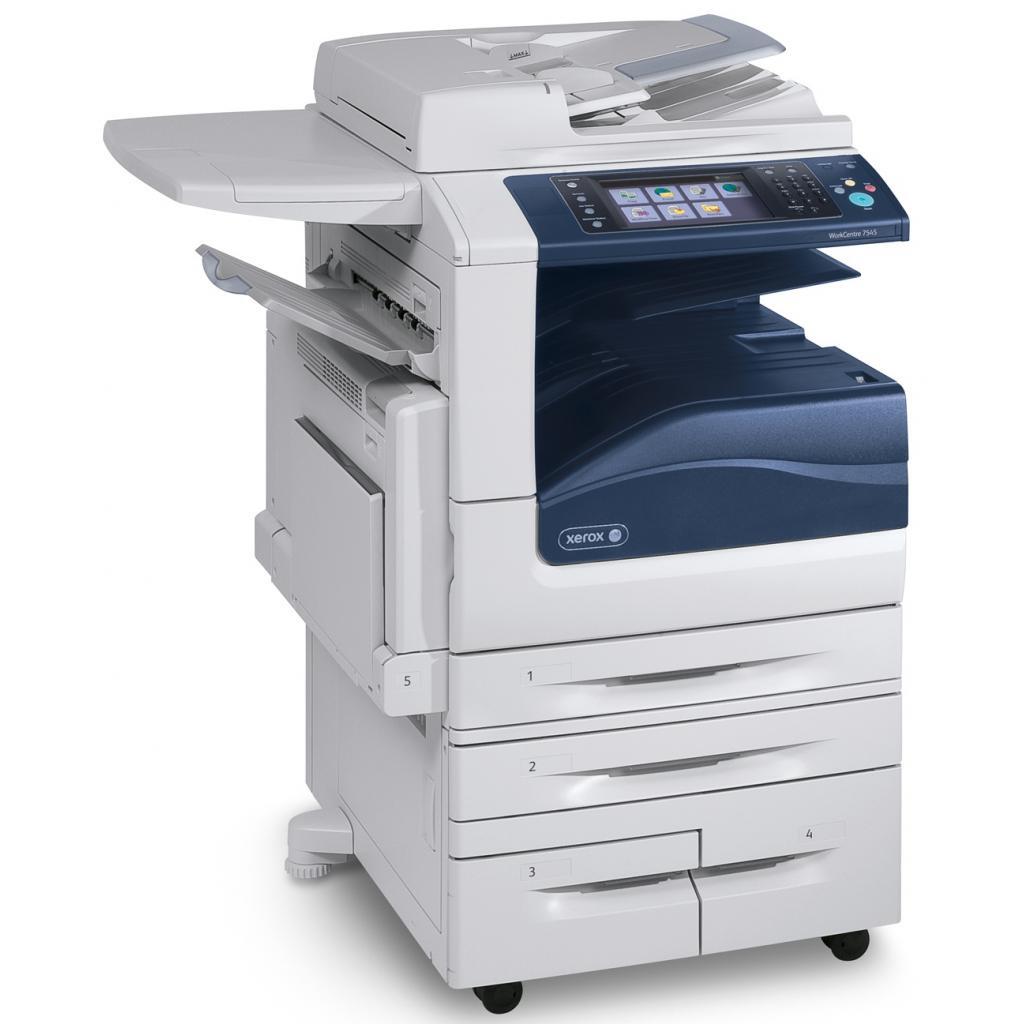
Demanding departments step up to the Xerox WorkCentre 7545, a color multifunction that combines printing, copying, scanning and faxing in one unit and takes the 006R01513 toner cartridge family. The stockroom count for a 7545 reads two codes in every color: black 006R01509 beside the cartridge above, cyan 006R01512 and 006R01516, magenta 006R01511 and 006R01515, yellow 006R01510 and 006R01514 — plus one imaging part, the 013R00662 drum unit, which outlasts several rounds of toner.
A step-up machine implies a step-up workload: more users, longer runs, and less tolerance for a device sitting idle with an empty slot. The 7545's supply plan should read like its job queue — predictable, buffered, and boring. Offices that run one often keep a full spare set on the shelf because the cost of a paused department dwarfs the cost of toner sitting in a cabinet for a few weeks. Two listings per color also mean a backorder on one number rarely becomes a crisis.
Toner Cartridges for WorkCentre 7545
| Cartridge | Color | Page Yield |
|---|---|---|
| 006R01509 — WorkCentre range listing | Black | See product page |
| 006R01512 — WorkCentre range listing | Cyan | See product page |
| 006R01510 — WorkCentre range listing | Yellow | See product page |
| 006R01509 — WorkCentre 7545 listing | Black | See product page |
| 006R01511 — WorkCentre 7545 listing | Magenta | See product page |
| 006R01512 — WorkCentre 7545 listing | Cyan | See product page |
| 006R01510 — WorkCentre 7545 listing | Yellow | See product page |
| 006R01513 Laser Toner Cartridge | Black | See product page |
| 006R01515 Laser Toner Cartridge | Magenta | See product page |
| 006R01516 Laser Toner Cartridge | Cyan | See product page |
| 006R01514 Laser Toner Cartridge | Yellow | See product page |
Shelf packs and color sets for the 7545:
- 006R01509 Black 2 Pack
- 4 Color Set (006R01509, 006R01512, 006R01511, 006R01510)
- 4 Color Set (006R01513, 006R01516, 006R01515, 006R01514)
- WorkCentre 006R01509 Black 2 Pack
- WorkCentre 4 Color Set (006R01509, 006R01512, 006R01511, 006R01510)
One imaging part supports the whole toner family:
- 013R00662 Drum Unit — single unit
- 013R00662 Drum Unit 4 Pack — shelf pack of four
Which cartridge should you buy?
For a 7545, default to depth. Black moves fastest, so the 2 pack — or two singles — should always be in reserve; a shared machine that stops for toner stops everyone. Colors can be run leaner with singles, topped up one slot at a time, but a 4 color set belongs in the cabinet if the department prints color in waves. When one of a color's two part numbers is unavailable, order the other rather than waiting; both are listed for this machine. Keep the drum as a diagnosed purchase only: streaks that survive a fresh cartridge are its calling card, and until then it needs no budget line.
Chip, toner and everyday use
On a machine this busy, swaps happen mid-queue, so make them clean: power on, door open, old cartridge straight out, new one rocked gently and seated in one motion until it clicks. A cartridge left half-seated can report as empty and waste a quarter hour of troubleshooting. Keep reserves sealed, flat and away from heat, and mark the fitting date on the box if your office tracks consumption. Even fading means a cartridge is finishing; a defect that repeats at the same spot on every sheet means the drum unit, not the toner, is due for a look.
Frequently Asked Questions
What toner does the WorkCentre 7545 use?
The 006R01513 family: 006R01513 or 006R01509 in black, 006R01512 or 006R01516 in cyan, 006R01511 or 006R01515 in magenta, and 006R01510 or 006R01514 in yellow, plus the 013R00662 drum unit.
Are the two part numbers for a color interchangeable?
Both numbers are listed for the 7545, so either listing supplies that color for this machine. Ratings and details are shown on each product page, so check the listing you are about to order rather than assuming the two are identical in every respect.
How should a busy department stock for this machine?
Keep depth in black, at least one spare of each color, and treat sets as a reset button when several slots run low together. The drum is the exception — buy it on symptoms, not on schedule, because it outlasts several toner cycles.
Does the 7545 warn before a cartridge is empty?
Like the rest of the series, it reports toner levels and flags a slot as it runs low, which is the moment to confirm a spare is on the shelf. Waiting for a fully empty cartridge on a departmental machine turns a routine swap into a queue-stopping event.
More printers that use the same cartridges
The black cartridge that feeds the 7545 is shared across the full 75xx family listed here: WorkCentre 7525, WorkCentre 7530, WorkCentre 7535, WorkCentre 7556, WorkCentre 7830, WorkCentre 7830i, WorkCentre 7835, WorkCentre 7835i, WorkCentre 7845, WorkCentre 7845i, WorkCentre 7855, WorkCentre 7855i, WorkCentre 7970, WorkCentre 7970i.