




WorkCentre 7970i
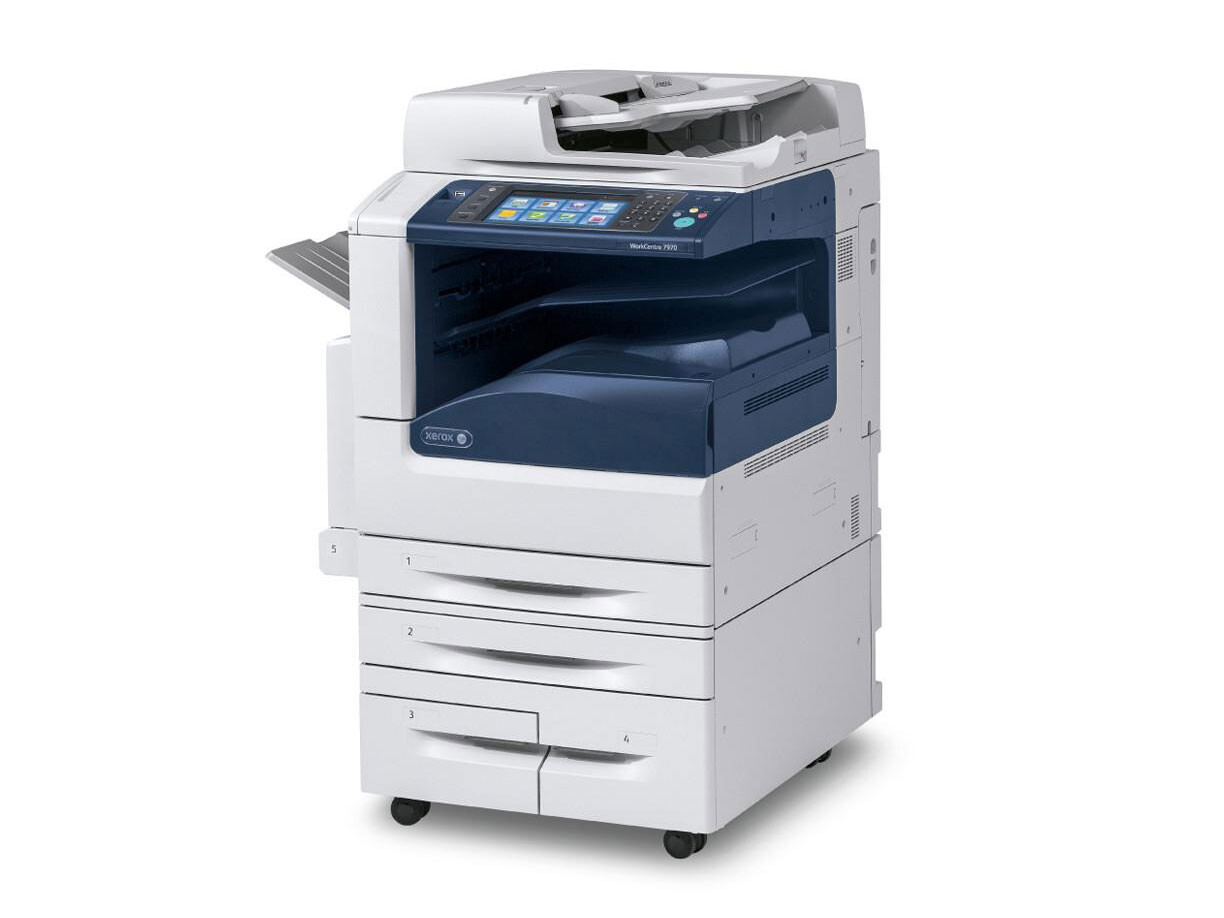
Designed for workgroup printing, the Xerox WorkCentre 7970i pairs color output with the kind of everyday reliability a busy team stops thinking about — until a cartridge runs dry. Its toner list is compact: black is the 006R01513 at about 26,000 pages, while magenta 006R01515, yellow 006R01514 and cyan 006R01516 each carry a rating of approximately 15,000 pages. This page stocks black as a 2 pack and the colors in boxed sets, as the table below shows.
A workgroup printer lives on many small jobs from many people, none of whom track toner levels. That pattern rewards predictable reordering: the cartridges here are rated high enough that changes are occasional, and the pack formats mean one order covers the machine for a long stretch. When the whole team depends on one device, the cheapest insurance is simply a replacement already sitting in the supply cabinet.
Toner Cartridges for WorkCentre 7970i
| Cartridge | Color | Page Yield |
|---|---|---|
| 5 Color Set (006R01513 / 006R01516 / 006R01515 / 006R01514) | Black, Cyan, Magenta, Yellow | See product page |
| 3 Color Set (006R01516 / 006R01515 / 006R01514) | Cyan, Magenta, Yellow | Approx. 15,000 pages each |
| 006R01513 Black 2 Pack | Black | Approx. 26,000 pages per cartridge |
Which cartridge should you buy?
Match the box to the situation. The 5 Color Set is the everything-at-once option — the three colors plus a black 006R01513 — and suits a machine being set up, or one whose whole bank is near the end together. If the colors alone are fading while black still has thousands of pages in it, the 3 Color Set refreshes just that bank. And because black is consumed by every document, including color ones, the standalone black 2 pack is the listing most workgroups reorder on its own. Each color remains a separate cartridge in the machine, so a set is a stocking choice, never a mechanical requirement. Compatible cartridges on this page come with a 1-year warranty and 1-year returns.
Chip, toner and everyday use
Swapping a cartridge on the 7970i is a one-minute job: out with the finished one, a gentle rock of the new one to even out the toner, then in until it seats and the machine reads its chip. Keep the protective packaging on spares until the moment they are installed, and store them upright in a cool cabinet rather than on top of the machine where heat builds. Ratings assume 5% coverage, so a workgroup heavy on charts and graphics should expect real life to come in under the printed figures and reorder a step earlier.
Frequently Asked Questions
Which cartridges fit the WorkCentre 7970i?
Four numbers cover the machine: black 006R01513, cyan 006R01516, magenta 006R01515 and yellow 006R01514. This page sells them as a black 2 pack, a 3 Color Set and a 5 Color Set.
What is the difference between the 3 Color Set and the 5 Color Set?
The 3 Color Set holds the three color cartridges only. The 5 Color Set holds those same three colors and adds a black 006R01513, making it the complete one-box refresh for the machine.
How many pages does the black cartridge print?
Approximately 26,000 pages at 5% coverage for the 006R01513. Documents with heavy graphics or solid fills will return fewer pages per cartridge.
A single color is empty. Must I buy a whole set?
The colors are individual cartridges in the machine, so mechanically only the empty one needs changing. On this page colors are stocked in sets, which most workgroups prefer for keeping all three colors fresh together.
More printers that use the same cartridges
These cartridge numbers are shared across the family, so the models below draw from the same shelf: WorkCentre 7525, WorkCentre 7530, WorkCentre 7535, WorkCentre 7545, WorkCentre 7556, WorkCentre 7830, WorkCentre 7830i, WorkCentre 7835, WorkCentre 7835i, WorkCentre 7845, WorkCentre 7845i, WorkCentre 7855, WorkCentre 7855i, WorkCentre 7970.