




CopyCentre C2636
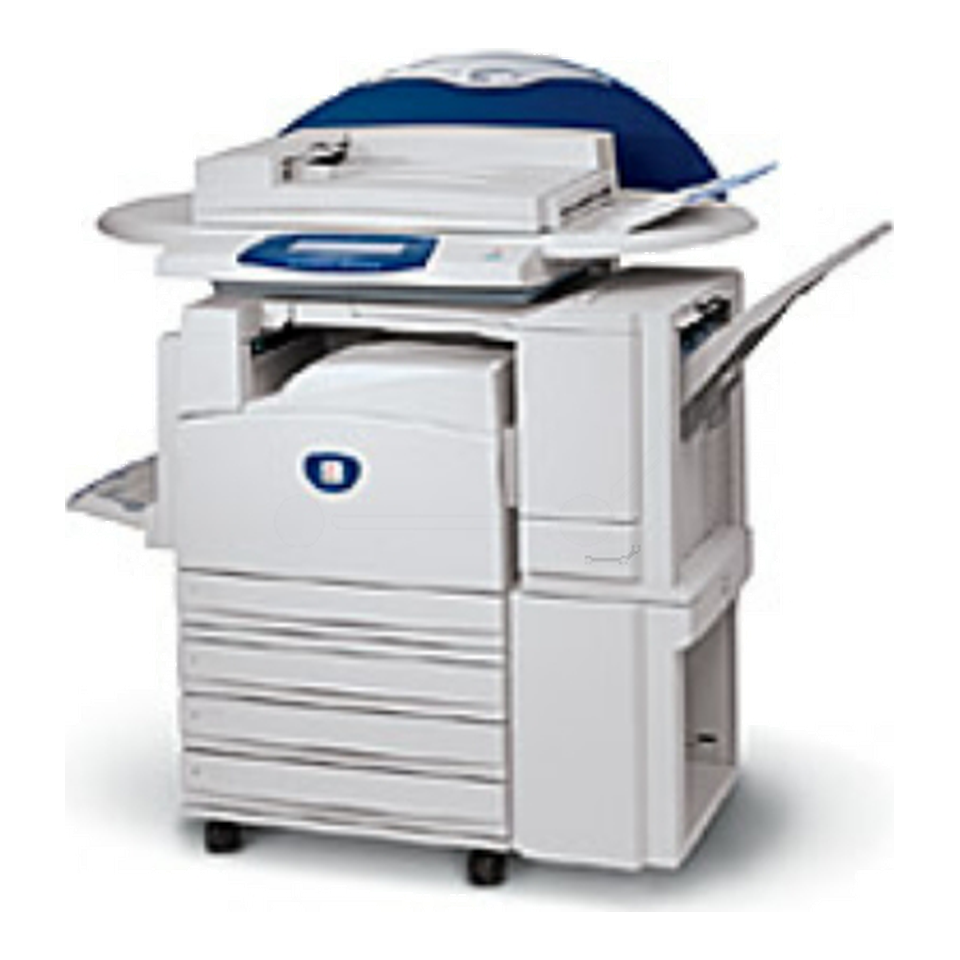
Offices that turn raw pages into finished, client-ready documents lean on the Xerox CopyCentre C2636, a digital copier built for teams that print throughout the workday. Its duplex and finishing options help produce polished documents in-house, and color output runs on four cartridges: 006R01175 in black, 006R01176 in cyan, 006R01177 in magenta and 006R01178 in yellow. Every compatible cartridge and set sold for this copier is gathered in the table below.
Think of the C2636 as the department's document finisher: reports that need stapling, booklets assembled without a trip to an outside print shop, handouts collated before a meeting starts. That kind of work consumes black toner far faster than color, because text pages dominate even on a color machine, so the buying pattern on this page — singles for the colors, multi-packs for black — reflects how the copier is actually used day to day.
Toner Cartridges for CopyCentre C2636
| Cartridge | Color | Page Yield |
|---|---|---|
| 006R01175 | Black | — |
| 006R01176 | Cyan | — |
| 006R01177 | Magenta | — |
| 006R01178 | Yellow | — |
| 006R01175 Black 2 Pack | Black | — |
| 3 Color Set (006R01176 / 006R01177 / 006R01178) | Cyan / Magenta / Yellow | — |
| 4 Color Set (006R01175 / 006R01176 / 006R01177 / 006R01178) | Full Set | — |
| Premium Quality 4 Color Set | Full Set | — |
| 5 Color Set (extra 006R01175 Black) | Full Set + Spare Black | — |
| 4 Color Set — 006R01175 / 006R01176 / 006R01177 / 006R01178 | Full Set | — |
Which cartridge should you buy?
Start with how your office actually prints. If the C2636 mostly produces text documents with the occasional color cover, single cartridges are the sensible default: replace each color only when it runs out, and lean on the black 2 pack, since black empties first on document work. A 4 color set makes sense after a heavy production period, when several cartridges are nearing empty at once and you want the whole machine refreshed in one order. The 5 color set adds a spare black to that refresh, which suits offices that cannot afford a mid-job stop. The 3 color set covers cyan, magenta and yellow together when color quality fades but black still has life. Whichever route you choose, keep one black cartridge on the shelf — on a copier this central, a spare is cheaper than a stalled deadline.
Chip, toner and everyday use
Each compatible cartridge carries a chip the C2636 reads to report toner levels, so the control panel estimate stays meaningful after a swap. Seat the new cartridge firmly until it clicks; a partially seated unit is the most common cause of a "cartridge not recognized" message, and removing and reinserting it usually clears the warning. Before installing, rock the cartridge gently from side to side to loosen toner that settled in shipping. Store spares flat, sealed and away from direct sunlight. Because this machine finishes documents in-house, wipe spilled toner with a dry cloth only — never a vacuum not rated for toner — and keep paper trays filled to avoid mid-run stops.
Frequently Asked Questions
What toner does the CopyCentre C2636 use?
It uses four cartridges: 006R01175 (black), 006R01176 (cyan), 006R01177 (magenta) and 006R01178 (yellow). All four are sold individually on this page, alongside multi-packs and full sets.
Can I replace just one color on the C2636?
Yes. Each color is a separate cartridge, so when cyan runs low you change only the cyan. There is no need to buy a full set unless several colors are running down together.
Why does black toner run out faster than the colors?
Most office documents are text, and text prints from the black cartridge alone. Color pages draw on all four, but plain reports, letters and forms — the bulk of a workday — drain black first, which is why this page stocks a black 2 pack and a 5 color set with a spare black.
Are these compatible cartridges covered by a warranty?
Yes. Compatible cartridges from Clever Supplies carry a 1-year warranty and 1-year returns, so a cartridge that fails early is not your loss.
More printers that use the same cartridges
The same four cartridges also run a wide family of Xerox copiers and WorkCentre machines, so a spare bought for one unit often fits the next: CopyCentre C2128, CopyCentre C2632, CopyCentre C3545, WorkCentre 7245, WorkCentre 7328, WorkCentre 7335, WorkCentre 7345, WorkCentre 7346, WorkCentre C2128, WorkCentre C2636, WorkCentre C3545, WorkCentre Pro C2128, WorkCentre Pro C2636, WorkCentre Pro C3545.