




WorkCentre 7345
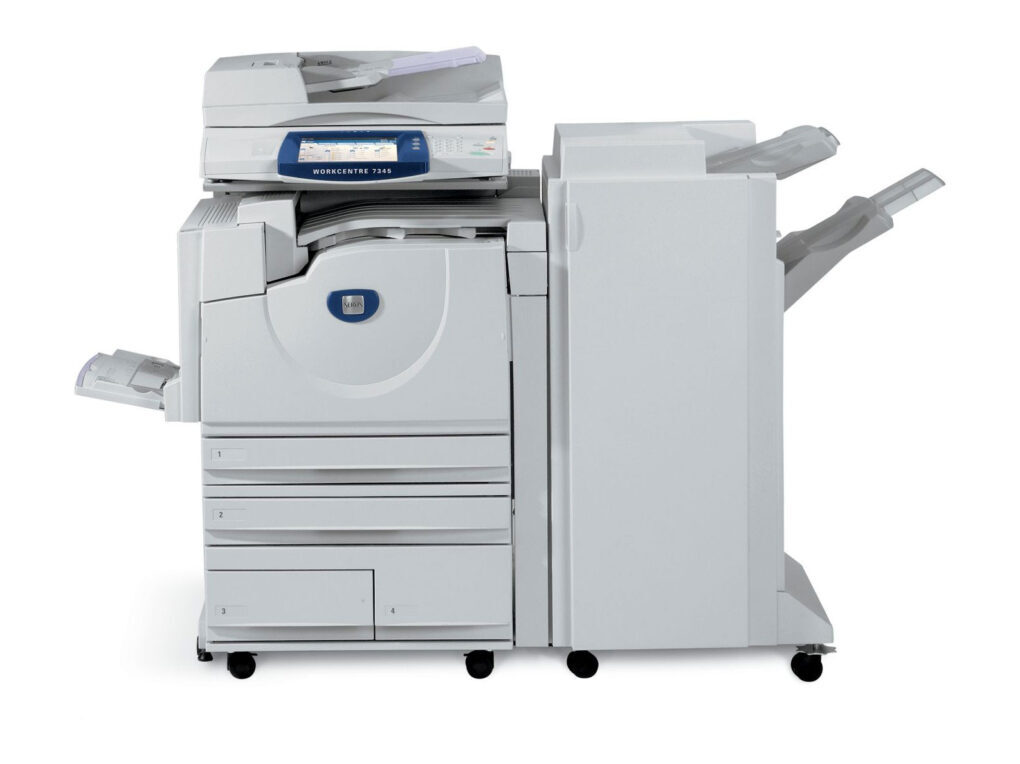
The Xerox WorkCentre 7345 is a color laser multifunction printer built for offices that need everyday color, and it folds printing, copying, scanning and faxing into one color-capable unit. Toner arrives as four individual cartridges — 006R01175 for black work, 006R01176 for cyan, 006R01177 for magenta and 006R01178 for yellow — each on its own replacement schedule and each rated on its product page.
Everyday color is the 7345's brief: the report that goes to a client, the proposal with charts in it, the handout that has to look sharp in a meeting room. Machines in that role rarely die in one dramatic failure — they fade one color at a time, usually the week a big presentation is due. Because every supply on this model is a separate cartridge, keeping the 7345 presentable is mostly a matter of watching which color is getting low and having that single cartridge ready.
Toner Cartridges for WorkCentre 7345
| Cartridge | Color | Page Yield |
|---|---|---|
| 006R01175 | Black | See product page |
| 006R01176 | Cyan | See product page |
| 006R01177 | Magenta | See product page |
| 006R01178 | Yellow | See product page |
| 006R01175 / 006R01176 / 006R01177 / 006R01178 4 Color Set | Black + Cyan + Magenta + Yellow | See product page |
| WorkCentre 7345 4 Color Set | Black + Cyan + Magenta + Yellow | See product page |
| WorkCentre 7345 Premium Quality 4 Color Set | Black + Cyan + Magenta + Yellow | See product page |
Which cartridge should you buy?
Decide by what actually ran out. A single faded color calls for that color's cartridge alone — there is no reason to retire three healthy cartridges with it. When several colors are low together, or you are restocking the supply shelf in one pass, the 4 Color Set, WorkCentre 7345 4 Color Set and Premium Quality 4 Color Set each bundle all four cartridges; the choice between them is a listing preference, not a compatibility question, since every set on this page is built for the 7345. Offices that print mostly text can also lean on black singles and let the colors ride longer. All compatible cartridges here come with a 1-year warranty and 1-year returns.
Chip, toner and everyday use
Swapping a cartridge on the 7345 is a front-cover job: open it, pull the spent cartridge straight out, slide the replacement in until it clicks, then run a test page to confirm the output is clean. A gentle side-to-side rock before installation spreads the toner evenly and prevents a pale first batch of pages. The machine's chips track each color separately, so the low warning names the exact cartridge to order. If prints come out streaky with a cartridge that still shows toner remaining, removing and rocking that cartridge often restores even coverage.
Frequently Asked Questions
Which cartridges fit the WorkCentre 7345?
Four: 006R01175 in black, 006R01176 in cyan, 006R01177 in magenta and 006R01178 in yellow. Match the number on the cartridge you remove to the number you order and the swap cannot go wrong.
Can I buy the 7345's colors one at a time?
Yes — every color is a standalone cartridge with its own listing on this page, and the printer accepts a single replacement without touching the other three.
What is the Premium Quality 4 Color Set listed for this model?
It is the premium-line set among this page's bundles: the same four cartridges for the 7345 — black, cyan, magenta and yellow — offered under the Premium Quality listing alongside the standard set options.
How do I install a new cartridge in the WorkCentre 7345?
Open the front cover, remove the spent cartridge, and slide the new one into the matching color slot until it clicks into place. Close the cover and print a test page to check that colors are laying down evenly.
More printers that use the same cartridges
Like its close relatives, the 7345 takes the black cartridge shared by this WorkCentre and CopyCentre group:
CopyCentre C2128, CopyCentre C2632, CopyCentre C2636, CopyCentre C3545, WorkCentre 7245, WorkCentre 7328, WorkCentre 7335, WorkCentre 7346, WorkCentre C2128, WorkCentre C2636, WorkCentre C3545, WorkCentre Pro C2128, WorkCentre Pro C2636, WorkCentre Pro C3545