




WorkCentre 6655
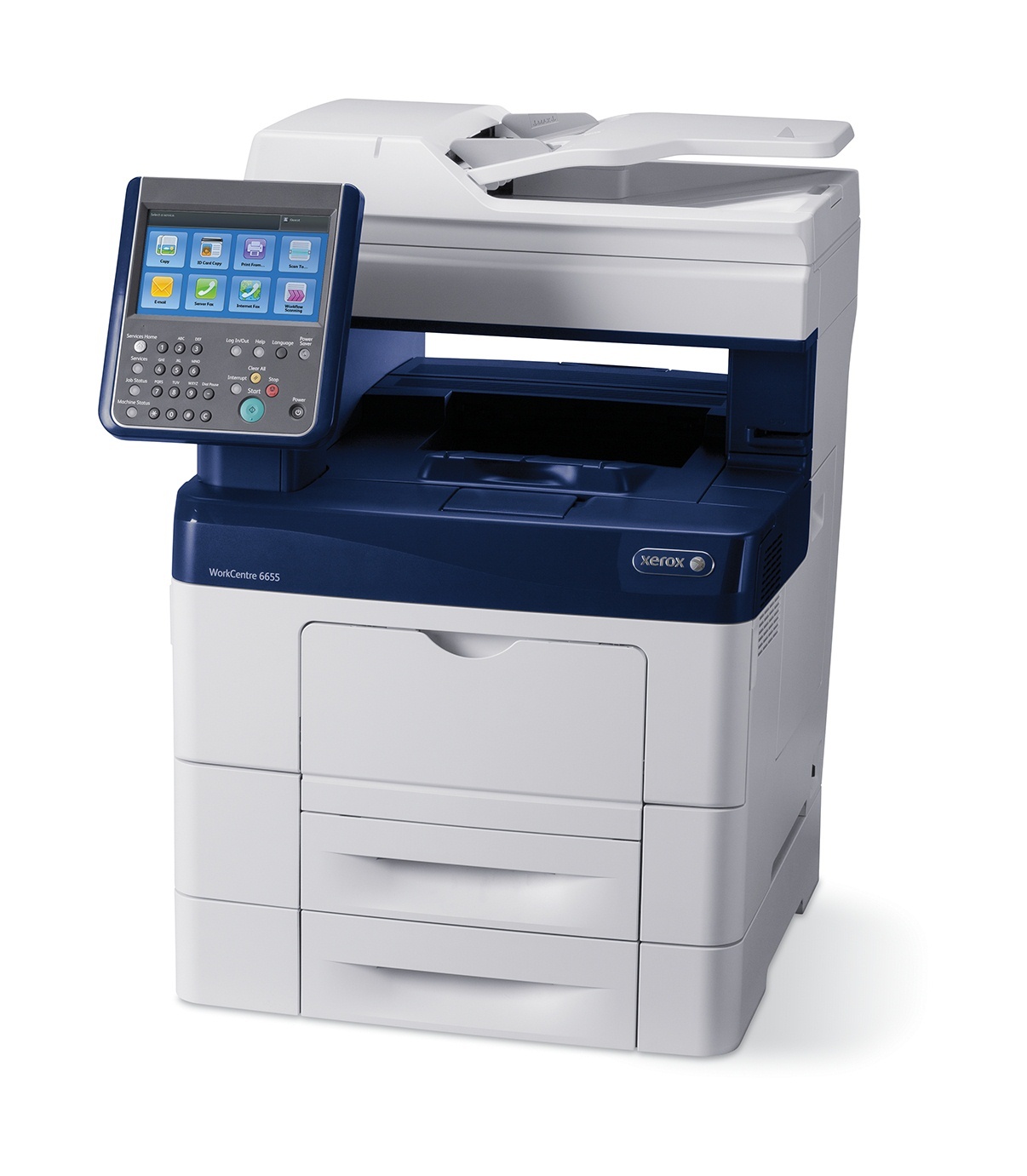
Xerox positions the WorkCentre 6655 as a fast color MFP for demanding offices, and its appetite matches the role: the 106R02747 black cartridge is a high-capacity unit rated for approximately 12,000 pages, while color runs on three separate cartridges — 106R02744 cyan, 106R02745 magenta and 106R02746 yellow — each good for roughly 7,500 pages. There is no smaller standard tier in this family; every cartridge sold for the 6655 is the high-yield version, so ordering is a matter of which slot is empty, not which capacity to pick.
Demanding offices chose this machine for throughput, and the cartridge sizes respect that: a black change is a rare event, and colors are swapped individually as each one empties rather than in a block. In practice the 6655 lives in busy departments where a paused printer backs up real work, so most owners keep one black and the fastest-moving color in reserve and let the machine's own warnings pace the rest of the ordering.
Toner Cartridges for WorkCentre 6655
| Cartridge | Color | Page Yield |
|---|---|---|
| 106R02747 | Black | Approx. 12,000 pages |
| 106R02744 | Cyan | Approx. 7,500 pages |
| 106R02745 | Magenta | Approx. 7,500 pages |
| 106R02746 | Yellow | Approx. 7,500 pages |
Sets and WorkCentre 6655 listings stocked alongside the singles:
- 3 Color Set — cyan, magenta and yellow together
- Black 2 Pack — two 106R02747 cartridges
- 5 Color Set — black plus the three colors, with a spare
- High Yield 4 Color Set — one cartridge for every slot
- WorkCentre 6655 Laser Toner Cartridges High Yield 4 Color Set
- WorkCentre 6655 Premium Quality 4 Color Set
Which cartridge should you buy?
With capacity fixed, the decision is about packaging. Singles are the default: colors empty at different rates, so buying them one at a time avoids shelf stock you may not open for a year. The three-color set suits a full color refresh after a long proofing run, and the black 2-pack fits offices that would rather approve one purchase than two. However you stock it, a compatible cartridge stretches the toner budget considerably against the original brand, and every compatible unit on this page is backed by a 1-year warranty and 1-year returns.
Chip, toner and everyday use
Open the front cover, remove the old cartridge, and gently rock the new one side to side so the toner inside is evenly distributed before it slides in and clicks. The chip on each unit reports its level to the machine, so a correctly seated cartridge clears the warning on its own. Yields are rated at 5% page coverage — a department printing dense color reports will see fewer pages than the estimate, while text-heavy work can exceed it. Store spares flat, sealed and out of sunlight, and shake any cartridge that starts printing a faded stripe before assuming it is empty.
Frequently Asked Questions
What toner does the WorkCentre 6655 use?
The 106R02747 in black at roughly 12,000 pages, plus 106R02744 cyan, 106R02745 magenta and 106R02746 yellow at roughly 7,500 pages each. All four are high-yield cartridges; there is no standard-yield alternative in this family.
Can the colors be replaced one at a time?
Yes. Each color is its own cartridge and empties on its own schedule, so swap only the one the machine flags. Sets exist for planned restocks, not because the printer demands a matched change.
Does the 6655 use a separate drum?
No drum unit is listed among the consumables sold for this model here — the four toner cartridges are what you reorder. If print quality drops with a fresh cartridge fitted, check the cartridge seating before anything else.
How long should a black cartridge last our department?
The 106R02747 is rated near 12,000 pages at light coverage. A department printing a few thousand text pages a month will typically measure its life in months; coverage-heavy color work shortens that, so treat the rating as a planning estimate.
More printers that use the same cartridges
The same four cartridges also run the other members of the 6655 family: WorkCentre 6655X, WorkCentre 6655XM, WorkCentre 6655i.