




Phaser 7800DN Toner Cartridges
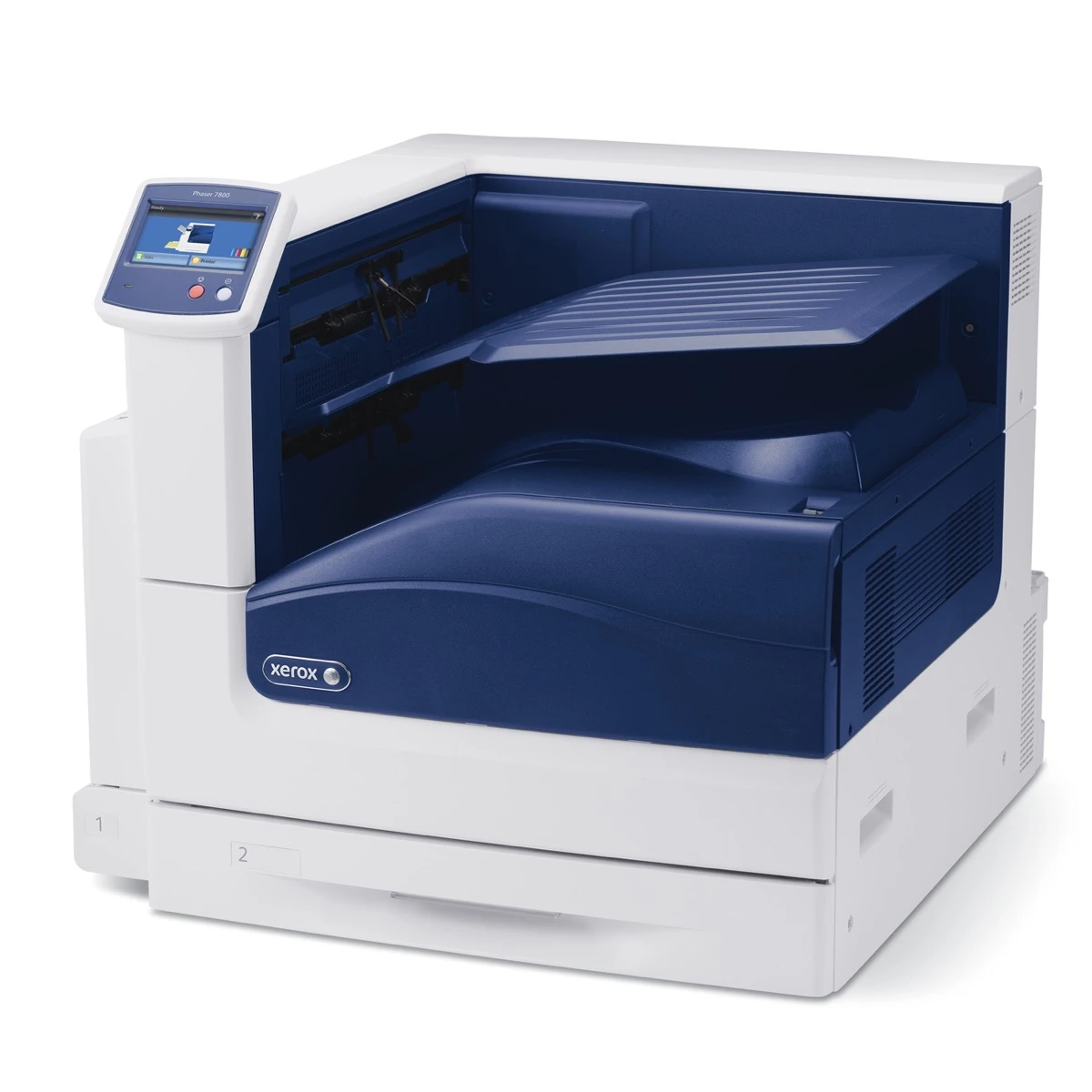
Built for busy workgroups, the Phaser 7800DN delivers robust day-to-day performance as a shared color laser, and it feeds on four high-yield cartridges: black 106R01569, cyan 106R01566, magenta 106R01567 and yellow 106R01568. This page carries both the shared family singles and the listings stocked under the 7800DN's own name; either line fits this machine. All four colors are individual cartridges, swapped one at a time, and the compatibles here come with a 1-year warranty and 1-year returns.
A workgroup printer lives a different life from a personal one. A dozen people send it everything from two-line memos to forty-page board packs, and nobody in the group feels personally responsible for the toner shelf — until the day a cartridge runs dry mid-meeting-pack. The 7800DN's consumption follows the group's habits: black drains steadily on documents, colors in bursts when presentations and charts circulate. Offices that assign one person to glance at the toner gauges during a weekly round almost never face an empty-printer morning.
Toner Cartridges for Phaser 7800DN
Which cartridge should you buy?
On a shared machine, black is the cartridge to protect: it does the heavy lifting for the group's documents, so a spare 106R01569 within reach of the printer is the single most useful purchase on this page. Colors are best bought as singles when the panel names the empty one — group color use is too uneven for sets to pay off routinely. The exception is a planned refresh: if the 7800DN is moving offices or starting a new quarter with several colors already low, the 7800DN 4 Color Set brings every slot to full in one delivery. The DN-named singles and the family singles in the table are the same cartridges in different listings, so choose by availability.
Chip, toner and everyday use
When a shared printer reports a cartridge unrecognized, the cause is usually seating rather than the chip: open the door, slide the unit out and push it back until it clicks, and the message normally clears. Teach the group one habit and levels stay honest — replace a cartridge when the printer asks, not when a page merely looks light, because early swaps throw away the toner the chip is still counting. Ratings are quoted at about 5% coverage; a workgroup's real mix of slides and spreadsheets will land somewhere under that figure. Keep one black and at most one of each color in reserve, sealed, so the spare stock stays fresh instead of aging in a warm supply room.
Frequently Asked Questions
What toner does the Phaser 7800DN use?
The family's high-yield four: 106R01569 in black, 106R01566 in cyan, 106R01567 in magenta and 106R01568 in yellow. No other part numbers fit this model.
The table shows DN-named cartridges and plain family singles. Which should I order?
Either. Both groups of listings sell the same four cartridges for this printer; the DN-named ones are simply cataloged under this configuration's name. Order whichever is available and the printer will take it.
A color ran out during a big print run. Can we keep printing?
The printer will hold color jobs that need the missing cartridge, and monochrome work may continue depending on the job. Swap in the named color — each cartridge changes independently, and the run can resume without touching the other three.
How long does a high-yield cartridge last in a workgroup?
It depends on the group's mix more than on the calendar. Check the product page for the rated yield, then judge by your own gauges after the first cartridge cycle; shared machines settle into a predictable rhythm within a couple of swaps.
More printers that use the same cartridges
Spares bought for the 7800DN also fit the rest of the family, which uses the same four cartridges: Phaser 7800, Phaser 7800DG, Phaser 7800DNS, Phaser 7800DX, Phaser 7800DXS, Phaser 7800GX, Phaser 7800GXS, Phaser 7800YDN, Phaser 7800YDX, Phaser 7800YGX.