




Phaser 6027
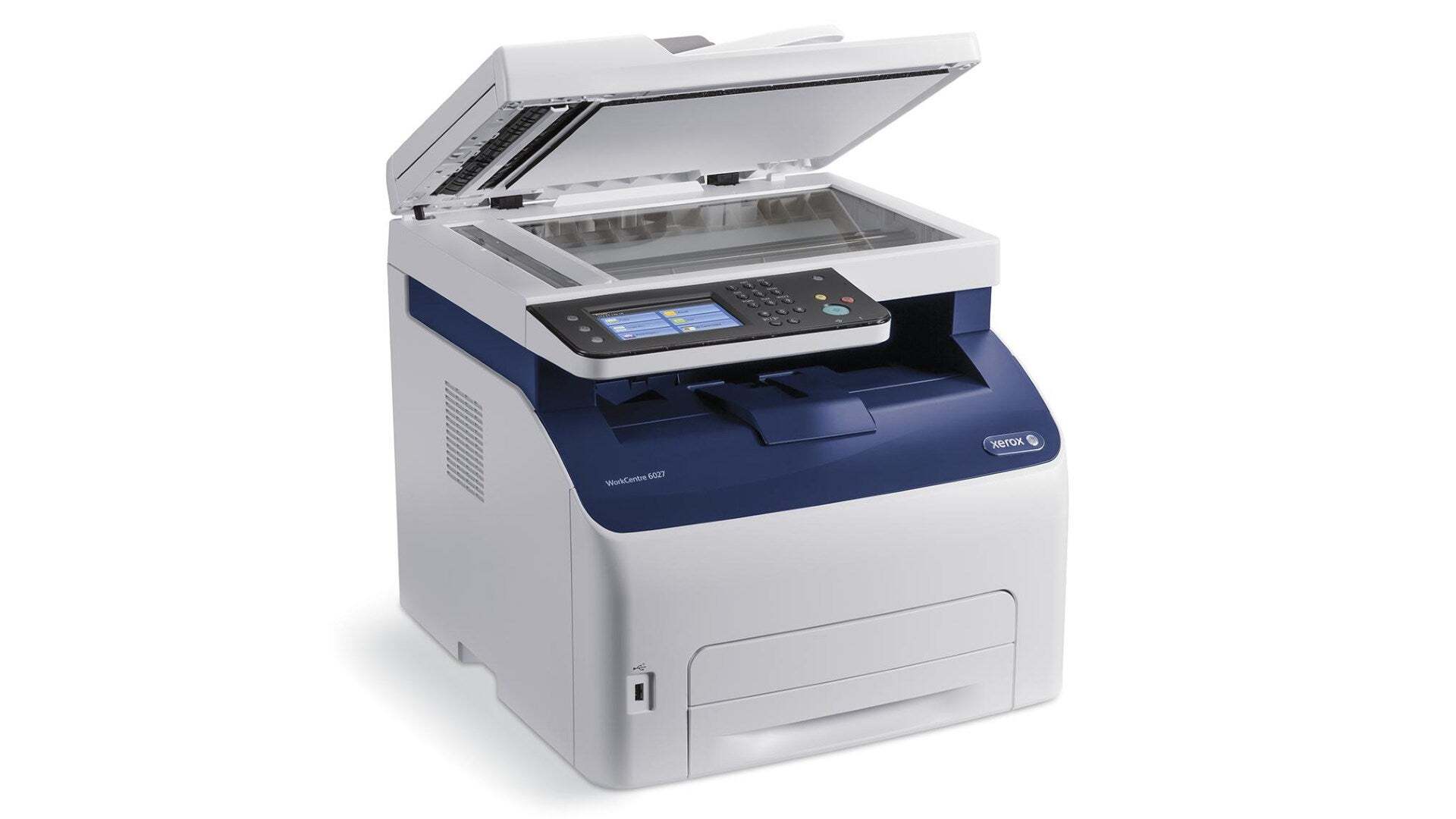
Dependable everyday printing is the Phaser 6027's job: this Xerox laser printer handles reports, correspondence and routine office documents without fuss. It works with four cartridges — black 106R02759 at roughly 2,000 pages, plus cyan 106R02756, magenta 106R02757 and yellow 106R02758 at about 1,000 pages apiece — and this page stocks them together as one complete four-color set.
For a machine that spends its life producing the paperwork of a normal office day, the set format has a plain advantage: a single box on the shelf covers every slot the printer has. There is no guessing which color a colleague forgot to reorder, and no half-finished order when two levels drop in the same week. When a warning appears, the cartridge you need is already in the building.
Toner Cartridges for Phaser 6027
| Cartridge | Color | Page Yield |
|---|---|---|
| 106R02759 + 106R02756 + 106R02757 + 106R02758 | 4 Color Set | Black about 2,000 pages; colors about 1,000 pages each |
| 106R02756 | Cyan | About 1,000 pages |
| 106R02758 | Yellow | About 1,000 pages |
The main listing stocked for the Phaser 6027 is the complete set of all four cartridges, and the cyan and yellow cartridges are also available individually. The individual cartridge numbers are printed on the units inside the box, and each one drops into its own color-coded slot.
Which cartridge should you buy?
On this page the choice is straightforward: the 6027 4 Color Set is the stocked listing for this model, and it contains one black and all three color cartridges. It suits a machine that is due a general refresh, and it also works as shelf stock — you do not have to install all four cartridges the day the box arrives. Fit only the one the printer is asking for and keep the remaining cartridges sealed in the box until their turn comes. Because the black cartridge is rated around 2,000 pages and the colors around 1,000 each, a documents-heavy office may open the second set for its black cartridge first.
Chip, toner and everyday use
When you work through a set, change one cartridge at a time and match each unit to its labeled slot — the printer reads the chip on every cartridge separately and reports four independent levels. Rock each new cartridge gently before fitting it so the toner inside is loose and evenly spread. If a level does not reset after a change, lift the cartridge out and reseat it firmly rather than forcing the cover. Page ratings are quoted at 5% coverage, so a black cartridge rated near 2,000 pages will cover fewer sheets of dense, graphics-heavy work. Store the unopened part of the set flat and away from heat.
Frequently Asked Questions
What toner cartridges does the Phaser 6027 use?
Four of them: 106R02759 in black, rated around 2,000 pages, and 106R02756 cyan, 106R02757 magenta and 106R02758 yellow at about 1,000 pages each. On this page they are supplied together in one four-cartridge set.
Can I buy a single black cartridge for the Phaser 6027 on this page?
The listing stocked here is the complete 4 Color Set, which includes the 106R02759 black cartridge along with the three colors. If only the black has run out, install the black from the set and keep the color cartridges sealed as spares.
Do I have to install all four cartridges from the set at once?
No. Swap only the cartridge the printer reports as empty and leave the others in the box. Each cartridge is a sealed, independent unit, so the unused ones keep perfectly well until their slot needs them.
How many pages should I expect from a set?
Roughly 2,000 pages from the black cartridge and about 1,000 from each color, measured at the standard 5% coverage. Real life varies with what you print: text documents land close to the rating, dense graphics below it.