




WorkCentre 6020
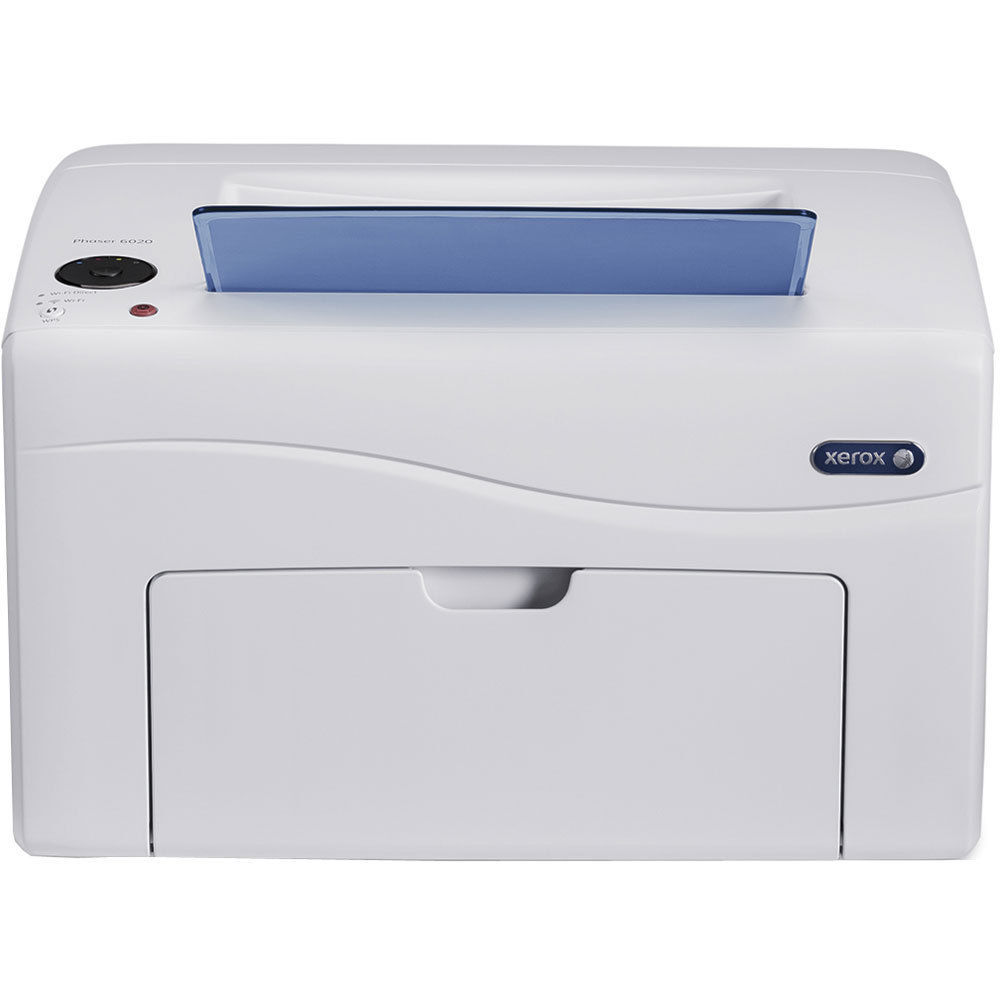
The WorkCentre 6020 is a color laser multifunction tuned for offices that turn out reports, presentations and contracts every day. Its black cartridge is the 106R02759, rated at roughly 2,000 pages, and color work comes from three individual cartridges — cyan 106R02756, magenta 106R02757 and yellow 106R02758 — each stocked and replaced on its own. That separation matters on a machine like this: one exhausted color never forces a full set change in the middle of a deadline.
A 6020 usually earns its place by being busy. Presentation decks eat into the color cartridges in bursts, while contracts and reports draw steadily on the black, so the four cartridges rarely run out together. Planning toner around that rhythm — black on a steady cycle, colors as they fade — keeps the machine fed without over-ordering the colors a text-heavy office barely touches.
Toner Cartridges for WorkCentre 6020
| Cartridge | Color | Page Yield |
|---|---|---|
| 106R02759 | Black | About 2,000 pages |
| 106R02756 | Cyan | See product page |
| 106R02757 | Magenta | See product page |
| 106R02758 | Yellow | See product page |
Which cartridge should you buy?
Order by cartridge code, not by the name on the listing. The products sold on this page are the cartridge family's shared listings, which carry the Phaser 6022 name — the same 106R02759 family serves both machines, so the code on the cartridge is what guarantees the match. For the black, this page's listings include multi-packs alongside the single, which suits an office that goes through a 2,000-page cartridge quickly. The three colors are sold individually, so replace whichever one fades and leave the others in place. A sensible pattern for most 6020s is a spare black on the shelf and colors ordered as the machine reports them low. However you stock it, every compatible cartridge here carries a 1-year warranty and 1-year returns.
Chip, toner and everyday use
Page yields are estimates at about 5% coverage, and a presentation page can carry several times that — so treat the 2,000-page black rating as a planning figure, not a promise. When output starts to fade, take the cartridge out and rock it gently side to side; redistributing the toner inside often restores even coverage for a while. If a new unit is not recognized at first, reseating it usually settles the contact. Seat replacements firmly until they click, and keep unopened cartridges sealed and flat, away from heat, so the toner stays loose and dry until installation day.
Frequently Asked Questions
Which toner cartridge fits the WorkCentre 6020?
The black is the 106R02759. Color comes from the 106R02756 cyan, 106R02757 magenta and 106R02758 yellow, each a separate cartridge.
How many pages should I expect from the black cartridge?
About 2,000 pages at 5% coverage. Dense text and graphics use toner faster, so a contracts-heavy office may see fewer pages per cartridge.
Why do the listings on this page carry the Phaser 6022 name?
Because the two machines share the same cartridge family, the store sells one shared set of listings under the Phaser 6022 name. Match the cartridge code — 106R02759 for black — and the fit is the same.
A single color is empty. Do I replace all three?
No. Each color is an independent cartridge, so swap the empty one and keep printing with the remaining colors until they fade in turn.
More printers that use the same cartridges
These cartridges are shared across the 602x family — the same black unit also feeds: Phaser 6022, Phaser 6022NI, WorkCentre 6025, WorkCentre 6027, WorkCentre 6027NI.