




Phaser 6027ni
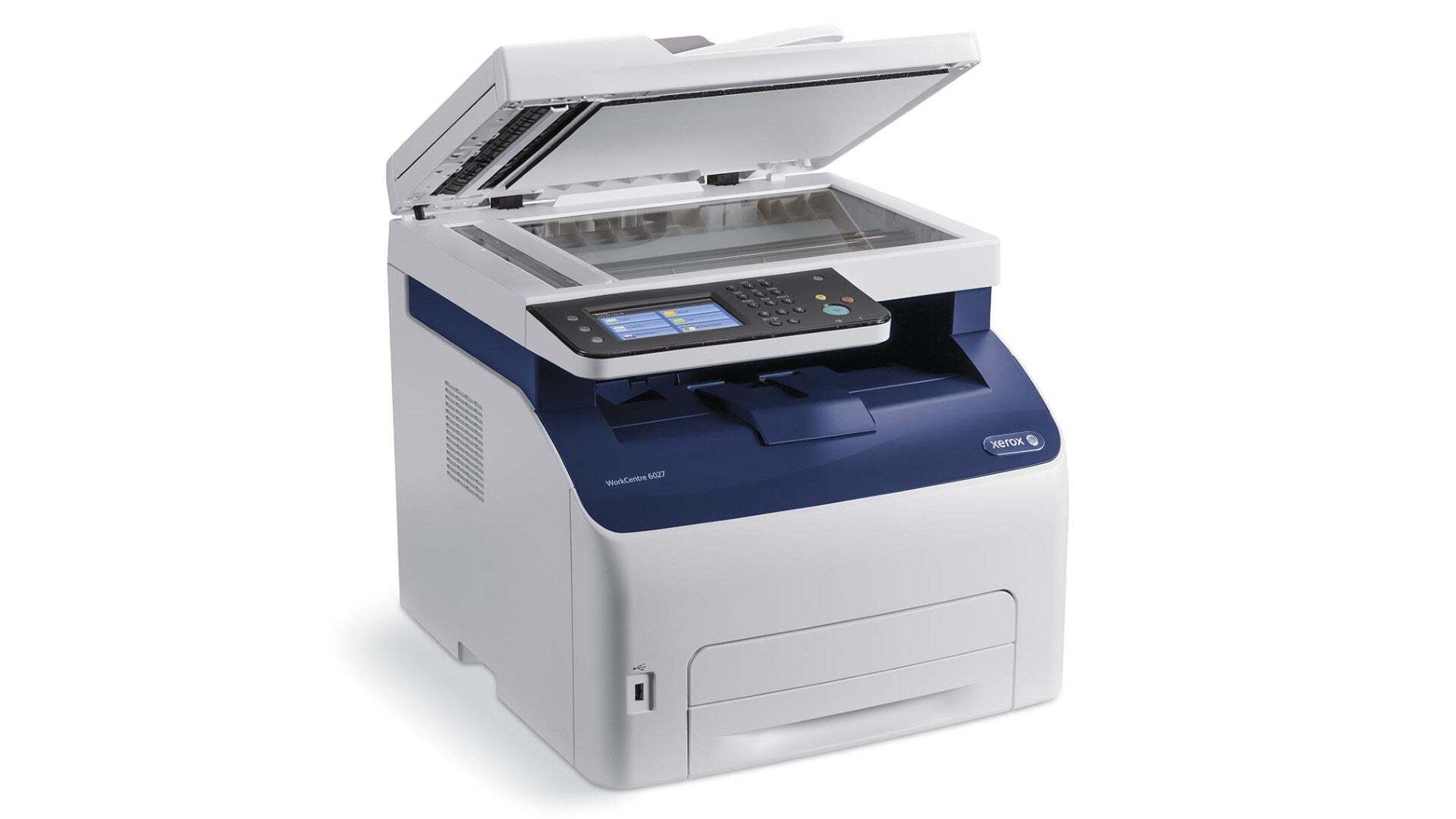
The Xerox Phaser 6027ni is an office laser printer bought for one quality above all: printing that never becomes a drama. Keeping it that way is mostly a toner question, and the answer is four cartridges — the 106R02759 black, rated near 2,000 pages, and the 106R02756 cyan, 106R02757 magenta and 106R02758 yellow, each good for around 1,000 pages — stocked below as a single complete set.
Interruptions are what this model is meant to avoid, and toner is the one consumable that can stop it cold. A spare set on the shelf turns a low-toner warning into a two-minute cartridge swap instead of a delivery wait, which is why the set format suits the 6027ni so well: every slot the machine owns is covered by the one box, ready before it is needed.
Toner Cartridges for Phaser 6027ni
| Cartridge | Color | Page Yield |
|---|---|---|
| 106R02759 + 106R02756 + 106R02757 + 106R02758 | 4 Color Set | Black about 2,000 pages; colors about 1,000 pages each |
| 106R02756 | Cyan | About 1,000 pages |
| 106R02758 | Yellow | About 1,000 pages |
The Phaser 6027ni is covered on this page by the full four-cartridge set, with the cyan and yellow cartridges also available on their own. Each cartridge inside is an individual sealed unit, numbered for its slot, and can be installed on its own whenever its color runs low.
Which cartridge should you buy?
There is one stocked option for this model here, the 4 Color Set, and its simplicity is the point: one order keeps the whole printer supplied. Budget-wise it also makes planning easy, because the cost of a full toner cycle for the machine is a single known figure rather than four separate purchases scattered across the year. Install from it as needed — the black cartridge when black runs dry, a color when a color fades — and reorder the next set when the box is down to its last cartridge, not after the printer has already stopped.
Chip, toner and everyday use
Before a big print run, glance at the toner levels; the 6027ni reports each cartridge separately through its chip, and a two-minute check beats discovering an empty slot halfway through a deadline job. When fitting a cartridge from the set, remove its protective seal completely, rock it side to side to loosen the toner, and push it home until it clicks. A cartridge the printer fails to recognize usually just needs reseating. Keep the rest of the set sealed in its box, stored flat in a cool cupboard — opened early, toner cartridges gain nothing and risk picking up dust on the drum surface.
Frequently Asked Questions
Which cartridges fit the Phaser 6027ni?
The machine takes four: 106R02759 black and the three color cartridges 106R02756, 106R02757 and 106R02758. They are supplied on this page as one complete set containing all four numbers.
I only print in black. Which cartridge in the set matters to me?
The 106R02759 black, rated near 2,000 pages. The three color cartridges can stay sealed in the box until you print color work; they are independent units and will not be touched by black-only printing.
What exactly is inside the 4 Color Set?
One black cartridge and one each of cyan, magenta and yellow — the full complement the 6027ni holds. Nothing else is needed to carry out a complete toner change on this printer.
How far does a set of toner go?
Plan on roughly 2,000 pages from the black cartridge and around 1,000 from each color at standard 5% coverage. Offices printing mostly letters and reports should land near those figures; heavy graphics will use color toner faster.