




WorkCentre 6515
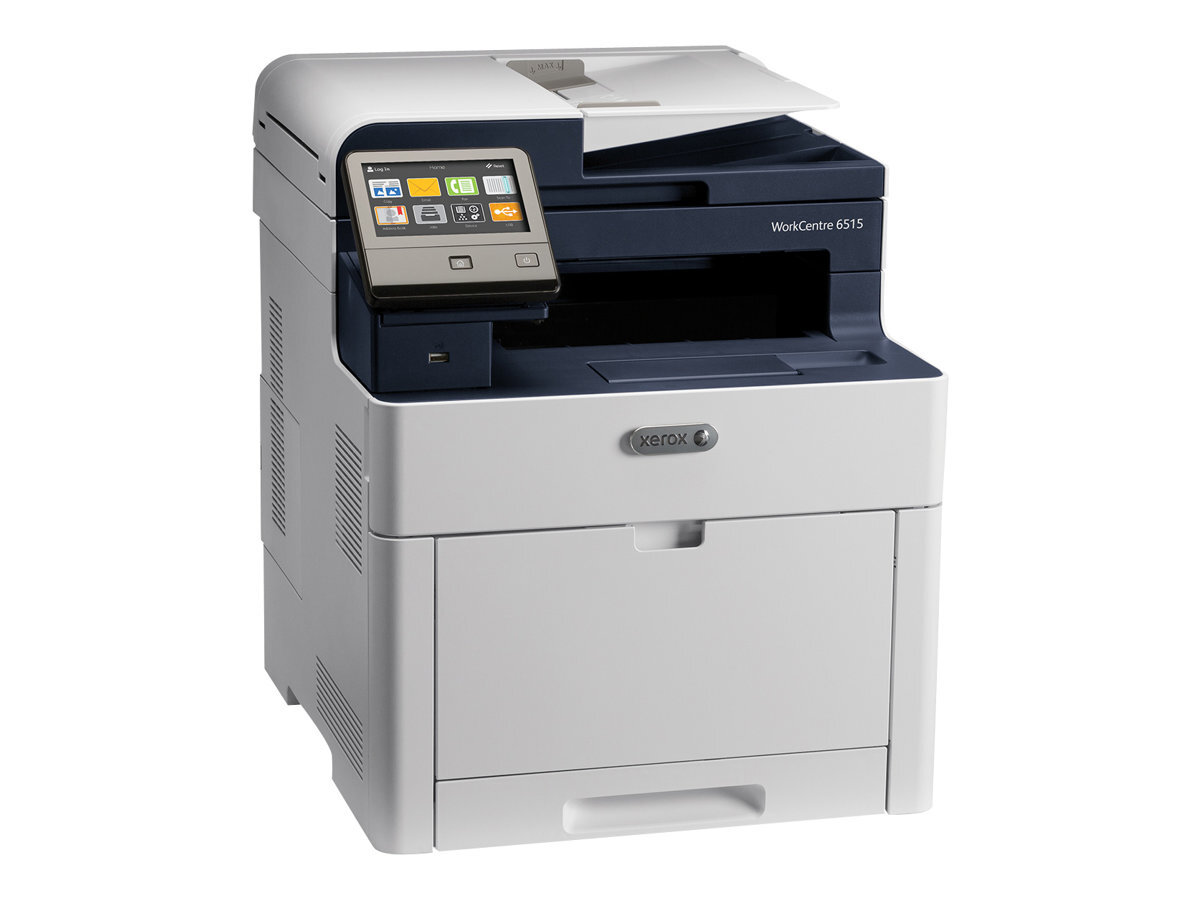
The Xerox WorkCentre 6515 is a color laser multifunction that simply does its job — quality pages, day in and day out. Its replacement toner is the high-capacity set: black 106R03480 with cyan 106R03477, magenta 106R03478 and yellow 106R03479. For heavier color volume there is a second tier above it: extra-high-capacity color cartridges — cyan 106R03690, magenta 106R03691 and yellow 106R03692 — stocked for offices whose color output keeps climbing.
Predictability is the 6515's selling point in most offices: it sits there, prints well, and asks for little. The two-tier cartridge range supports that — a team can run the high-capacity colors for ordinary months and step up to the extra-high colors when a project floods the machine with charts and graphics. Either way, costs stay easy to forecast because the cartridge plan does not have to change with the workload.
Toner Cartridges for WorkCentre 6515
| Cartridge | Color | Page Yield |
|---|---|---|
| 106R03480 | Black | High capacity — see product page |
| 106R03477 | Cyan | High capacity — see product page |
| 106R03478 | Magenta | High capacity — see product page |
| 106R03479 | Yellow | High capacity — see product page |
| 106R03690 | Cyan | Extra-high capacity — see product page |
| 106R03691 | Magenta | Extra-high capacity — see product page |
| 106R03692 | Yellow | Extra-high capacity — see product page |
| 4 Color Set — model-specific listing | All four colors | See product page |
Which cartridge should you buy?
Choose by color volume, not by habit. The black is the high-capacity 106R03480, and it anchors every printing pattern. For the colors there are two fills of the same slots: the high-capacity 106R03477, 106R03478 and 106R03479 for ordinary office color, and the extra-high-capacity 106R03690, 106R03691 and 106R03692, which pack more toner into each cartridge for heavier runs and a lower cost per page. The tiers can be mixed — extra-high in the color your office burns through, high-capacity in the rest — because each cartridge is replaced individually. A 4 Color Set listing is here for a full high-capacity refresh. All compatible cartridges on this page include a 1-year warranty and 1-year returns.
Chip, toner and everyday use
Two tiers of cartridge install exactly the same way: unseal, rock gently side to side so the toner sits level, and seat the unit until it clicks. If the machine does not recognize a new cartridge, take it out and seat it again rather than pushing harder. Rotate your spares — use the oldest sealed cartridge first — and store them flat in a cool place, since toner powder keeps best away from heat. Yields are rated at about 5% coverage, so treat any page figure as a planning estimate rather than a guarantee.
Frequently Asked Questions
What toner does the WorkCentre 6515 use?
The high-capacity set: black 106R03480 and colors 106R03477 (cyan), 106R03478 (magenta) and 106R03479 (yellow). Extra-high-capacity colors — 106R03690, 106R03691 and 106R03692 — are also stocked for this model.
What is the difference between the 106R03477 and the 106R03690 cyan?
Both fit the cyan slot. The 106R03477 is the high-capacity cartridge; the 106R03690 is the extra-high-capacity version with more toner per unit, aimed at heavier color volume.
Is there an extra-high-capacity black cartridge?
Not among this page's listings — the black is the high-capacity 106R03480. The extra-high tier here covers the three colors.
Does the Phaser 6510 use the same cartridges?
Yes — the Phaser 6510 runs on the same cartridge family; its own page lists the range under the 6510 name.
More printers that use the same cartridges
One close relative shares this WorkCentre's cartridge set: Phaser 6510.