




Versalink C605
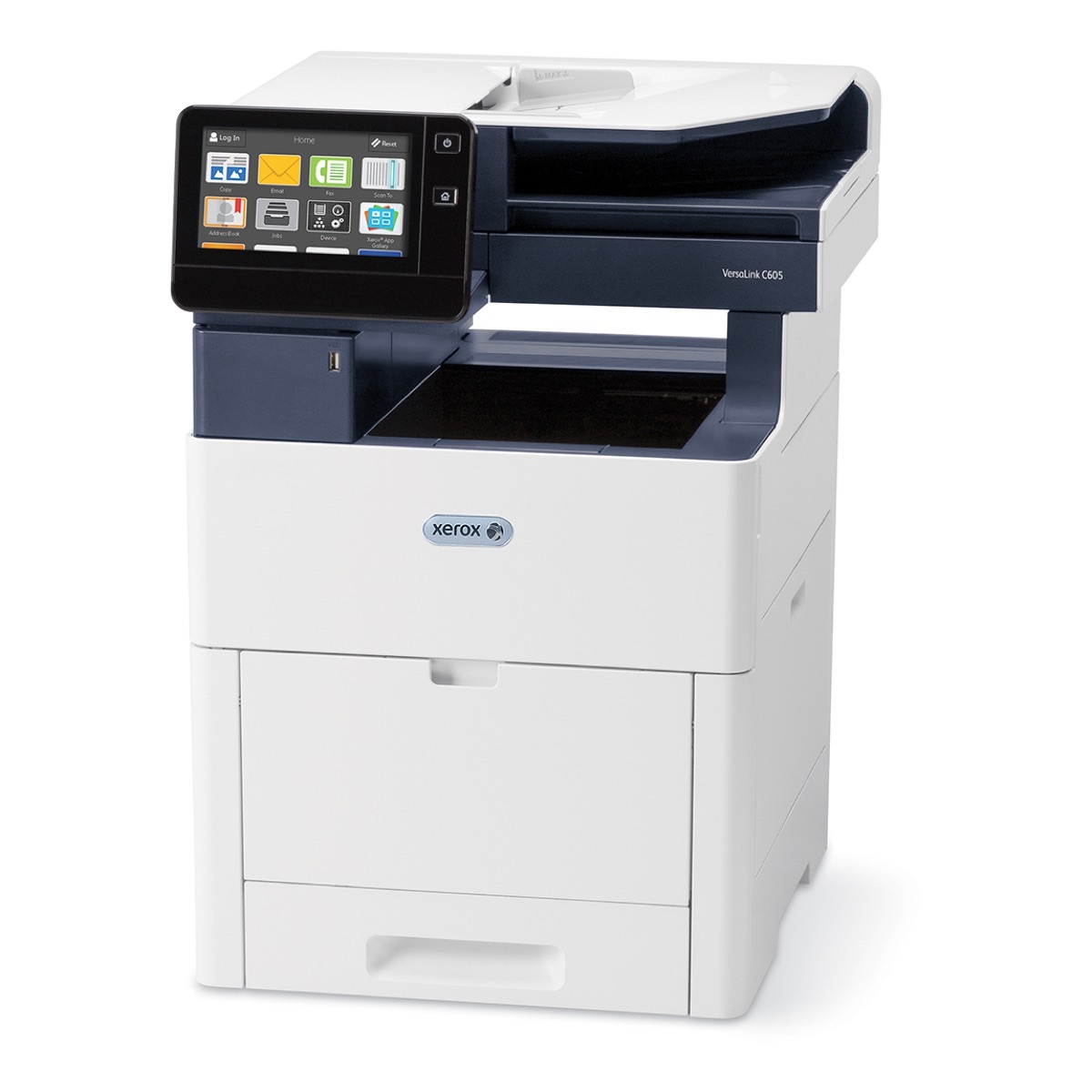
The VersaLink C605 brings full multifunction power — print, copy, scan and fax — to the fast C600 color platform, printing at up to 55 pages per minute. It runs on four cartridges stocked on this page: black 106R03899, cyan 106R03896, magenta 106R03897 and yellow 106R03898, each good for roughly 6,000 pages. Together they form the 106R03899 series, and every function the machine offers draws on these same four cartridges.
One machine handling an office's printing, copying and scanning tends to live two lives: steady black-and-white volume through the week, and color whenever a document has to face a customer. That split is exactly how its toner gets used — black on a schedule, colors in bursts — and it is worth stocking for the pattern rather than for the average.
Toner Cartridges for VersaLink C605
| Cartridge | Color | Page Yield |
|---|---|---|
| 106R03899 | Black | About 6,000 pages |
| 106R03896 | Cyan | About 6,000 pages |
| 106R03897 | Magenta | About 6,000 pages |
| 106R03898 | Yellow | About 6,000 pages |
Packs and sets stocked for this model:
- 106R03899 Black 2 Pack — the cartridge this machine uses most, bought in pairs
- 106R03899, 106R03896, 106R03897, 106R03898 — 4 Color Set — all four standard cartridges in one box
Which cartridge should you buy?
For most C605 owners the answer is one cartridge at a time. The four slots empty independently, so order the color the panel names and leave the rest alone. The exception is black: at roughly 6,000 pages it cycles about as fast as the colors despite carrying most of the workload, and the Black 2 Pack keeps the next one ready without a second order. Choose the 4 Color Set when a new machine is being set up, or when several levels are already low together — it is the tidy full refresh. These compatible cartridges are backed by a 1-year warranty and 1-year returns.
Chip, toner and everyday use
Scanning and faxing do not consume toner, but every print and copy does, and the cartridge chips keep count per color — the panel shows which of the four is actually low, so trust it over a guess. Fit a new cartridge after removing its seal and rocking it gently a few times; it should slide home and click. Ratings of 6,000 pages assume 5% coverage, so a week of full-color handouts will move the levels faster than a week of letters. Keep one spare black sealed in its packaging and the C605 will rarely have to wait on a delivery.
Frequently Asked Questions
What toner does the VersaLink C605 use?
The 106R03899 series: black 106R03899, cyan 106R03896, magenta 106R03897 and yellow 106R03898, each rated at about 6,000 pages. Those are the cartridges listed on this page.
Do copying and scanning use the same cartridges as printing?
Yes. Print and copy output both come from the same four toner cartridges; scanning and faxing produce no printed page and use no toner at all.
Only cyan is empty. Can the machine keep printing in black?
Black-only jobs can generally continue, but color output needs all four cartridges present and charged. Replacing the single empty color is the quick fix — each cartridge swaps on its own.
How long should a black cartridge last?
Around 6,000 pages at 5% coverage. Offices printing mostly text often see close to that; heavy graphics coverage shortens it noticeably.
More printers that use the same cartridges
The base C605's standard cartridges are shared with the printer it was built from: Versalink C600.