




ALTALINK C8055
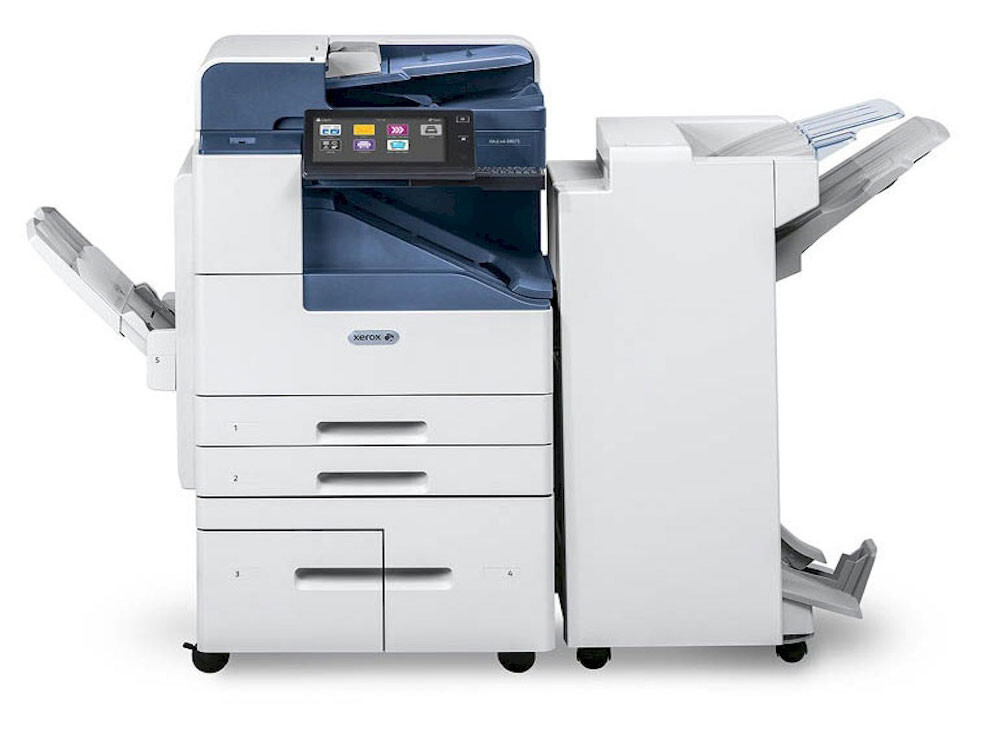
In a high-traffic office, the ALTALINK C8055 earns its floor space by keeping the print queue short, and its toner system is built for the same kind of pace. Four cartridges feed it: black from 006R01697, cyan from 006R01698, magenta from 006R01699 and yellow from 006R01700. They are individual supplies in every sense — separate codes, separate levels, separate changes — and all four are stocked here in compatible form.
A machine this busy rarely belongs to anyone in particular. Dozens of people send it work, nobody feels ownership of its supply shelf, and a cartridge seems to choose the worst afternoon of the month to die. The fix is humble but effective: treat the C8055 like the shared resource it is. A small labeled shelf near the machine, one spare black as a minimum, and the four codes noted where the next person can find them will prevent most of the toner emergencies a high-traffic office ever sees.
Toner Cartridges for ALTALINK C8055
| Cartridge | Color | Page Yield |
|---|---|---|
| 006R01697 | Black | Standard yield |
| 006R01697 (2 Pack) | Black | Standard yield |
| 006R01698 | Cyan | See product page |
| 006R01699 | Magenta | See product page |
| 006R01700 | Yellow | See product page |
| 006R01697, 006R01698, 006R01699, 006R01700 (4 Color Set) | Black, Cyan, Magenta, Yellow | See product page |
Which cartridge should you buy?
Think in terms of a minimum shelf rather than single purchases. For the C8055, that shelf starts with black: the black 2 pack effectively builds the spare into your order, so the next change never waits on shipping. Add one 4 color set as the reserve kit and the machine can survive any single cartridge failure, in any color, on the day it happens. Routine buying after that is singles — whichever color the machine reports low, replaced on its own, because the four colors drain at unrelated rates in a mixed office workload. Offices that skip the spare-shelf habit pay for it in stalled jobs; on a printer this central, the cartridge in the cupboard is the cheapest insurance in the building.
Chip, toner and everyday use
A low-toner warning on the C8055 is an estimate generated from coverage, not a measurement of an empty cartridge, and sharp pages well past the first warning are perfectly normal. The practical rule is to swap on evidence: when output genuinely fades, or the machine stops and names the cartridge, change it then. Before you do, try the older trick — slide the cartridge out and rock it side to side, which redistributes the toner clinging inside and frequently restores clean pages for a useful stretch. When the replacement goes in, push it in until it seats fully so its chip makes contact. Keep spares sealed until the moment they are needed; an opened cartridge ages faster than a stored one.
Frequently Asked Questions
What toner cartridges fit the ALTALINK C8055?
The C8055 takes 006R01697 for black, 006R01698 for cyan, 006R01699 for magenta and 006R01700 for yellow. Each is a separate compatible cartridge, and each is changed on its own as it runs out.
The display says toner is low, but printouts still look sharp. Should I swap now?
Not yet. The warning is a coverage-based estimate and usually arrives early. Keep printing while quality holds, and change the cartridge when pages actually fade or the machine stops for it — you will get the full value out of every cartridge that way.
Is changing a cartridge on the C8055 a technician's job?
No, it is a user-level swap designed for the people who print on it. Open the front of the machine, slide the spent cartridge out, slide the new one in until it clicks, and close up.
Is there a set that covers all four colors at once?
Yes. The 4 color set bundles black, cyan, magenta and yellow together, which works well as a reserve kit or a full refresh. Day to day, most offices top up with singles of whichever color ran low.
More printers that use the same cartridges
Offices standardizing across floors can stock one set of cartridges for several machines, since these same four also run in the ALTALINK C8030, ALTALINK C8035, ALTALINK C8045 and ALTALINK C8070.