




Phaser 6600
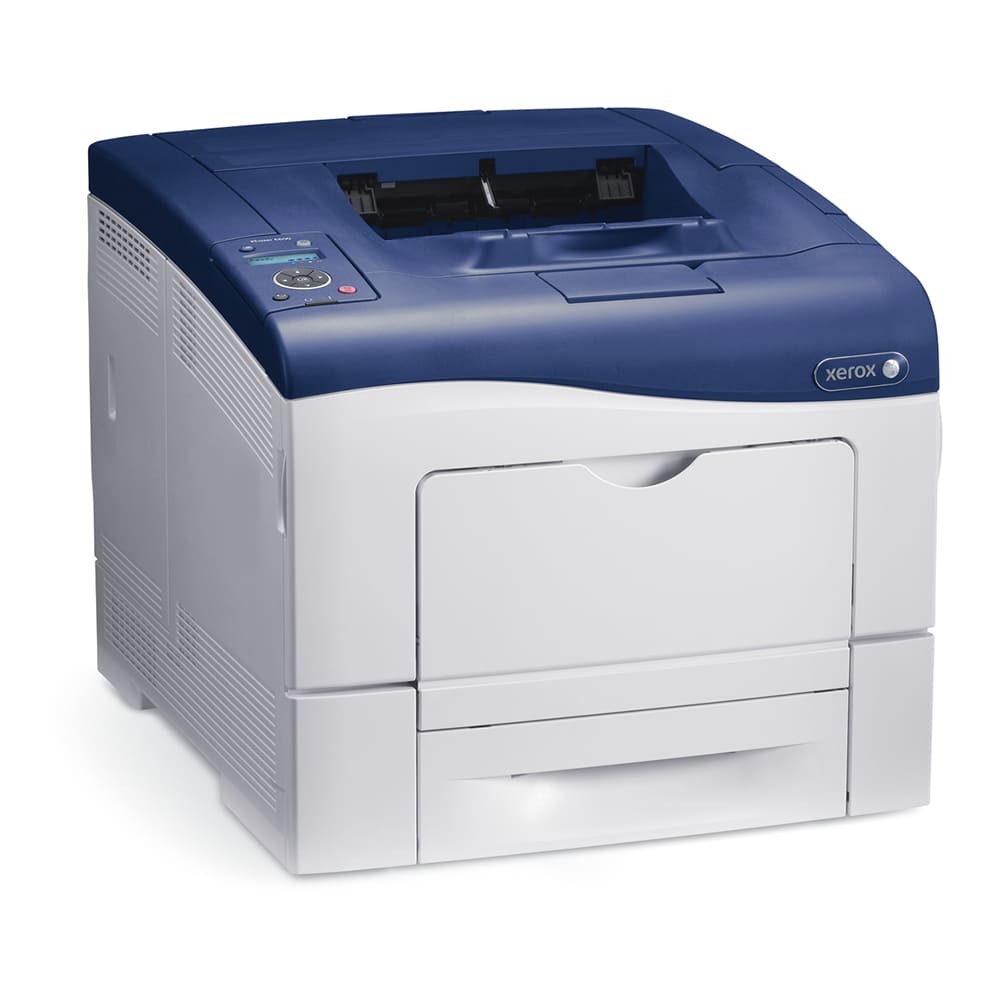
The Xerox Phaser 6600 serves as a laser printer for teams that print throughout the workday, and every color on it comes in two capacities. Black is 106R02228 in high yield or 106R02244 in standard, cyan is 106R02225 or 106R02241, magenta is 106R02226 or 106R02242, and yellow is 106R02227 or 106R02243 — choose whichever capacity matches how hard the machine works each month.
Offices choose this printer for its balance of print quality and running cost, and the two-tier cartridge range is where that balance is actually set. A team drowning in text documents spends its money on black; a team printing color proposals spends it across all four slots. Because each slot accepts either tier independently, the 6600 lets you tune spending color by color instead of forcing one capacity on the whole machine.
Toner Cartridges for Phaser 6600
Which cartridge should you buy?
Match the tier to the slot, not to the printer. For a black slot that feeds an all-day text workload, the high-yield 106R02228 is the natural pick; the standard 106R02244 only makes sense where printing is occasional. Colors deserve the same honest look: if cyan warnings appear twice as often as yellow ones, cyan steps up to 106R02225 while yellow stays standard at 106R02243. When the whole machine needs attention, the four-color sets above restock every slot at the tier you choose, and black multi-packs suit teams that reorder the same cartridge every few weeks.
Chip, toner and everyday use
Standard and high-yield cartridges alike carry chips the printer reads to confirm the part and track the level, and either tier clicks into the same slot with no adjustment. A cartridge that has sat in storage benefits from a gentle side-to-side rock before fitting, which levels the toner for even first pages. Rated yields behind numbers like these assume five percent page coverage; a month of dense color work will pull any cartridge down faster than its rating implies. Keep one spare of your fastest color — on most 6600s that is black — so a warning never becomes a standstill.
Frequently Asked Questions
Which cartridges fit the Phaser 6600?
Eight cartridges cover the four slots: standard 106R02244 black, 106R02241 cyan, 106R02242 magenta and 106R02243 yellow, plus high-yield 106R02228, 106R02225, 106R02226 and 106R02227 in the same colors.
Can I mix standard and high-yield cartridges in one printer?
Yes. Each slot takes either tier on its own, so a high-yield black beside standard colors is a perfectly normal arrangement — and often the most economical one.
Does this printer need a separate drum unit?
No drum unit is listed among the supplies for this model. The eight toner cartridges are the consumables, and changing them is the routine task.
Which color will run out first?
On text-led workloads, black — usually by a wide margin. Color slots fade closer together and more slowly, which is why checking levels color by color beats guessing a single reorder date.
More printers that use the same cartridges
The same eight cartridges feed a broad family of Phaser and WorkCentre machines, so one well-kept spare shelf can serve several printers: Phaser 6600DN, Phaser 6600N, Phaser 6600YDN, Phaser 6605, Phaser 6605dn, Phaser 6605n, WorkCentre 6605, WorkCentre 6605 MFP, WorkCentre 6605DN, WorkCentre 6605N.