




Every Xerox laser cartridge and drum carries a CRUM chip, and the machine reads it before it prints. When the chip data does not match what the machine expects — the wrong cartridge number, the wrong supplies plan, a dirty contact — the printer stops with a fault, and on Xerox machines there is no documented button-press that waves it through. This page collects what Xerox itself documents about CRUM chips, Metered and Sold supplies plans, and the fault codes its service manuals print, then walks all 36 of our monochrome Xerox toner families with the products we sell for each.
Start with an honest limit, because it shapes everything below: Xerox has published no firmware statement about third-party cartridges. There is no Xerox firmware FAQ and no Xerox equivalent of the dynamic-security pages another manufacturer maintains. So this is not a firmware page, and nothing on it claims that Xerox updates do or do not affect cartridges — Xerox has not said, in either direction.
What Xerox does document, in its own service manuals and specification sheets, is a chip system. Each cartridge and drum carries a CRUM chip — the manual for the B205/B215 family names the chip and its contact area outright — and the machine reads that chip. A cartridge whose CRUM data does not match the machine raises a hard fault. The best-documented case is fault 09-800: the B205 panel shows “Invalid Print Cart.” and the B215 shows “Incompatible Toner Cartridge has been Detected,” and the service manual’s diagnosis is one line: “The Toner Cartridge is not compatible with the printer.” The documented remedies are physical — reseat the cartridge, clean the CRUM contact area — and the procedure ends at fitting a cartridge the machine accepts. No override or dismiss-and-print step appears in it. The full fault family is decoded further down this page, in Xerox’s own words.
The second thing the chip carries is an identity: a supplies plan and a region. Xerox sells the same cartridge under different part numbers for Metered (cost-per-copy contract) machines and Sold (owned) machines, and Xerox Customer Support states the consequence plainly: “You could have a genuine cartridge but not the right one for your contract type. There are different chips. The chip identifies the contract type.” A genuine cartridge on the wrong plan is still the wrong cartridge. That is why the practical rule on every plan-split Xerox platform is unglamorous: match the part number on the cartridge you take out.
And our own shelf? We audited all 764 monochrome Xerox listings behind this page. The word “firmware” appears in none of them, and “CRUM” in none of them. Twelve of the 36 families have at least one listing carrying an old parts-list sentence that mentions “a smart chip” among the components; the other 24 families — including every current VersaLink and B-series platform — say nothing about chips at all. A parts list is not a chip claim, so this page makes none: no Xerox family below is described as carrying a fitted chip, because our listings do not say that. What we can stand behind is the number on the box, the machine it fits, and the price — which is why every family section separates what Xerox documents from what our product pages happen to say.
Xerox’s own position on non-genuine supplies, printed in its user guides, is non-recommendation plus a damage exclusion: Xerox does not recommend non-Xerox cartridges, and its warranty does not cover damage caused by one. That is the whole of it — it is not a claim that third-party cartridges cannot work, and this page represents it at exactly that strength, neither softer nor harder.
Every monochrome toner family on our Xerox shelf, with the two monochrome drum codes we stock and the one drum we do not. Yield figures are Xerox’s published numbers only where Xerox publishes them — in this whole table, that is the B205 family alone. Everywhere else the figure is our store’s own Page Yield field, labeled as such: a storekeeper’s number, not a Xerox specification.
| Family | Printer models | Page yield | What our product pages say about chips |
|---|---|---|---|
| 106R04346 / 106R04347 | B205, B210, B215 | Xerox: 1,500 standard · 3,000 high (ISO/IEC 19752) | Nothing about chips |
| 106R03393 / 106R03394 | VersaLink B7025, B7030, B7035 | Our store field: 15,500 pages | Nothing about chips |
| 106R03940 / 106R03942 / 106R03944 | VersaLink B600, B605, B610, B615 | Our store field: 10,300 pages | Nothing about chips |
| 106R03580 | VersaLink B400, B405 | Our store field: 5,900 pages | Nothing about chips |
| 106R03582 | VersaLink B405 | Our store field: 13,900 pages | Nothing about chips |
| 106R03584 | VersaLink B400, B405 (high-yield wave) | Our store field: 24,600 pages | Parts-list sentence on some listings |
| 106R03622 / 106R03624 | Phaser 3330, WorkCentre 3335, 3345 | Our store field: 15,000 pages | Parts-list sentence on some listings |
| 106R02736 family | WorkCentre 3615, 3655 | Our store field: 6,100 pages (standard tier) | Parts-list sentence on some listings |
| 106R01533 / 106R01535 | Phaser 4600, 4620, 4622 | Our store field: 13,000 pages (standard tier) | Nothing about chips |
| 106R02720 family | Phaser 3610, WorkCentre 3615 | Our store field: 5,900 pages (standard tier) | Parts-list sentence on some listings |
| 106R01409 | WorkCentre 4250, 4260 | Our store field: 25,000 pages | Nothing about chips |
| 108R00795 | Phaser 3635MFP | Our store field: 10,000 pages | Nothing about chips |
| 108R795 (same platform, short code) | Phaser 3635MFP | Our store field: 10,000 pages | Nothing about chips |
| 106R01530 | WorkCentre 3550 | Our store field: 11,000 pages | Parts-list sentence on some listings |
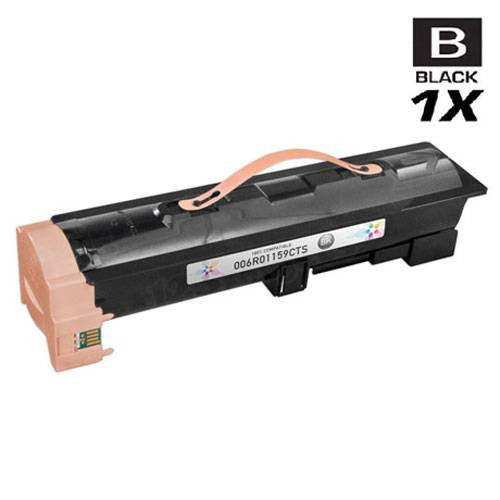
| 006R01159 | WorkCentre 5325, 5330, 5335 | Our store field: 30,000 pages | Nothing about chips |
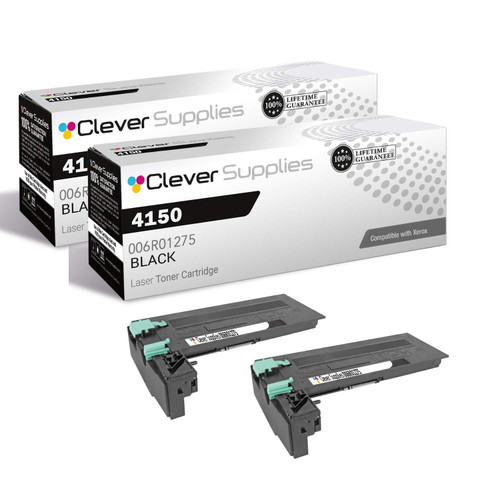
| 006R01275 | WorkCentre 4150 | Our store field: 20,000 pages | Nothing about chips |
| 106R01306 | WorkCentre 5222, 5225, 5230 | Our store field: 30,000 pages | Nothing about chips |
| 006R01184 | CopyCentre 123/128/133, WorkCentre Pro 123/128/133 | Our store field: 30,000 pages | Nothing about chips |
| 106R01371 family | Phaser 3600 | Our store field: 14,000 pages (standard tier) | Parts-list sentence on some listings |
| 113R00712 | Phaser 4510 | Our store field: 19,000 pages | Nothing about chips |
| 113R00657 | Phaser 4500 | Our store field: 18,000 pages | Nothing about chips |
| 113R00628 | Phaser 4400 | Our store field: 15,000 pages | Nothing about chips |
| 106R00688 | Phaser 3450 | Our store field: 10,000 pages | Nothing about chips |
| 106R01149 | Phaser 3500 | Our store field: 12,000 pages | Nothing about chips |
| 106R02311 family | Phaser 3315, 3325; WorkCentre 3315, 3325 | Our store field: 5,000 pages | Parts-list sentence on some listings |
| 106R02307 | Phaser 3320 | Our store field: 11,000 pages | Parts-list sentence on some listings |
| 106R02775 / 106R02777 | Phaser 3052, 3260; WorkCentre 3215, 3225 | Our store field: 1,500 pages (standard tier) | Nothing about chips |
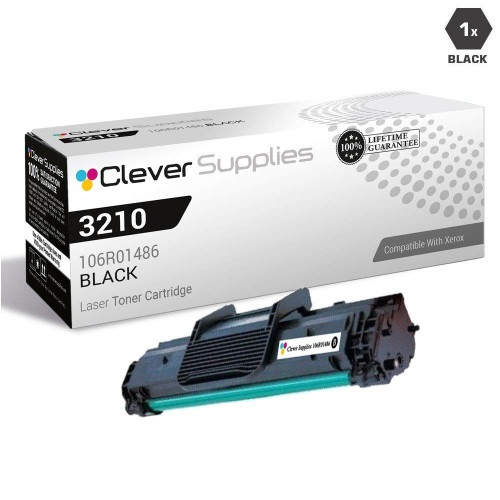
| 106R01486 | WorkCentre 3210, 3220 | Our store field: 4,100 pages | Parts-list sentence on some listings |
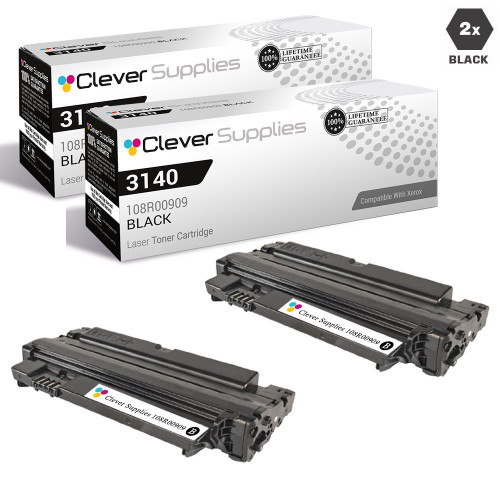
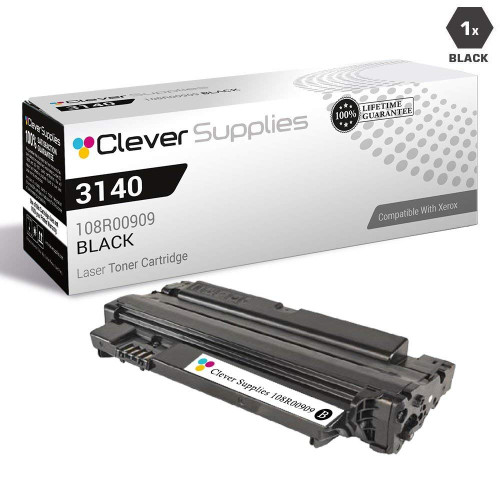
| 108R00909 | Phaser 3140, 3155, 3160 | Our store field: 2,500 pages | Parts-list sentence on some listings |
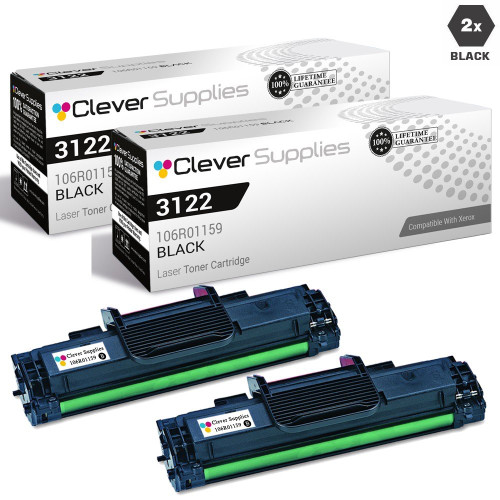
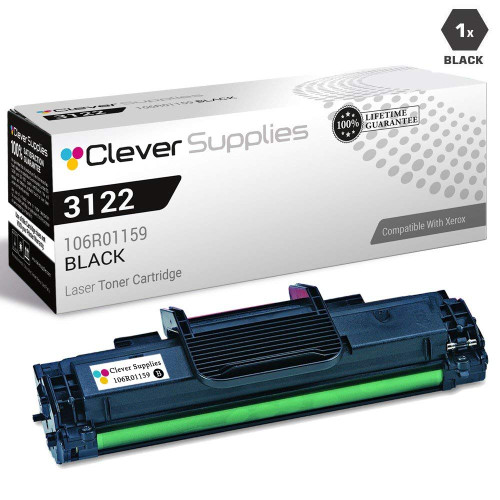
| 106R01159 | Phaser 3117, 3122, 3124, 3125 | Our store field: 3,000 pages | Parts-list sentence on some listings |
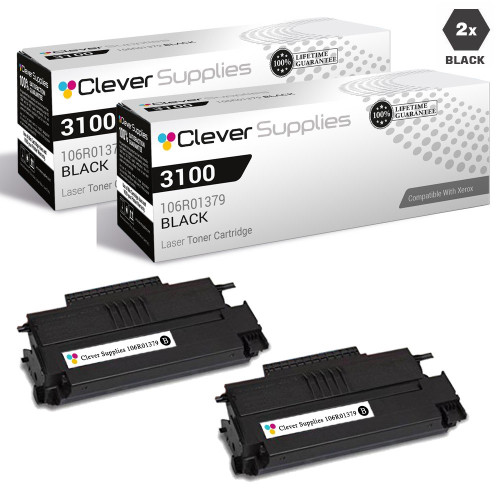
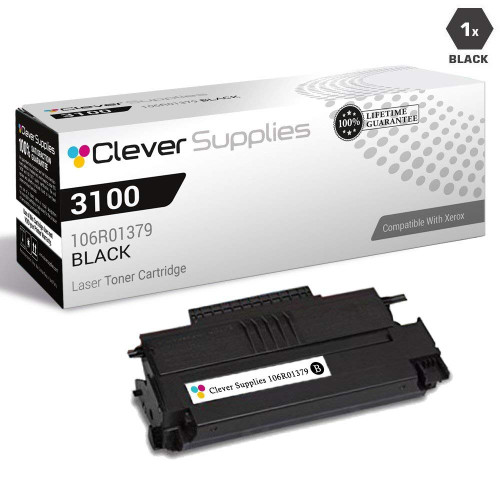
| 106R01379 | Phaser 3100, 3100MFP | Our store field: 4,000 pages | Parts-list sentence on some listings |
| 106R01374 | Phaser 3250 | Our store field: 5,000 pages | Nothing about chips |
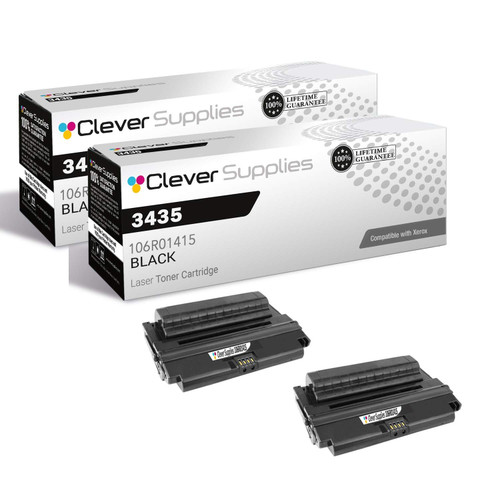
| 106R01414 / 106R01415 | Phaser 3435 | Our store field: 10,000 pages | Nothing about chips |
| 106R01412 | Phaser 3300, 3300MFP | Our store field: 8,000 pages | Nothing about chips |
| 106R1412 (same platform, short code) | Phaser 3300, 3300MFP | Our store field: 8,000 pages | Nothing about chips |
| 113R00667 | WorkCentre Pro PE16 | Our store field: 3,500 pages | Nothing about chips |
| Drum 101R00474 | Phaser 3260; WorkCentre 3215, 3225 | Our store field: 10,000 pages | Separate drum — see the drum section |
| Drum 113R00671 | CopyCentre C20; WorkCentre M20, 4118 | Our store field: 20,000 pages | Separate drum — see the drum section |
| Drum 101R00664 (not stocked by us) | B205, B210, B215 | Xerox: 10,000 pages (ISO/IEC 19752) | Named for completeness — we sell no listing under this code |
Two code spellings in the table — 108R795 and 106R1412 — are shortened forms of 108R00795 and 106R01412 that part of our catalog carries. They are the same cartridges for the same machines, and each pair is treated as one platform in its section below.
The machines a Xerox buyer is most likely to be feeding today — and the platforms where the CRUM and supplies-plan questions are sharpest, because these are the machines Xerox’s current documentation describes.
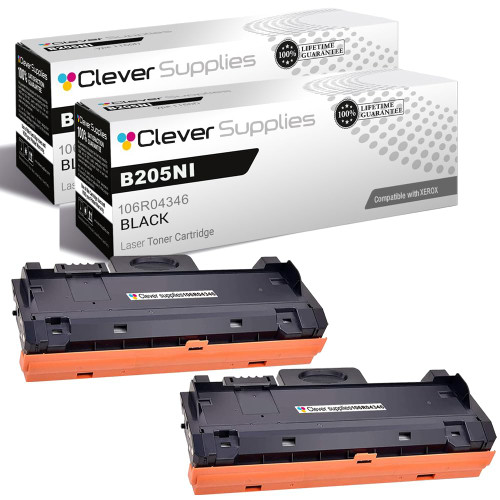
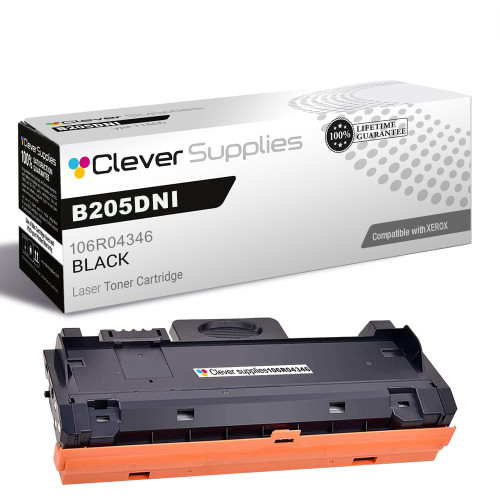
Printer family: B205, B210, B215
Why this family leads the page: it is the one monochrome Xerox platform whose cartridge rejection Xerox documents end to end, in a service manual any owner can read. Fault 09-800 is the “Incompatible Toner Cartridge” RAP: the B205 panel reads “Invalid Print Cart.”, the B215 reads “Incompatible Toner Cartridge has been Detected”, and the manual’s diagnosis is “The Toner Cartridge is not compatible with the printer.” The same manual’s 09-500 procedure — the fault for a cartridge the machine cannot detect at all — gives the first physical check in Xerox’s own words: “Check the CRUM contact area for contamination and clean if necessary.” And the 09-800 procedure itself ends at the Supplies Information report and one instruction: “Install a new Toner Cartridge if is not a genuine Xerox® cartridge.” There is no override step after it. The fault decoder below walks the whole 09-series family.
Yields, from Xerox’s own specification sheet: the standard cartridge 106R04346 is rated 1,500 pages and the high-capacity 106R04347 3,000 pages, both declared under ISO/IEC 19752; the cartridge in the box is a 1,000-page starter. At our prices that makes the standard single the honest weak point of this shelf — $50.23 for 1,500 rated pages is about 3.35 cents a page — while the 2-pack of the same cartridge brings it to about 2.81 cents. Small cartridges are convenience purchases; the arithmetic is printed here so you can see it before you buy, not after.
The drum is separate, and we do not sell it: these machines take a distinct drum cartridge, Xerox 101R00664, rated 10,000 pages in the same specification sheet. Our catalog carries no listing under that code, in any form — so when a B205-family machine asks for a drum (faults 09-600/09-900, decoded below), that is a part you will source as a genuine Xerox item elsewhere. We would rather say so on this page than let a toner listing imply otherwise.
What our listings say about chips: nothing. All 27 listings in this family are silent — no chip wording, no CRUM wording, nothing to quote. The CRUM facts above come from Xerox’s manual, not from our product pages.
Printer family: VersaLink B7025, VersaLink B7030, VersaLink B7035
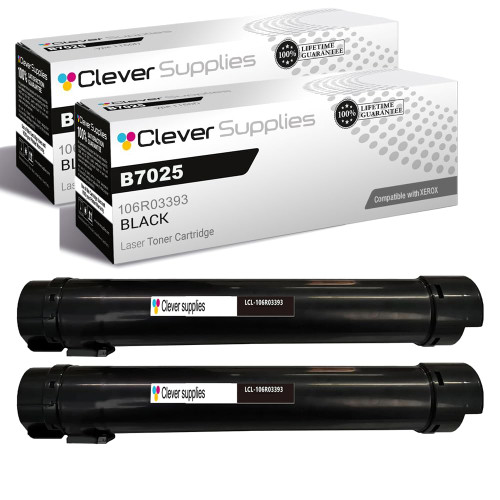
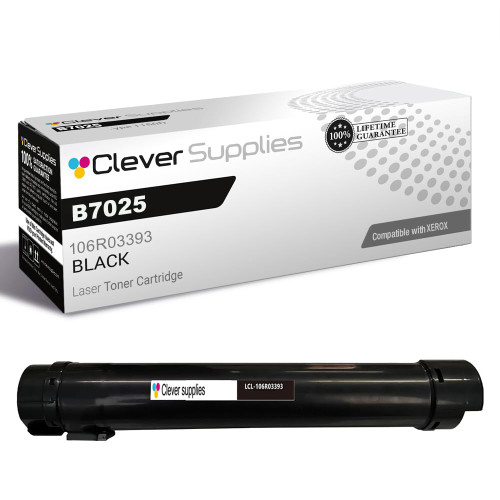
The plan question, stated carefully: the VersaLink line is where Xerox’s Metered-versus-Sold system lives, and the B7025 family is the monochrome platform buyers most often ask us about it. Here is what we can and cannot say. Xerox documents the plan system thoroughly — the chip identifies the contract type, plan changes run through a Supplies Plan Activation Code handled by Xerox, and sibling platforms carry separate Metered and Sold part numbers. But no Xerox document we could capture assigns a plan to this family’s two numbers, 106R03393 and 106R03394, and our own listings never mention a plan either. So this page does not label them. If your B7025 came through a cost-per-copy contract, read the number on the cartridge you remove and match it exactly; if the machine rejects a cartridge whose number matches, the plan itself is the next suspect, and plan questions belong to Xerox or your contract provider — no cartridge swap converts a machine’s plan.
Yields: Xerox publishes no figure we captured for this family, so the only number available is our store’s Page Yield field: 15,500 pages, and it is labeled here as a store field, not a Xerox rating. The 2-pack below is two of the same 106R03393 cartridge and saves $16.09 against two singles.
Printer family: VersaLink B600, VersaLink B605, VersaLink B605 SL
Three numbers, one platform: this family is sold under 106R03940 with its 106R03942 and 106R03944 companions across the B600, B605, B610 and B615 configurations. The listings are chip-silent — no CRUM wording, no plan wording — so the buying discipline is the plain one: the cartridge number on the unit you remove is the number to reorder, and a lookalike VersaLink number from the B400 family below is not interchangeable with this one, however similar the machines appear.
Yields: our store’s Page Yield field reads 10,300 pages for this family; no Xerox figure was captured in our research, so the field is quoted as ours. The 2-pack is the same cartridge twice and saves $16.07 over two singles.
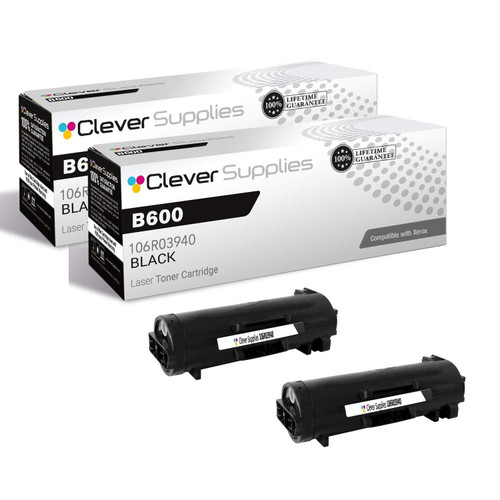
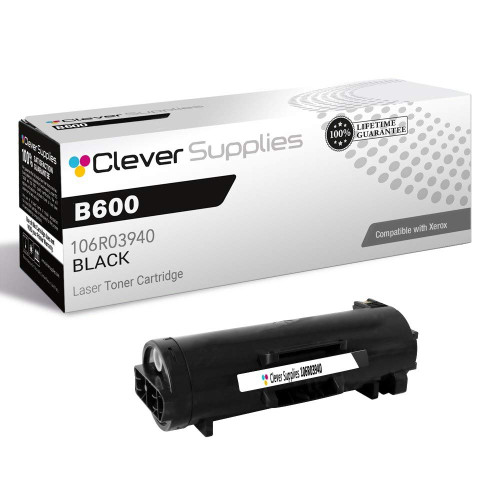
Printer family: VersaLink B400, VersaLink B405, VersaLink B400DN, VersaLink B405DN
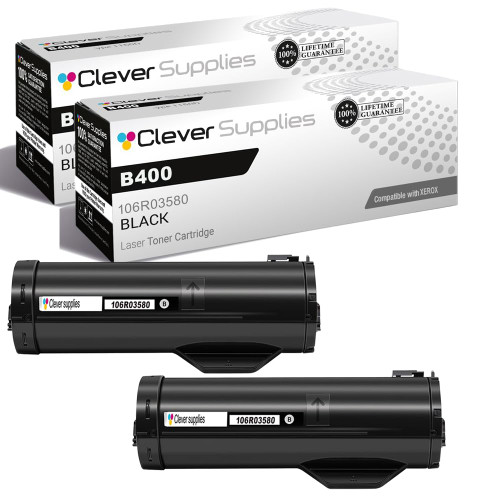
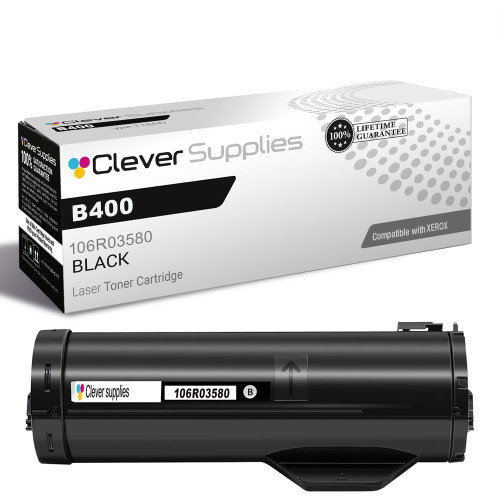
One machine family, three cartridge codes — do not merge them: the B400 and B405 take 106R03580 in the standard listing wave, the B405 has its own 106R03582 shelf, and a later high-yield wave for the same machines runs under 106R03584. Our store fields put the three at 5,900, 13,900 and 24,600 pages respectively — different capacities at different prices, not three prices for one cartridge. The cross-reference matters in both directions: a buyer holding a 106R03584 cartridge has the long-life unit and should reorder that number; a buyer whose machine came with the standard cartridge should not assume the high-yield code is a drop-in upgrade path without checking the number their machine already runs. Two of the three code groups are chip-silent in our listings; the 106R03584 wave carries the old parts-list sentence on some listings, which — as everywhere on this page — is a component mention, not a chip claim.
The standard B400 cartridge (106R03580): the 2-pack saves $16.09 against two singles.
The B405 cartridge (106R03582): the 2-pack saves $16.08 against two singles.
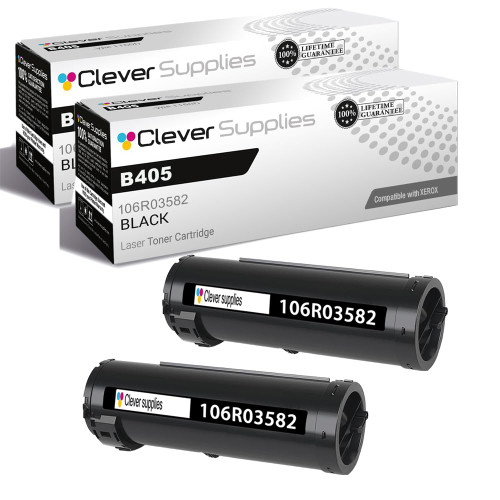

The high-yield wave (106R03584): the 2-pack saves $16.08 against two singles.


Printer family: Phaser 3330, WorkCentre 3335, WorkCentre 3345
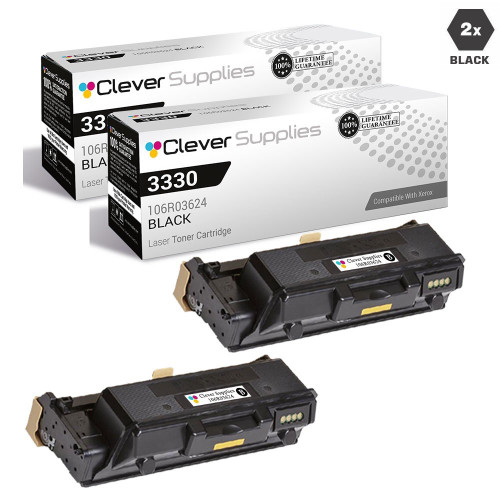
Two codes, one shelf: this platform is sold under 106R03622 and 106R03624, and the verified listings below carry the 106R03624 number. Some listings in this family carry the legacy parts-list sentence; most of the newer model-named ones say nothing about chips. Neither wording changes the buying rule — match the number on the cartridge in the machine.
Yields: our store’s Page Yield field reads 15,000 pages; no Xerox figure was captured for this family. The 2-pack saves $16.08 against two singles of the same cartridge.

The long-running departmental machines. Their listings are a mix of older code-named waves — where the parts-list sentence appears — and newer model-named ones that say nothing about chips. The sections keep the two apart.
Printer family: WorkCentre 3615, WorkCentre 3655, WorkCentre 3655S, WorkCentre 3655i
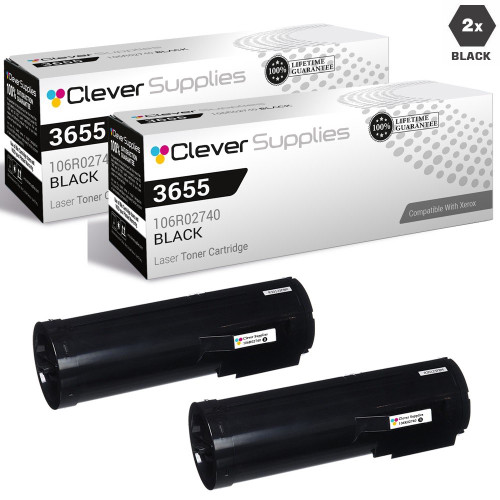
Two tiers, honestly labeled: the standard cartridge for this platform is 106R02736, and our store field rates it 6,100 pages. The 2-pack carded first below is not two of those — it carries the family’s higher-capacity code, 106R02740, which is why no “save versus two singles” figure is printed on it: comparing a high-capacity pack against standard singles would flatter the pack with somebody else’s arithmetic. Buy the tier your page volume justifies, and reorder the code that is in the machine.

Printer family: Phaser 4600, Phaser 4600DN, Phaser 4600DT, Phaser 4600N, Phaser 4620, Phaser 4622
The heavy-duty Phaser shelf: the 4600 family is the largest monochrome Phaser platform in our catalog, and it runs two capacities — the standard 106R01533, which our store field rates 13,000 pages, and the high-capacity 106R01535 carried by the 2-pack below. As with the WorkCentre 3655 above, the pack is a different cartridge from the single, so no savings chip is printed across the tier boundary; the $238.04 pack price is two high-capacity units, and it should be compared against high-capacity singles, not against the standard tier.
Chip wording: none. This family’s listings are silent, and the platform predates the current CRUM documentation trail — the number-matching rule is the whole guidance Xerox’s system supports here.


Printer family: Phaser 3610, Phaser 3610DN, Phaser 3610N, WorkCentre 3615, WorkCentre 3615DN
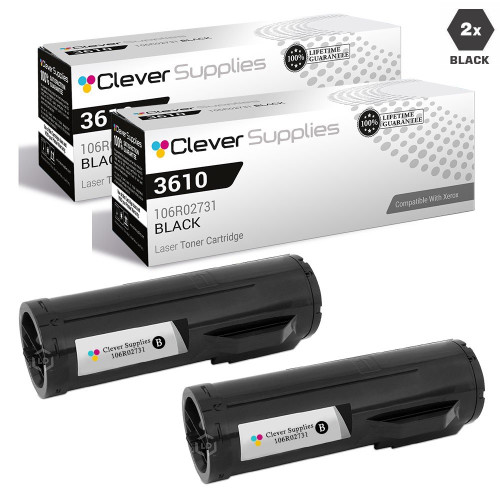
One cartridge platform, two machine lines: the Phaser 3610 printers and the WorkCentre 3615 multifunctions share this cartridge family, which is why the family’s categories straddle both series pages. The standard single is 106R02720 (our store field: 5,900 pages); the 2-pack below carries the family’s higher-capacity code, 106R02731, and is priced as the high-capacity unit it is — again with no cross-tier savings figure, for the same reason given in the 3655 section.

Printer family: WorkCentre 4250, WorkCentre 4250S, WorkCentre 4260, WorkCentre 4260S, WorkCentre 4260X, WorkCentre 4260XF
A single-code family: the 4250/4260 platform runs on one cartridge number, 106R01409, which keeps ordering simple — there is no tier split and no plan twin in our catalog for it. Our store field rates the cartridge at 25,000 pages; no Xerox figure was captured for this family in our research, so that number is ours, labeled as ours. The 2-pack is the same cartridge twice and saves $16.07 against two singles.

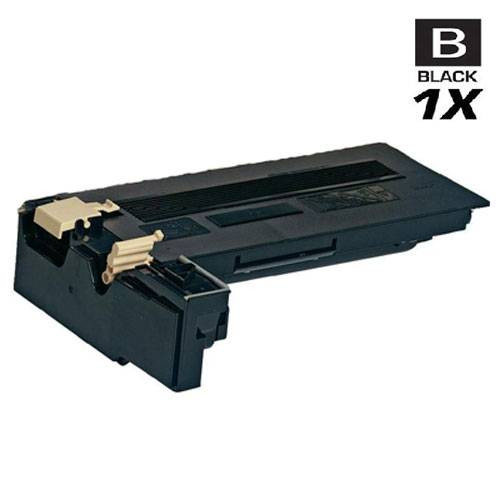
Printer family: Phaser 3635MFP, Phaser 3635, Phaser 3635MFP/S, Phaser 3635MFP/X
Two spellings, one cartridge: this platform exists twice in our catalog — under the full code 108R00795 and under a shortened spelling, 108R795 — at the same prices. They are the same cartridge for the same Phaser 3635MFP machines, and the cards below use the full-code listings. If a search by the full code ever looks thin, the short spelling is the reason; nothing about the product differs. Our store field rates the cartridge at 10,000 pages, and the 2-pack of the same cartridge saves $16.07 against two singles.


Five departmental WorkCentre families with shorter sections. Each states its yield basis and its chip wording plainly; none of them carries a Xerox-captured yield figure, so every number here is our store’s Page Yield field.
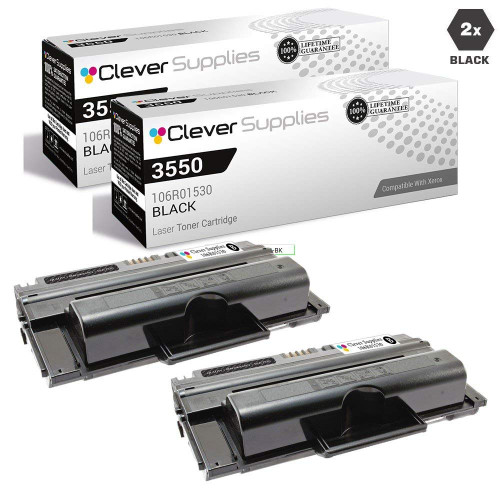
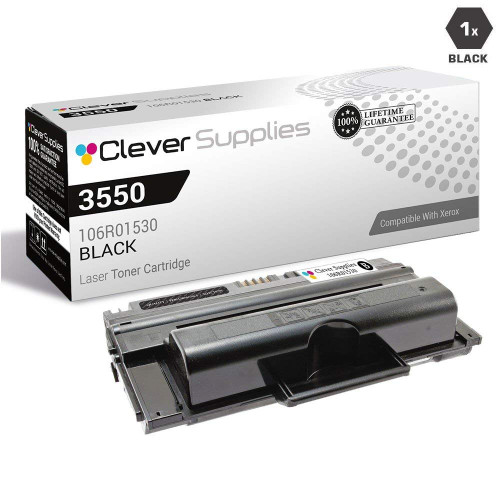
Printer family: WorkCentre 3550, WorkCentre 3550M, WorkCentre 3550T, WorkCentre 3550X
One code, one cartridge: 106R01530, which our store field rates at 11,000 pages. Some listings carry the parts-list sentence; the newer ones do not. The 2-pack is the same cartridge twice and saves $16.08 against two singles.
Printer family: WorkCentre 5325, WorkCentre 5330, WorkCentre 5335
Watch the prefix: this family is 006R01159, a WorkCentre cartridge. A different family further down this page, the small Phaser 31xx shelf, carries 106R01159 — the digits match and the cartridges do not. Our store field rates this one at 30,000 pages. The 2-pack saves $16.08 against two singles.
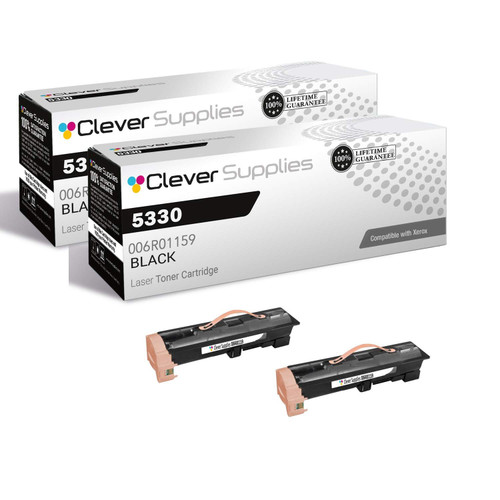
Printer family: WorkCentre 4150, WorkCentre 4150C, WorkCentre 4150S, WorkCentre 4150X, WorkCentre 4150XF
006R01275 is the only number this platform takes in our catalog. Our store field rates it at 20,000 pages, and the 2-pack saves $16.08 against two singles.
Printer family: WorkCentre 5222, WorkCentre 5225, WorkCentre 5225A, WorkCentre 5230, WorkCentre 5230A
The pack below is titled with the shortened code 106R1306 — the same cartridge as the full-code single beside it, the same spelling split described in the Phaser 3635 section. Our store field rates it at 30,000 pages; the 2-pack saves $16.07 against two singles.
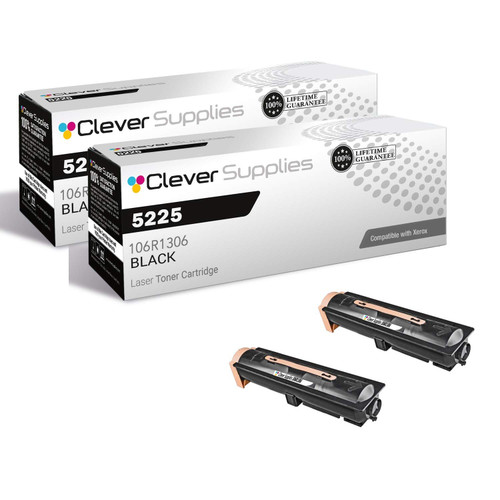

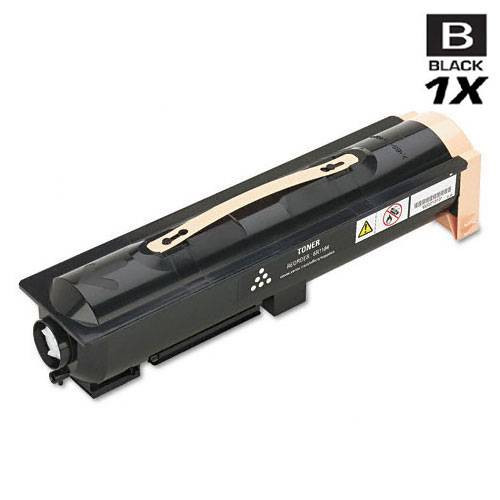
Printer family: CopyCentre 123, CopyCentre 128, CopyCentre 133, WorkCentre Pro 123, WorkCentre Pro 128, WorkCentre Pro 133
One cartridge, 006R01184, serves a wide family of badge variants — CopyCentre, WorkCentre, WorkCentre Pro and M-series names for the same 123/128/133 platform. Our store field rates it at 30,000 pages. The 2-pack saves $16.07 against two singles.

Six Phaser families from the platform’s departmental era. All six are chip-silent in our listings; every yield here is our store’s Page Yield field.
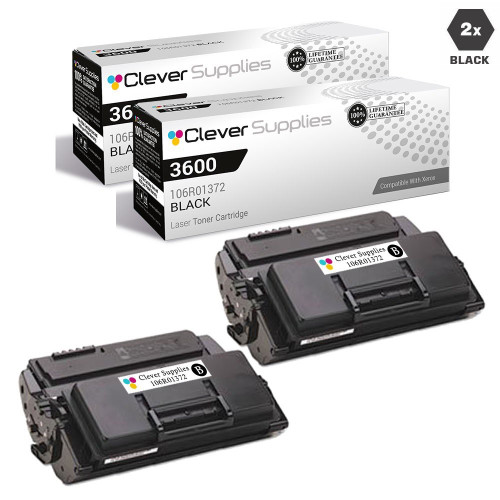
Printer family: Phaser 3600, Phaser 3600DN, Phaser 3600N, Phaser 3600B, Phaser 3600EDN
The single below is the high-yield 106R01371 (our store field: 14,000 pages); the 2-pack carries the family’s companion code 106R01372. Two tiers again, so no cross-tier savings figure is printed — compare each card against its own tier.

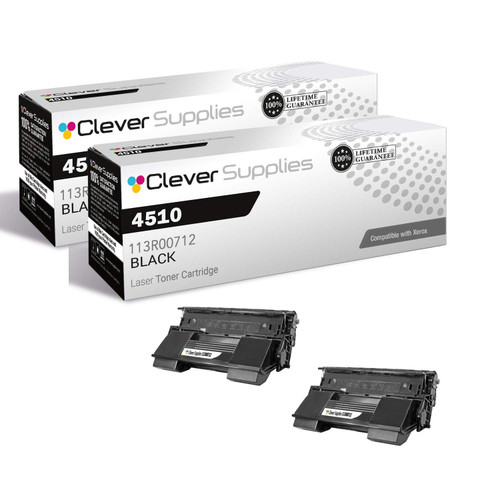
Printer family: Phaser 4510, Phaser 4510B, Phaser 4510DT, Phaser 4510DX, Phaser 4510N
113R00712 is this platform’s cartridge; our store field rates it at 19,000 pages. The 2-pack is the same cartridge twice and saves $16.08 against two singles.

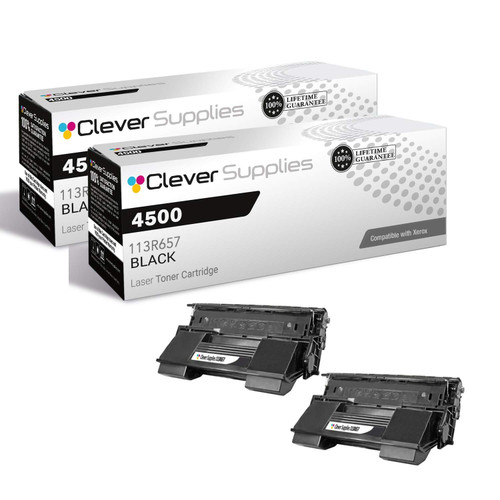
Printer family: Phaser 4500, Phaser 4500B, Phaser 4500DT, Phaser 4500DX, Phaser 4500N
Our store field rates 113R00657 at 18,000 pages. The 2-pack — filed under the shortened spelling 113R657, the same cartridge — saves $16.08 against two singles.
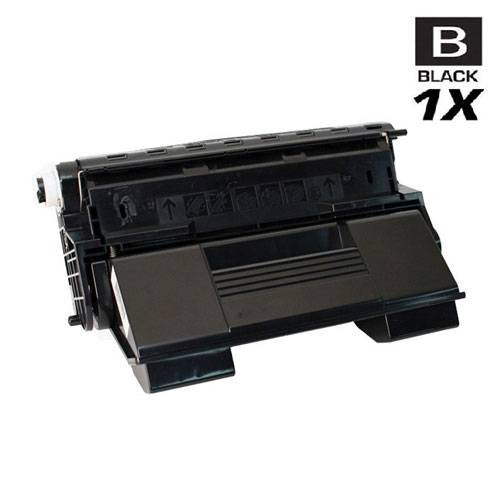
Printer family: Phaser 4400, Phaser 4400B, Phaser 4400DT, Phaser 4400DX, Phaser 4400N
This platform gets one card because our shelf for it is one product: the 113R00628 single, which our store field rates at 15,000 pages. There is no pack to dress up as a flagship, so none is shown.
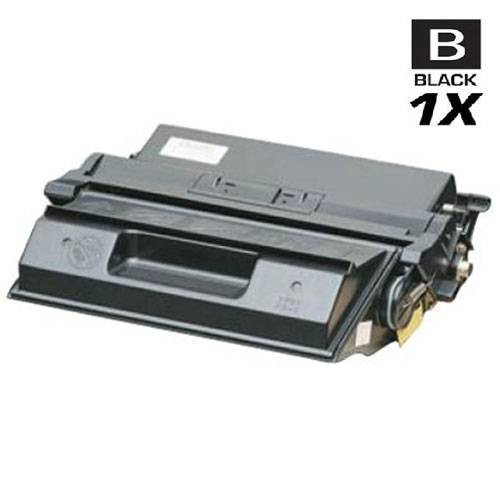
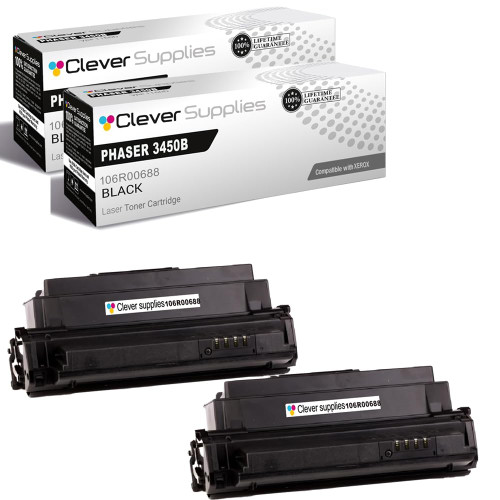
Printer family: Phaser 3450, Phaser 3450DN, Phaser 3450B, Phaser 3450D
106R00688 is the high-yield cartridge for the 3450; our store field rates it at 10,000 pages. The 2-pack saves $16.09 against two singles.

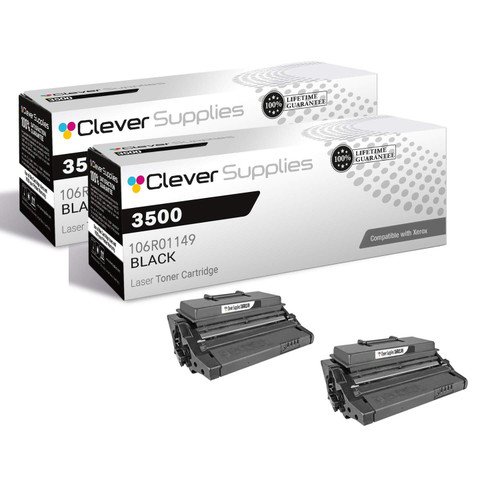
Printer family: Phaser 3500, Phaser 3500B, Phaser 3500DN, Phaser 3500N, Phaser 3500D
Our store field rates 106R01149 at 12,000 pages. The 2-pack is the same cartridge twice and saves $16.08 against two singles.

Eleven smaller families, several of them shared between a Phaser printer and its WorkCentre multifunction twin. Yields are our store’s Page Yield field throughout.
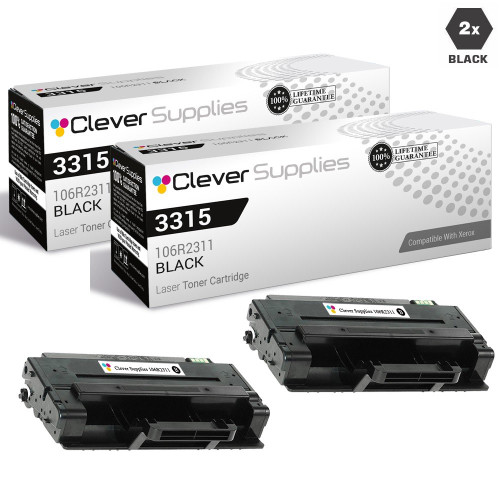
Printer family: Phaser 3315, Phaser 3315DN, Phaser 3325, Phaser 3325DNI, WorkCentre 3315, WorkCentre 3325
The 3315/3325 machines on both lines take this family; our store field rates the cartridge at 5,000 pages. The 2-pack is the same cartridge twice under its shortened code spelling and saves $16.08 against two singles.

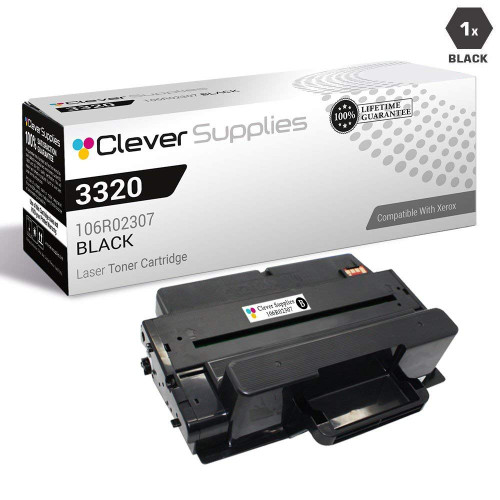
Printer family: Phaser 3320, Phaser 3320DN, Phaser 3320DNI
Similar machine names, different supplies: the Phaser 3320 printer takes 106R02307, not the 3315/3325 family’s cartridge. Our store field rates it at 11,000 pages; the 2-pack saves $16.08 against two singles.

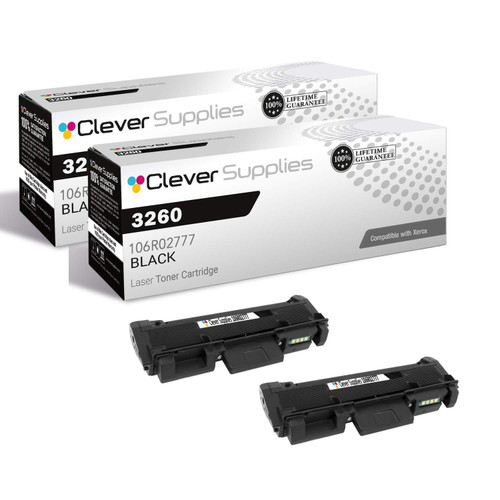
Printer family: Phaser 3052, Phaser 3260, Phaser 3260DI, Phaser 3260DNI, WorkCentre 3215, WorkCentre 3225, WorkCentre 3225DNI
This platform carries two part numbers because it carries two capacities: 106R02775 is the standard cartridge (our store field: 1,500 pages) and 106R02777 the larger one the 2-pack below is built from. One of this family’s own listings answers the two-number question the honest way — the cartridge exists under both numbers depending on year and region of sale — and the practical rule follows: reorder the number printed on the cartridge you remove. The machines also take a separate drum, 101R00474, and unlike the B205 family at the top of this page, this drum we do stock; our store field rates it at 10,000 pages.


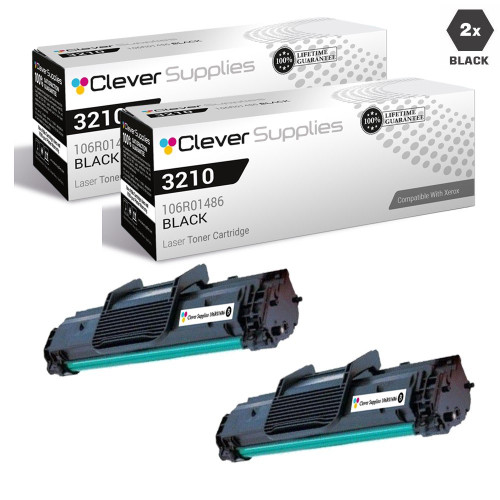
Printer family: WorkCentre 3210, WorkCentre 3210N, WorkCentre 3220, WorkCentre 3220DN
The model numbers sit one digit away from the 3215/3225 family and the cartridges are not interchangeable: this platform takes 106R01486, which our store field rates at 4,100 pages. The 2-pack saves $16.08 against two singles.
Printer family: Phaser 3140, Phaser 3155, Phaser 3160, Phaser 3160N, Phaser 3160B
This family earns its footnote: the Phaser 3140/3155/3160 user guide is one of the two Xerox documents that print the manufacturer’s non-genuine position in full — “Xerox does not recommend or approve the use of non-Xerox brand toner cartridges in your printer including generic, store brand, refilled, or remanufactured toner cartridges. Xerox’s printer warranty does not cover damage to the machine caused by the use of a refilled, remanufactured, or non-Xerox brand toner cartridge.” Non-recommendation and a damage exclusion — quoted at full strength, because that is the position a buyer of this cartridge is actually accepting. Our store field rates 108R00909 at 2,500 pages; the 2-pack saves $16.08 against two singles.
Printer family: Phaser 3117, Phaser 3122, Phaser 3124, Phaser 3125, Phaser 3125N
This is the other 01159: 106R01159 for the small Phasers, not the WorkCentre 006R01159 of the 53xx platform. The prefix is part of the part number. Our store field rates the cartridge at 3,000 pages; the 2-pack saves $16.08 against two singles.
Printer family: Phaser 3100, Phaser 3100MFP, Phaser 3100MFP/S, Phaser 3100MFP/X
106R01379 serves the 3100 line; our store field rates it at 4,000 pages. The 2-pack is the same cartridge twice and saves $16.08 against two singles.
Printer family: Phaser 3250, Phaser 3250D, Phaser 3250DN
Our store field rates 106R01374 at 5,000 pages. The 2-pack saves $16.07 against two singles.


Printer family: Phaser 3435, Phaser 3435D, Phaser 3435DN
The family is filed under two companion numbers; both cards below are the 106R01415 listings we verified. Our store field rates the cartridge at 10,000 pages, and the 2-pack saves $16.08 against two singles.

Printer family: Phaser 3300, Phaser 3300MFP, Phaser 3300 MFP
The pack and the single below are the same cartridge filed under the full and shortened code spellings — the split described in the Phaser 3635 section — so the savings figure here is a true like-for-like: the 2-pack saves $16.07 against two singles. Our store field rates the cartridge at 8,000 pages.


Printer family: WorkCentre Pro PE16
The PE16 is the legacy end of the monochrome shelf: one cartridge, 113R00667, which our store field rates at 3,500 pages, and no pack on our shelf to pair it with. It is carded singly, as it is sold.

Two monochrome platforms here take a separate drum — the Phaser 3260 / WorkCentre 3215-3225 family (drum 101R00474, carded in its section above) and the CopyCentre C20 / WorkCentre M20 / 4118 platform, whose drum is 113R00671. On these machines the drum carries its own CRUM chip and its own counter, and the B205 service manual’s drum faults show what a drum-side chip problem looks like: fault 09-900 displays “Invalid Drum Cart.” on the B205 — and, by a documented quirk, the very same “Incompatible Toner Cartridge has been Detected” text as the toner fault on the B215. Xerox’s first drum check is physical: “Verify the Drum Cartridge CRUM is fully seated.”
An honesty note on the card below: we stock this drum only as a 2-pack. The single-unit listing exists in our catalog but is not orderable, so it is not linked or priced here — the 2-pack is the buyable form, and it is the one carded. Our store field rates the drum at 20,000 pages.
And the drum we do not stock: the B205/B210/B215 drum, Xerox 101R00664 (Xerox-rated 10,000 pages), has no listing in our catalog at all. It is named in the B205 section above and here, without a card, because naming a part we cannot sell you is more useful than pretending the toner shelf covers it.

The B205/B215 service manual (Xerox P/N 702P07550) documents the supply faults as one family — the 09-series RAPs. These are the only Xerox fault procedures captured in full for this page, and they are quoted from that manual. Other platforms raise their own codes; where Xerox’s procedure for a platform was not captured, this page does not invent one.
The incompatible-cartridge fault. The B205 panel shows “Invalid Print Cart.”; the B215 shows “Incompatible Toner Cartridge has been Detected”; the manual’s diagnosis is “The Toner Cartridge is not compatible with the printer.” Xerox’s procedure: print the Supplies Information report from the control panel’s Information button, check the toner cartridge information, and “Install a new Toner Cartridge if is not a genuine Xerox® cartridge.” Read that at face value — it is the manufacturer’s service position, and the procedure contains no override, dismissal, or continue-printing step. In practice the fault means the machine read CRUM data it will not accept: the wrong cartridge number, a plan mismatch, or a cartridge whose chip the machine cannot read at all.
The not-detected fault: the cartridge has not been installed, or the machine cannot detect it. Before replacing anything, Xerox’s procedure starts with the chip’s physical connection — “Check the CRUM contact area for contamination and clean if necessary.” Reseat the cartridge firmly, inspect and clean the contact area the manual points at, and only then treat the cartridge itself as the suspect. A detection fault is a contact problem until the cleaning step says otherwise.
09-600 is the drum-not-installed fault (“Install Drum Cartridge” on the B205). 09-900 is the invalid-drum fault: the B205 shows “Invalid Drum Cart.”, and the B215 — by a quirk Xerox documents in its own manual — displays “Incompatible Toner Cartridge has been Detected”, the identical text to the 09-800 toner fault. So on a B215, that message does not by itself prove the toner cartridge is the problem; the fault code behind it decides. Xerox’s drum procedure begins: “Verify the Drum Cartridge CRUM is fully seated.”
Not a rejection — the near-end-of-life warning. The machine is reporting the cartridge’s counter, and printing continues. The B215 user guide adds the design intent in Xerox’s words: “the toner cartridge and drum cartridge are designed to cease functioning at a predetermined point.” Treat 09-100 as the reorder signal it is, and use the time it gives you to match the replacement’s part number properly.
The plan-mismatch case raises no exotic message because, to the machine, it is simply the wrong cartridge. Xerox Customer Support explains it in the manufacturer’s own words: “You could have a genuine cartridge but not the right one for your contract type. There are different chips. The chip identifies the contract type: ‘SOLD/ Regular’ — You own this machine. No Contract. ‘Metered’ — Cost per Copy, Renting Machine, Contract with Xerox.” If a cartridge with the correct family number is rejected by a machine that came through a Xerox contract, the plan is the first explanation to check — and it is checked against the number on the cartridge that came out, not against the box the new one arrived in.
On the evidence Xerox publishes: no. For the documented B205/B215 fault family there is no dismiss-and-print path — the procedure is reseat, clean the CRUM contacts, replace the cartridge. For plan mismatches there is likewise no user override; the VersaLink System Administrator Guide handles plan changes under a “Supplies Plan Activation Code”, which is a Xerox-side act performed through Xerox channels. Any guide promising a hidden menu that converts a machine’s plan or waves a CRUM fault away is describing something Xerox does not document.
Because it runs through every Xerox platform above, the plan system gets one compact explanation here. (The deep dive — the full code-pair table — lives on our Xerox color page, where the WorkCentre 7525–7970 family makes it a shelf-sized problem. The mechanism is the same.)
Metered cartridges are numbered for machines on a cost-per-copy contract with Xerox. Sold cartridges are numbered for machines their owners bought outright. The cartridges are built for the same printers and, where Xerox publishes both figures, carry identical yields — the difference the machine enforces is the chip’s contract identity, and region bands (Xerox’s own tables label plan variants WW, NA/EU and DMO) ride on top of it. Our own WorkCentre 7525–7970 shelf sits mainly under the Metered numbers while Xerox’s specification lists the Sold twins beside them at the same yields — proof, inside one family, that “fits the printer” and “matches the machine’s plan” are two different checks.
Three rules follow, and they are the whole of the documented system. First: the number on the cartridge you remove already encodes your machine’s plan and region — match it digit for digit, prefix included. Second: no cartridge converts a machine. Changing a plan runs through the Supplies Plan Activation Code route, which is Xerox’s act, not a user setting. Third: where Xerox has not published a plan for a number — the VersaLink B7025 family’s 106R03393/94 on this page, for instance — nobody honest can assign it one from the outside, and this page does not. Our listings never state a plan for any cartridge we sell; if your machine is on a contract, the removed cartridge’s number is the authority, and where it and a listing disagree, believe the cartridge.
That is fault 09-800, and Xerox’s service manual gives the path: print the Supplies Information report, check the cartridge information, reseat the cartridge, and clean the CRUM contact area (the 09-500 check). The procedure’s final step is a cartridge the machine accepts — the manual phrases it as installing a genuine Xerox cartridge. One caution first: on the B215 the drum fault 09-900 displays the same text, so confirm the fault code before replacing toner.
None that Xerox documents. The B205/B215 procedures contain no override or dismiss-and-print step, and supplies-plan changes on VersaLink machines run through a Supplies Plan Activation Code handled by Xerox. If a video or forum post shows a sequence, it is not a Xerox-published procedure, and this page will not present it as one.
Xerox has published no statement either way — there is no Xerox firmware FAQ on third-party cartridges, and the word does not appear in any of our 764 monochrome Xerox listings. The enforcement Xerox does document is the CRUM chip and the supplies plan: a cartridge whose chip data or plan identity mismatches is rejected today, update or no update. Anyone quoting a Xerox firmware policy, in either direction, is quoting something that does not exist.
The machine’s contract, encoded in the chip and the part number. In Xerox Customer Support’s words, the chip identifies the contract type: Sold/Regular means you own the machine with no contract; Metered means cost-per-copy under a Xerox contract. The cartridges serve the same printers at the same published yields — but a machine reads the plan, and the wrong plan is rejected like any other wrong cartridge.
Both fit the platform — they are two capacities, not two machines’ cartridges. Our store field rates 106R02775 at 1,500 pages; 106R02777 is the larger unit our 2-pack is built from. The safe answer is the one on the cartridge you remove: if the machine has been running the standard cartridge and you want the same, reorder 106R02775; if it carries the larger number, match that.
Xerox’s user guides state the position precisely, and it is narrower than the rumor: Xerox does not recommend non-Xerox cartridges, and its warranty “does not cover damage to the machine caused by the use of a refilled, remanufactured, or non-Xerox brand toner cartridge.” Damage caused by the cartridge is excluded; the guide does not print a blanket statement that fitting one voids the warranty, and neither do we.