




WorkCentre 3655S
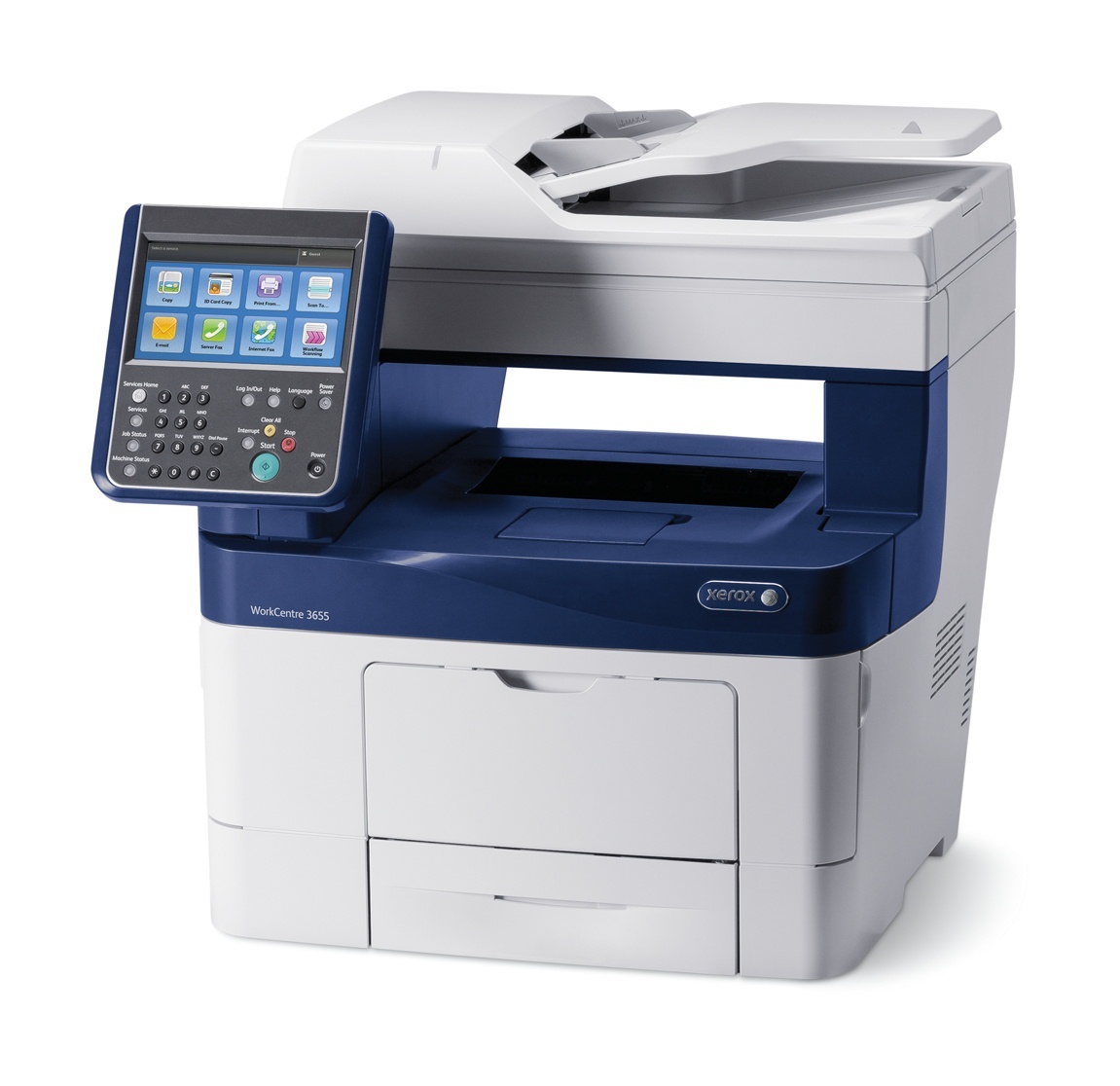
The WorkCentre 3655S is a configured variant of the 3655, delivering the same monochrome laser multifunction performance in a shared-printing setup. It runs on the 106R02736 black cartridge, rated at an approximate 6,100 pages, and the standard cartridge also answers to the alternate Xerox number 106R02737. Offices that keep the 3655S busy can load the high-yield 106R02738 instead, while the longest runs between changes come from the extra-high-yield 106R02740.
Shared printing changes the toner calculation. Nobody owns the 3655S, so nobody notices the cartridge fading until it is empty — the practical answer is a bigger fill and a spare that lives next to the machine. With roughly 6,100 pages in even the standard cartridge, this model starts from a generous baseline; the higher tiers are about stretching a long interval into a longer one.
Toner Cartridges for WorkCentre 3655S
| Cartridge | Color | Page Yield |
|---|---|---|
| 106R02736 | Black | About 6,100 pages |
| 106R02738 — High Yield | Black | See product page |
| 106R02740 — Extra High Yield | Black | See product page |
| 106R02740 — Extra High Yield, 5 Pack | Black | See product page |
| 106R02740 — Premium Quality Extra High Yield, 5 Pack | Black | See product page |
| WorkCentre 3655S Extra High Yield Black (model-named listing) | Black | See product page |
| WorkCentre 3655S Extra High Yield Black, 5 Pack (model-named listing) | Black | See product page |
Which cartridge should you buy?
The standard cartridge is a rational buy for a 3655S that serves a handful of people: 6,100 pages is a long runway, and the swap is quick when it finally comes. Move to the high-yield fill when the machine is shared by a full team and the cartridge seems to fade mid-quarter. The extra-high-yield tier is for the printer that never gets a quiet week — fewer interventions, the lowest cost per page, and the best match for a machine nobody wants to think about. If the 3655S shares a supply shelf with other machines in this family, standardizing on one tier across all of them keeps the shelf simple and the reorders painless.
Chip, toner and everyday use
Fit the new cartridge with the machine powered and idle; the chip is read as the unit seats, and the 3655S will report the fresh fill once it has initialized. Yield ratings assume the standard 5% coverage test page, so a shared machine printing dense forms will cycle faster than the number suggests — judge by your own page counter over a cartridge or two. Keep the spare sealed and stored flat, and if several people use the machine, write the cartridge code on a label where the supplies are kept; the next person to reorder will thank you.
Frequently Asked Questions
What toner does the WorkCentre 3655S take?
The standard cartridge is the 106R02736 black unit, at approximately 6,100 pages. The same machine accepts the high-yield 106R02738 and the extra-high-yield 106R02740.
Is 106R02737 a different cartridge?
No. 106R02737 is the alternate Xerox number for the same standard black cartridge listed primarily as 106R02736 — both numbers point to the identical unit for the 3655S.
Does the 3655S use the same toner as the base WorkCentre 3655?
Yes. The S is a configured variant of the same machine, and the cartridge family — standard, high-yield and extra-high-yield black — is shared across the 3655 range.
How do I know when to reorder?
Reorder when the spare goes into the machine, not when the installed cartridge runs dry. With a shared printer, that habit is the difference between a routine swap and a stalled office.
More printers that use the same cartridges
Also running on this black toner family:
Phaser 3610, Phaser 3610DN, Phaser 3610N, Phaser 3610YDN, WorkCentre 3615, WorkCentre 3615DN, WorkCentre 3655, WorkCentre 3655X, WorkCentre 3655XM, WorkCentre 3655i.