




WorkCentre 4260
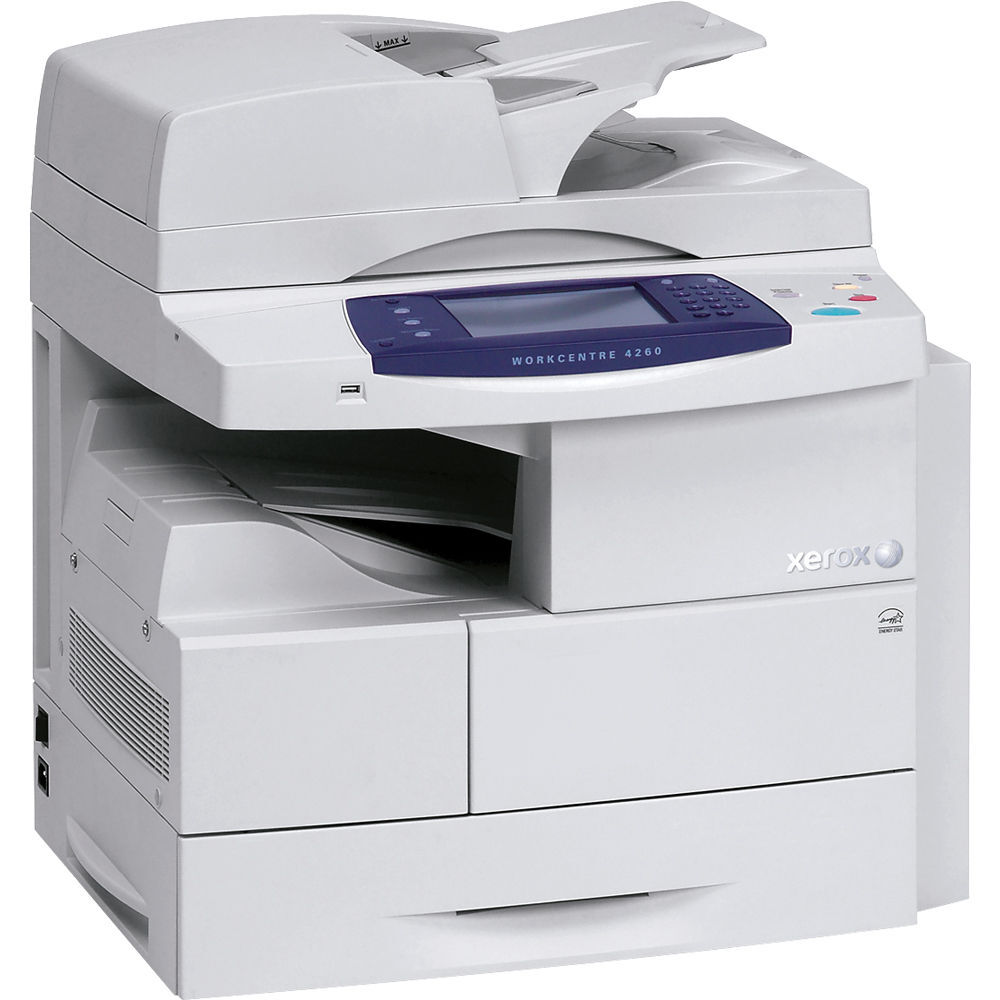
The WorkCentre 4260 is a monochrome laser multifunction printer designed for departmental use, and it expects to be worked: printing, copying, scanning and faxing, day after day. Its toner is the 106R01409 cartridge, and the compatible singles and packs below are the supply options for keeping that workload moving without drama.
A departmental machine sits at the center of other people's deadlines, so its cartridge is sized for steady daily volume rather than occasional use. When this machine stops, the whole queue stops with it — which is why the supply routine matters as much as the cartridge itself. Buildings that also run the WorkCentre 4250 or the WorkCentre 4260 mfp can stock the identical cartridge for all of them.
Toner Cartridges for WorkCentre 4260
| Cartridge | Color | Page Yield |
|---|---|---|
| 106R01409 — standard single cartridge | Black | See product page |
| 106R01409 — WorkCentre 4260 single cartridge | Black | See product page |
| 106R01409 — 3 Pack | Black | See product page |
| 106R01409 — 5 Pack | Black | See product page |
| 106R01409 — Premium Quality 5 Pack | Black | See product page |
| 106R01409 — WorkCentre 4260 5 Pack | Black | See product page |
Which cartridge should you buy?
Steady volume argues for buying ahead. The single 106R01409 is best kept as the emergency spare — the cartridge that goes in the day the warning appears — while the working supply comes from the 3 Pack or, for a machine that prints all day, the 5 Pack and Premium Quality 5 Pack. Each listing shows its rated yield on its product page; use it to translate pack sizes into months of cover for your department. The pattern that works in most offices: when the spare goes into the machine, its replacement goes on order the same day.
Chip, toner and everyday use
The 4260 confirms a new cartridge through its chip, and the confirmation only happens when the cartridge is fully home — slide it in until you hear and feel the click. A test page straight after a swap is cheap insurance: it proves the cartridge is printing cleanly before the department's real work lands on it. Between changes, keep the spare sealed, flat and out of direct sunlight. If pages start to fade near the end of a cartridge's run, remove it, rock it gently to redistribute the toner, and refit it; that habit regularly squeezes a useful number of extra pages from a cartridge that looked finished.
Frequently Asked Questions
What toner cartridge does the WorkCentre 4260 take?
The 106R01409 black toner cartridge. That one code covers every function the machine offers, and every product listed on this page is a pack size of it.
How many pages does a cartridge last?
Page yield varies by cartridge, so the honest answer sits on the product listing: each one states its rated yield. Check the listing of the pack you are considering for its figure.
Will the same cartridge fit the other WorkCentre models in our office?
In many cases, yes — the family listed below shares this cartridge, including the WorkCentre 4250 and the WorkCentre 4260 mfp. Match the 106R01409 code and you are matching the supply.
How do I change the cartridge?
Open the front cover, lift the spent cartridge out, and slide the new one in until it clicks. Close the cover and run a test page on the 4260 to confirm the output is clean before handing the machine back to the department.
More printers that use the same cartridges
One 106R01409 stock also covers these WorkCentre models: WorkCentre 4250, WorkCentre 4250CM, WorkCentre 4250S, WorkCentre 4250SM, WorkCentre 4250X, WorkCentre 4250XF, WorkCentre 4250XFM, WorkCentre 4250XM, WorkCentre 4250c, WorkCentre 4260 mfp, WorkCentre 4260S, WorkCentre 4260SM, WorkCentre 4260X, WorkCentre 4260XF, WorkCentre 4260XM.