




WorkCentre 4150
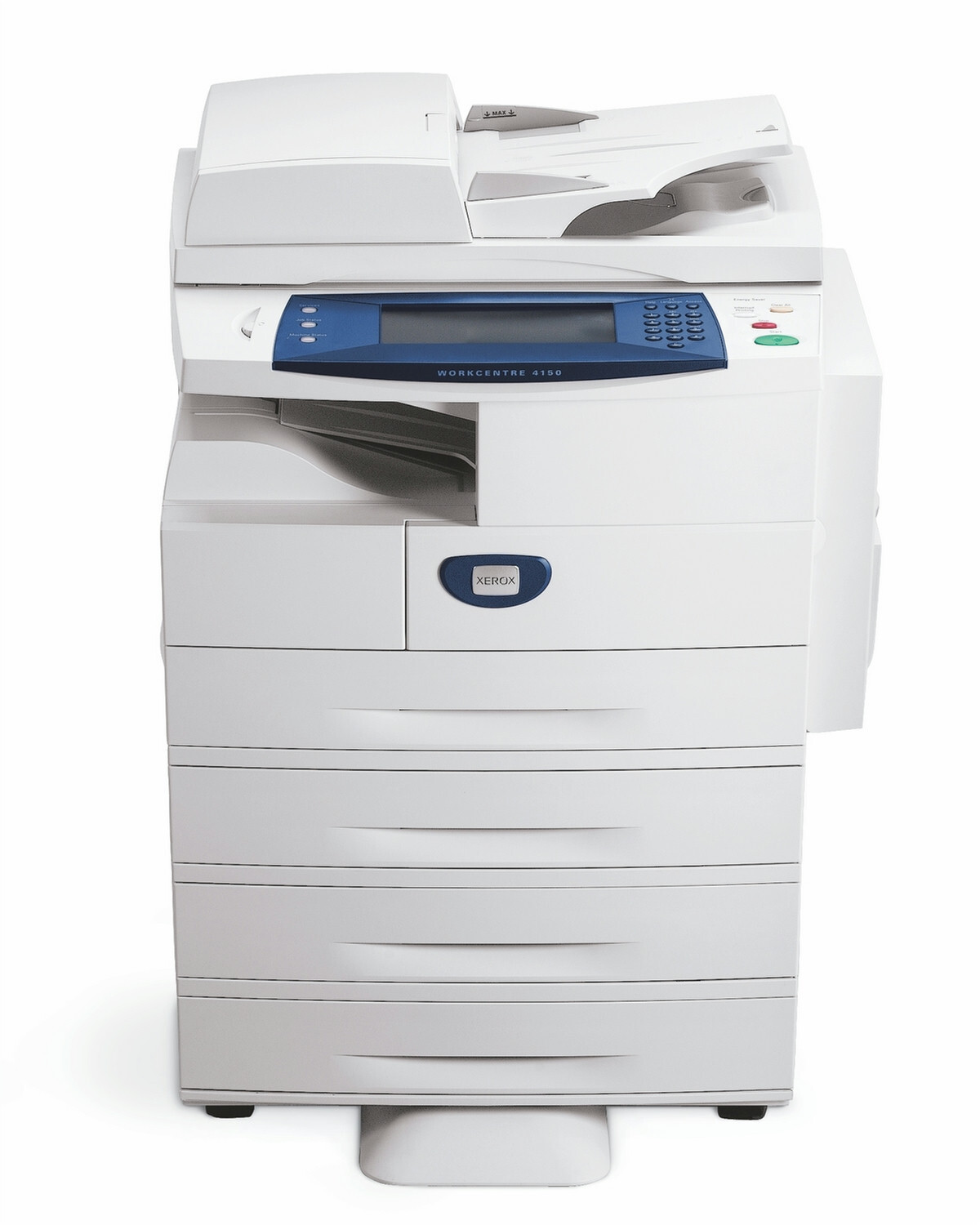
The WorkCentre 4150 is a multifunction laser printer that consolidates an office's printing, copying, scanning and faxing into one dependable device. It is powered by a single supply: the 006R01275 black toner cartridge. One cartridge to watch, one cartridge to replace — that simplicity is the model's quiet advantage, and this page stocks that cartridge as a single and in multipacks.
Single-cartridge machines reward a simple habit: keep one spare on the shelf so the 4150 never has to sit idle. There is no family of colors or capacities to manage here, no wrong slot to fill — just one code to remember and one box to keep in stock. The notes below cover how to buy that one cartridge well.
Toner Cartridges for WorkCentre 4150
| Cartridge | Color | Page Yield |
|---|---|---|
| 006R01275 | Black | See product page |
| WorkCentre 4150 Black (model-named listing) | Black | See product page |
| 006R01275 — WorkCentre 4150 listing, 2 Pack | Black | See product page |
| 006R01275 — 3 Pack | Black | See product page |
| 006R01275 — WorkCentre 4150 listing, 4 Pack | Black | See product page |
| 006R01275 — 5 Pack | Black | See product page |
| 006R01275 — Premium Quality, 5 Pack | Black | See product page |
| WorkCentre 4150 Black, 5 Pack (model-named listing) | Black | See product page |
Which cartridge should you buy?
With one cartridge code, the only decision is quantity. A single cartridge suits a 4150 in light or intermittent service, and it is the sensible first order if you are trying a compatible cartridge on this machine for the first time. Offices that print daily should skip straight to a multipack: the cost per cartridge drops, and the spare-on-the-shelf habit becomes automatic because the next unit is already there. If the machine anchors a busy department, the 5 packs are the practical choice — toner stops being a recurring errand. Whatever quantity you choose, reorder when the spare goes in, not when the machine stops.
Chip, toner and everyday use
Changing the cartridge is the whole maintenance routine here: open the machine, seat the new unit until it locks, and let the 4150 register it before the next job. When output begins to fade, rock the cartridge gently side to side to redistribute the toner — on a single-cartridge machine that trick can carry you cleanly to the end of a print run while the replacement ships. Keep spares sealed and stored upright away from heat and direct light, and write the code on the supply shelf; with only one code in play, there is no excuse for a wrong order.
Frequently Asked Questions
What toner does the WorkCentre 4150 use?
It uses the 006R01275 black toner cartridge — the only supply this machine takes. Every listing in the table above is that cartridge, in singles and multipacks.
How many pages does a 006R01275 cartridge print?
Check the individual product listing for the rated yield of the cartridge you are considering; ratings are estimates at standard coverage, and real counts vary with how dense your pages are.
Are compatible 006R01275 cartridges safe for the 4150?
Yes — the compatible cartridges here are made for this machine and carry a 1-year warranty with 1-year returns, so a cartridge that disappoints is covered.
How many cartridges should a busy office keep in stock?
One in the machine and one sealed on the shelf is a sound minimum for a shared 4150; heavier sites should hold a multipack so a busy month never turns into a toner emergency.
More printers that use the same cartridges
The 4150's cartridge is shared across the wider 4150 range:
WorkCentre 4150C, WorkCentre 4150MTS, WorkCentre 4150S, WorkCentre 4150X, WorkCentre 4150XF.