




WorkCentre 3210N
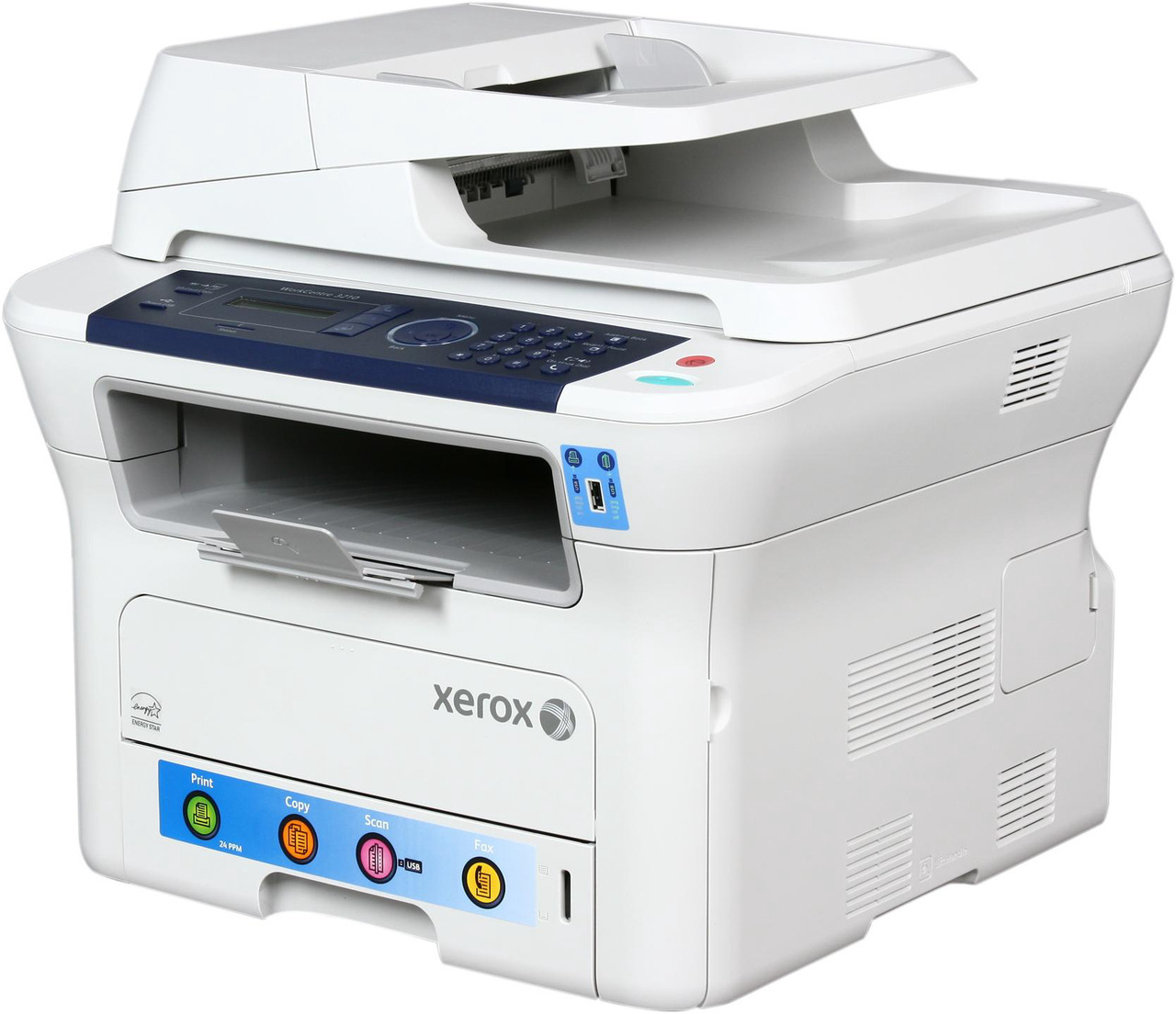
Compact and network-ready, the Xerox WorkCentre 3210N is a monochrome laser multifunction printer that brings print, copy, scan and fax to small offices without taking up much space. It takes the 106R01485 toner cartridge, and heavier users can step up to the 106R01486, a high-yield black cartridge good for around 4,100 pages between changes.
The N in the name is the network connection, and networking changes the toner math: a machine several people print to drains a cartridge on the group's schedule, not one person's. Supplying a shared 3210N well means choosing the longer-running cartridge and keeping the replacement within arm's reach.
Toner Cartridges for WorkCentre 3210N
| Cartridge | Color | Page Yield |
|---|---|---|
| 106R01486 — high-yield single | Black | Around 4,100 pages |
| 106R01486 — MICR single | Black (MICR) | Around 4,100 pages |
| 106R01486 — high-yield 3 pack | Black | 4,100 pages per cartridge |
| 106R01486 — high-yield 5 pack | Black | 4,100 pages per cartridge |
| 106R01486 — premium quality 5 pack | Black | 4,100 pages per cartridge |
| WorkCentre 3210N listing — single cartridge | Black | See product page |
| WorkCentre 3210N listing — 5 pack | Black | See product page |
Which cartridge should you buy?
For a networked machine, start from the high-yield 106R01486: at around 4,100 pages it stretches the interval between changes well beyond what the standard cartridge offers. The standard 106R01485 remains the fit for a lightly used 3210N. Pack sizes run from singles to 5 packs (including a premium-quality 5 pack), and a MICR version of the high-yield cartridge is listed for check printing. Because several people depend on this one machine, the standing advice is simple: never let the shelf spare reach zero. Compatible cartridges on this page carry a 1-year warranty and 1-year returns.
Chip, toner and everyday use
On a shared machine, change the cartridge as soon as output fades rather than nursing it along — the next person's job is already queued. Seat the new cartridge firmly until it clicks, then print a test page from the panel to confirm clean output before walking away. Before installing, rock the cartridge gently to level the toner; after months in a cupboard it will have settled. Ratings assume roughly 5 percent coverage per page. Store the spare sealed, flat and away from windows, and note the date it went into storage if your office rotates stock.
Frequently Asked Questions
Does the WorkCentre 3210N use the same toner as the WorkCentre 3210?
Yes — the WorkCentre 3210 and this machine take the same cartridges, the standard 106R01485 and the high-yield 106R01486, so offices running both models can stock one cartridge type.
What does the high-yield cartridge give the 3210N?
Around 4,100 pages between changes, which on a machine shared over the network means noticeably fewer interruptions than the standard cartridge delivers.
Is there a MICR option for the 3210N?
Yes — a MICR version of the 106R01486 is listed on this page, intended for printing checks. Regular document printing uses the standard high-yield listings.
How do I install a new cartridge in the 3210N?
Open the front cover, pull out the spent cartridge, and slide the new one in until it clicks. Close the cover and run a test page to confirm the output is clean before the next shared job arrives.
More printers that use the same cartridges
The 3210N's cartridges also fit these Xerox models: WorkCentre 3210, WorkCentre 3220, WorkCentre 3220DN, WorkCentre 3220VDN.