




Phaser 4600 Toner Cartridges
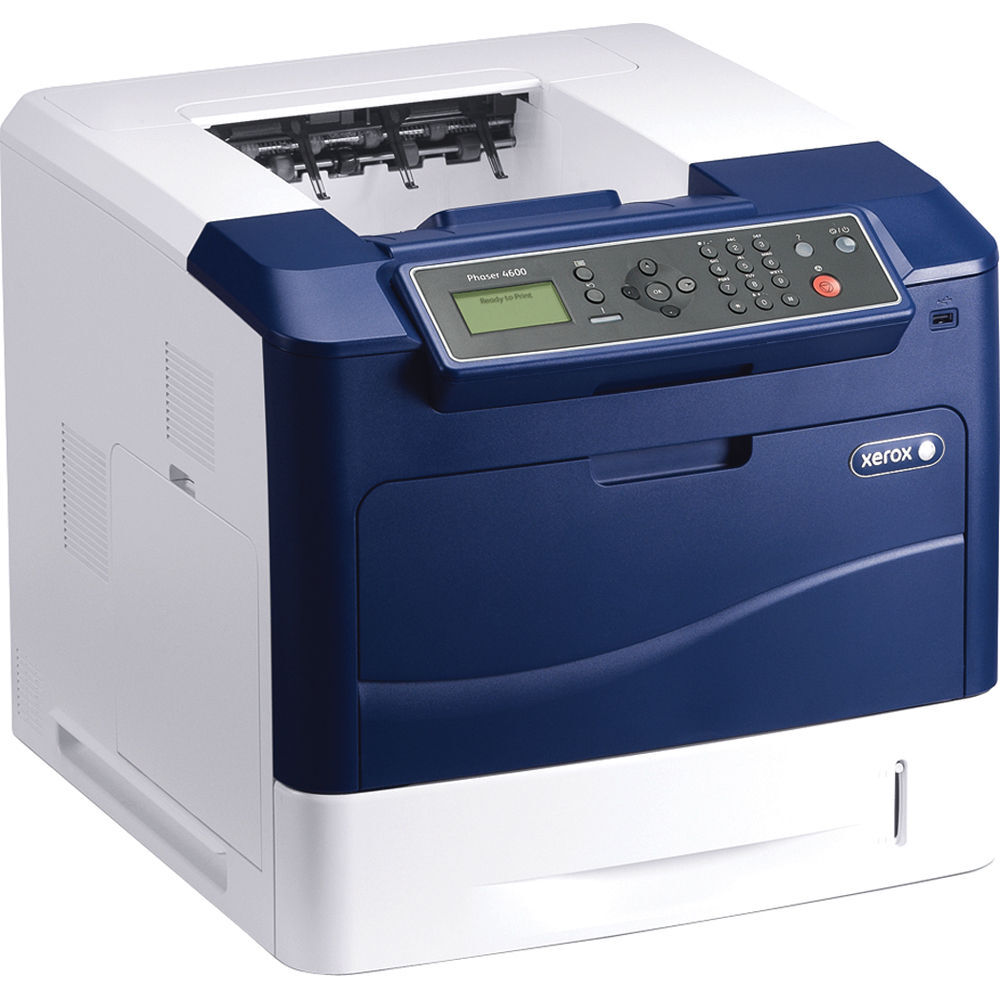
In the Phaser lineup, the 4600 is the model aimed at high-volume environments, where throughput has to stay steady all day. It gives you a real choice of supply: the 106R01535 high-yield black cartridge for heavy work, or the standard-yield 106R01533 for lighter duty. Both are listed below as singles and in multi-packs, alongside Phaser 4600-named versions of the high-yield cartridge.
High-volume printing punishes interruptions, and a two-cartridge family helps: a department can standardize on the high-yield fill for its busiest machines while keeping the standard cartridge for a lightly used 4600 elsewhere in the building. Either way, the swap itself is the same quick job, so a cartridge change never has to become a production meeting.
Toner Cartridges for Phaser 4600
Two cartridges serve this model — a standard-yield and a high-yield — and the high-yield one comes in several pack sizes and listing styles.
| Cartridge | Color | Page Yield |
|---|---|---|
| 106R01533 | Black | See product page |
| 106R01535 | Black | See product page |
| 106R01535 3 Pack | Black | See product page |
| 106R01535 5 Pack | Black | See product page |
| 106R01535 Premium 5 Pack | Black | See product page |
| 106R01535 2 Pack (4600H) | Black | See product page |
| 106R01535 4 Pack (4600H) | Black | See product page |
| 106R01535 (Phaser 4600 single) | Black | See product page |
| 106R01535 5 Pack (Phaser 4600) | Black | See product page |
Which cartridge should you buy?
Start with the capacity question, because this family actually offers one. The standard-yield 106R01533 suits a 4600 with a modest monthly count and keeps the purchase small. The high-yield 106R01535 costs more per cartridge but prints far longer between changes — in a high-volume setting that means fewer swaps, fewer orders and a lower cost per page, which is why most 4600s end up standardized on it. Once capacity is chosen, pack size is about stock: the 2-, 3-, 4- and 5-packs of the high-yield cartridge, including a premium-grade 5-pack, let a busy office keep the shelf ahead of the printer. Compatible cartridges carry a 1-year warranty and 1-year returns.
Chip, toner and everyday use
Both cartridges in this family are chipped, so the 4600 reports the level of whichever one is fitted and warns before it runs dry. When you change over, rock the fresh cartridge gently to level the toner, and seat it fully — a cartridge that is not pushed home can be reported as missing. Keep the next cartridge sealed and stored flat; in a high-volume office it is worth keeping the spare in the same room as the printer, so a change never waits on a delivery or a store cupboard key.
Frequently Asked Questions
What toner does the Phaser 4600 use?
Two cartridges fit: the standard-yield 106R01533 and the high-yield 106R01535, both black. Most high-volume users run the high-yield cartridge.
Which cartridge is better for a high-volume department?
The 106R01535. Its larger fill means fewer interruptions and a lower cost per page across a heavy month; the 106R01533 makes sense where the printer's workload is light or occasional.
Are the Phaser 4600-named listings different from the code-named ones?
They hold the same high-yield cartridge. The Phaser 4600-named single and 5-pack are titled by the printer's name rather than the cartridge number — what goes into the machine is the same.
How do I install a cartridge in the Phaser 4600?
Open the front cover, slide the used cartridge out, unpack the new one and rock it gently, then push it in until it clicks and close the cover.
More printers that use the same cartridges
The same two cartridges also feed the other models in this family: Phaser 4600DN, Phaser 4600DNM, Phaser 4600DT, Phaser 4600DTM, Phaser 4600N, Phaser 4600NM, Phaser 4620, Phaser 4620DN, Phaser 4620DNM, Phaser 4620DT, Phaser 4620DTM, Phaser 4620N, Phaser 4620YDNM, Phaser 4622, Phaser 4622DN, Phaser 4622DT, Phaser 4622N, Phaser 4622YDNM.