




Phaser 4622DN Toner Cartridges
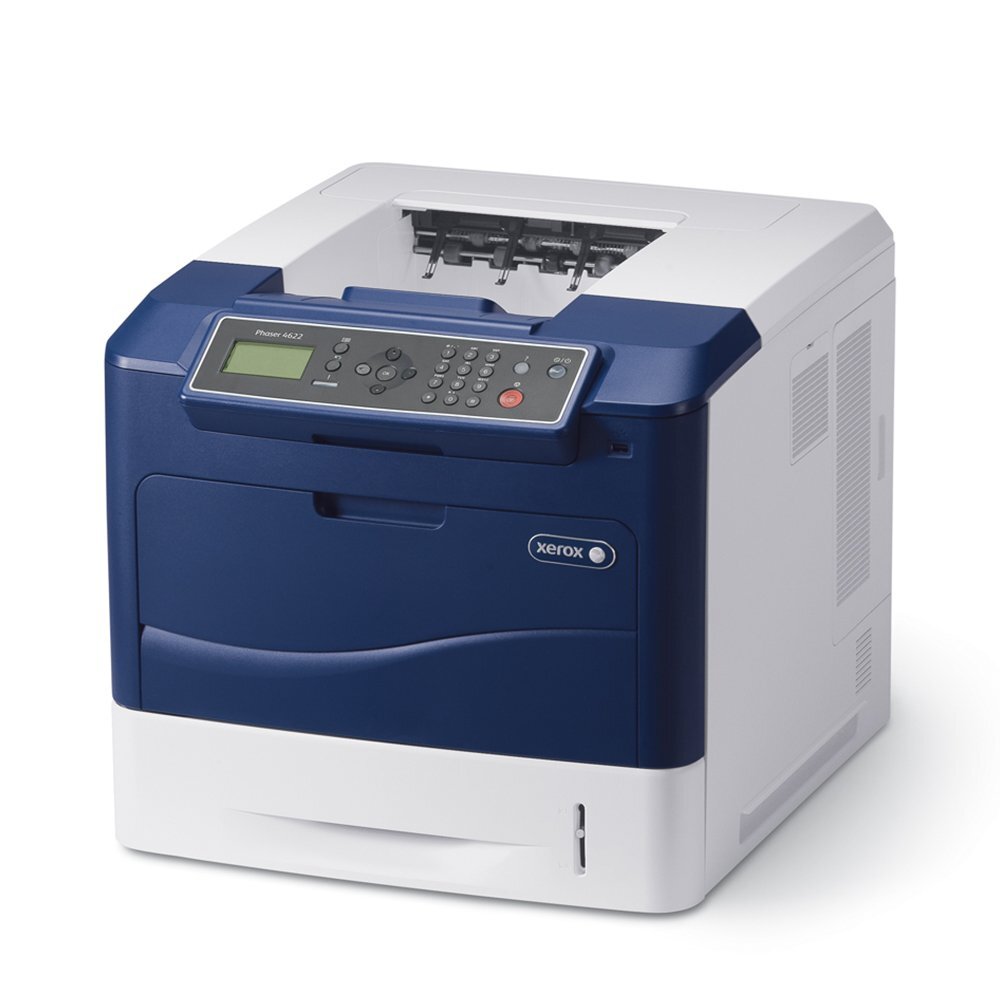
Everyday office printing is a throughput problem: correspondence, reports and invoices that all want to be done by nine. The Xerox Phaser 4622DN answers as a mono laser built for that daily flow, running on the high-yield 106R01535 cartridge — stocked here as a cost-effective compatible and also listed for this model as the Phaser 4622DN high-yield black. The family's standard-yield option, the 106R01533, shares the same slot.
The DN configuration is the networked, everyday-workhorse take on the 4622: a printer several people rely on at once, which changes the supply logic. Cartridge changes on a shared machine are small outages, so this model pairs naturally with the longest fill in the family and with a spare kept within arm's reach of the printer.
Toner Cartridges for Phaser 4622DN
| Cartridge | Color | Page Yield |
|---|---|---|
| 106R01535 | Black | High yield — see product page |
| High-yield black (Phaser model listing) | Black | High yield — see product page |
| 106R01533 | Black | Standard yield — see product page |
| 106R01535 3 Pack | Black | High yield — see product page |
| 106R01535 5 Pack | Black | High yield — see product page |
| 106R01535 Premium 5 Pack | Black | High yield — see product page |
| High-yield black 5 Pack (Phaser model listing) | Black | High yield — see product page |
Which cartridge should you buy?
For a networked office printer, err toward capacity. The high-yield 106R01535 stretches the interval between changes and lowers the cost of every page along the way; the 3 pack and 5 pack versions exist precisely for machines like this one, where running out is a team problem rather than a personal inconvenience. The standard 106R01533 earns its place only when the DN's workload turns out lighter than its badge suggests — a small satellite team, say. Review your actual usage after the first cartridge: if it vanished faster than expected, step up to the high-yield fill and a multi-pack, and let the reorder cycle calm down.
Chip, toner and everyday use
When the low-toner warning appears on a shared printer, treat it as a scheduling note rather than an emergency: yields are rated at about 5% coverage, so a warning leaves a margin of ordinary pages, but dense jobs will spend it quickly. Replace the cartridge during a natural break in the day, seat it until it clicks so the chip reads correctly, and keep the empty unit's box until the new one has printed cleanly — it makes any warranty conversation simple. A spare stored flat, sealed and away from radiators will be ready whenever the swap lands.
Frequently Asked Questions
Which cartridge fits the Phaser 4622DN?
The high-yield 106R01535 black cartridge is its primary supply; the standard-yield 106R01533 from the same family also fits. See the table above for the pack options.
How long should a cartridge last in a busy office?
That depends on coverage more than on time. Yields are measured at roughly 5% of the page; heavy documents use toner far faster, so busy offices sensibly buy the high-yield fill and keep a spare.
Can different users' jobs affect cartridge life?
Indirectly, yes — a colleague's dense presentations spend the same cartridge as your letters. It is another reason shared machines do best on the high-yield cartridge with a multi-pack behind it.
What if the printer will not recognize a compatible cartridge?
Power down, remove and reseat the cartridge firmly, then restart. The chip needs clean contact, and a reseat fixes the great majority of recognition messages.
More printers that use the same cartridges
Standardizing is easy in this family, because so many models drink from the same shelf. Models that use the same cartridges as the 4622DN: Phaser 4600, Phaser 4600DN, Phaser 4600DNM, Phaser 4600DT, Phaser 4600DTM, Phaser 4600N, Phaser 4600NM, Phaser 4620, Phaser 4620DN, Phaser 4620DNM, Phaser 4620DT, Phaser 4620DTM, Phaser 4620N, Phaser 4620YDNM, Phaser 4622, Phaser 4622DT, Phaser 4622N, Phaser 4622YDNM.