




Phaser 3635MFP/S Toner Cartridges
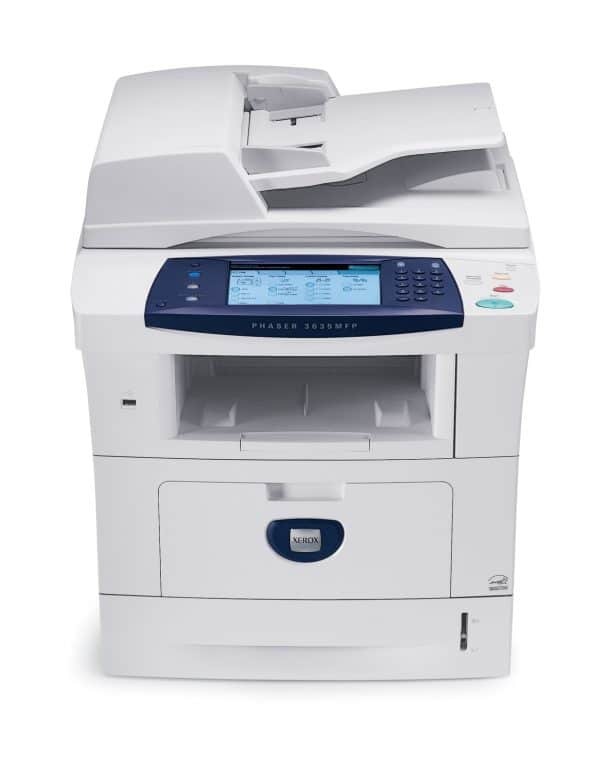
The Phaser 3635MFP/S is the multifunction configuration in the 3635 line, pairing sharp monochrome output with the reliability that high-volume environments demand. Its standard cartridge is the 108R00793, but the range on this page is the high-yield 108R00795, the bigger-fill black cartridge built for machines that print all day, stocked here in compatible form for less than the original supply.
On a shared multifunction machine, a toner change is never just one person's pause — copying, scanning to print and everyday output all queue behind the same cartridge. That is the practical reason this page concentrates on the high-yield cartridge: fewer changes, spaced further apart, on the machine the whole office leans on. The listings come in two naming styles, by cartridge code and under the Phaser 3635MFP/S name, and both hold the same cartridge.
Toner Cartridges for Phaser 3635MFP/S
| Cartridge | Color | Page Yield |
|---|---|---|
| 108R00795 — high yield single | Black | See product page |
| 108R00795 — high yield, Phaser 3635MFP/S listing | Black | See product page |
| 108R00795 — high yield MICR version | Black | See product page |
| 108R00795 — high yield 3 pack | Black | See product page |
| 108R00795 — high yield 5 pack | Black | See product page |
| 108R00795 — high yield 5 pack, Phaser 3635MFP/S listing | Black | See product page |
| 108R00795 — premium quality high yield 5 pack | Black | See product page |
Which cartridge should you buy?
Buy the high-yield 108R00795 and buy it ahead of need. For a high-volume MFP, the standard 108R00793 fill simply cycles too fast; the high-yield cartridge is the one this machine was meant to live on. A single cartridge suits a first order or a quiet satellite office. Most shared machines are better served by the 5 pack — one cartridge installed, the rest in the supply cabinet — because the real cost on a shared device is the afternoon it sits empty. The MICR listing earns its place only where this machine prints checks; everywhere else the standard high-yield version is the correct cartridge.
Chip, toner and everyday use
Each compatible cartridge carries a chip the MFP reads for toner level reporting, and on a shared machine that warning deserves an owner: decide who in the office acts when the low-toner message appears, and the warning stops being ignored until the machine stops. Fitting the replacement is a front-cover swap that takes about a minute, seal off and slide in until it clicks. Before condemning a fading cartridge, lift it out and rock it gently side to side — settled toner redistributes and often prints evenly again, which can carry the office through to the next delivery.
Frequently Asked Questions
What toner does the Phaser 3635MFP/S use?
Its standard cartridge is the 108R00793, and it also accepts the high-yield 108R00795. This page stocks the high-yield cartridge in compatible form, as singles and multi-packs.
Will the code-named cartridge fit, or do I need the Phaser 3635MFP/S listing?
Either fits. The code-named listings and the listings that carry the Phaser 3635MFP/S name are the same 108R00795 cartridge; the difference is only how the listing is titled.
How many cartridges should a busy office keep on hand?
At least one full spare beyond the cartridge in the machine. On a shared MFP an empty cartridge stops several people at once, and the 5 pack on this page is sized to keep that from happening.
Print is fading but the cartridge is not empty. What should I check?
Take the cartridge out and rock it gently from side to side a few times, then refit it. Toner settles toward one end over a long cartridge life, and redistributing it usually restores even, dark print.