




Phaser 3635S Toner Cartridges
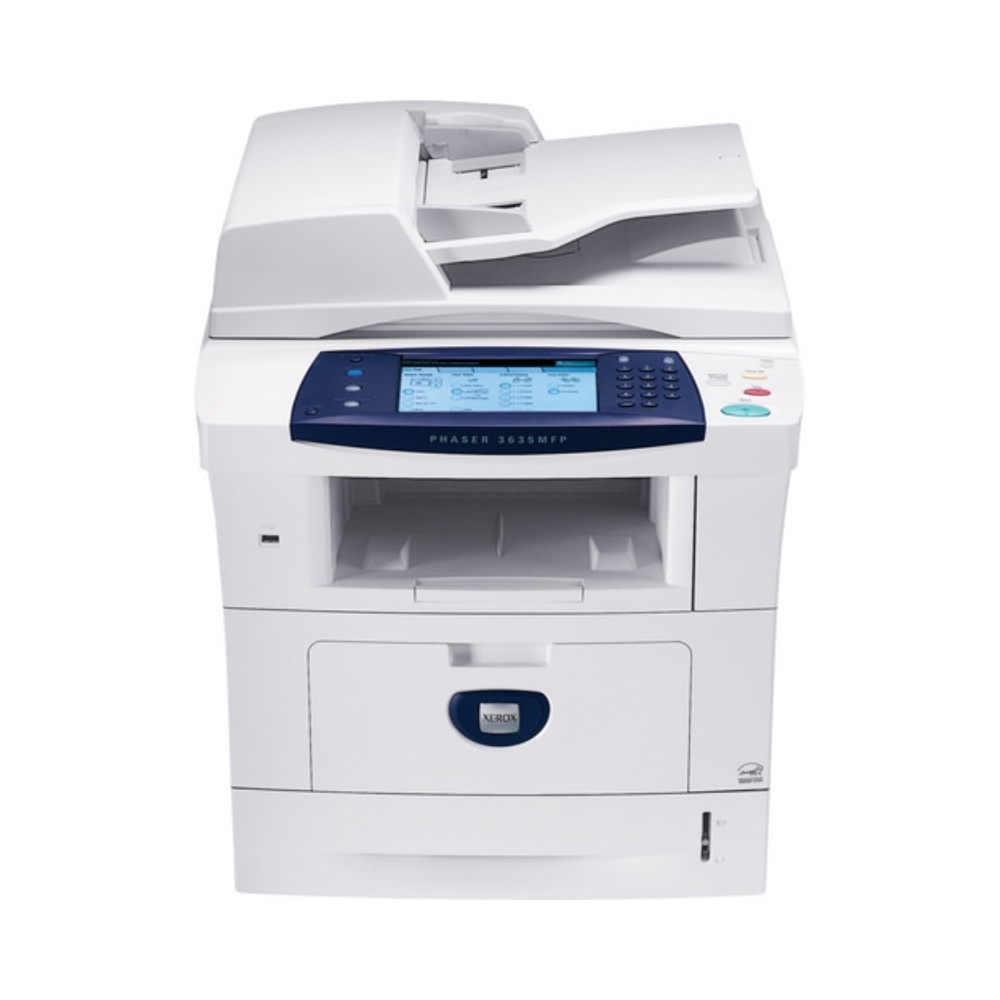
Busy workgroups demand sharp monochrome output, and the Phaser 3635S answers as a monochrome laser printer built for exactly that. It runs on the 108R00793 standard cartridge — and on the high-yield 108R00795 when a standard fill runs out too quickly, which in a busy workgroup is most of the time. This page stocks the high-yield cartridge in compatible form, by code and under the Phaser 3635S name.
There is a recognizable moment in this printer's life: the standard cartridge that seemed adequate in the first month starts cycling faster as the workgroup's volume settles in, and toner changes become a recurring errand. The high-yield cartridge is the answer the printer itself offers — same fit, bigger fill — and it is why the whole range on this page is built around the 108R00795 rather than the standard supply.
Toner Cartridges for Phaser 3635S
| Cartridge | Color | Page Yield |
|---|---|---|
| 108R00795 — high yield, single | Black | See product page |
| 108R00795 — high yield, Phaser 3635S listing | Black | See product page |
| 108R00795 — high yield MICR version | Black | See product page |
| 108R00795 — high yield, 3 pack | Black | See product page |
| 108R00795 — high yield, 5 pack | Black | See product page |
| 108R00795 — high yield, 5 pack, Phaser 3635S listing | Black | See product page |
| 108R00795 — premium quality high yield, 5 pack | Black | See product page |
Which cartridge should you buy?
If you arrived here because the standard cartridge ran out sooner than expected, buy the high-yield 108R00795 and do not look back: it is made for the volume a workgroup printer actually sees, and it lowers both the cost per page and the change frequency. A single cartridge suits a smaller team or a first compatible order; the 3 and 5 packs suit the printer's real habitat, a shared workgroup where a spare should always be in the cabinet. The MICR listing is the one specialist exception — order it only if this machine prints checks.
Chip, toner and everyday use
When print starts to fade toward the end of a cartridge, that fade is information: the level is low and the spare should be located before the machine stops mid-job. Rocking the cartridge gently side to side redistributes the remaining toner and usually buys enough clean pages to finish the day. The replacement itself is the standard front-cover swap — old cartridge out, seal off, new cartridge in until it clicks — and its chip reports levels to the printer from the moment it seats, so the next fade will not arrive unannounced either.
Frequently Asked Questions
What toner does the Phaser 3635S use?
The standard cartridge is the 108R00793, and the printer also takes the high-yield 108R00795. This page stocks the high-yield cartridge in compatible form, in singles and multi-packs.
Standard or high-yield — how should a workgroup decide?
By change frequency. If the standard cartridge is being replaced often enough to be a nuisance, the high-yield 108R00795 is the fix: same printer, same fit, a much larger fill between swaps.
Are the Phaser 3635S listings different from the code-named cartridges?
No. The Phaser 3635S listings and the code-named listings are the same 108R00795 compatible cartridge under two titles; either one fits and works in this printer.
How is the cartridge installed?
Open the front cover, remove the old cartridge, unpack the new one and slide it into place until it clicks, then close the cover. A quick test page confirms the cartridge is seated and printing cleanly.