




Phaser 3635MFPX
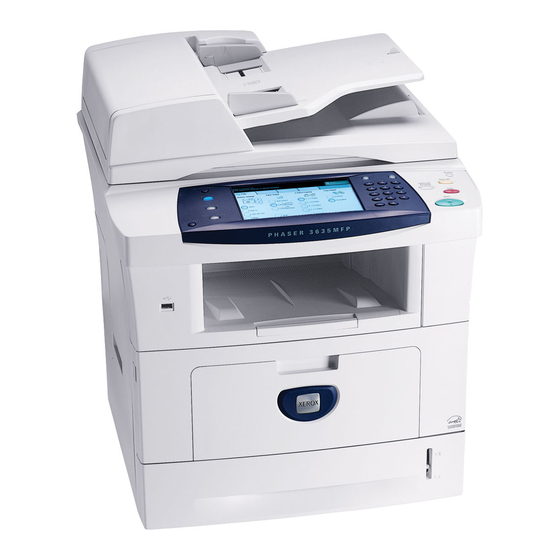
For offices that want one machine to print, copy, scan, and fax, the Xerox Phaser 3635MFPX is a monochrome multifunction laser printer that covers all four jobs. It runs on the Xerox 108R00793 toner cartridge and pairs workgroup-class speed with a full feature set. The X configuration means it arrives ready for demanding shared-office use.
Toner Cartridges for Phaser 3635MFPX
| Cartridge | Color | Page Yield | OEM # |
|---|---|---|---|
| Xerox 108R00793 (Compatible) | Black | See product listing | 108R00793 |
Frequently Asked Questions
What toner does the Phaser 3635MFPX use?
The Phaser 3635MFPX uses the Xerox 108R00793 toner cartridge; the OEM part number is the same 108R00793 code.
How many pages does a 108R00793 cartridge print?
It depends on the specific 108R00793 cartridge you choose, so check the product listing for its rated page yield.
Are compatible 108R00793 cartridges safe for the Phaser 3635MFPX?
Compatible 108R00793 cartridges are made to work in the Phaser 3635MFPX, but using non-OEM supplies can affect warranty coverage, so check your warranty terms first.
How do I install a 108R00793 cartridge in the Phaser 3635MFPX?
Open the Phaser 3635MFPX's front cartridge panel, remove the old cartridge, slide the new 108R00793 cartridge in until it locks, and close the panel.