




Phaser B205DNi
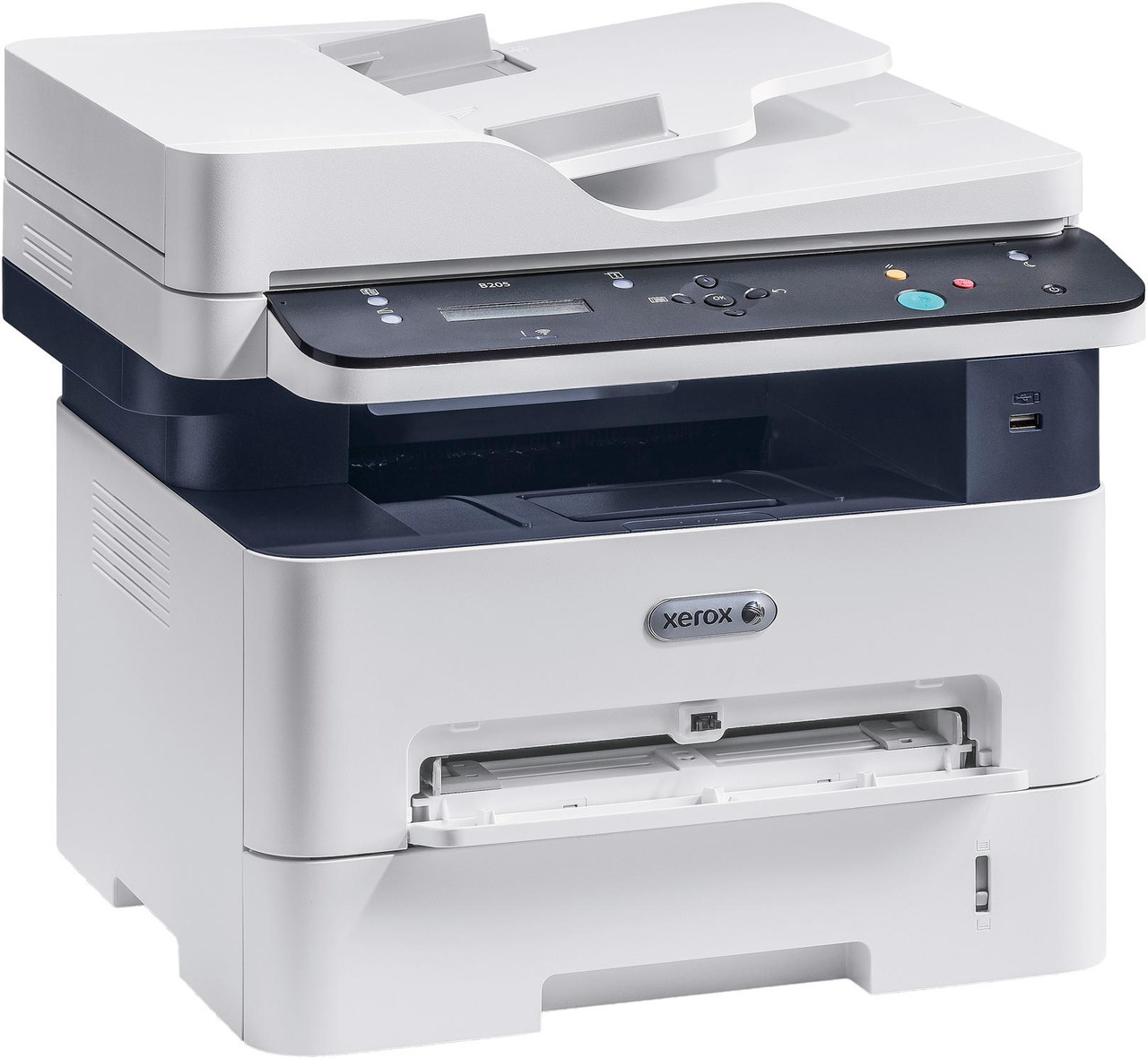
Small teams with serious black-and-white volume are the natural home of the Xerox Phaser B205DNi, a monochrome laser printer with duplexing and networking built in. It takes two cartridges: the standard 106R04346 and the high-yield 106R04347, rated at roughly 3,000 pages — about double the standard unit, so heavy months bring half as many cartridge changes. Both cartridges are stocked here as singles and in 2 Packs and 4 Packs, under the B205DNi listings and the additional listings shown below.
A networked printer with duplexing is usually a shared printer, and a shared printer changes how toner should be bought. Two-sided printing stretches every cartridge across more finished documents, and no single user sees the whole workload — the person printing a forty-page report is rarely the one who loaded the last cartridge. Teams that treat toner as a small stock item rather than an emergency purchase keep a pack on the shelf, and the B205DNi rewards that habit: changes are quick, and with the high-yield cartridge fitted they come up half as often.
Toner Cartridges for Phaser B205DNi
| Cartridge | Color | Page Yield |
|---|---|---|
| 106R04346 — B205DNi listing, single | Black | See product page |
| 106R04346 — B205DNi listing, 2 Pack | Black | See product page |
| 106R04346 — B205DNi listing, 4 Pack | Black | See product page |
| 106R04346 — B205NI listing, single | Black | See product page |
| 106R04346 — B205NI listing, 2 Pack | Black | See product page |
| 106R04346 — B205NI listing, 4 Pack | Black | See product page |
| 106R04347 — B205DNi listing, single | Black | Roughly 3,000 pages |
| 106R04347 — B205DNi listing, 2 Pack | Black | Roughly 3,000 pages |
| 106R04347 — B205DNi listing, 4 Pack | Black | Roughly 3,000 pages |
| 106R04347 — PHB210DNI listing, single | Black | Roughly 3,000 pages |
| 106R04347 — PHB210DNI listing, 2 Pack | Black | Roughly 3,000 pages |
| 106R04347 — PHB210DNI listing, 4 Pack | Black | Roughly 3,000 pages |
Which cartridge should you buy?
The real choice is between the standard 106R04346 and the high-yield 106R04347. The high-yield cartridge is rated at roughly 3,000 pages, about twice the standard unit, so it lowers the cost per page and halves how often someone has to stop and change a cartridge. A B205DNi that prints all day, every day, belongs on the high-yield cartridge. Lighter or uneven use argues for the standard cartridge, with a 2 Pack if you want one spare ready. The 4 Packs suit teams that go through toner steadily and would rather reorder a few times a year. Whichever cartridge you pick, the listings under the B205DNi, B205NI and PHB210DNI names above are the same two cartridges sold for this printer family.
Chip, toner and everyday use
The chip on each cartridge tells the printer what has been installed and how much toner remains, and it is read as soon as the cartridge seats home. When pages start to fade near the end of a cartridge, take it out and rock it gently from side to side — redistributing the toner inside often restores even printing for a while longer. Yield ratings assume 5% coverage, so dense documents with heavy blocks of text will finish a cartridge sooner than the rating suggests. Keep the spare pack in a dry place out of direct sunlight, and keep the printer's duplex setting in mind: printing on both sides is the simplest way to make every cartridge go further.
Frequently Asked Questions
What toner does the Phaser B205DNi use?
Two cartridges fit it: the standard 106R04346 and the high-yield 106R04347. Both are black, both are sold as singles and in 2 Packs and 4 Packs, and either one drops into the same slot.
How many pages does the high-yield cartridge print?
The 106R04347 is rated at roughly 3,000 pages at 5% coverage — about double the standard cartridge. Real output depends on how much of each page you cover, so dense printing will land below the rating.
Can the B205DNi use the same cartridges as the B210DNi and B215DNi?
Yes. All three models run on the same pair of cartridges, the 106R04346 and the 106R04347, which is why the listings for the family appear together. The two sibling models are linked at the bottom of this page.
How do I install a new cartridge in the B205DNi?
Open the access cover, pull the spent cartridge straight out, rock the new one gently to loosen the toner, slide it in firmly until it seats, and close the cover. The printer should recognize it right away.
More printers that use the same cartridges
Two sibling models run on exactly the same pair of cartridges as the B205DNi: Phaser B210DNi, Phaser B215DNi.